

High frequency recommended vocabulary
ANSI C37.90 is the American National Standard covering relays and relay systems associated with electric power apparatus, and it is the document under which a protection relay intended for the North American market demonstrates its ability to survive the electrical environment of a substation. The family addresses the disturbances that reach a relay installed in switchgear or in a control house: the oscillatory transient produced when a circuit breaker or disconnector operates and the current in the station wiring is interrupted, the surge that arrives over the current transformer and potential transformer circuits from a lightning stroke on the line, and the radio frequency field present in the switchyard while transmitters are in use. The best known element of the family is the surge withstand capability test, in which a damped oscillatory wave is applied across the terminals and from terminals to earth and the relay must not change state or suffer damage. Companion documents add the radiated and electrostatic discharge requirements.
.jpg)
The DOS 400F fast damped oscillatory wave simulator can complete the testing of fast damped oscillatory waves required by the IEC 61000-4-18 standard.
.jpg)
The DOS 300(1XXX) Slow Damped Oscillatory Wave Simulator is designed in accordance with IEC 61000-4-18 to simulate repetitive slow damped oscillatory phenomena caused by switching disconnectors occurring on power, control, and signal cables in HV/MV power systems, particularly caused by HV busbar switching.
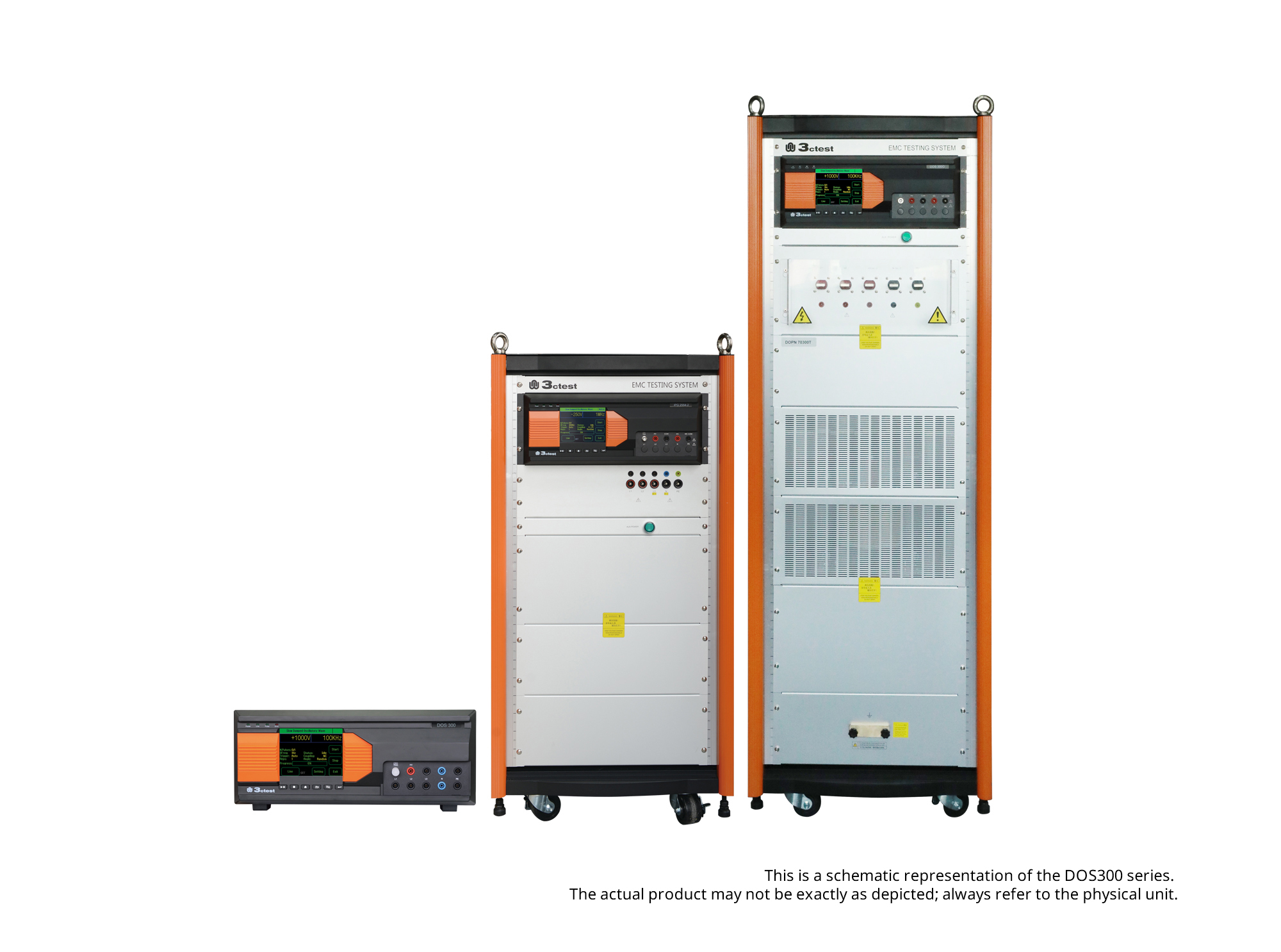
The DOS 300 Series Damped Oscillatory Wave Simulator can perform slow damped oscillatory wave tests according to IEC 61000-4-18 and damped oscillatory magnetic field tests according to IEC 61000-4-10 (optional).
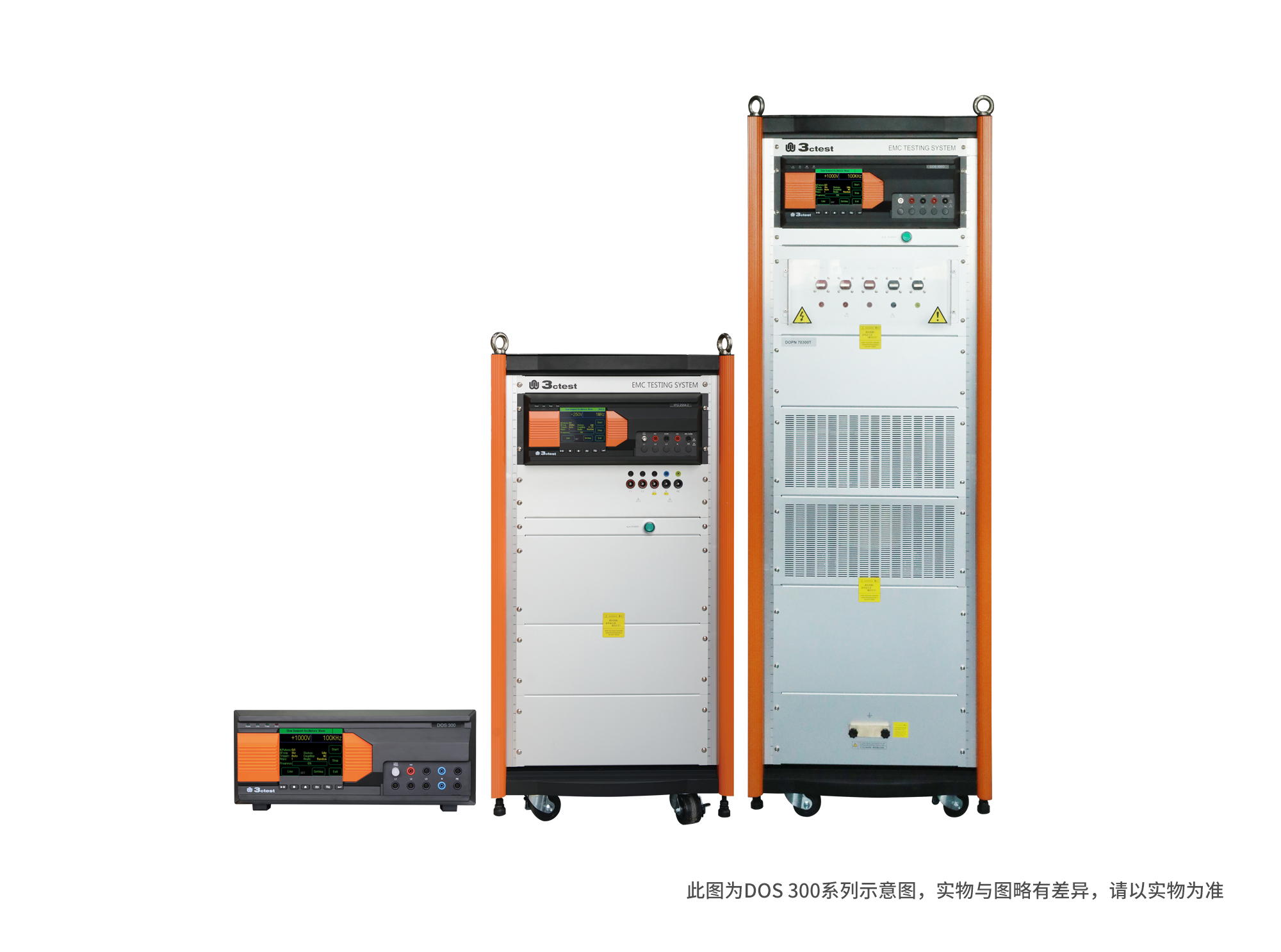
The DOS 300 Series Damped Oscillatory Wave Simulator can perform slow damped oscillatory wave tests according to IEC 61000-4-18 and damped oscillatory magnetic field tests according to IEC 61000-4-10 (optional).

• Using the product inquiry function can help you quickly learn about the product's price and other related information.
• You can either inquire about a single product directly, or select multiple products to add to the inquiry bar and inquire about them together.
• How to make an inquiry





1. Using the product comparison function can help you find the target product you need for selection more quickly and easily.
2. You can add up to 5 products for comparison. Product models and parameters may vary across different series. It is recommended to compare products within the same series.
3. How to use the comparison bar.




 Phone: +86-512-68413700
 Email: info@3ctest.cn
 Address:No.99 E'meishan Rd, SND, Suzhou, Jiangsu, 215153, China,Suzhou, Jiangsu, 215153, China



© 2025 Suzhou 3CTEST


 Leave a Message


