

High frequency recommended vocabulary
ANSI/IEEE C62.41 is the recommended practice that characterises the surge environment in low-voltage alternating current power circuits, and it is unusual among the standards on this site in that it describes an environment rather than prescribing a test. Its significance is that the environments it defines became the basis of the surge test waveforms used throughout the international standards: the unidirectional combination waveform that represents a lightning-induced surge reaching the installation from outside, and the oscillatory ring waveform produced by switching a reactive load within the building. The document classifies the points at which equipment may be connected, from the outdoor service entrance through the distribution panel to the outlet close to the load, and it assigns to each category a representative combination of waveform, amplitude and source impedance together with the number of events that occur there. Those categories are what a designer uses to decide how much surge protection a product requires and where it should be installed.
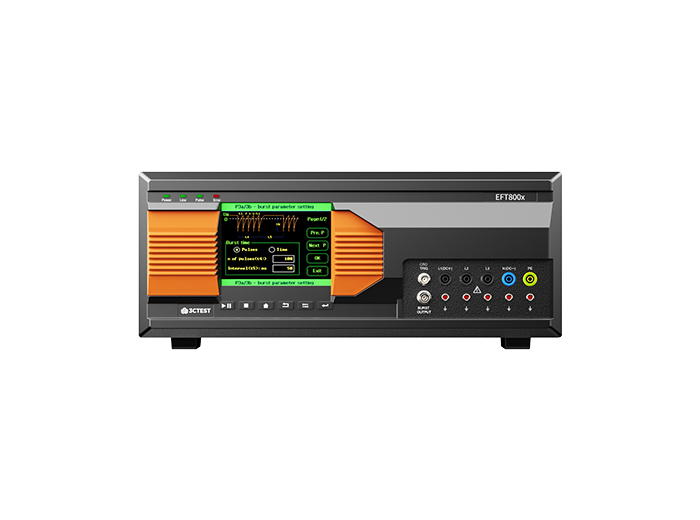
The EFT 800 Series Electrical Fast Transient Burst Generators are designed according to IEC 61000-4-4 to simulates repetitive, high-speed and low-energy spikes generated by the switching of inductive loads in industrial and commercial environment.
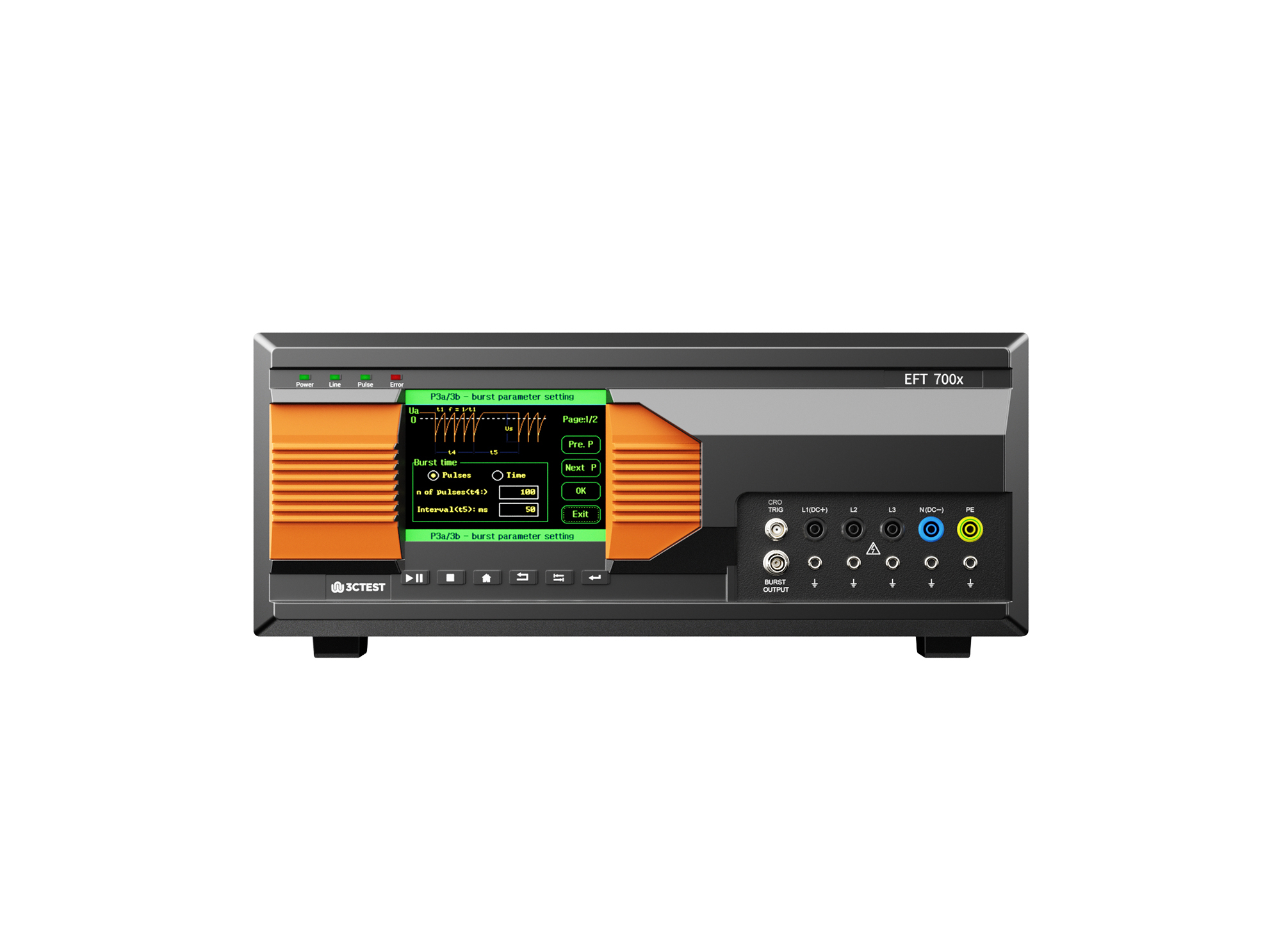
The EFT 700 Series Electrical Fast Transient Burst Generators are designed according to IEC 61000-4-4 to simulates repetitive, high-speed and low-energy spikes generated by the switching of inductive loads in industrial and commercial environment.
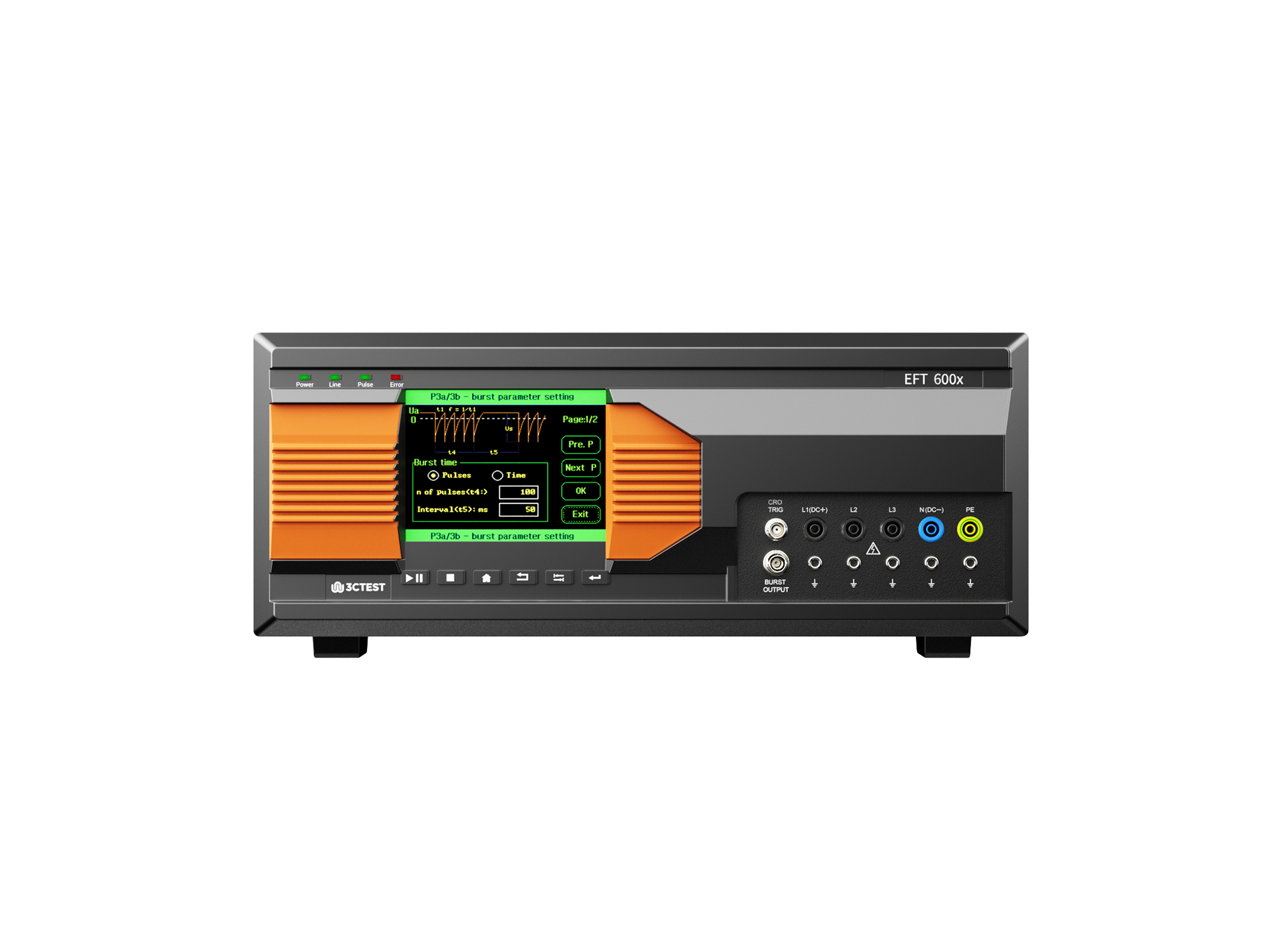
The EFT 600 Series Electrical Fast Transient Burst Generators are designed according to IEC 61000-4-4 to simulates repetitive, high-speed and low-energy spikes generated by the switching of inductive loads in industrial and commercial environment.
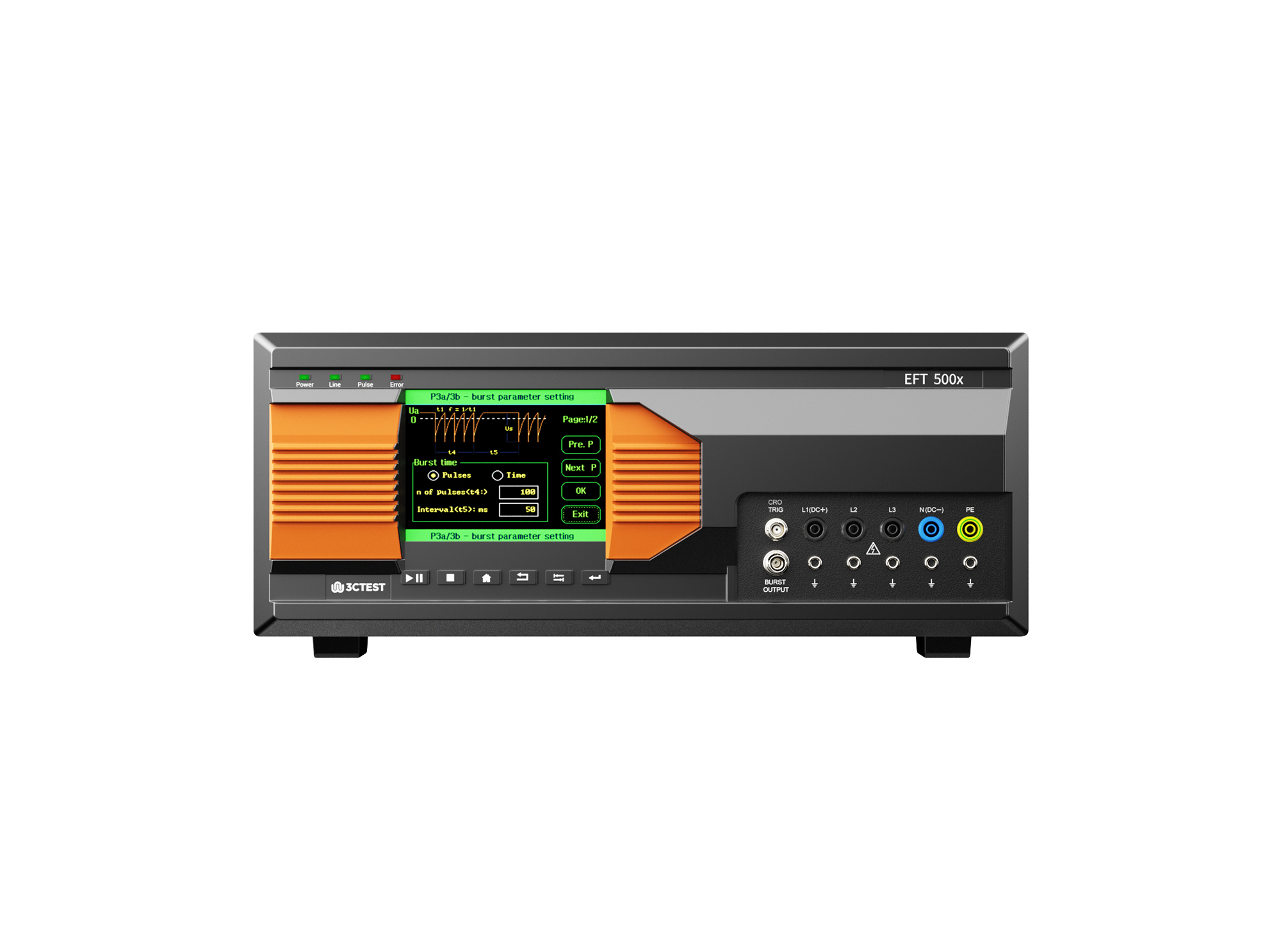
The EFT 500 Series Electrical Fast Transient Burst Generators are designed according to IEC 61000-4-4 to simulates repetitive, high-speed and low-energy spikes generated by the switching of inductive loads in industrial and commercial environment.
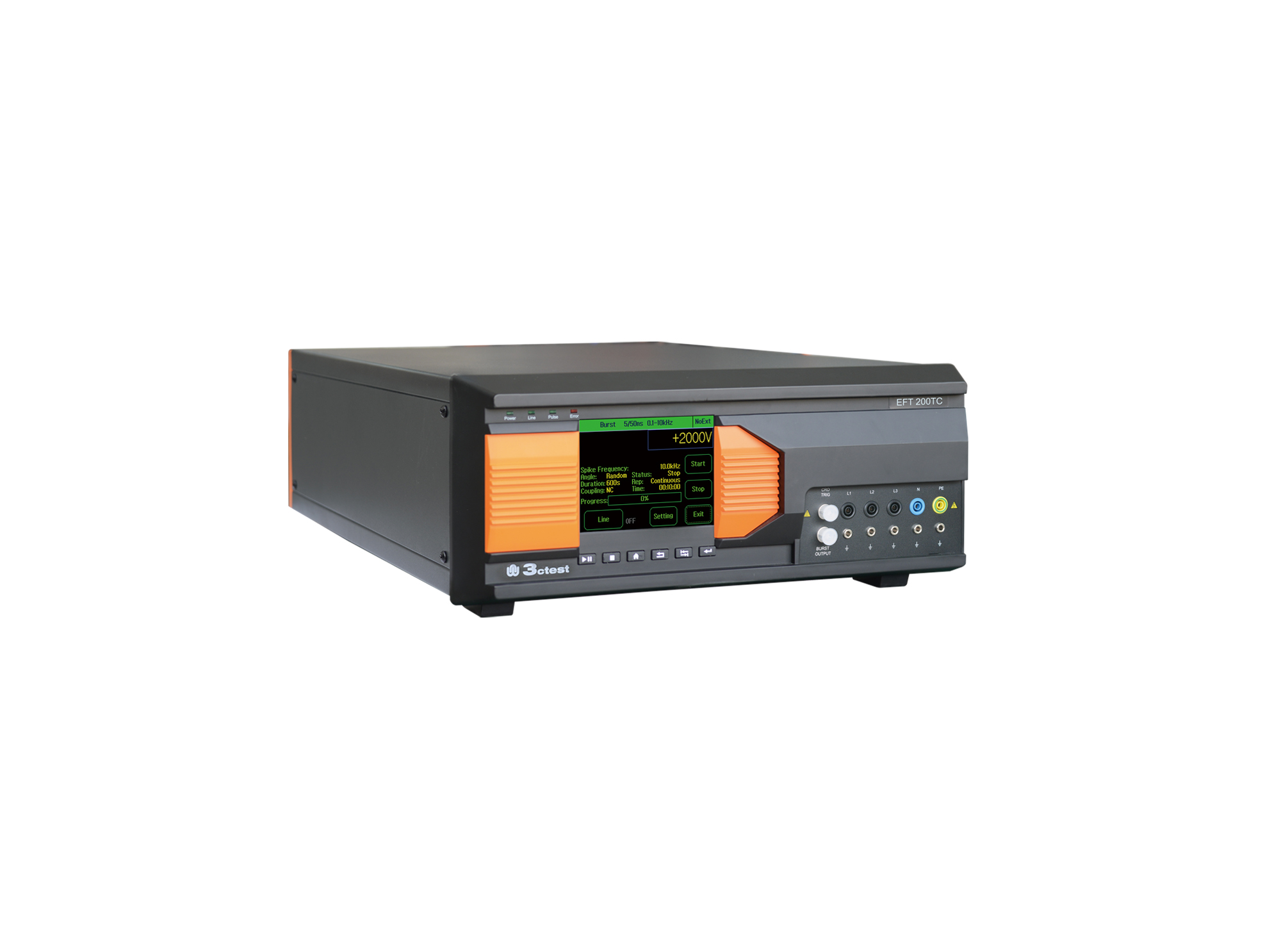
EFT 200TC three-phase EFT/Burst Simulator is developed for EMC testing of automotive components.
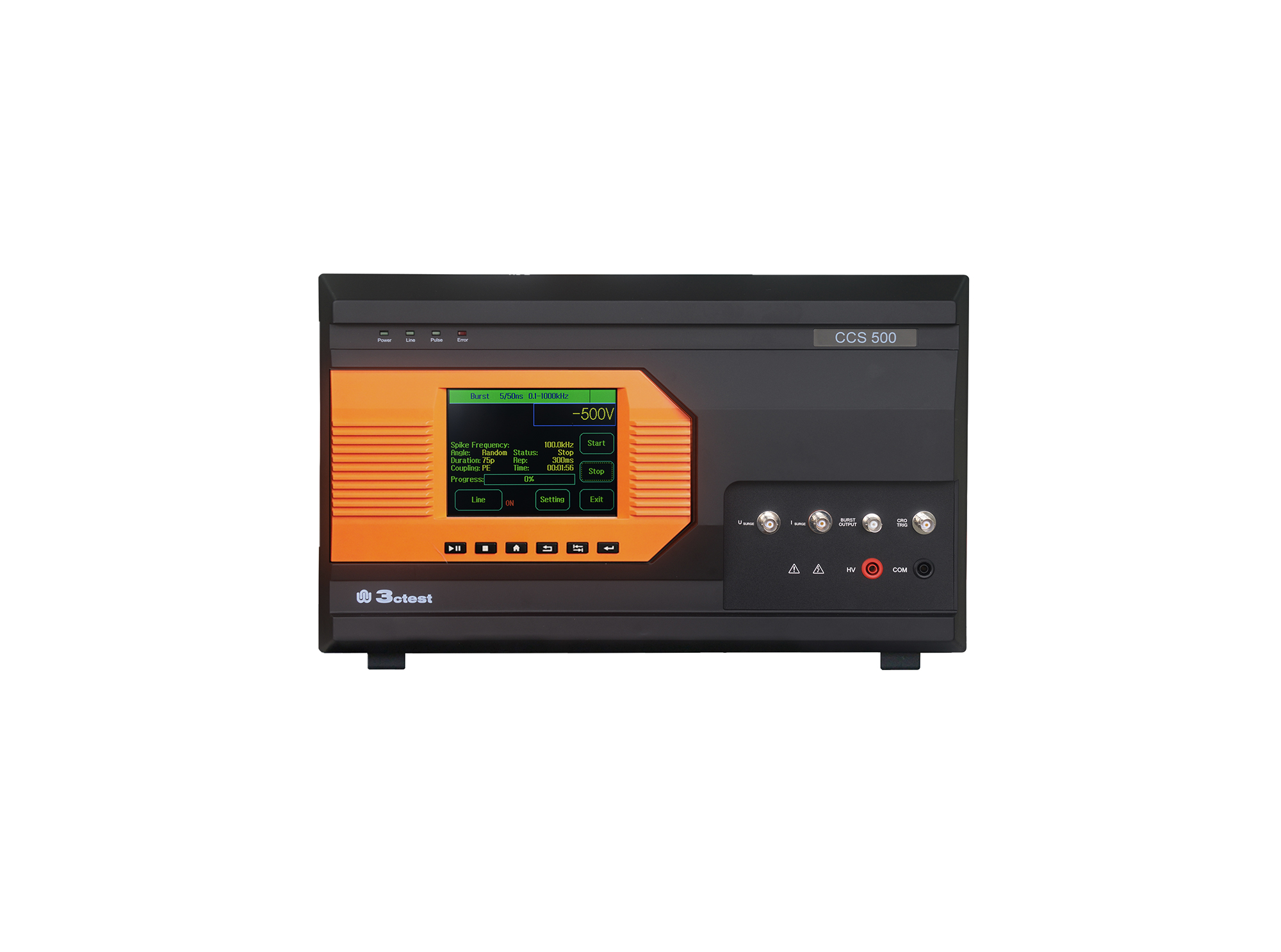
The CCS 500 is an intelligent multi-functional conducted electromagnetic compatibility (EMC) test equipment designed to meet a wide range of IEC/EN standards, including IEC 61000-4-4, -4-5, -4-8, -4-9, -4-11, -4-12, -4-29.
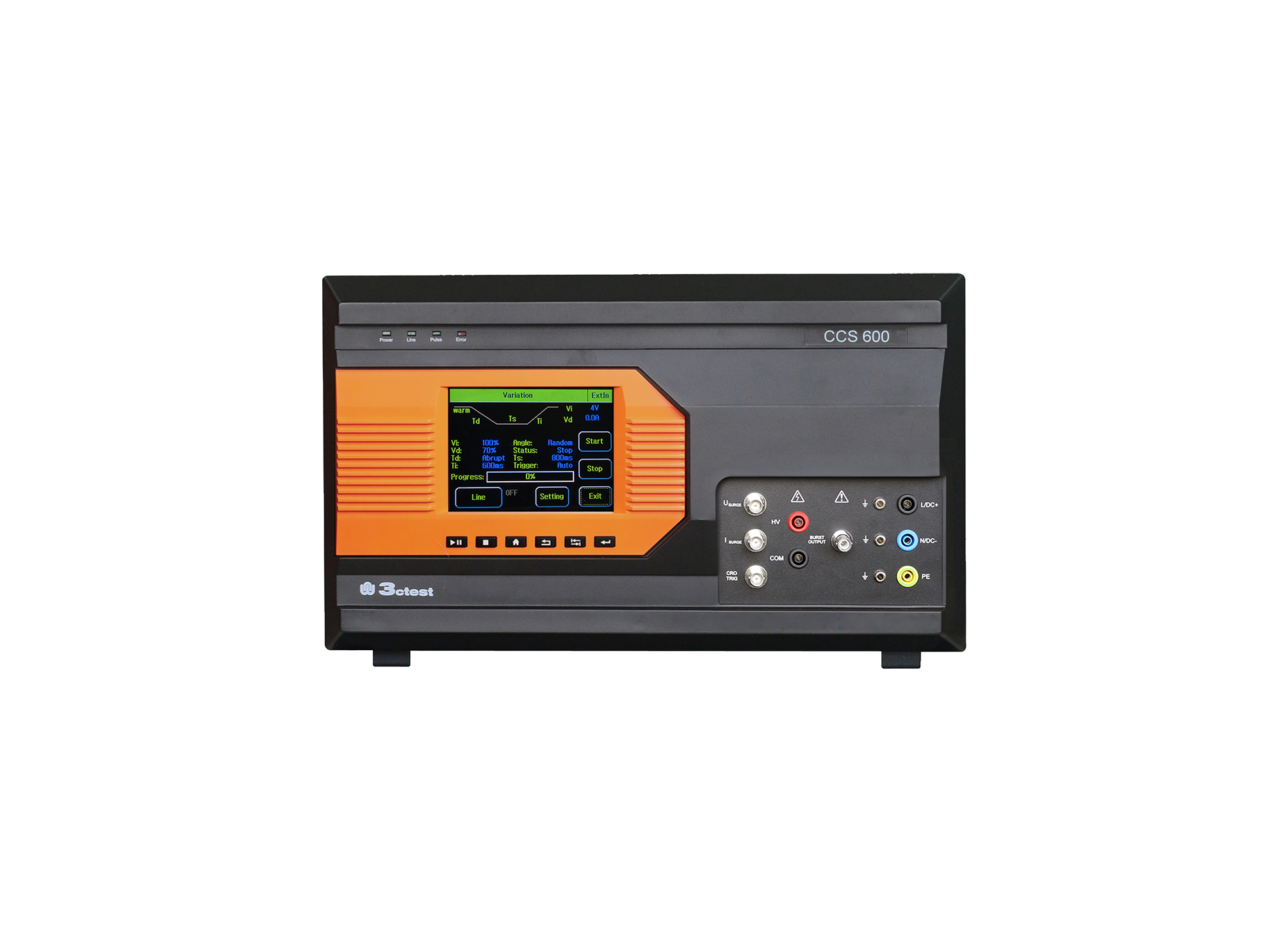
The CCS 600 is an intelligent multi-functional conducted electromagnetic compatibility (EMC) test equipment designed to meet a wide range of IEC/EN standards, including IEC 61000-4-4, -4-5, -4-8, -4-9, -4-11, -4-12, -4-29.
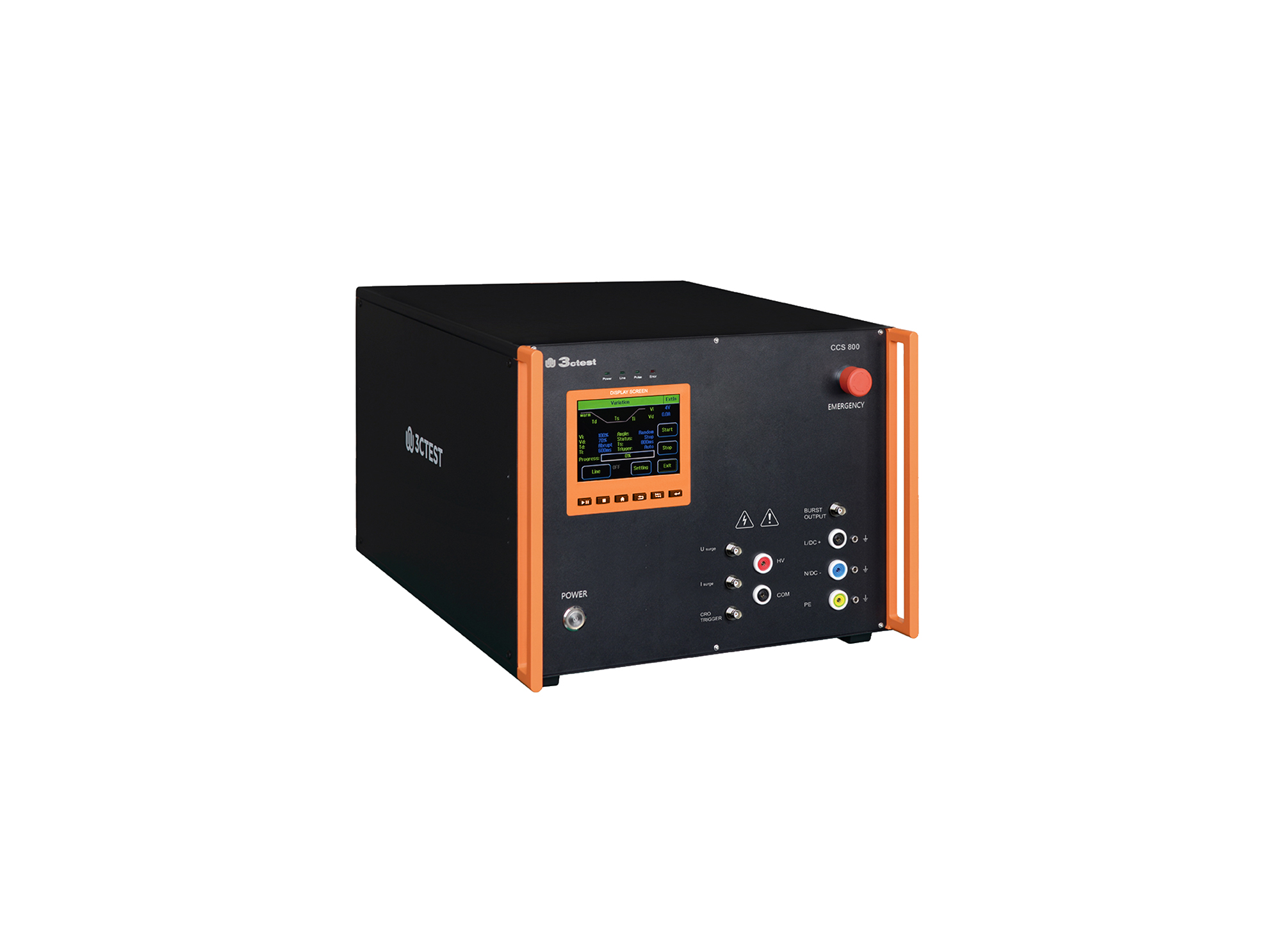
The CCS 800 is an intelligent multi-functional conducted electromagnetic compatibility (EMC) test equipment designed to meet a wide range of IEC/EN standards, including IEC 61000-4-4, -4-5, -4-8, -4-9, -4-11, -4-12, -4-29.
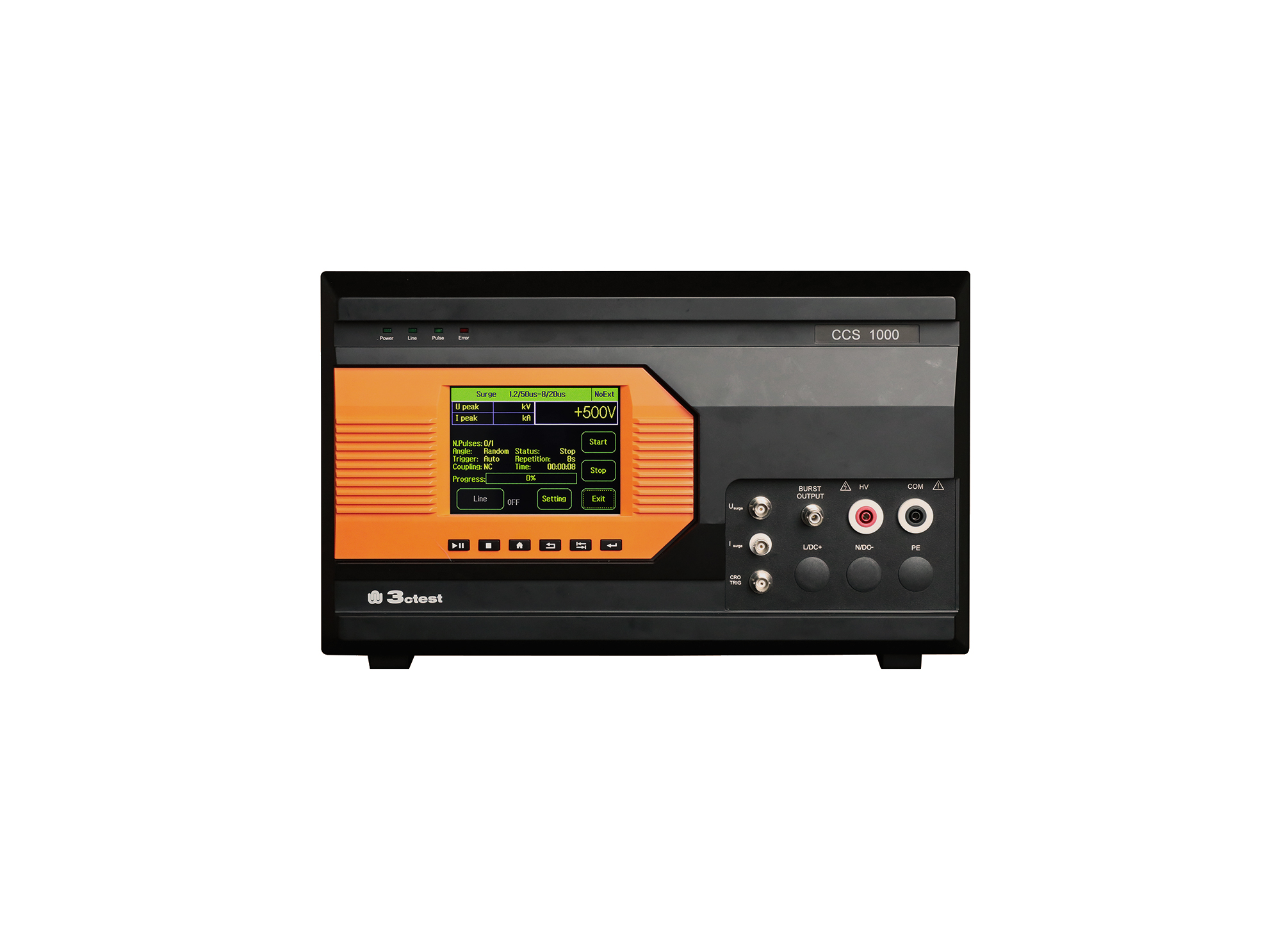
The CCS 1000 is an intelligent multi-functional conducted electromagnetic compatibility (EMC) test equipment designed to meet a wide range of IEC/EN standards, including IEC 61000-4-4, -4-5, -4-8, -4-9, -4-11, -4-29.
The CCS 600 is an intelligent multi-functional conducted electromagnetic compatibility (EMC) test equipment designed to meet a wide range of IEC/EN standards, including IEC 61000-4-4, -4-5, -4-8, -4-9, -4-11, -4-12, -4-29.
The CCS 600 is an intelligent multi-functional conducted electromagnetic compatibility (EMC) test equipment designed to meet a wide range of IEC/EN standards, including IEC 61000-4-4, -4-5, -4-8, -4-9, -4-11, -4-12, -4-29.
The CCS 600 is an intelligent multi-functional conducted electromagnetic compatibility (EMC) test equipment designed to meet a wide range of IEC/EN standards, including IEC 61000-4-4, -4-5, -4-8, -4-9, -4-11, -4-12, -4-29.
The CCS 600 is an intelligent multi-functional conducted electromagnetic compatibility (EMC) test equipment designed to meet a wide range of IEC/EN standards, including IEC 61000-4-4, -4-5, -4-8, -4-9, -4-11, -4-12, -4-29.
The CCS 600 is an intelligent multi-functional conducted electromagnetic compatibility (EMC) test equipment designed to meet a wide range of IEC/EN standards, including IEC 61000-4-4, -4-5, -4-8, -4-9, -4-11, -4-12, -4-29.
The CCS 600 is an intelligent multi-functional conducted electromagnetic compatibility (EMC) test equipment designed to meet a wide range of IEC/EN standards, including IEC 61000-4-4, -4-5, -4-8, -4-9, -4-11, -4-12, -4-29.
Featuring a modular design, the CCS 800 allows for future upgrades by adding new test modules. It supports test voltage up to 6 kV for EFT/Burst, and 8 kV for surge and ring wave.

• Using the product inquiry function can help you quickly learn about the product's price and other related information.
• You can either inquire about a single product directly, or select multiple products to add to the inquiry bar and inquire about them together.
• How to make an inquiry





1. Using the product comparison function can help you find the target product you need for selection more quickly and easily.
2. You can add up to 5 products for comparison. Product models and parameters may vary across different series. It is recommended to compare products within the same series.
3. How to use the comparison bar.




 Phone: +86-512-68413700
 Email: info@3ctest.cn
 Address:No.99 E'meishan Rd, SND, Suzhou, Jiangsu, 215153, China,Suzhou, Jiangsu, 215153, China



© 2025 Suzhou 3CTEST


 Leave a Message


