

High frequency recommended vocabulary
ANSI/ESDA/JEDEC JS-001 is the joint standard of the ESD Association and the semiconductor engineering council that replaced the two separate human body model documents previously maintained by each body, and it is the reference against which an integrated circuit is classified for electrostatic discharge sensitivity today. The standard defines the equivalent circuit of the human body, expressed as a capacitance and a series resistance, and the discharge current waveform that circuit produces, including the rise time, the peak current and the decay and the tolerances within which the test equipment must reproduce them. It specifies how the device is powered, how many discharges are applied to each pin combination and in which polarity, and what constitutes a failure, covering both catastrophic damage and the parametric shifts that must be reported even when the device still functions. Alignment of the measured waveform between different test systems is a central concern, since a classification is only meaningful if it can be reproduced elsewhere.
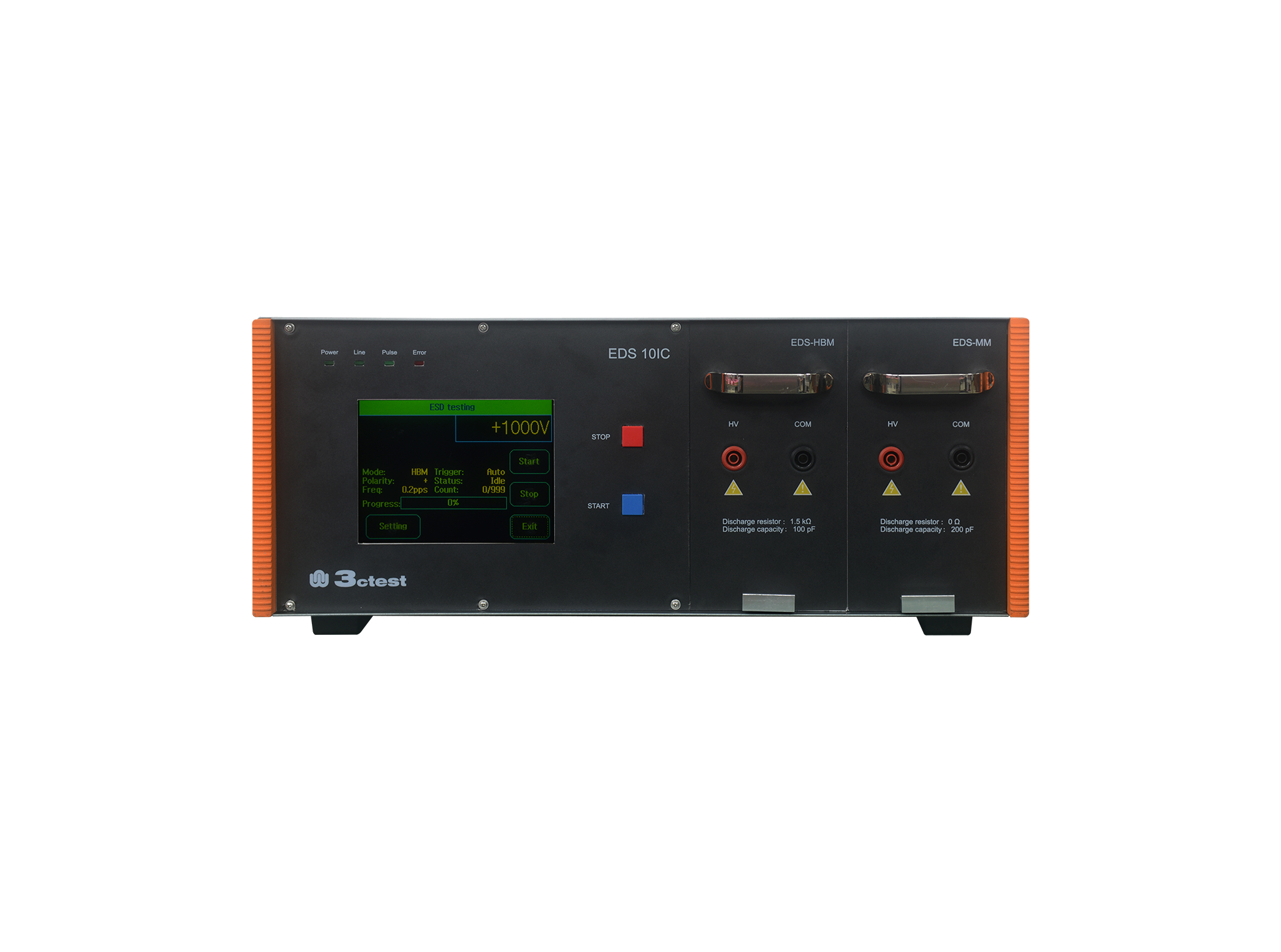
The EDS 10IC Electrostatic Discharge Simulator complies with standards including ANSI/ESDA/JEDEC JS-001, ANSI/ESD STM5.1/2, JESD22-A114F/-A115C, MIL-STD-883G, etc.
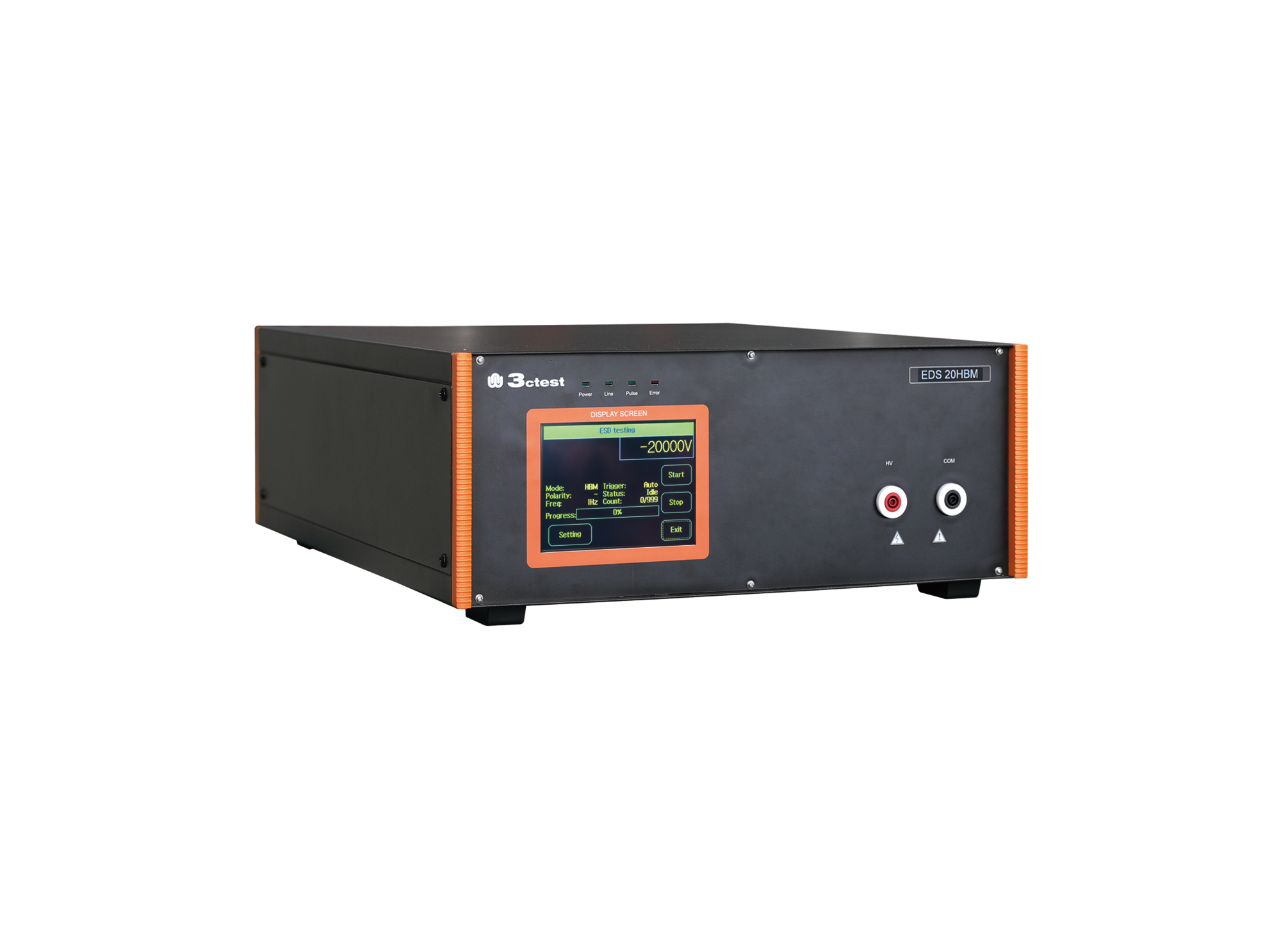
The EDS 20HBM electrostatic discharge simulator is specially designed in accordance with the characteristics and requirements of electrostatic discharge immunity tests for the Human Body Model.

• Using the product inquiry function can help you quickly learn about the product's price and other related information.
• You can either inquire about a single product directly, or select multiple products to add to the inquiry bar and inquire about them together.
• How to make an inquiry





1. Using the product comparison function can help you find the target product you need for selection more quickly and easily.
2. You can add up to 5 products for comparison. Product models and parameters may vary across different series. It is recommended to compare products within the same series.
3. How to use the comparison bar.




 Phone: +86-512-68413700
 Email: info@3ctest.cn
 Address:No.99 E'meishan Rd, SND, Suzhou, Jiangsu, 215153, China,Suzhou, Jiangsu, 215153, China



© 2025 Suzhou 3CTEST


 Leave a Message


