

High frequency recommended vocabulary
ANSI/ESD STM5.1 was the standard of the ESD Association that defined the component level human body model test, and it was for many years the reference used by semiconductor manufacturers in North America for classifying the sensitivity of an integrated circuit to electrostatic discharge. The method represents the discharge that occurs when a charged person touches the pins of a device during handling, assembly or test, and it expresses the sensitivity as the voltage at which the device begins to fail, from which the familiar classification levels are derived. The document specified the equivalent circuit of the human body, the resulting current waveform with its characteristic rise time, the number of discharges to each pin combination and the criteria by which a failure is judged, including the parametric shifts that count as a failure even when the device continues to function. It has since been withdrawn and replaced by the joint standard published with the semiconductor industry association.
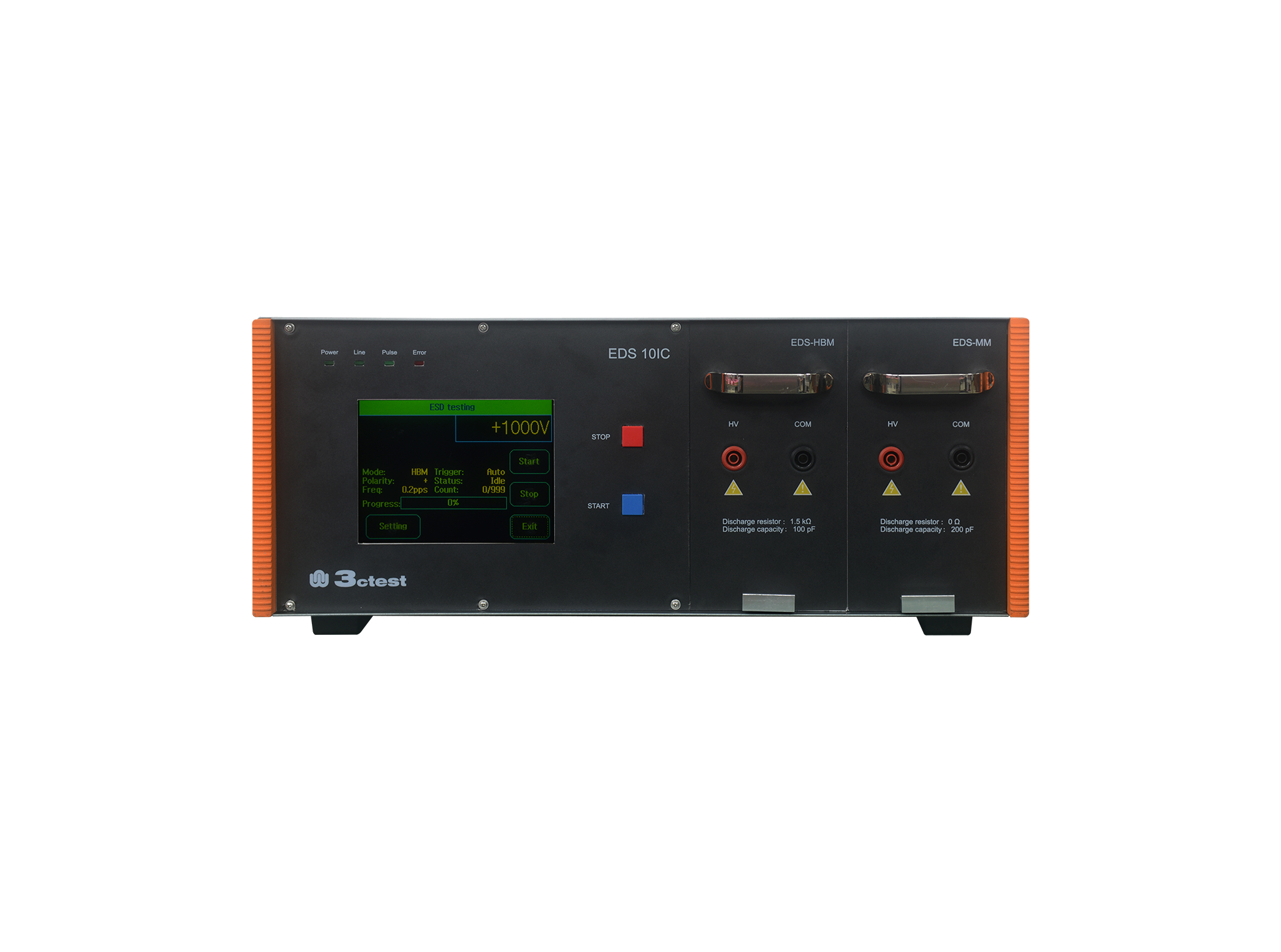
The EDS 10IC Electrostatic Discharge Simulator complies with standards including ANSI/ESDA/JEDEC JS-001, ANSI/ESD STM5.1/2, JESD22-A114F/-A115C, MIL-STD-883G, etc.
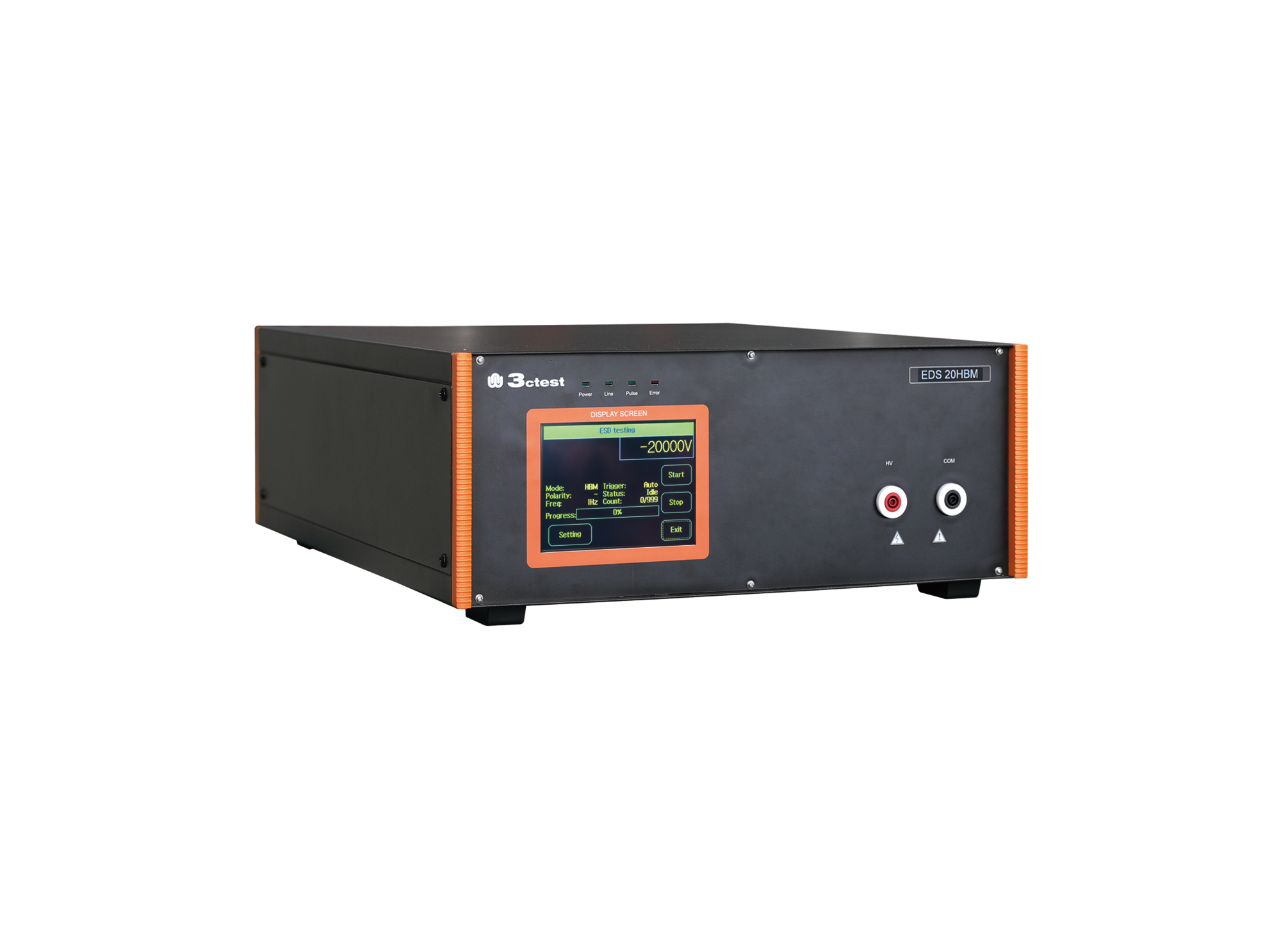
The EDS 20HBM electrostatic discharge simulator is specially designed in accordance with the characteristics and requirements of electrostatic discharge immunity tests for the Human Body Model.

• Using the product inquiry function can help you quickly learn about the product's price and other related information.
• You can either inquire about a single product directly, or select multiple products to add to the inquiry bar and inquire about them together.
• How to make an inquiry





1. Using the product comparison function can help you find the target product you need for selection more quickly and easily.
2. You can add up to 5 products for comparison. Product models and parameters may vary across different series. It is recommended to compare products within the same series.
3. How to use the comparison bar.




 Phone: +86-512-68413700
 Email: info@3ctest.cn
 Address:No.99 E'meishan Rd, SND, Suzhou, Jiangsu, 215153, China,Suzhou, Jiangsu, 215153, China



© 2025 Suzhou 3CTEST


 Leave a Message


