

High frequency recommended vocabulary
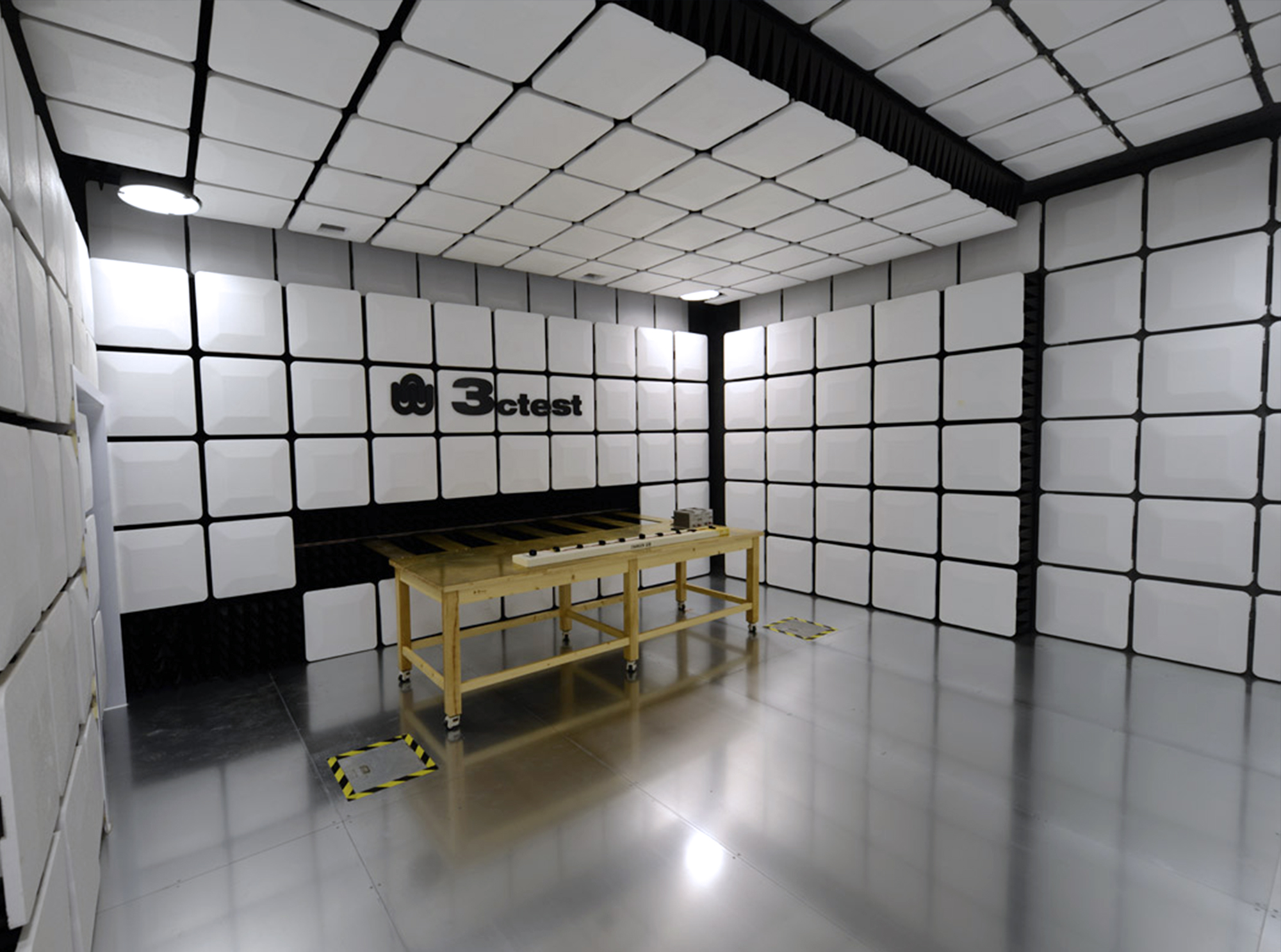
CISPR 16-1-4 is the part of the CISPR 16 series that specifies the antennas and the test sites used for radiated disturbance measurements. Because a radiated emission result is only meaningful if the measurement has been made with equipment of known performance on a site whose behaviour is characterised, this document underpins every such measurement in an EMC laboratory. It defines the electrical and mechanical requirements for the antennas used at the different frequency ranges, including the broadband antennas used for the lower part of the spectrum and the horns used at higher frequencies, and it specifies their gain, the antenna factor and the way these quantities are calibrated. It then defines the requirements for the test sites, covering the open area test site, the semi-anechoic chamber and the fully anechoic room, and prescribes the methods by which their performance is validated: the normalised site attenuation for the traditional measurement distance, and the site voltage standing wave ratio for the alternative validation method. The acceptance criteria for each are given.
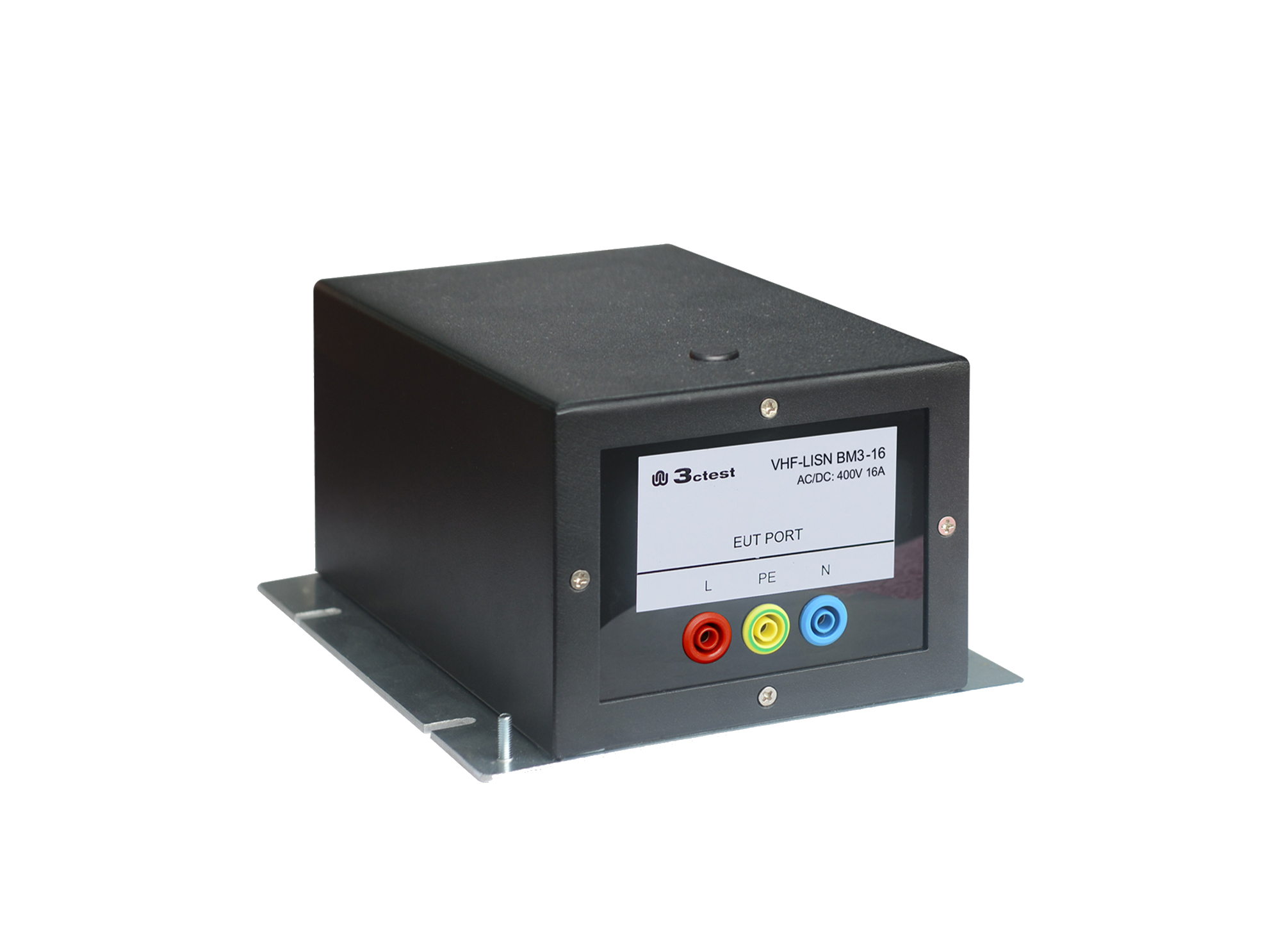
The VHF-LISN BM3-16 is a balanced VHF-LISN designed in accordance with CISPR 16-1-4, which specifies the design and performance requirements for high-frequency line impedance stabilization networks.
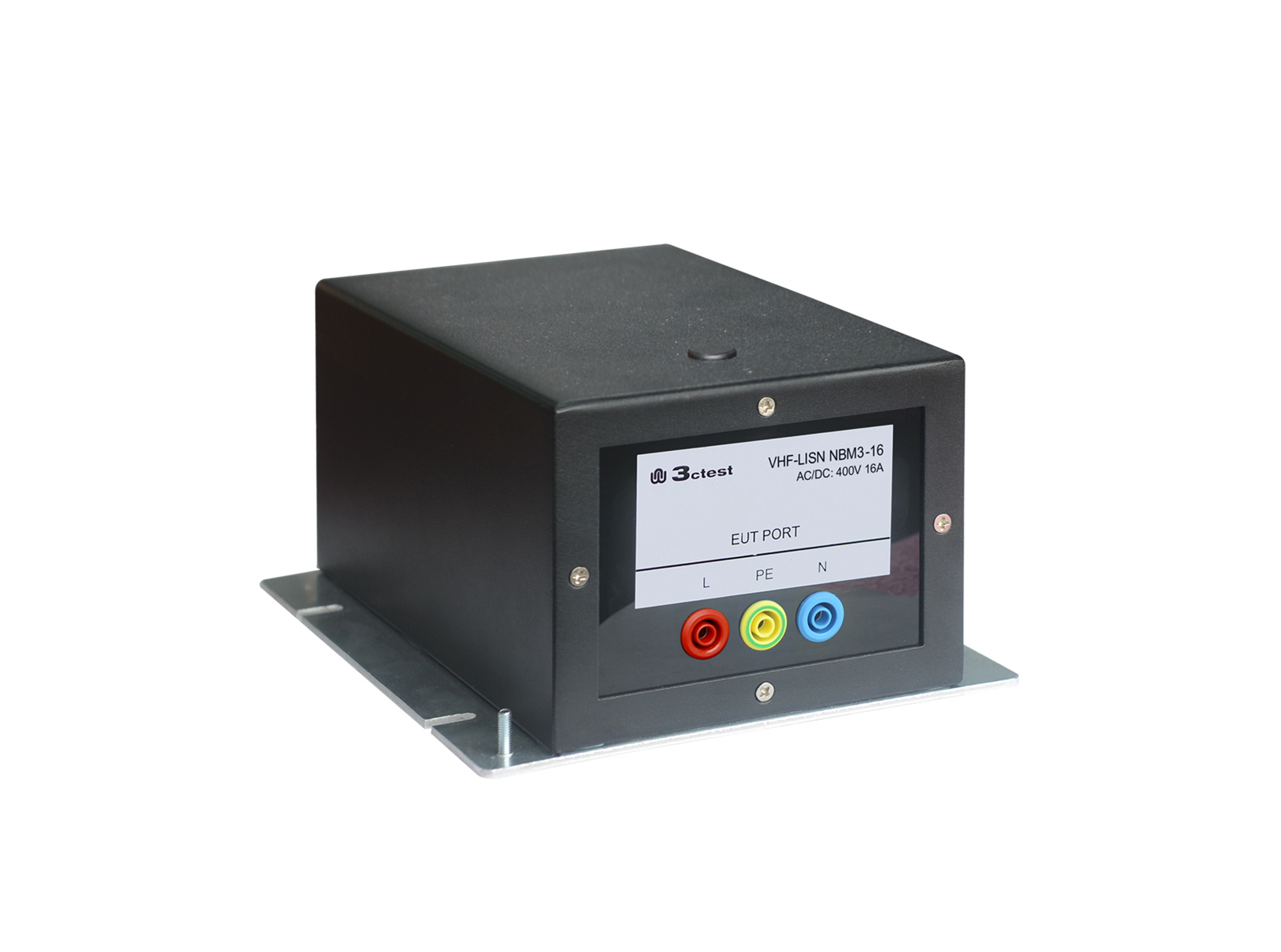
The VHF-LISN NBM3-16 is a unbalanced VHF-LISN designed in accordance with CISPR 16-1-4, which specifies the design and performance requirements for high-frequency line impedance stabilization networks.
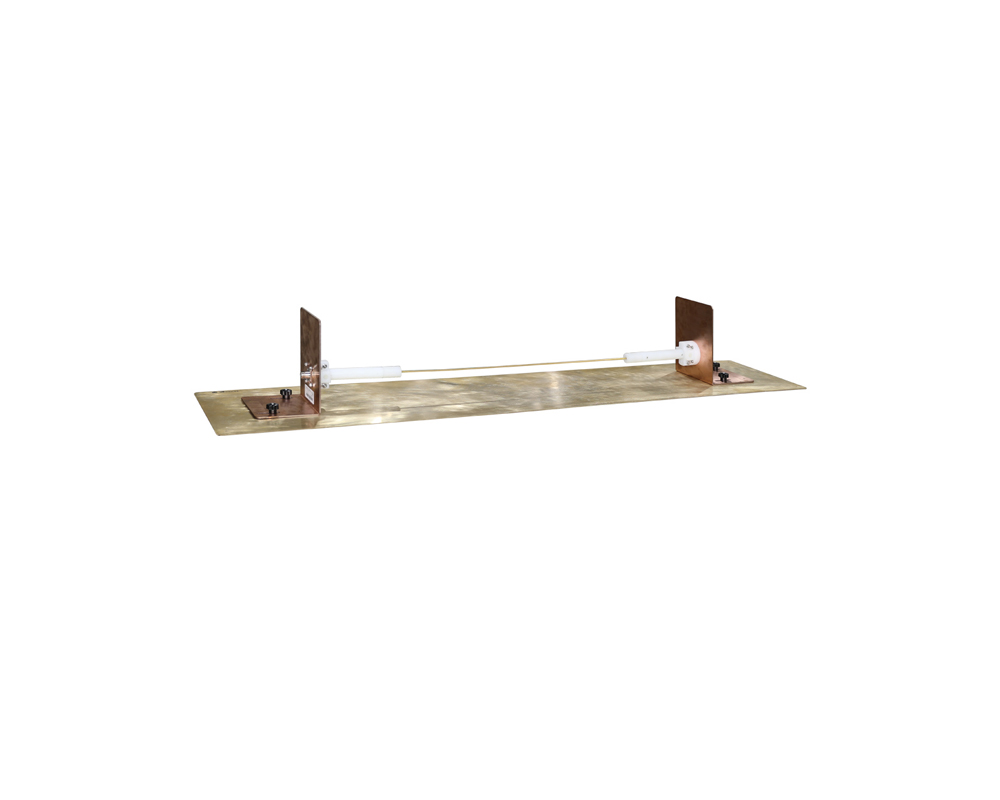
The CMTJ 200M common-mode interference absorbing clamp measurement fixture is designed in accordance with CISPR 16-1-4.
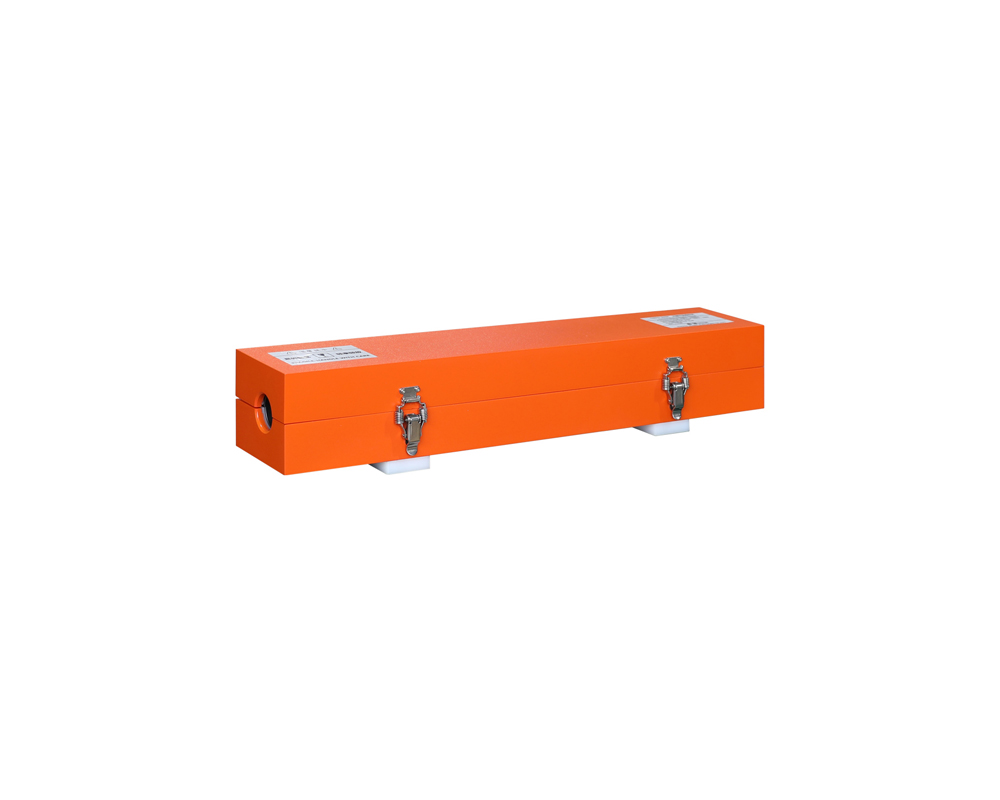
The CMAD 200M common-mode disturbances absorption clamp is designed in accordance with CISPR 16-1-4, it can be used for suppression of common-mode disturbances on transmission cable (coaxial cables, unshielded cables etc.)

• Using the product inquiry function can help you quickly learn about the product's price and other related information.
• You can either inquire about a single product directly, or select multiple products to add to the inquiry bar and inquire about them together.
• How to make an inquiry





1. Using the product comparison function can help you find the target product you need for selection more quickly and easily.
2. You can add up to 5 products for comparison. Product models and parameters may vary across different series. It is recommended to compare products within the same series.
3. How to use the comparison bar.




 Phone: +86-512-68413700
 Email: info@3ctest.cn
 Address:No.99 E'meishan Rd, SND, Suzhou, Jiangsu, 215153, China,Suzhou, Jiangsu, 215153, China



© 2025 Suzhou 3CTEST


 Leave a Message


