

High frequency recommended vocabulary
CISPR 22 specified the radio disturbance limits for information technology equipment and the methods by which the disturbance was measured. It applied to a very wide range of products including computers, peripherals, network equipment and telecom terminals, and it distinguished between class B equipment intended for the domestic environment, for which the limits were stricter, and class A equipment intended for commercial and industrial use. The standard covered conducted disturbance at the mains port in the frequency range from 150 kHz to 30 MHz and radiated disturbance from 30 MHz to 1 GHz, and it defined the measurement distance, the detector and bandwidth settings, and the operating conditions that made the equipment produce its maximum emission. It has been withdrawn and replaced by CISPR 32, which recasts the requirements as an emission standard for multimedia equipment and harmonises them with the corresponding European standard. Certificates issued against CISPR 22 remain valid only while the original scheme allows, so the page is retained mainly for legacy approvals.
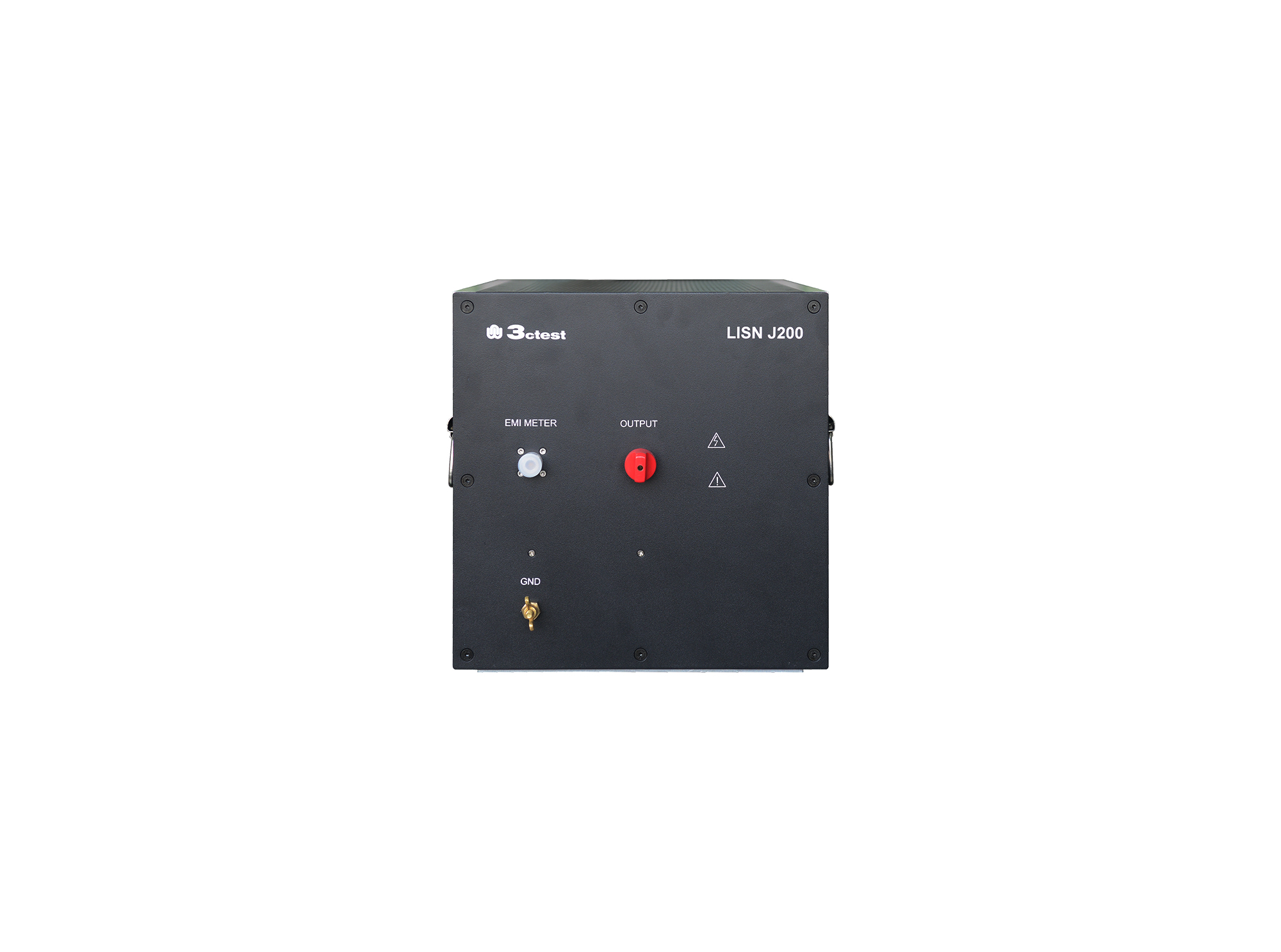
The LISN J200 is designed as per GJB151B (2013) and MIL-STD-461E(1999)and used to separate parts from mains and measure the disturbances feature of vehicles, ships and internal combustion engines, its impedance completely meets standards requirements.

• Using the product inquiry function can help you quickly learn about the product's price and other related information.
• You can either inquire about a single product directly, or select multiple products to add to the inquiry bar and inquire about them together.
• How to make an inquiry





1. Using the product comparison function can help you find the target product you need for selection more quickly and easily.
2. You can add up to 5 products for comparison. Product models and parameters may vary across different series. It is recommended to compare products within the same series.
3. How to use the comparison bar.




 Phone: +86-512-68413700
 Email: info@3ctest.cn
 Address:No.99 E'meishan Rd, SND, Suzhou, Jiangsu, 215153, China,Suzhou, Jiangsu, 215153, China



© 2025 Suzhou 3CTEST


 Leave a Message


