

High frequency recommended vocabulary
CISPR 16-2-3 specifies the methods used to measure radiated disturbances. It tells a testing laboratory how a measurement must be made so that the result is comparable with the limits of the product standards and with results obtained elsewhere. The document defines the measurement distance, the height and the polarisation of the antenna, the way the equipment under test is arranged and operated, and the cable routing and loading that must be used. It explains the search procedure, in which the equipment is rotated and the antenna height is varied in order to find the maximum emission, and describes the conditions under which a preliminary scan may be replaced by the maximum measurement. Guidance is given on the treatment of the ambient signal from broadcast transmitters, which must be distinguished from the emission of the equipment, on the use of the measurement receiver settings and the detector types, on the measurement of emissions from cables and of the disturbance power, and on the errors that the measurement system can introduce.
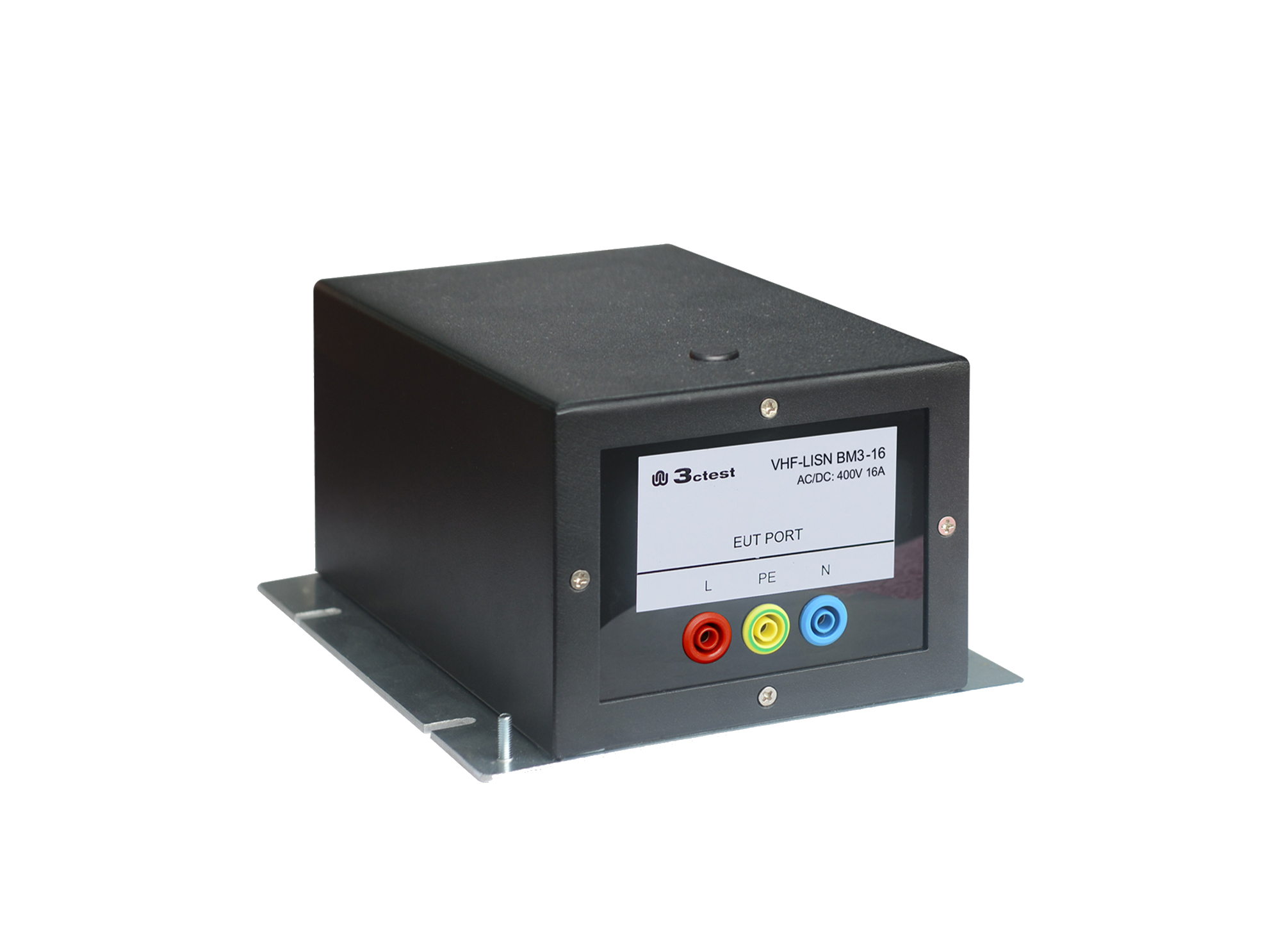
The VHF-LISN BM3-16 is a balanced VHF-LISN designed in accordance with CISPR 16-1-4, which specifies the design and performance requirements for high-frequency line impedance stabilization networks.
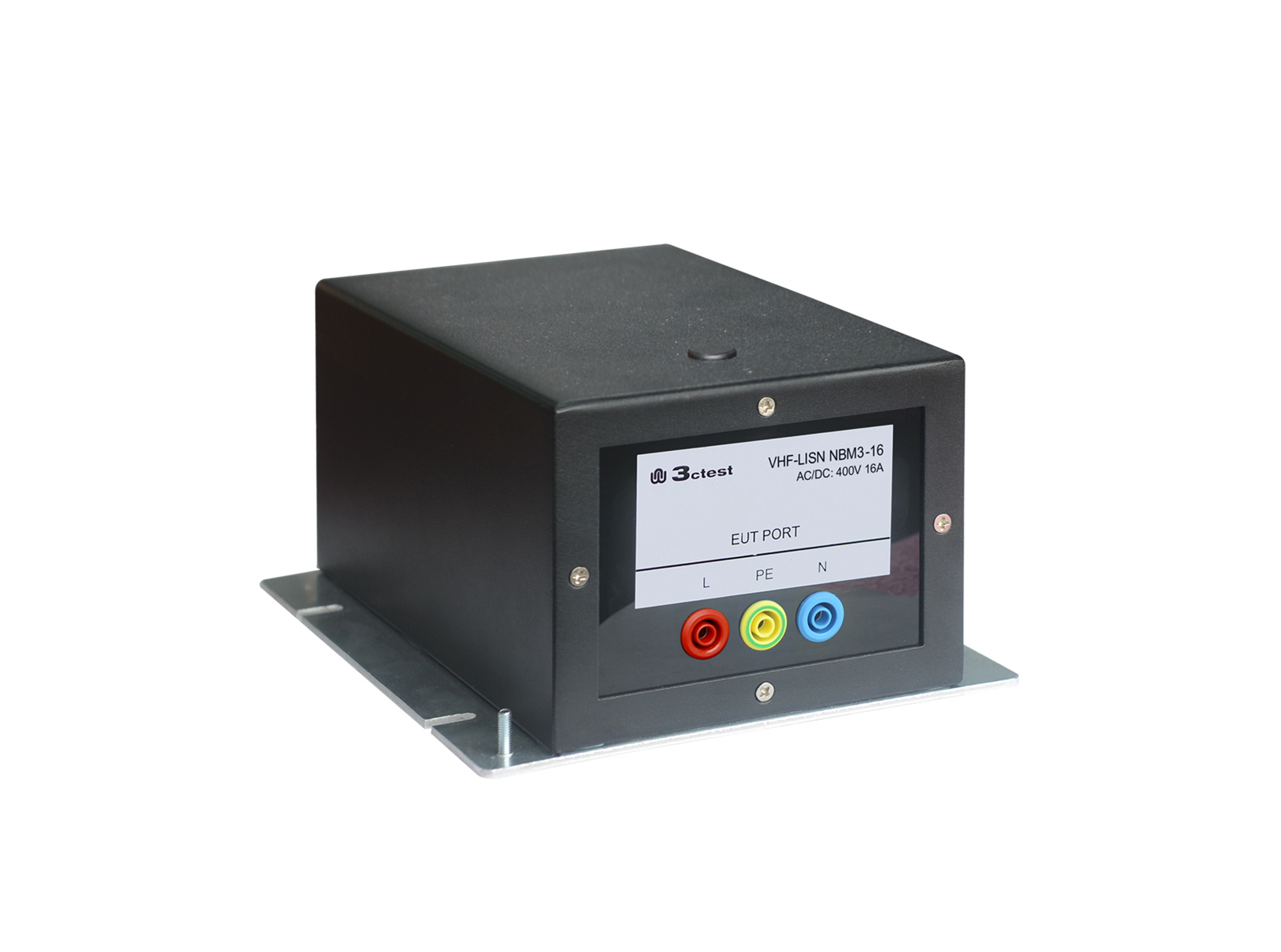
The VHF-LISN NBM3-16 is a unbalanced VHF-LISN designed in accordance with CISPR 16-1-4, which specifies the design and performance requirements for high-frequency line impedance stabilization networks.

• Using the product inquiry function can help you quickly learn about the product's price and other related information.
• You can either inquire about a single product directly, or select multiple products to add to the inquiry bar and inquire about them together.
• How to make an inquiry





1. Using the product comparison function can help you find the target product you need for selection more quickly and easily.
2. You can add up to 5 products for comparison. Product models and parameters may vary across different series. It is recommended to compare products within the same series.
3. How to use the comparison bar.




 Phone: +86-512-68413700
 Email: info@3ctest.cn
 Address:No.99 E'meishan Rd, SND, Suzhou, Jiangsu, 215153, China,Suzhou, Jiangsu, 215153, China



© 2025 Suzhou 3CTEST


 Leave a Message


