

High frequency recommended vocabulary
CISPR 25 specifies the radio disturbance limits and the measurement methods that protect on-board receivers in vehicles, boats and machines driven by internal combustion engines. It differs from a general emission standard in its purpose: the limits are set not to protect broadcast reception at a distance but to keep the disturbance inside the vehicle low enough that a radio, a navigation receiver or a mobile telephone used inside the vehicle continues to work. Because the receiver and the disturbing source are only a short distance apart, the limits are considerably stricter than comparable domestic requirements. The standard defines the measurement of conducted disturbance on the supply lines and the measurement of radiated disturbance, and it applies both to the complete vehicle and to individual components and modules. It specifies the frequency ranges, the antenna and probe arrangements, the grounding and the load simulation that must be used, so that a component measured on a test bench produces results that predict its behaviour in the vehicle.
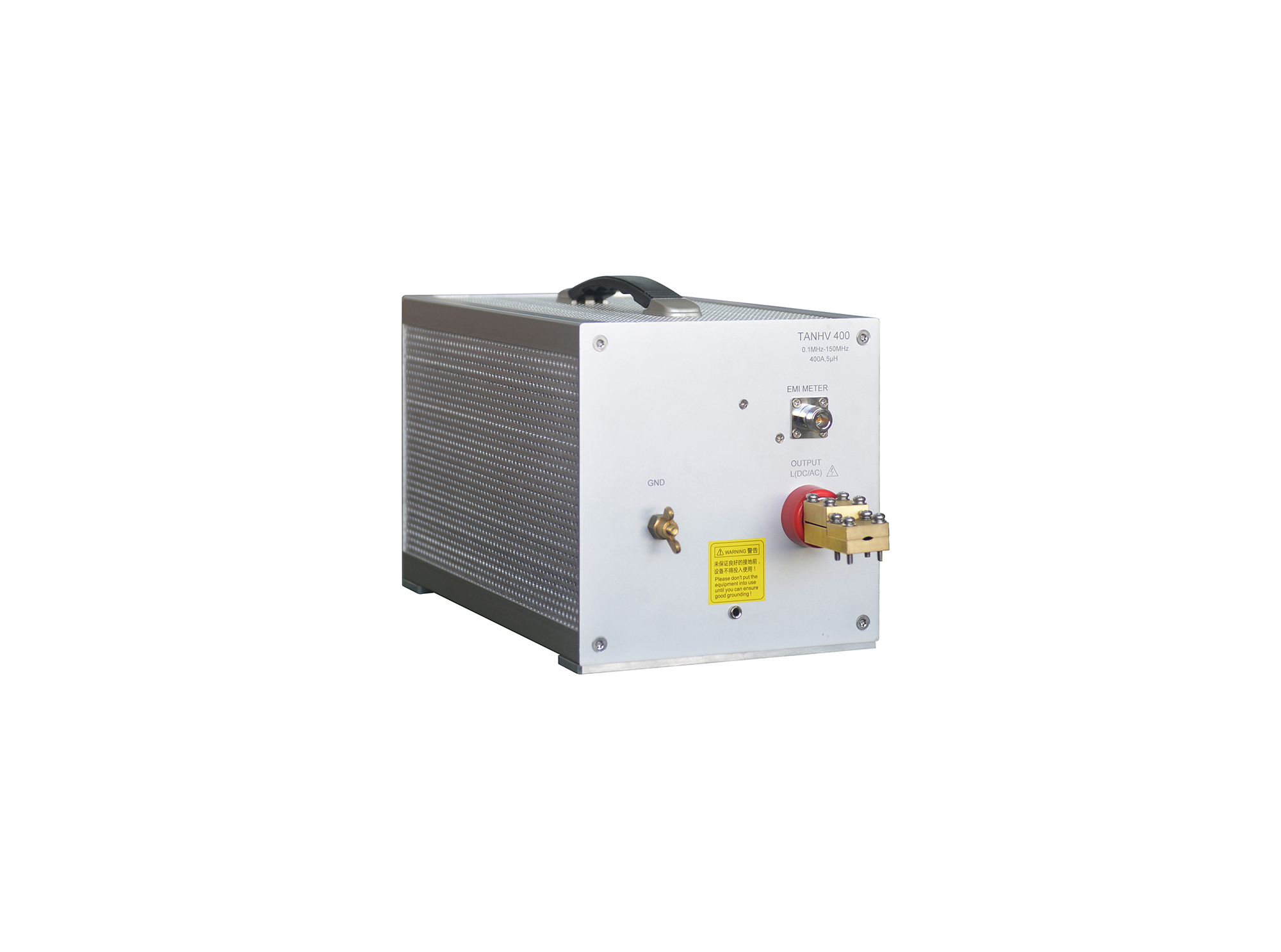
The TANHV Series are designed to comply with CISPR 25, ISO 7637-4 standards. The TANHV Series are applied to immunity testing of high-voltage systems in new energy vehicles.
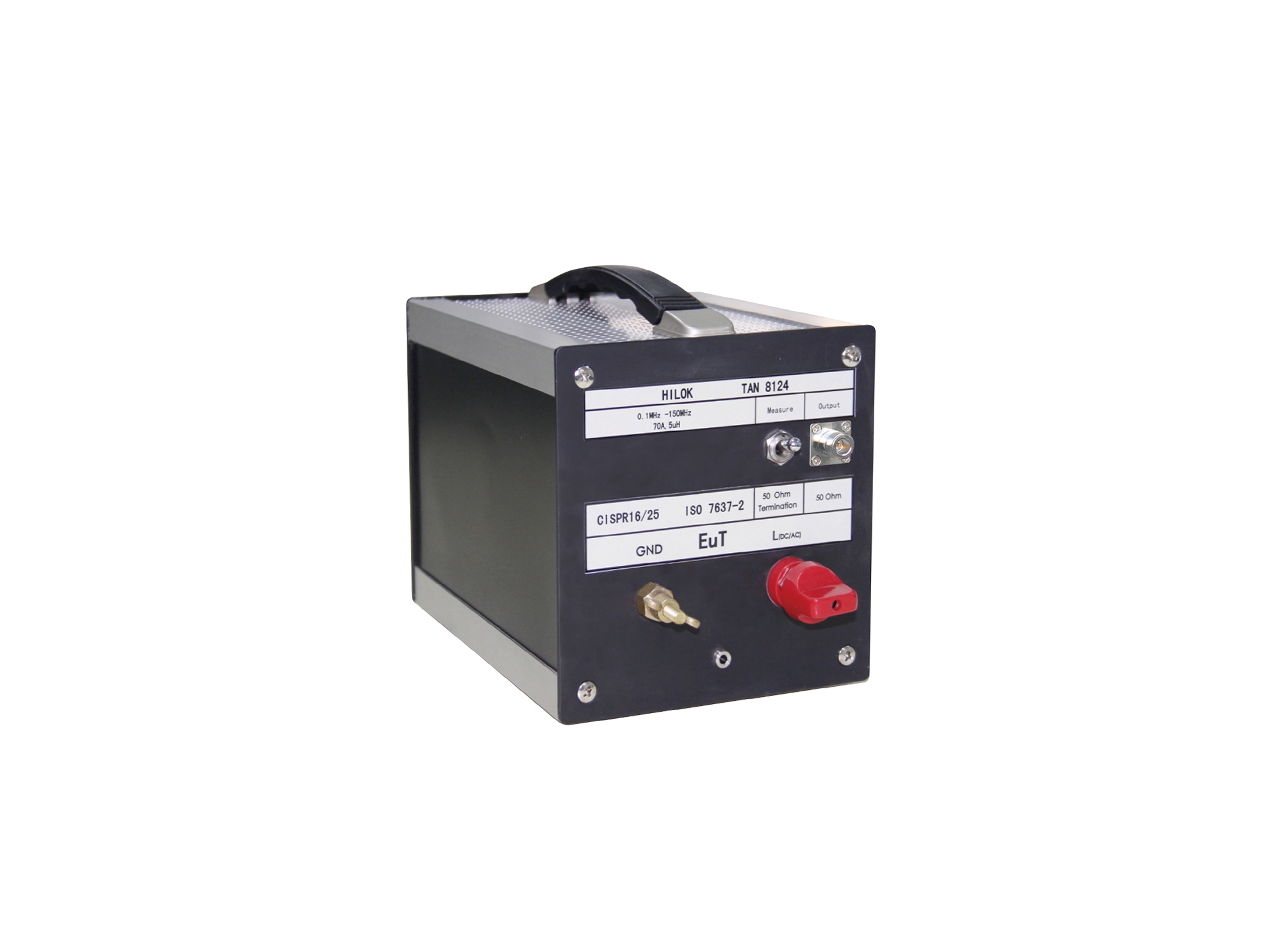
The TAN 8124 artificial network complies with CISPR 25 and ISO 7637-2 standards.
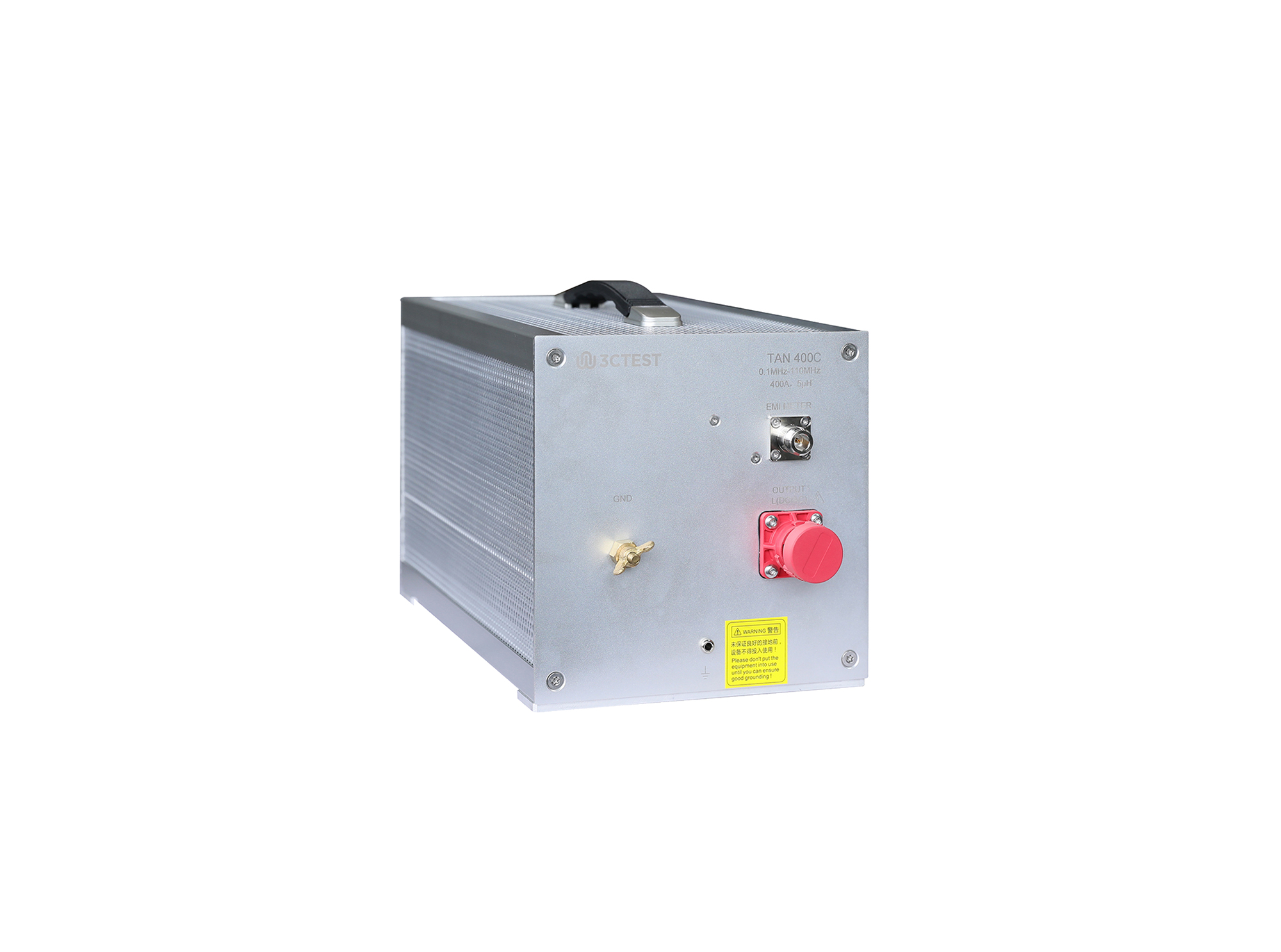
The TAN 400C artificial network is specially designed for CISPR 25 testing. It isolates low-voltage electrical components from the mains supply and performs conducted disturbance voltage measurements on power lines.
The TAN 400C (150 MHz) artificial network is specially designed for CISPR 25 testing. It isolates low-voltage electrical components from the mains supply and performs conducted disturbance voltage measurements on power lines.
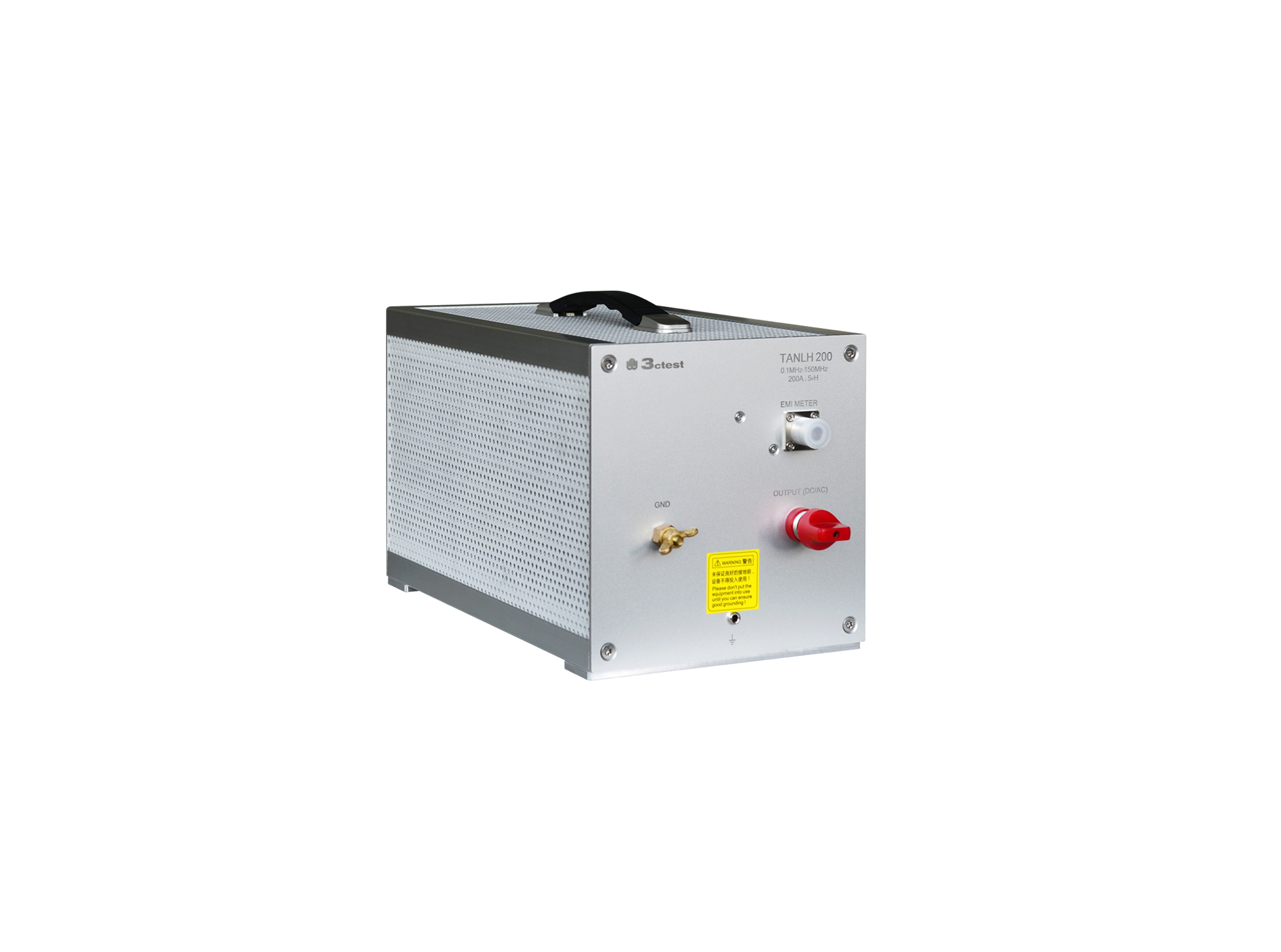
The TANLH 200 HV Artificial Network is designed to comply with CISPR 25, ISO 7637-4 standards.

• Using the product inquiry function can help you quickly learn about the product's price and other related information.
• You can either inquire about a single product directly, or select multiple products to add to the inquiry bar and inquire about them together.
• How to make an inquiry





1. Using the product comparison function can help you find the target product you need for selection more quickly and easily.
2. You can add up to 5 products for comparison. Product models and parameters may vary across different series. It is recommended to compare products within the same series.
3. How to use the comparison bar.




 Phone: +86-512-68413700
 Email: info@3ctest.cn
 Address:No.99 E'meishan Rd, SND, Suzhou, Jiangsu, 215153, China,Suzhou, Jiangsu, 215153, China



© 2025 Suzhou 3CTEST


 Leave a Message


