

High frequency recommended vocabulary
ITU-T K.44 is the basic recommendation of the ITU-T K series on the protection of telecommunication equipment, and it defines the resistibility tests themselves. Where the other recommendations in the series state the levels that a particular class of equipment must withstand, this document specifies how the tests are performed: the generators and their waveforms, the coupling arrangements, the test configurations for each port and for combinations of ports, the number of applications and the interval between them, and the conditions under which the equipment is operated while the test is applied. It covers tests at power frequency, representing the situation in which a power conductor comes into contact with a telecommunication line, and impulse tests that represent lightning, and it explains how the outcome of a test is judged, including the acceptable degradation of performance and the requirement that a failure must not create a hazard. The document is used as the reference for the whole family of equipment resistibility recommendations.
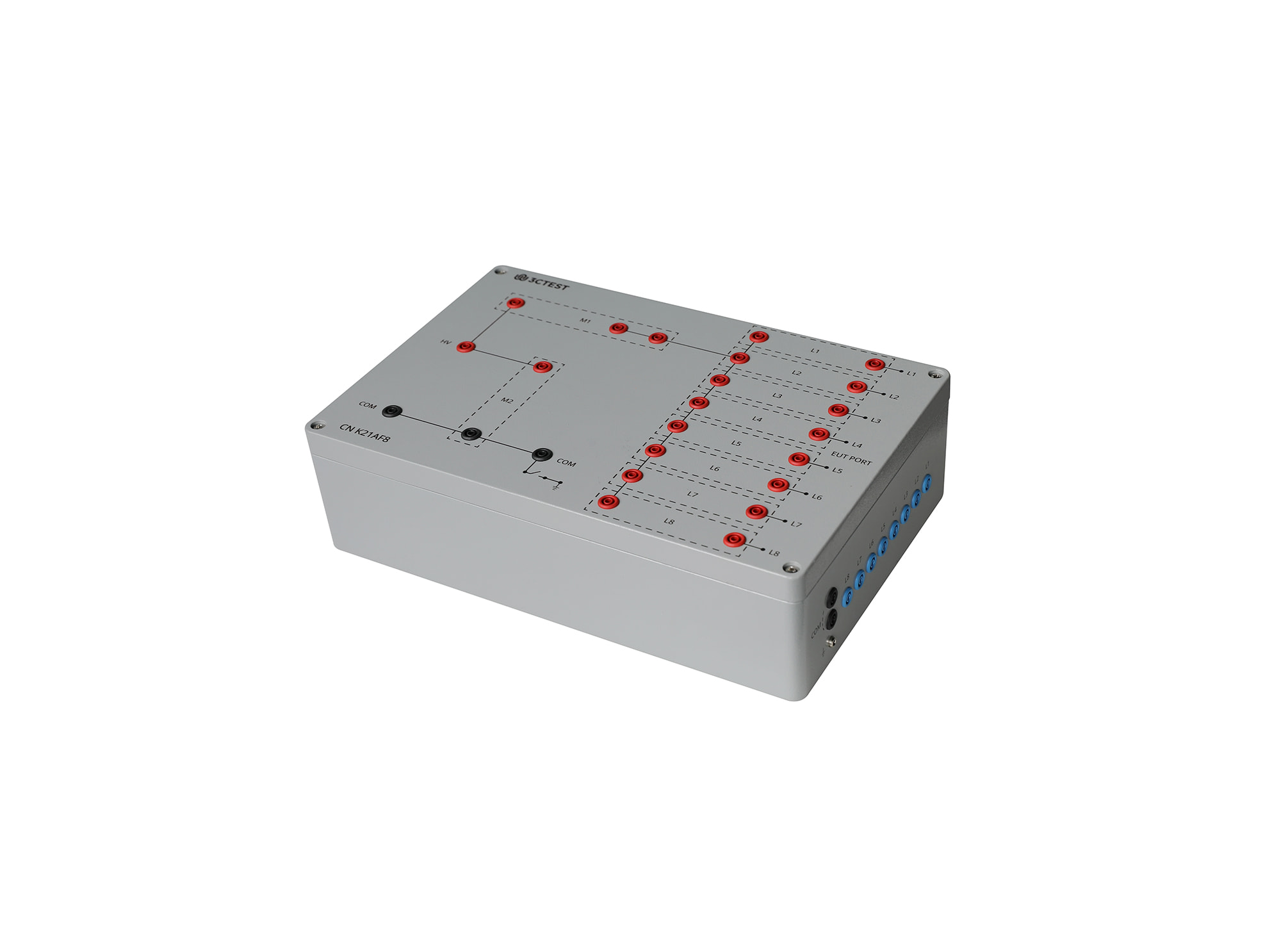
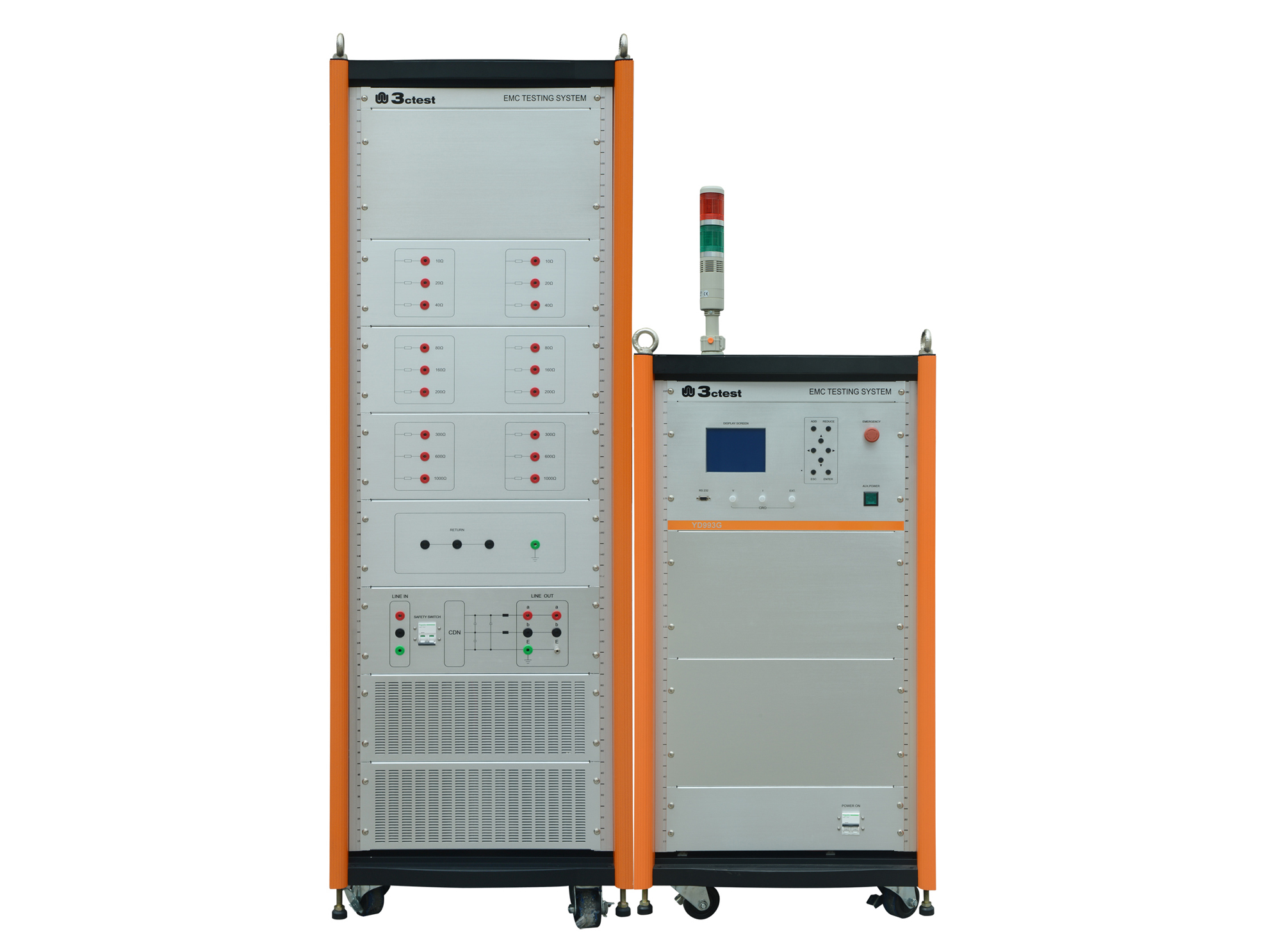
The CN K21AF8 Coupling Networks for Telecommunication Cables is designed according to ITU-T K.20, ITU-T K.21, ITU-T K.44 and ITU-T K.45 for coupling 1.2/50 μs & 8/20 μs combination wave up to 8 kV to telecommunication ports for selected resistibility tests.
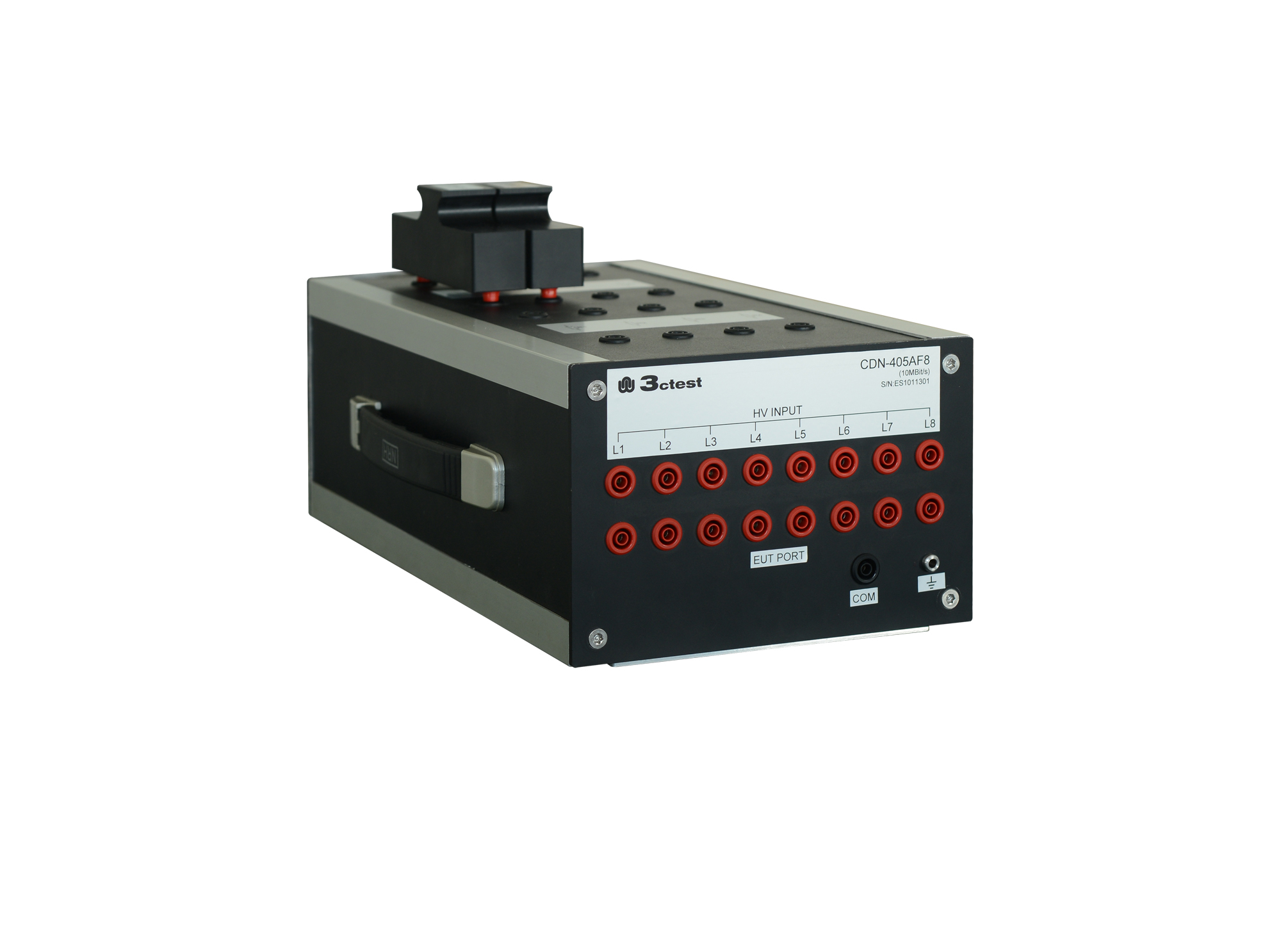
The CDN 21AF8 is designed to couple surge pulses onto 8 lines (4 pairs) unshielded unsymmetrical communication lines for voltage up to 6 kV and max.
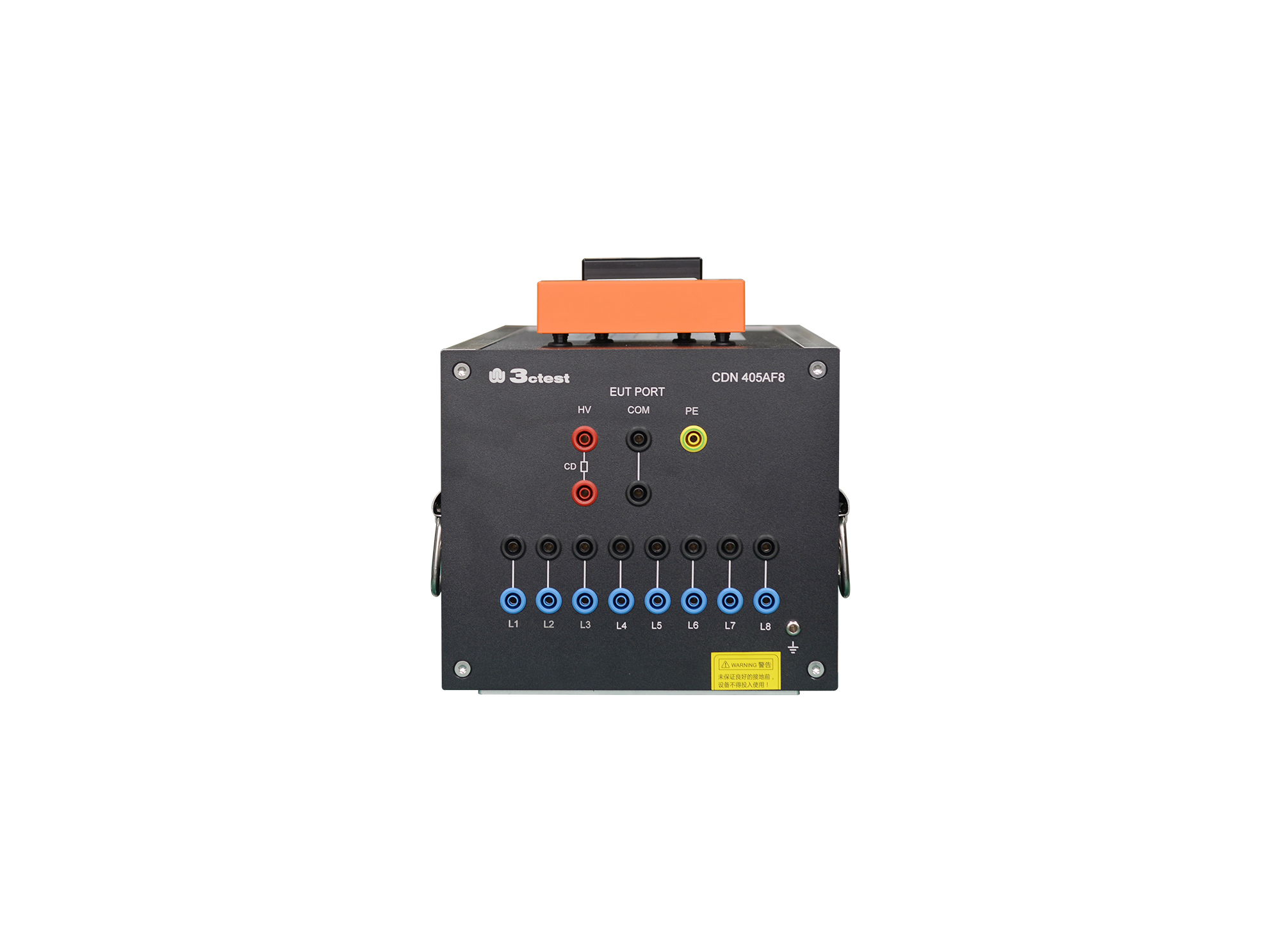
The CDN 405AF8(2A) is designed to couple surge pulses onto unshielded unsymmetrical communication lines for voltage up to 6 kV and max. transmission rate is 100 kbit/s.
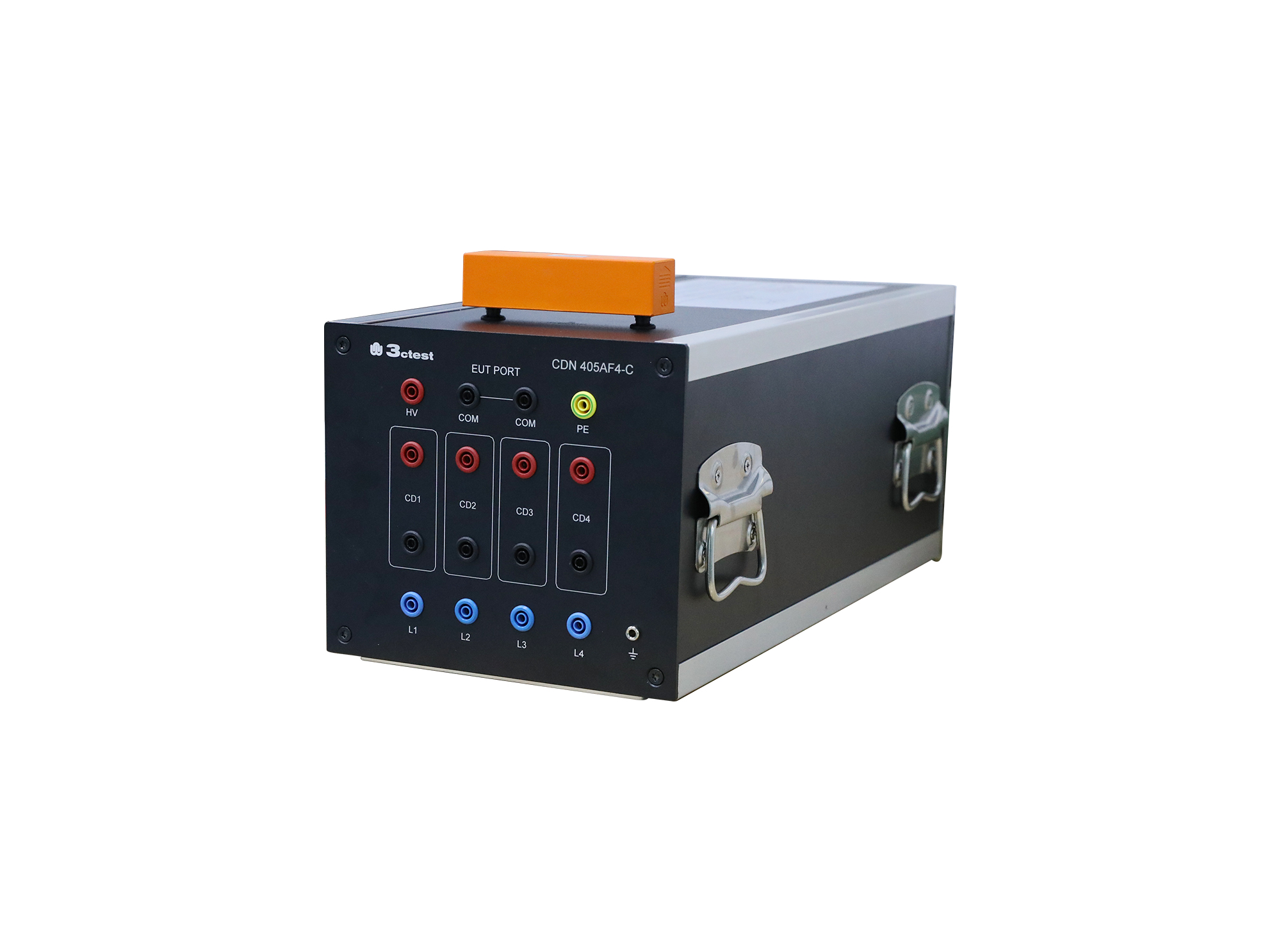
The CDN 405AF4 is designed to couple surge pulses onto unshielded unsymmetrical communication lines for voltage up to 6 kV and max. transmission rate is 100 Kbit/s.

• Using the product inquiry function can help you quickly learn about the product's price and other related information.
• You can either inquire about a single product directly, or select multiple products to add to the inquiry bar and inquire about them together.
• How to make an inquiry





1. Using the product comparison function can help you find the target product you need for selection more quickly and easily.
2. You can add up to 5 products for comparison. Product models and parameters may vary across different series. It is recommended to compare products within the same series.
3. How to use the comparison bar.




 Phone: +86-512-68413700
 Email: info@3ctest.cn
 Address:No.99 E'meishan Rd, SND, Suzhou, Jiangsu, 215153, China,Suzhou, Jiangsu, 215153, China



© 2025 Suzhou 3CTEST


 Leave a Message


