

High frequency recommended vocabulary
ITU-T K.20 specifies the resistibility requirements for telecommunication equipment installed in a telecommunications centre. The equipment concerned is the switching, transmission and access equipment that is housed in a central office, connected to subscriber lines and to trunk circuits that leave the building, and powered from a station battery. Although such installations have extensive protection and careful earthing, the combination of overhead cable plant, nearby lightning activity and coupling from power systems means that surges and power frequency currents will appear on the ports. The recommendation defines the test conditions and the voltage and current levels applied to the different port types, including the subscriber line ports, the trunk ports and the mains supply port, and it distinguishes between conduction tests at power frequency, which simulate direct contact with a power line, and impulse tests that simulate lightning. It describes the number of test repetitions, the duration of each, and the criteria that establish whether the equipment has withstood the stress.
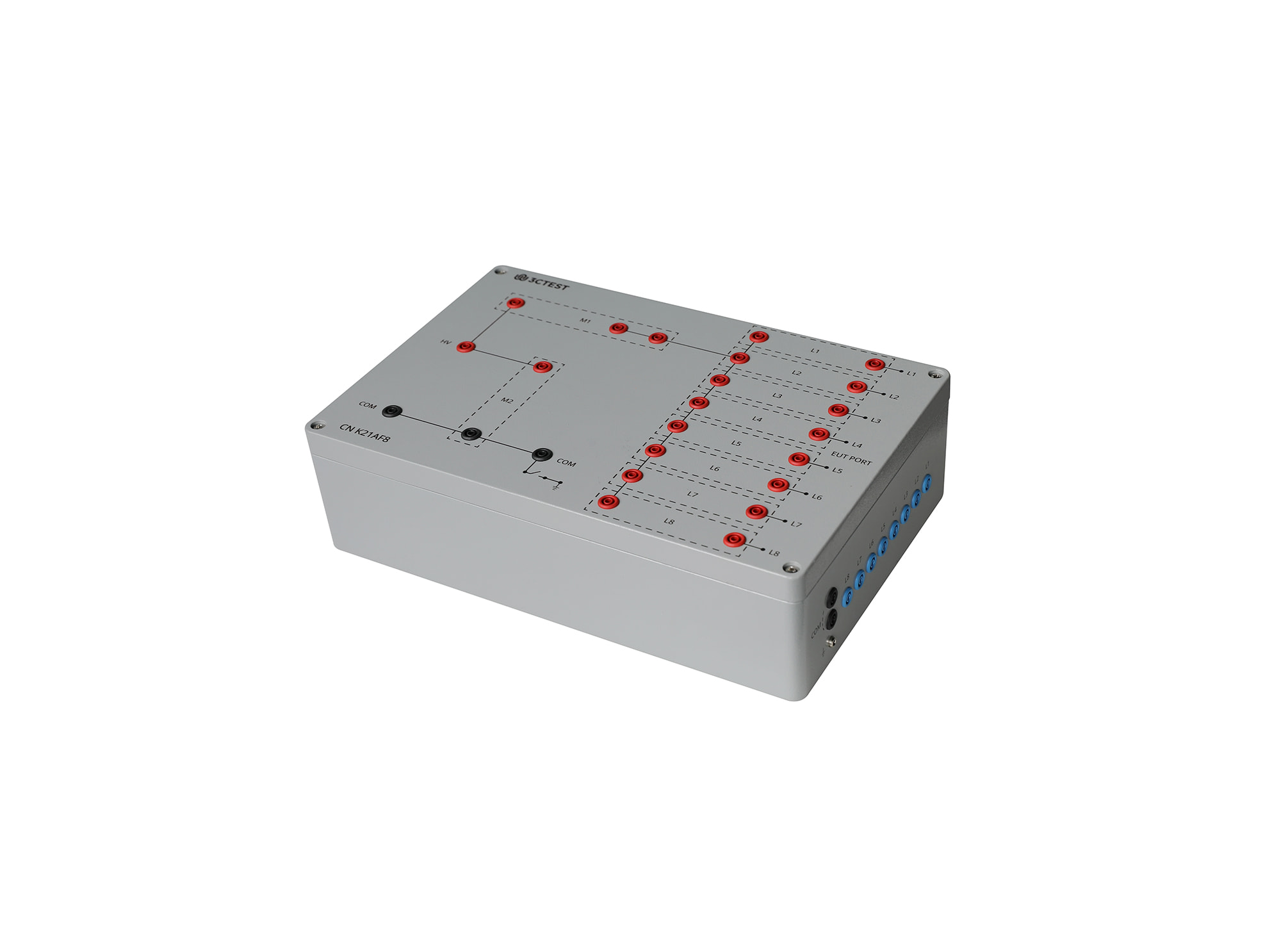
The CN K21AF8 Coupling Networks for Telecommunication Cables is designed according to ITU-T K.20, ITU-T K.21, ITU-T K.44 and ITU-T K.45 for coupling 1.2/50 μs & 8/20 μs combination wave up to 8 kV to telecommunication ports for selected resistibility tests.
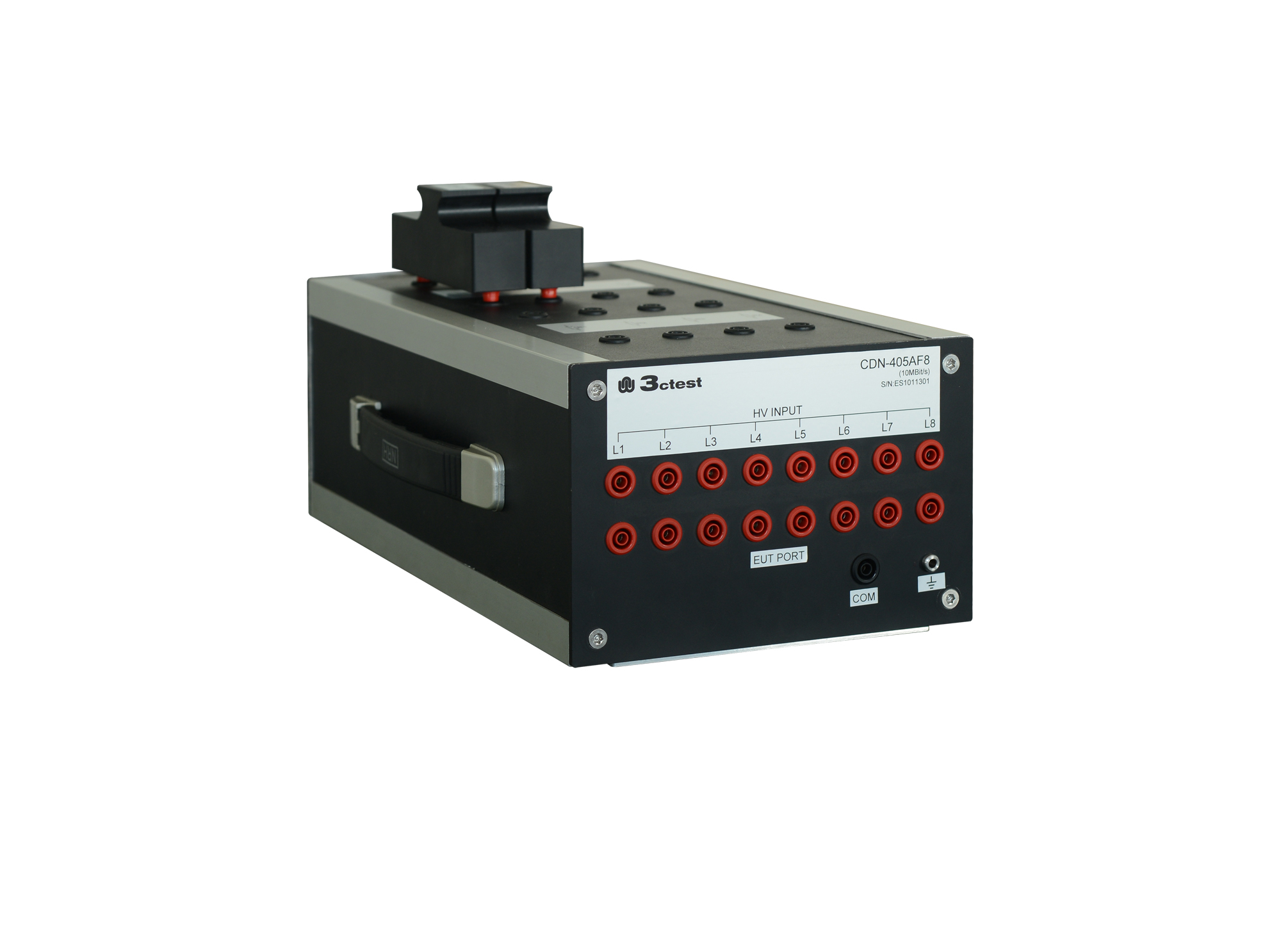
The CDN 21AF8 is designed to couple surge pulses onto 8 lines (4 pairs) unshielded unsymmetrical communication lines for voltage up to 6 kV and max.
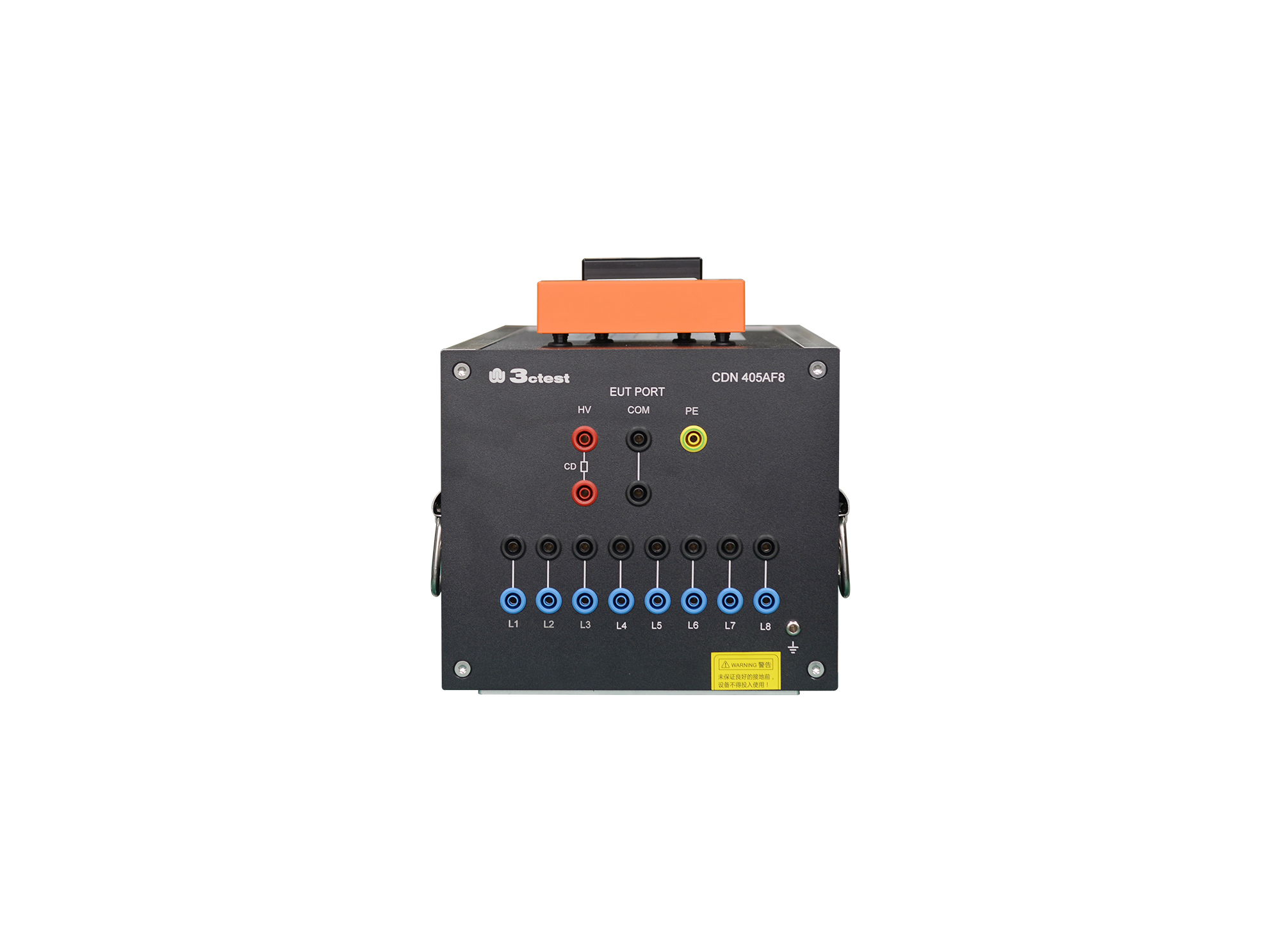
The CDN 405AF8(2A) is designed to couple surge pulses onto unshielded unsymmetrical communication lines for voltage up to 6 kV and max. transmission rate is 100 kbit/s.
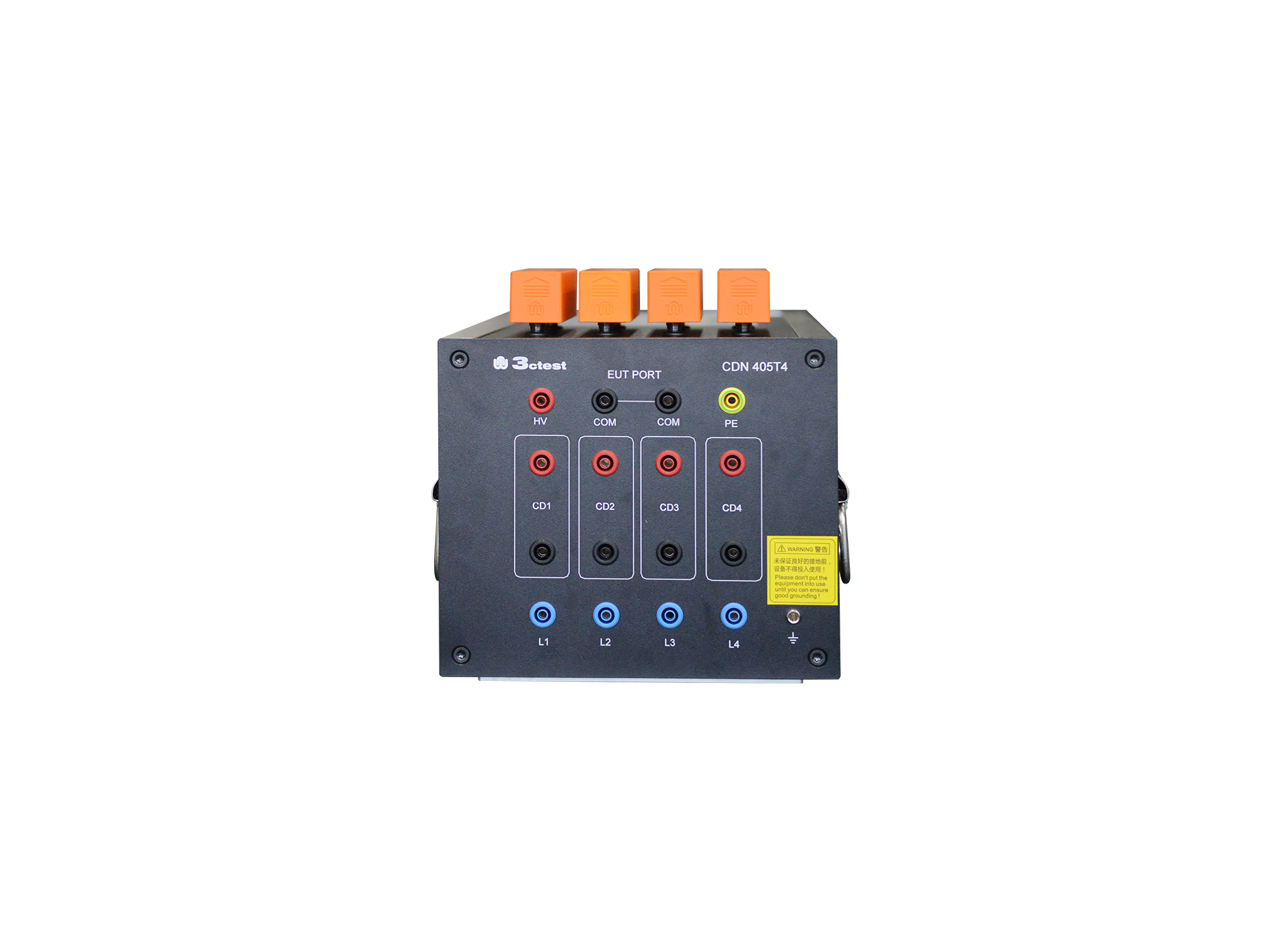
The CDN 405T4 unshielded symmetric high-speed communication line CDN, compliant with IEC 61000-4-5, GB/T 17626.5, is a professional CDN dedicated to lightning surge immunity tests on unshielded symmetrical high-speed communication lines.
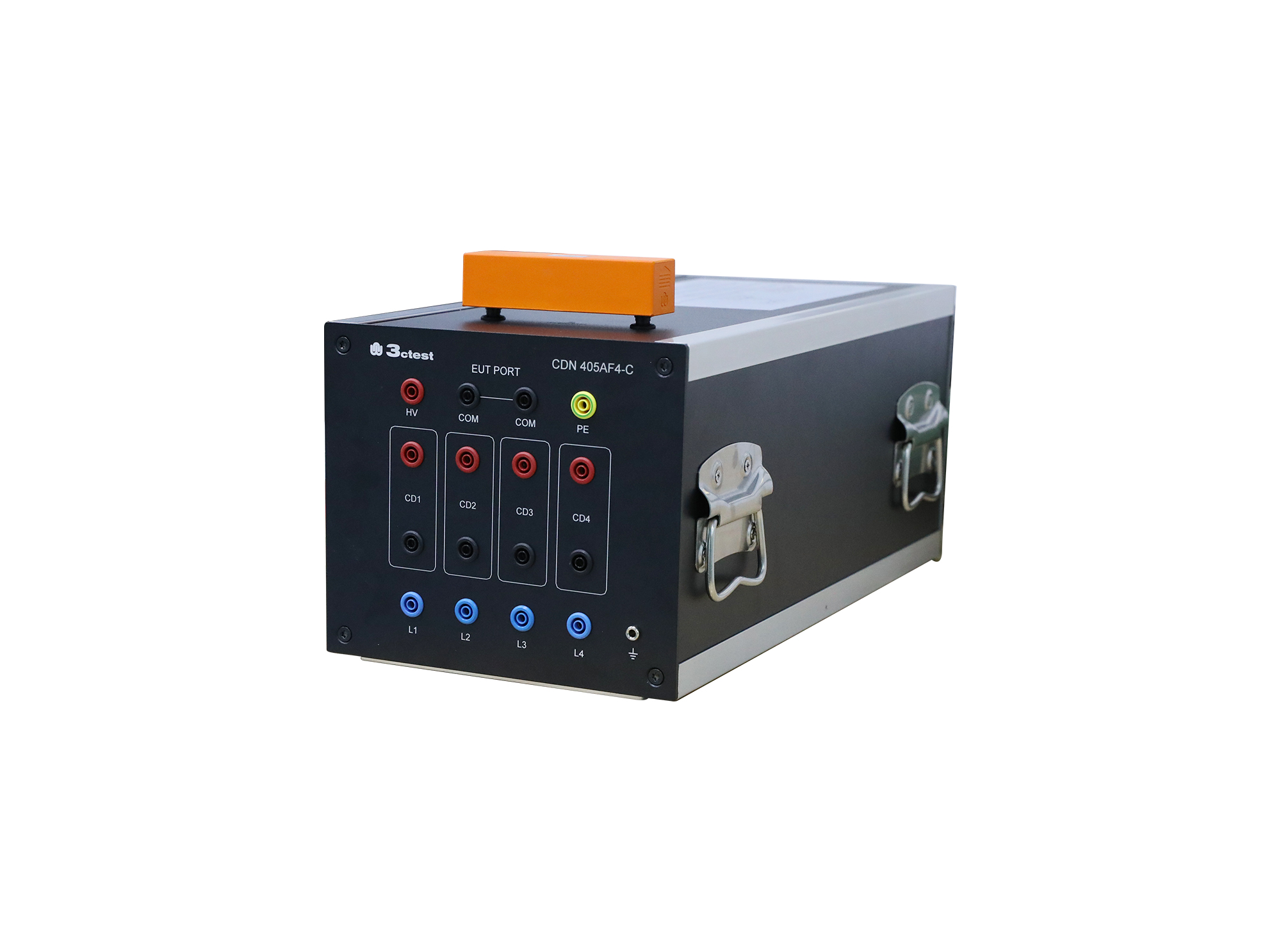
The CDN 405AF4 is designed to couple surge pulses onto unshielded unsymmetrical communication lines for voltage up to 6 kV and max. transmission rate is 100 Kbit/s.
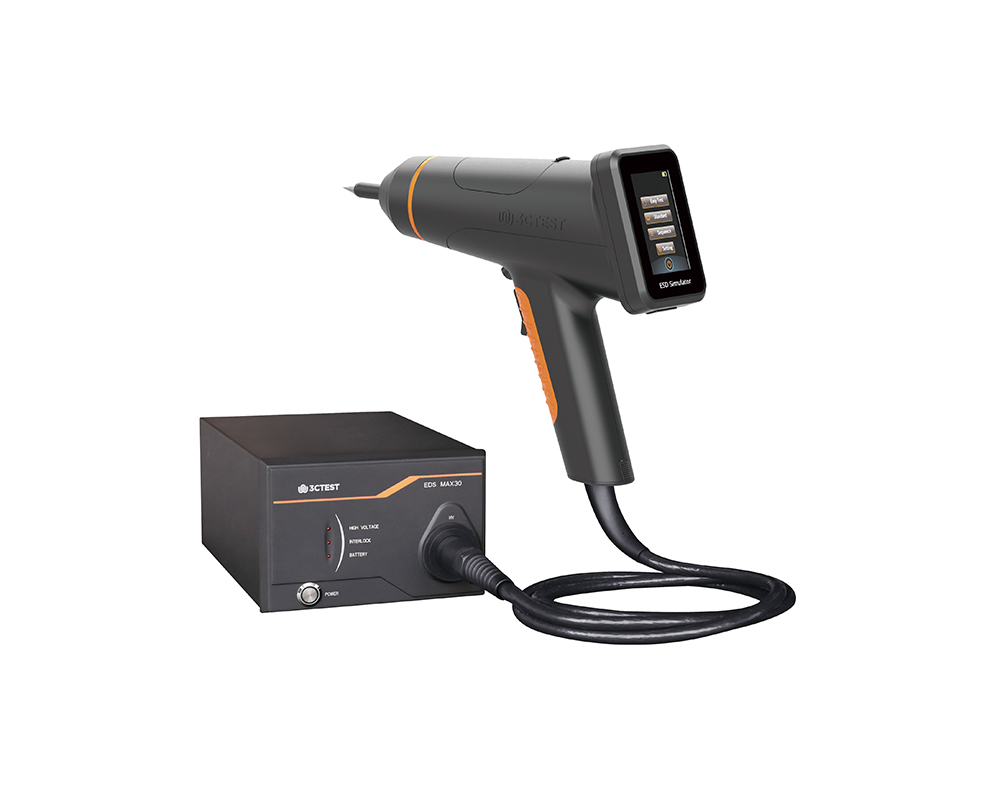
The EDS MAX30 is 3CTEST's fourth-generation electrostatic discharge simulator in compliance with IEC 61000-4-2:2025, ISO 10605:2023 and other standards.
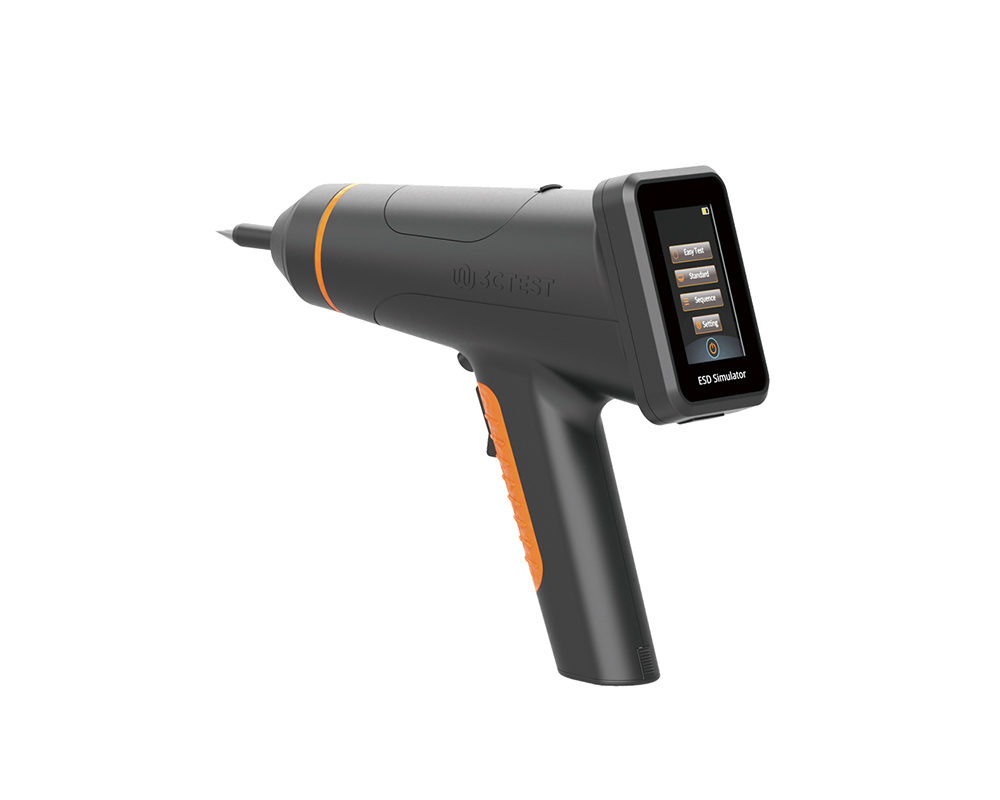
The EDS MAX20 is 3CTEST's fourth - generation electrostatic discharge simulator in compliance with IEC 61000-4-2 and other standards.
The EDS MAX20 is 3CTEST’s fourth - generation electrostatic discharge simulator in compliance with IEC 61000-4-2 and other standards. This new product has a test voltage up to 20 kV and features 3.5-inch HD color screen, along with compact mechanical design, intuitive UI design, lightweight, and impeccable waveforms.
The EDS MAX16 is 3CTEST's fourth - generation electrostatic discharge simulator in compliance with IEC 61000-4-2 and other standards.
The EDS MAX16 is 3CTEST's fourth - generation electrostatic discharge simulator in compliance with IEC 61000-4-2 and other standards. This new product has a test voltage up to 17 kV and features 3.5-inch high - definition color screen,
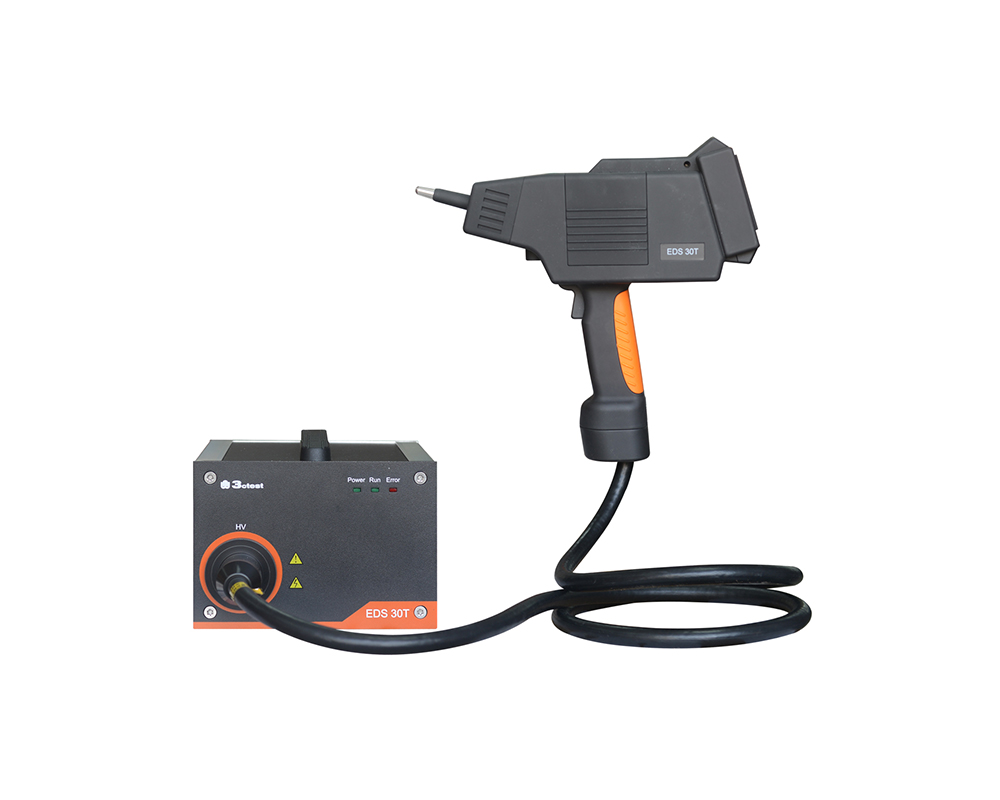
The EDS 30T is an intelligent electrostatic discharge (ESD) simulator designed to meet the IEC 61000-4-2 testing standard, accurately simulating electrostatic discharge pulse up to 30 kV.
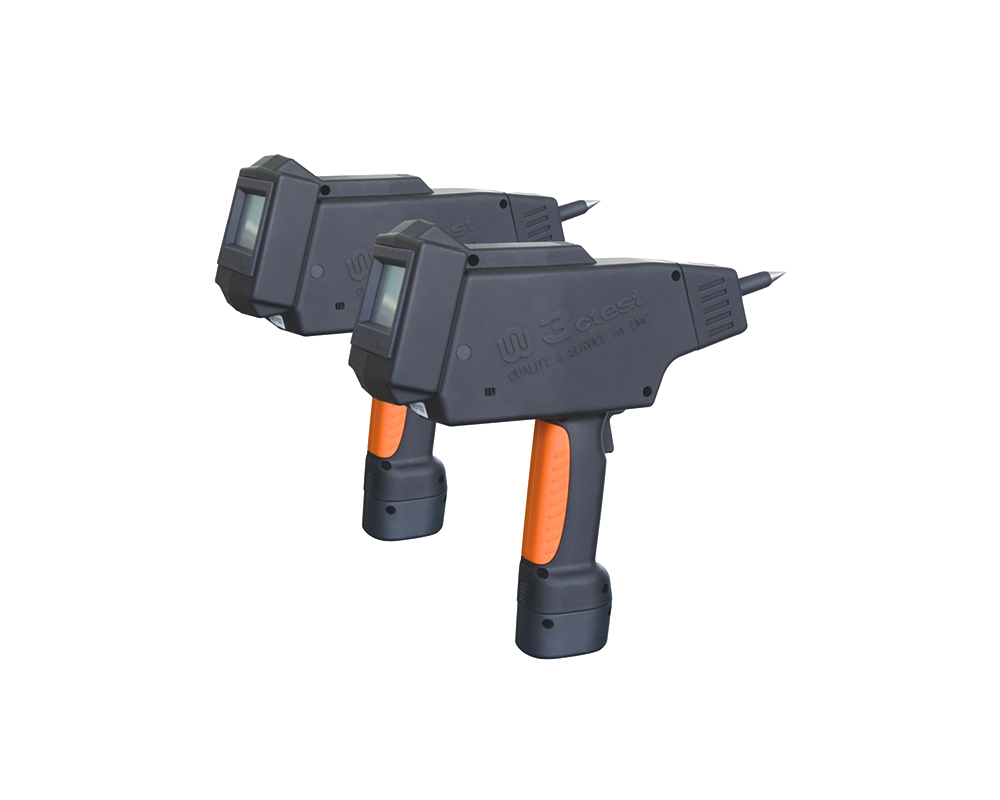
The EDS 20H is an intelligent electrostatic discharge (ESD) generator designed to meet the IEC 61000-4-2 testing standard, accurately simulating electrostatic discharge pulse up to 20 kV.
The EDS 16H is an intelligent electrostatic discharge (ESD) generator designed to meet the IEC 61000-4-2 testing standard, accurately simulating electrostatic discharge pulse up to 16.5 kV.
The EDS MAX30 is 3CTEST’s fourth-generation electrostatic discharge simulator in compliance with IEC 61000-4-2:2025, ISO 10605:2023 and other standards. This new product has a test voltage up to 30 kV

• Using the product inquiry function can help you quickly learn about the product's price and other related information.
• You can either inquire about a single product directly, or select multiple products to add to the inquiry bar and inquire about them together.
• How to make an inquiry





1. Using the product comparison function can help you find the target product you need for selection more quickly and easily.
2. You can add up to 5 products for comparison. Product models and parameters may vary across different series. It is recommended to compare products within the same series.
3. How to use the comparison bar.




 Phone: +86-512-68413700
 Email: info@3ctest.cn
 Address:No.99 E'meishan Rd, SND, Suzhou, Jiangsu, 215153, China,Suzhou, Jiangsu, 215153, China



© 2025 Suzhou 3CTEST


 Leave a Message


