

High frequency recommended vocabulary
ITU-T K.45 specifies the resistibility requirements for telecommunication equipment installed in the access and trunk networks. The equipment in question is mounted outside the protected environment of a central office: it includes the cabinets, cross-connection points, repeaters, line units and remote transmission equipment that are placed in the street, on poles or in unheated enclosures, and it is therefore exposed to the full outdoor electromagnetic environment without the benefit of a building and an integrated earthing system. The recommendation defines the test levels and waveforms appropriate to this exposure, covering power frequency voltages that represent contact with or induction from power lines and impulse voltages and currents that represent lightning, and it distinguishes between the ports that connect to overhead plant, to buried cable and to the local mains supply. It specifies the test procedure, the number of applications and the criteria by which the equipment is judged to have withstood the test, and it provides for a reduced level where the installation is protected by an external surge protective device.
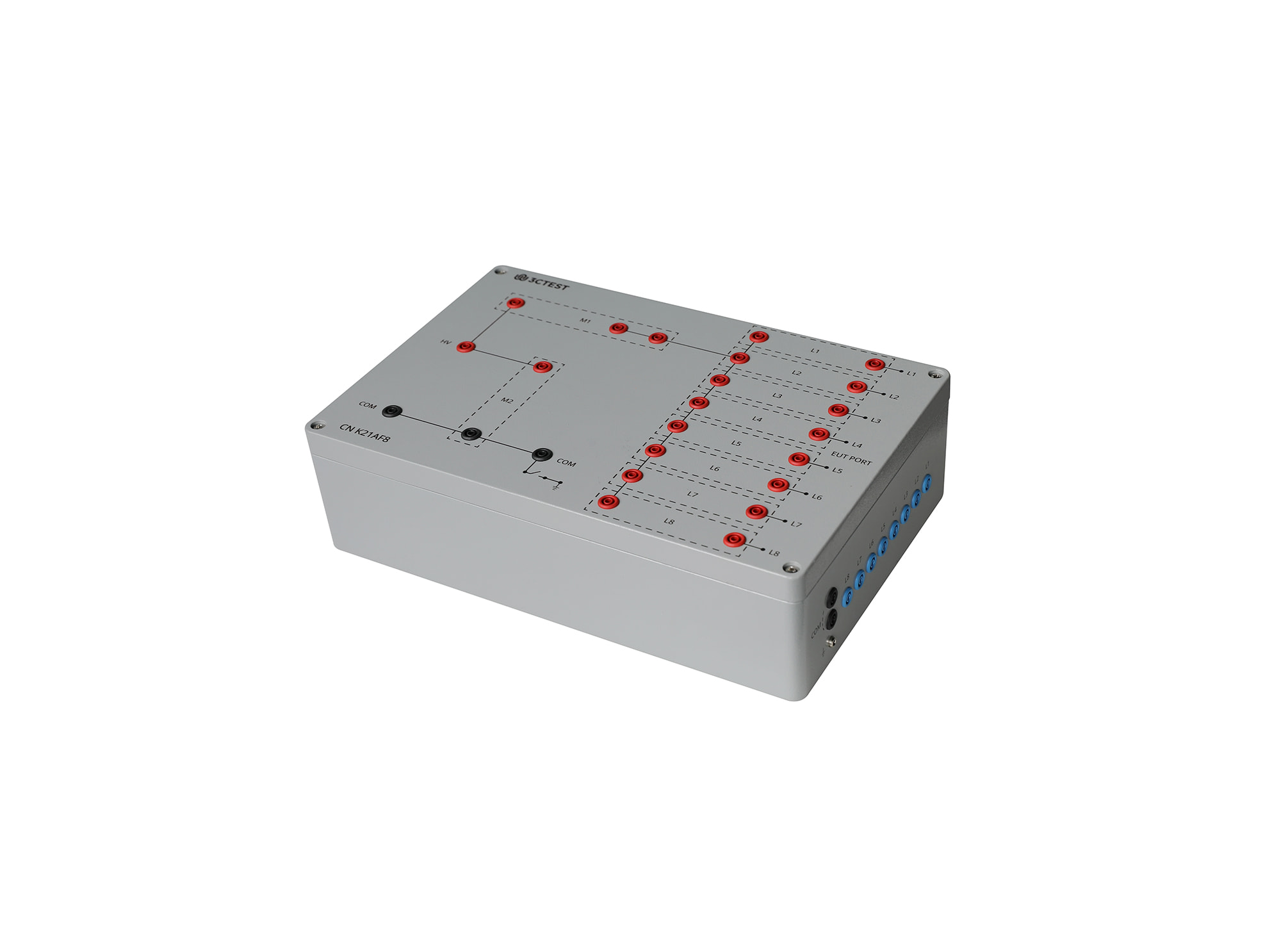
The CN K21AF8 Coupling Networks for Telecommunication Cables is designed according to ITU-T K.20, ITU-T K.21, ITU-T K.44 and ITU-T K.45 for coupling 1.2/50 μs & 8/20 μs combination wave up to 8 kV to telecommunication ports for selected resistibility tests.
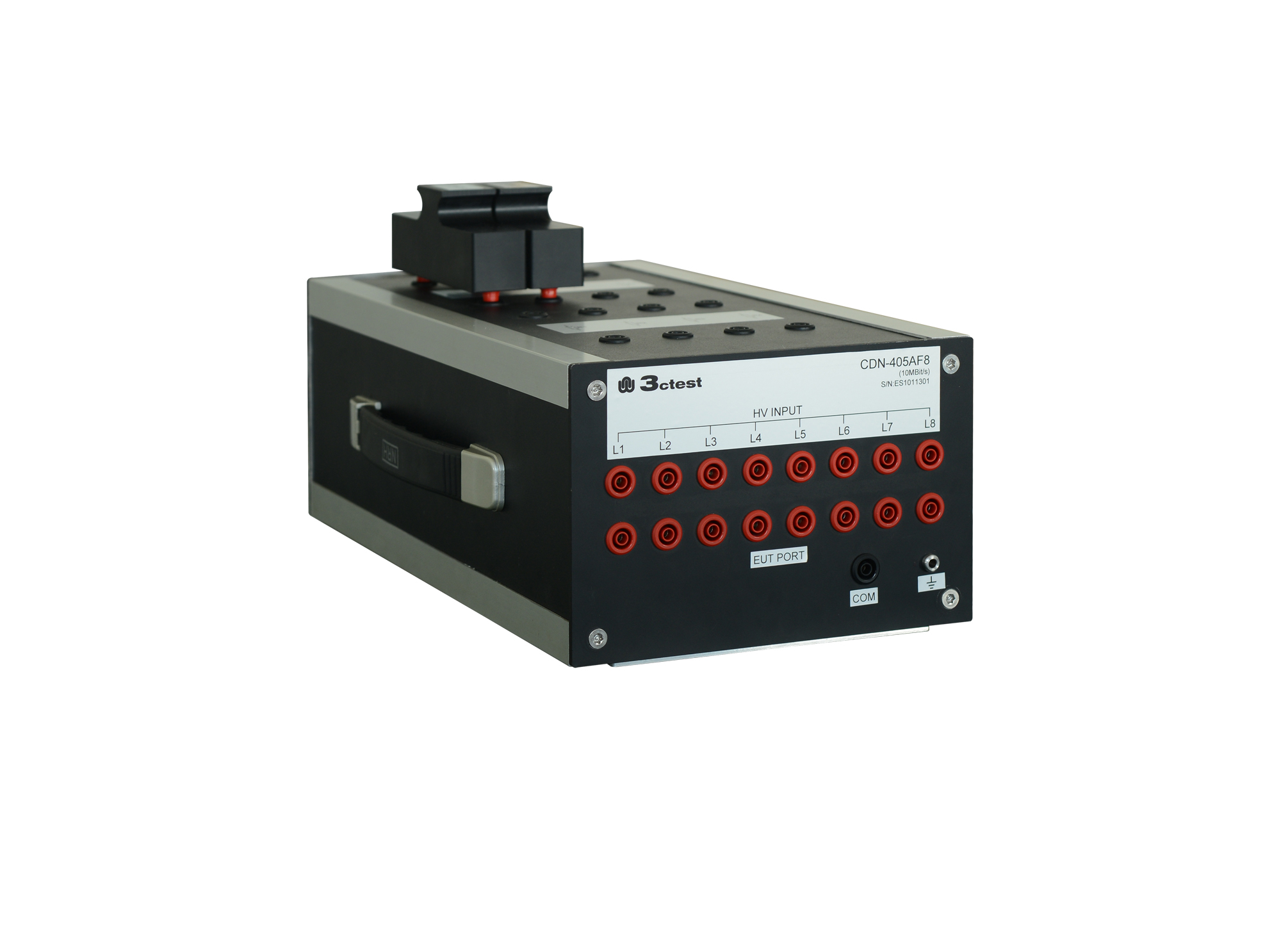
The CDN 21AF8 is designed to couple surge pulses onto 8 lines (4 pairs) unshielded unsymmetrical communication lines for voltage up to 6 kV and max.
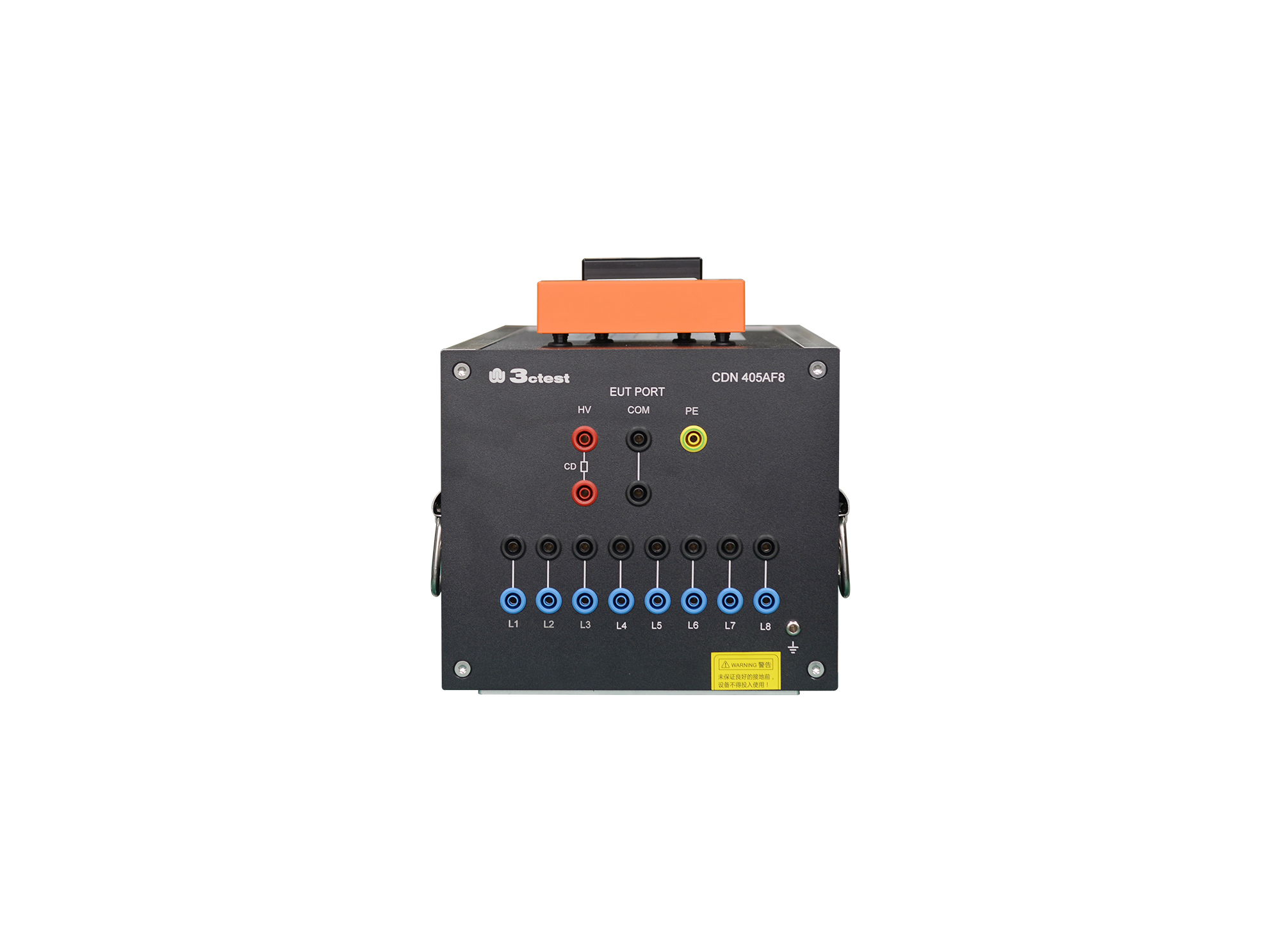
The CDN 405AF8(2A) is designed to couple surge pulses onto unshielded unsymmetrical communication lines for voltage up to 6 kV and max. transmission rate is 100 kbit/s.
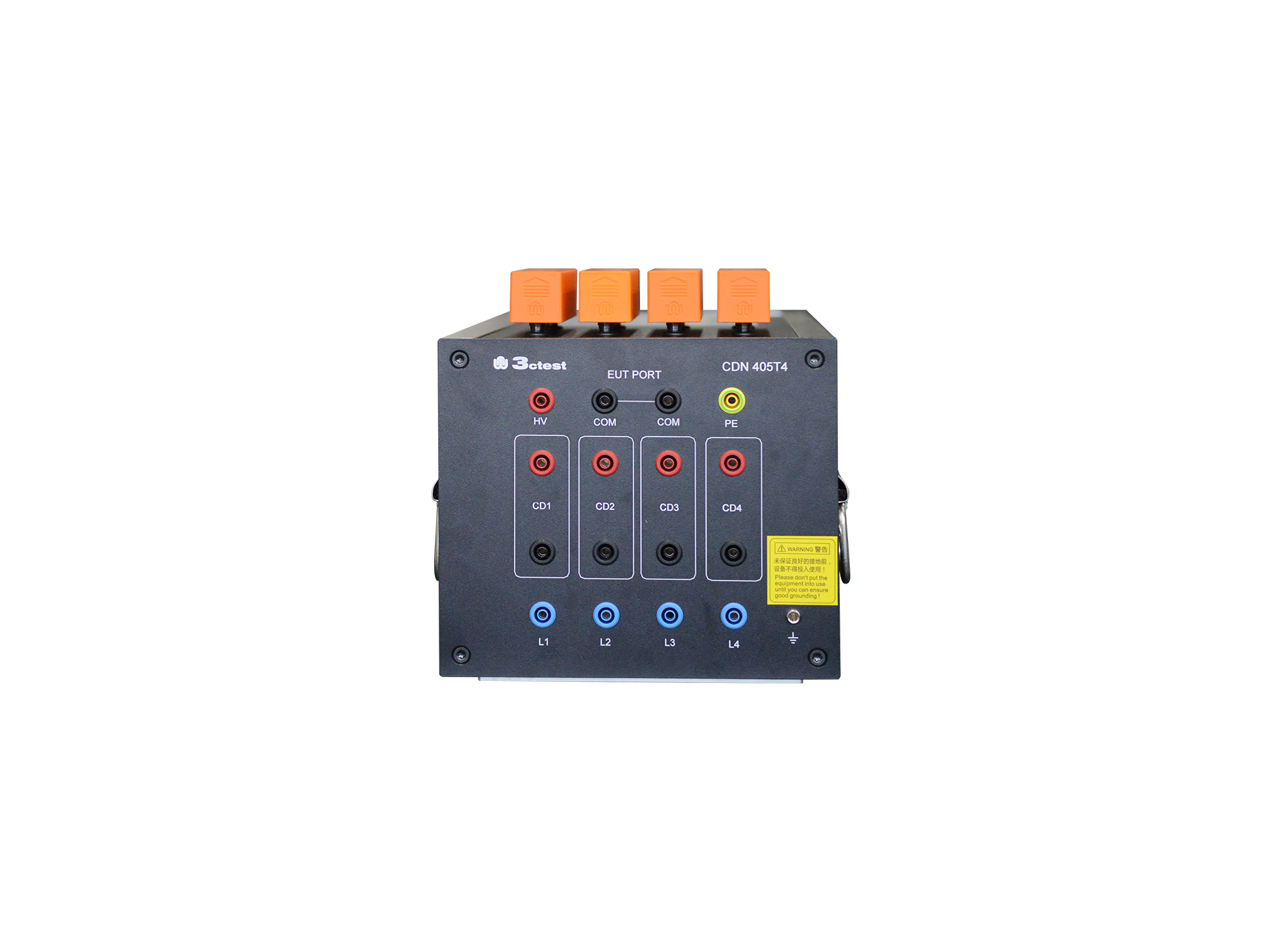
The CDN 405T4 unshielded symmetric high-speed communication line CDN, compliant with IEC 61000-4-5, GB/T 17626.5, is a professional CDN dedicated to lightning surge immunity tests on unshielded symmetrical high-speed communication lines.
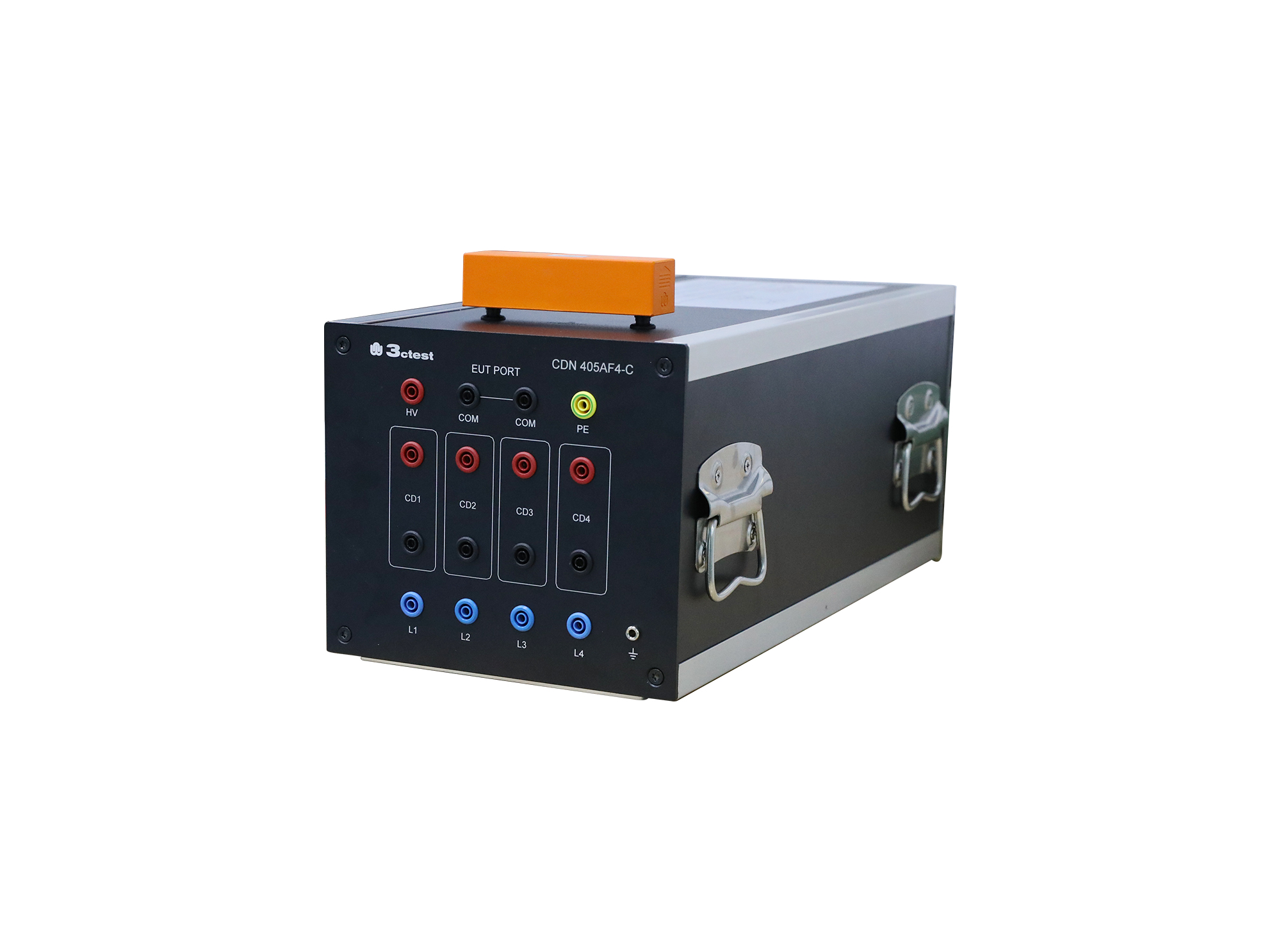
The CDN 405AF4 is designed to couple surge pulses onto unshielded unsymmetrical communication lines for voltage up to 6 kV and max. transmission rate is 100 Kbit/s.

• Using the product inquiry function can help you quickly learn about the product's price and other related information.
• You can either inquire about a single product directly, or select multiple products to add to the inquiry bar and inquire about them together.
• How to make an inquiry





1. Using the product comparison function can help you find the target product you need for selection more quickly and easily.
2. You can add up to 5 products for comparison. Product models and parameters may vary across different series. It is recommended to compare products within the same series.
3. How to use the comparison bar.




 Phone: +86-512-68413700
 Email: info@3ctest.cn
 Address:No.99 E'meishan Rd, SND, Suzhou, Jiangsu, 215153, China,Suzhou, Jiangsu, 215153, China



© 2025 Suzhou 3CTEST


 Leave a Message


