

High frequency recommended vocabulary
ITU-T K.17 specifies tests that are performed on power-fed repeaters using solid-state devices in order to verify the arrangements that protect them from external interference. A repeater of this kind is installed in a cable that runs outdoors, with the signal and the power supply carried over the same metallic pair, and it is powered from the ends of the link. The arrangement has two consequences that the recommendation addresses: the remote feeding voltage appears at every point of the line and must not endanger personnel or damage the equipment, and the long cable forms a path along which lightning currents and the currents induced by nearby power lines can reach the repeater. The document defines the tests that simulate these conditions, including the application of surge voltages and currents to the line terminals and to the feeding path, together with the levels and waveforms to be used, and it describes the measuring arrangements and the criteria by which the protection is judged to be effective. Guidance on the protection components themselves is also given.
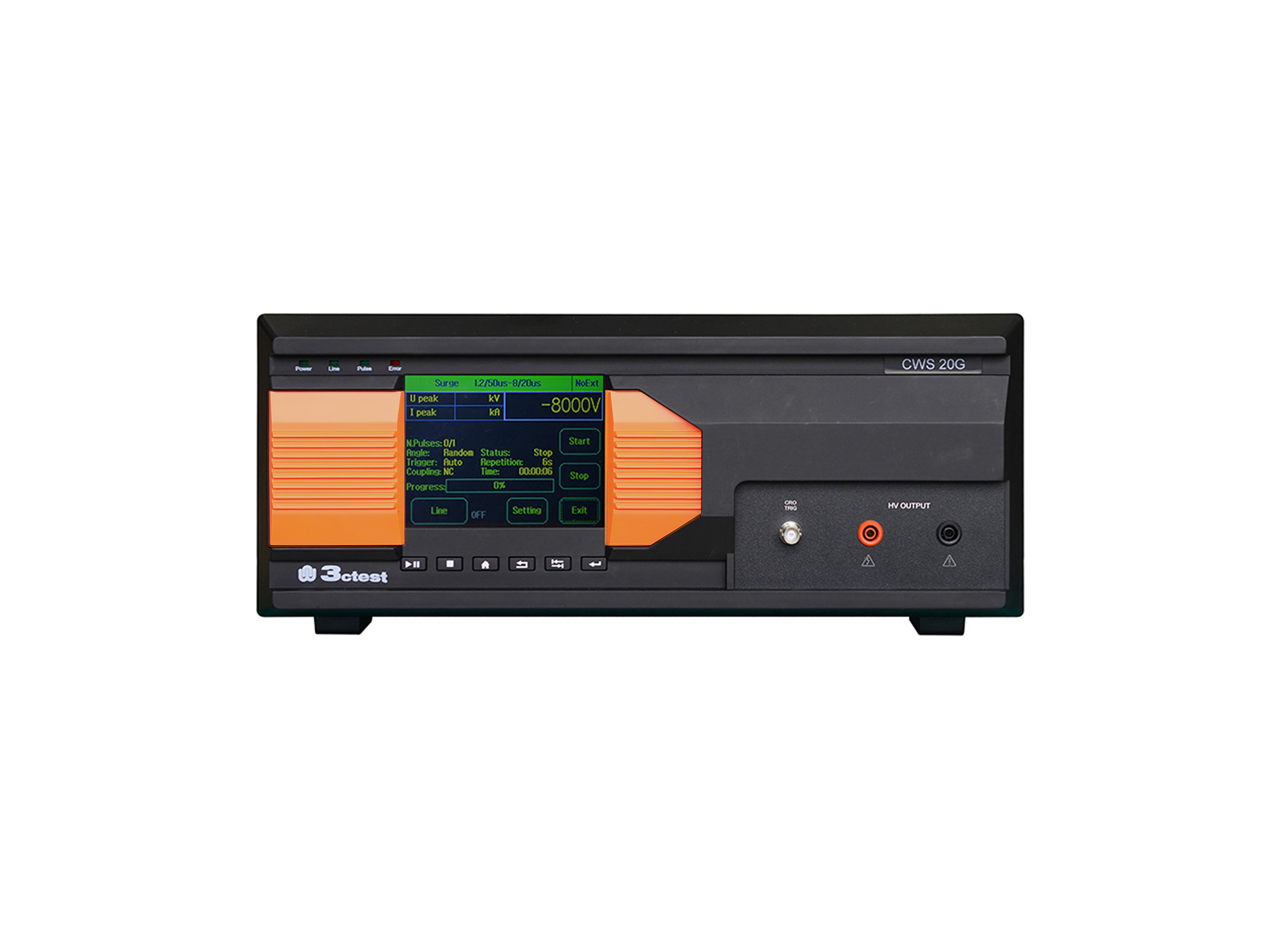
The CWS 20G Combination Lightning Surge Generator is based on the company's third-generation control platform. It is designed according to the requirements of IEC/EN 61000-4-5, IEC 60950, IEC 62305-4, IEC 61643-1, ITU-T K17, ITU-T K21.

• Using the product inquiry function can help you quickly learn about the product's price and other related information.
• You can either inquire about a single product directly, or select multiple products to add to the inquiry bar and inquire about them together.
• How to make an inquiry





1. Using the product comparison function can help you find the target product you need for selection more quickly and easily.
2. You can add up to 5 products for comparison. Product models and parameters may vary across different series. It is recommended to compare products within the same series.
3. How to use the comparison bar.




 Phone: +86-512-68413700
 Email: info@3ctest.cn
 Address:No.99 E'meishan Rd, SND, Suzhou, Jiangsu, 215153, China,Suzhou, Jiangsu, 215153, China



© 2025 Suzhou 3CTEST


 Leave a Message


