

High frequency recommended vocabulary
SAE ARP5412 is the SAE Aerospace Recommended Practice that defines the lightning environment an aircraft may encounter and the waveforms by which that environment is represented in design and test. It is a definition document rather than a test procedure: it answers the question of what the aircraft must be protected against, leaving the question of how the protection is verified to its companion. The document describes the composition of a lightning strike in terms of the current components that a strike delivers, distinguishing the initial high amplitude component that attaches to the aircraft and may be compared with the whole of a natural flash, the continuing current that flows afterwards and is significant because of the charge it transfers, and the subsequent and restrike components that follow. From those components it derives the standardised waveforms, their amplitudes, durations and transfer of charge, and it identifies which of them apply to the various parts of the aircraft, from the nose and wing tips where attachment is likely to the trailing edge and the tail where the current leaves.
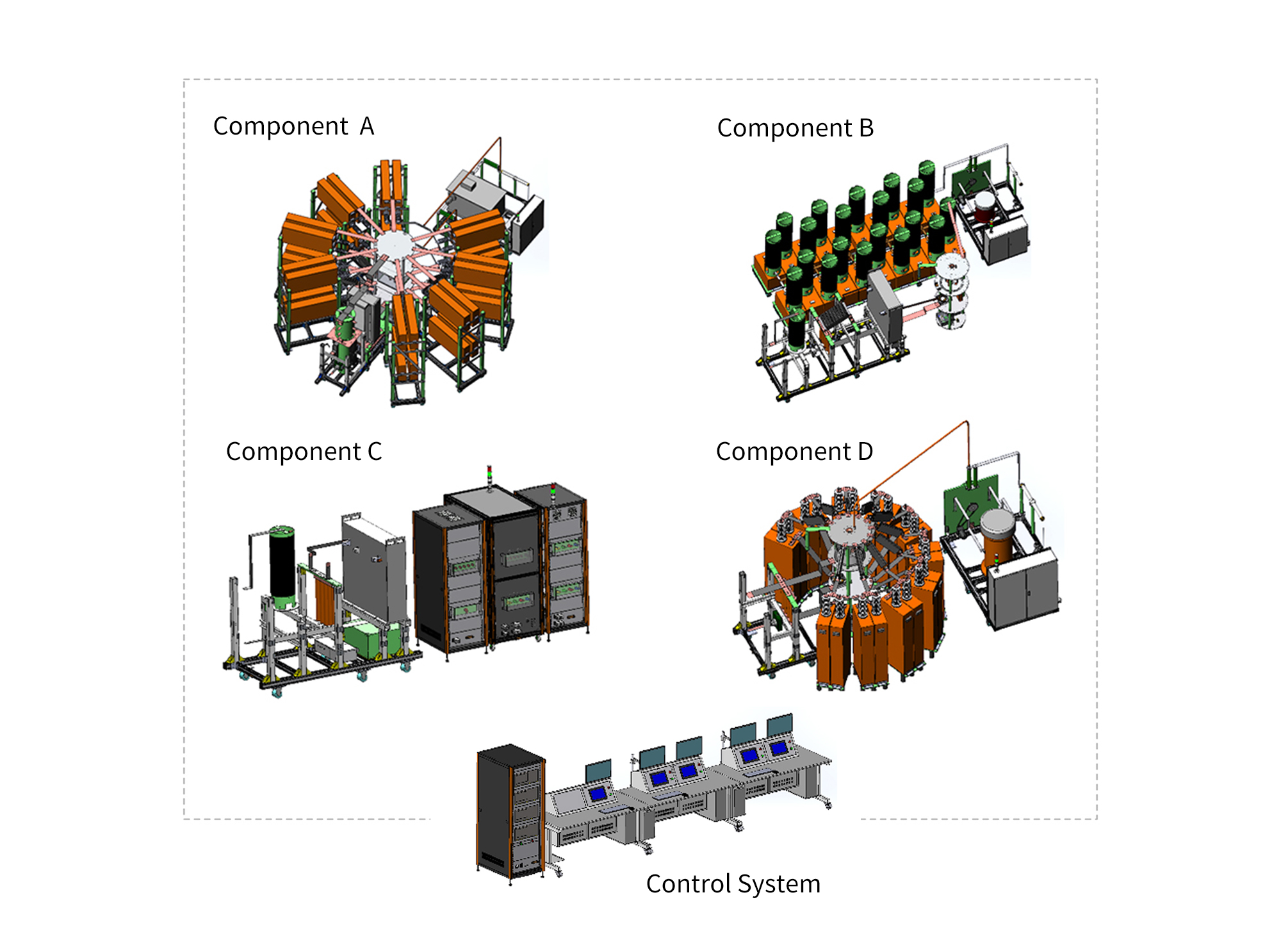
The Lightning Direct Effects Test System LCG 464C is an advanced high-energy pulsed current test platform specifically designed to simulate the current impact process experienced by aircraft during direct lightning events.
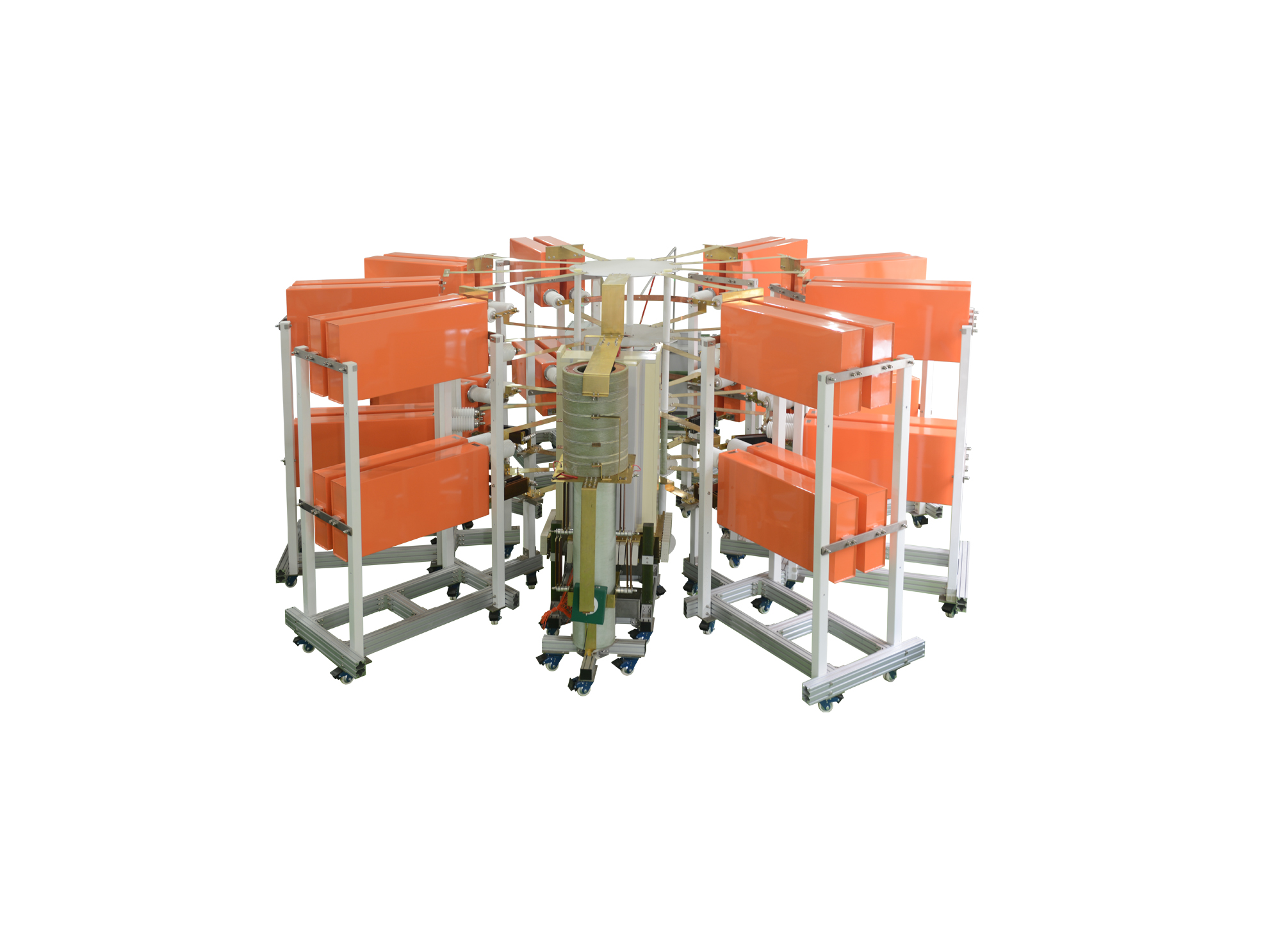
I类雷电电流试验系统可产生200kA的I类10/350us直接雷电波形和300kA的II类8/20us间接雷电波形,同时本套系统可通过不同的调波模块可以调试出满足航空标准及军用标准的直接雷电电流波形中的A分量和D分量,同时可扩展更多的其他波形

• Using the product inquiry function can help you quickly learn about the product's price and other related information.
• You can either inquire about a single product directly, or select multiple products to add to the inquiry bar and inquire about them together.
• How to make an inquiry





1. Using the product comparison function can help you find the target product you need for selection more quickly and easily.
2. You can add up to 5 products for comparison. Product models and parameters may vary across different series. It is recommended to compare products within the same series.
3. How to use the comparison bar.




 Phone: +86-512-68413700
 Email: info@3ctest.cn
 Address:No.99 E'meishan Rd, SND, Suzhou, Jiangsu, 215153, China,Suzhou, Jiangsu, 215153, China



© 2025 Suzhou 3CTEST


 Leave a Message


