

High frequency recommended vocabulary
SAE ARP5416 is the SAE Aerospace Recommended Practice that specifies the test methods by which the lightning protection of an aircraft is verified, and it is the companion to the document that defines the lightning environment and its waveforms. Where the environment document states what the aircraft must withstand, this one states how the demonstration is performed, covering the direct effects tests in which the standard current components are injected into representative structural and fuel system test articles, the arrangements by which attachment and exit points are represented, and the criteria by which a test article is judged to have failed, whether by puncture, by ignition of fuel vapour, by hot spot formation or by loss of structural integrity. It also covers the indirect effects tests applied to equipment and to complete systems, and the measurement of the transients induced in the aircraft wiring and of the currents distributed through the structure. The document is used in the certification of transport aircraft.
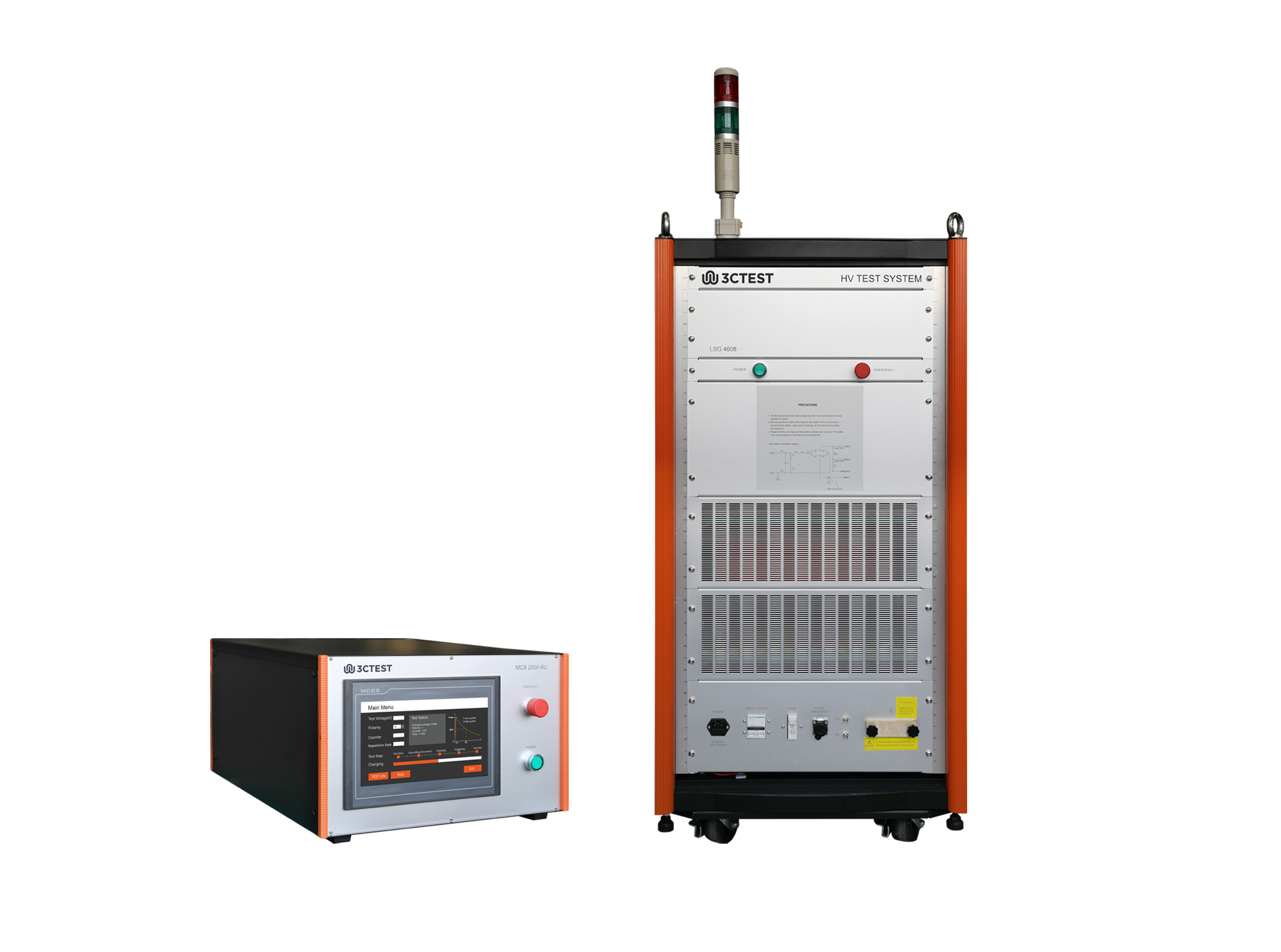
The LSG 4606 Impulse Current Generator is designed to simulate indirect lightning effects on airborne equipment in accordance with SAE ARP5416A Chapter 6.1.6 and RTCA DO-160 Section 22. It generates 6.4/69 μs lightning current impulses up to 8 kA for aircraft lightning protection testing.

• Using the product inquiry function can help you quickly learn about the product's price and other related information.
• You can either inquire about a single product directly, or select multiple products to add to the inquiry bar and inquire about them together.
• How to make an inquiry





1. Using the product comparison function can help you find the target product you need for selection more quickly and easily.
2. You can add up to 5 products for comparison. Product models and parameters may vary across different series. It is recommended to compare products within the same series.
3. How to use the comparison bar.




 Phone: +86-512-68413700
 Email: info@3ctest.cn
 Address:No.99 E'meishan Rd, SND, Suzhou, Jiangsu, 215153, China,Suzhou, Jiangsu, 215153, China



© 2025 Suzhou 3CTEST


 Leave a Message


