

High frequency recommended vocabulary
RTCA DO-160G is the standard of the RTCA that defines the environmental conditions and test procedures for airborne equipment, and it is the document that a supplier to the civil aviation industry meets in practice at the beginning of every project, because airworthiness authorities accept equipment qualified against it. The standard is organised as a set of numbered sections, each dealing with one category of environment, for which the equipment manufacturer declares a category and is then tested accordingly. The sections of interest to an electromagnetic engineer are those covering magnetic effect, power input, voltage spike, audio frequency conducted susceptibility, induced signal susceptibility, radio frequency susceptibility, emission of radio frequency energy, the transients induced in cable bundles by lightning, the direct effects of a lightning attachment, and electrostatic discharge. The declaration of category is the aspect that most often causes difficulty, because a category chosen narrowly may satisfy the letter of the requirement but not the expectations of an airline customer.
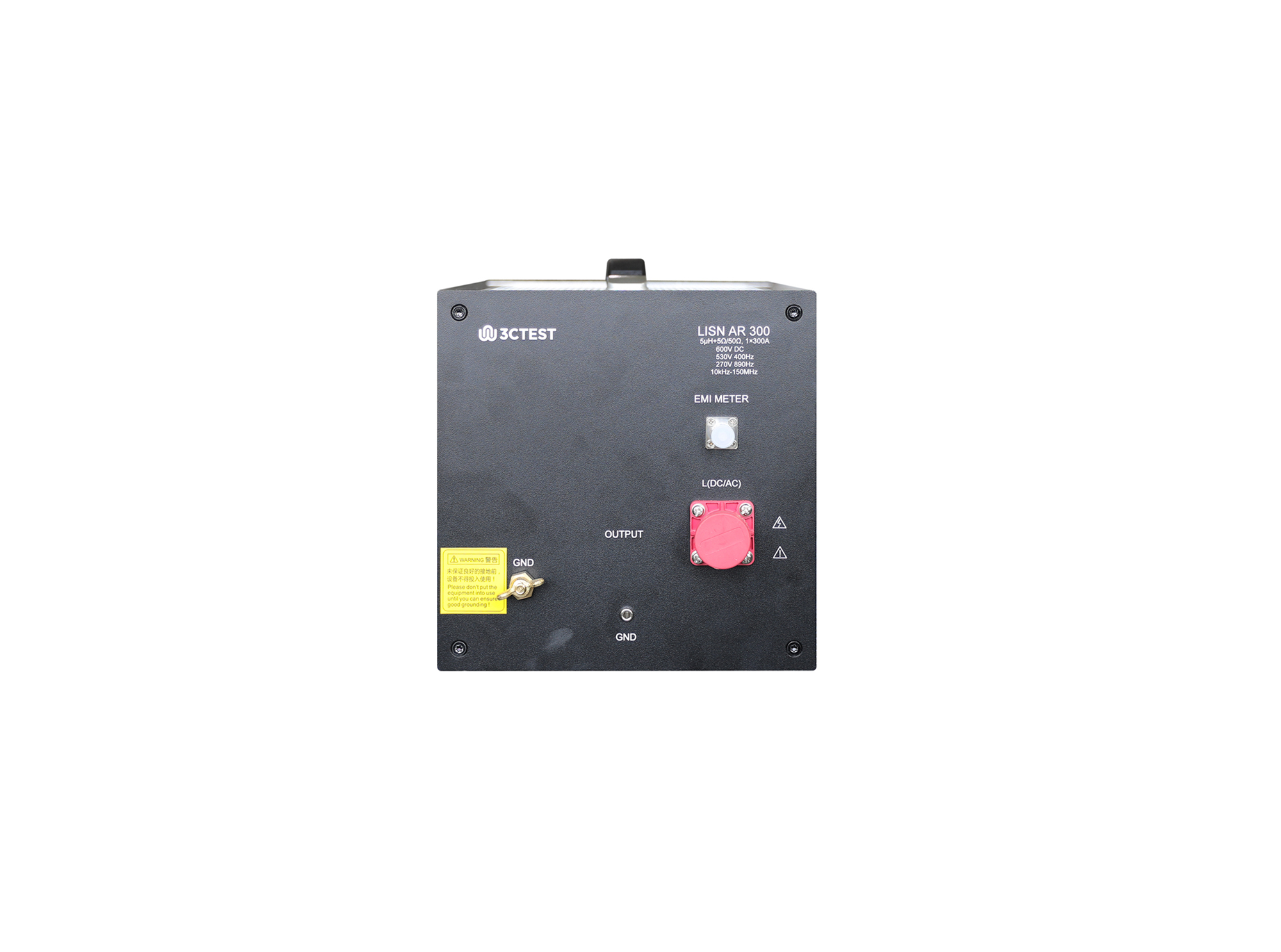
The LISN AR 300 is designed according to RTCA/DO 160 Section 20 and Section 22, it can be used to provide power impedance of input power consumption for EUT so that to ensure the consistency of test result.
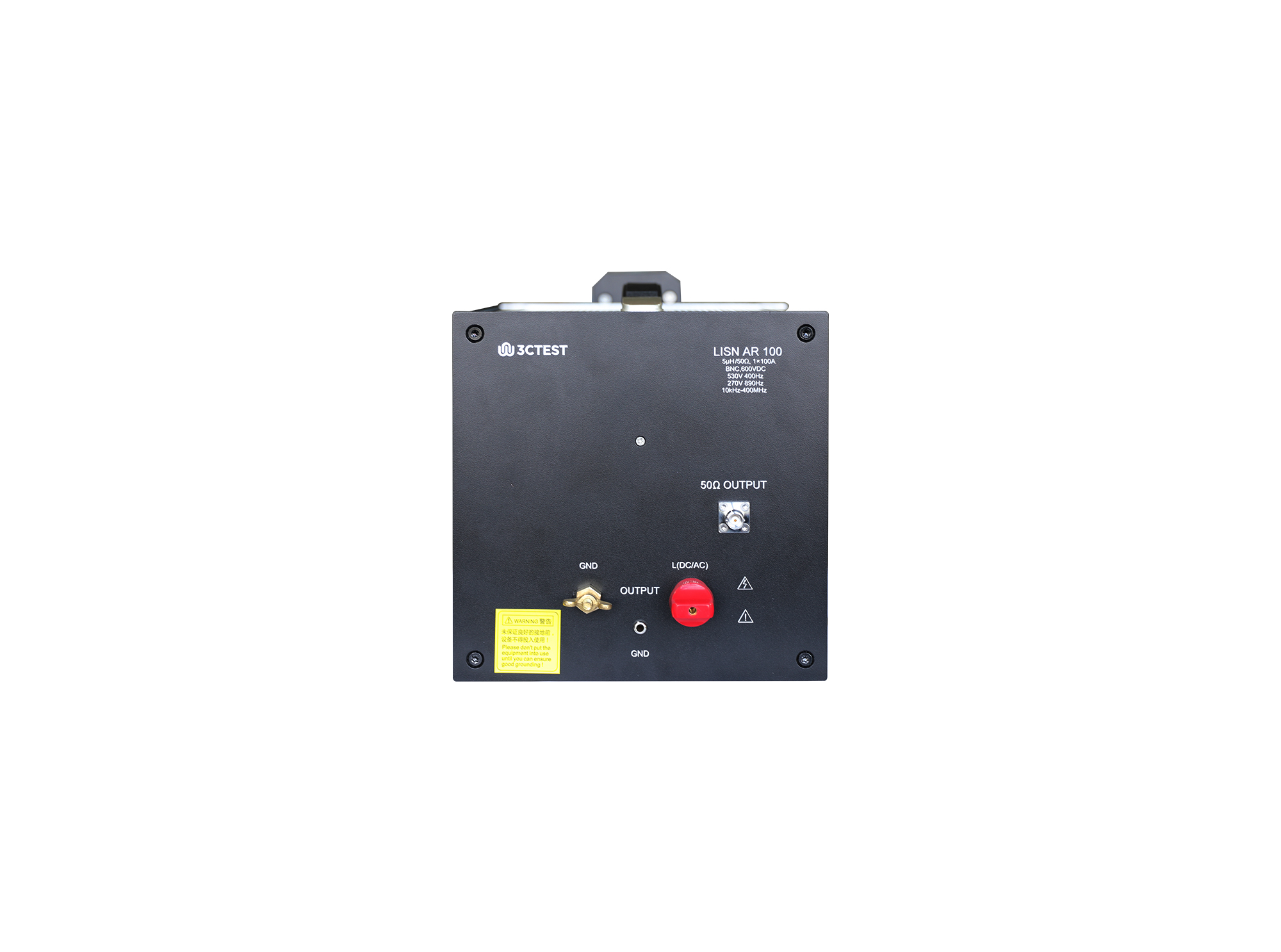
The LISN AR 100 Artificial Main Network is designed in accordance with RTCA/DO-160 Section 20 and Section 22.
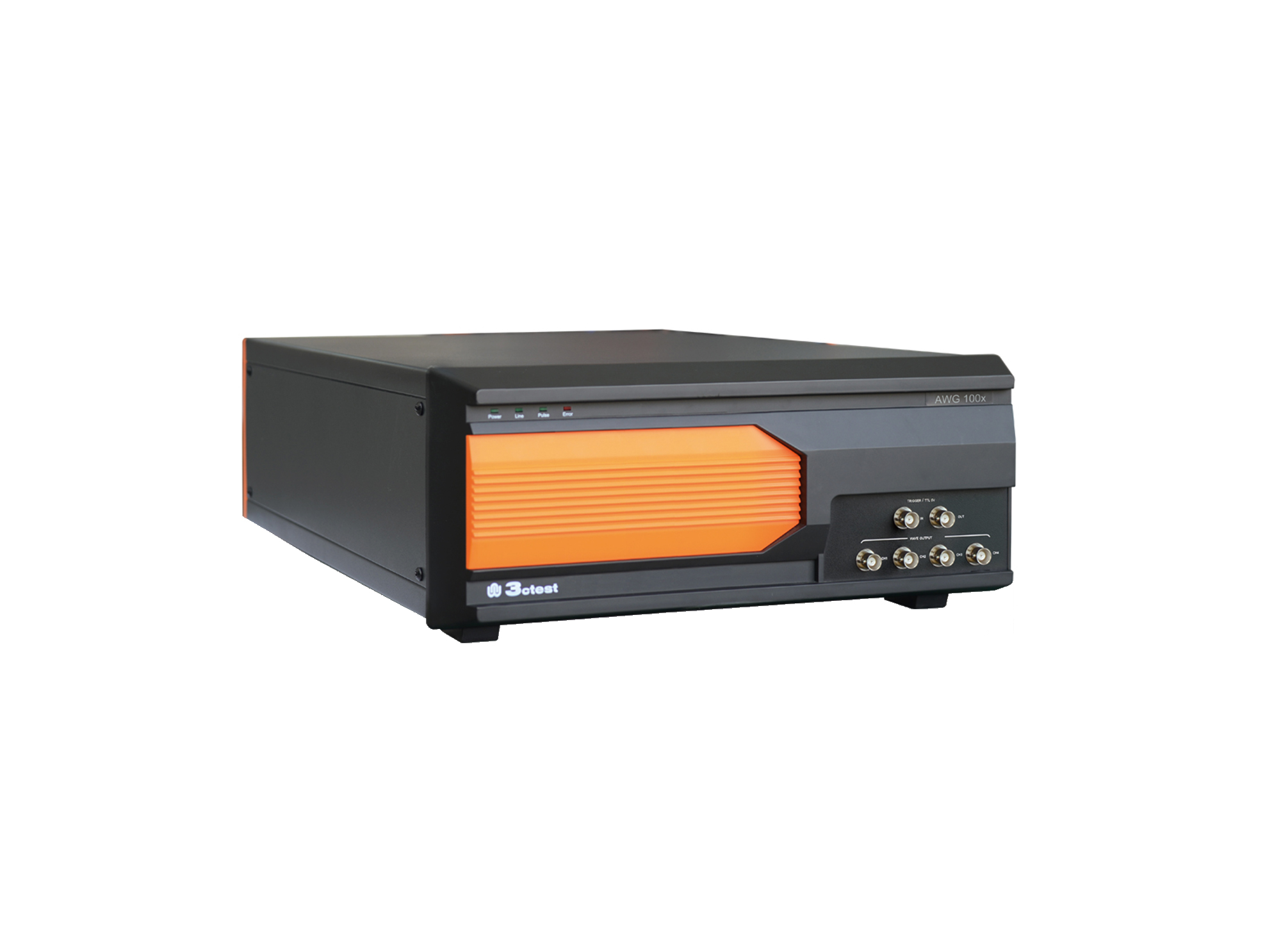
The AWG 100X Arbitrary Waveform Generator complies with ISO 16750, ISO 7637-2 and certain automotive manufacturer standards.
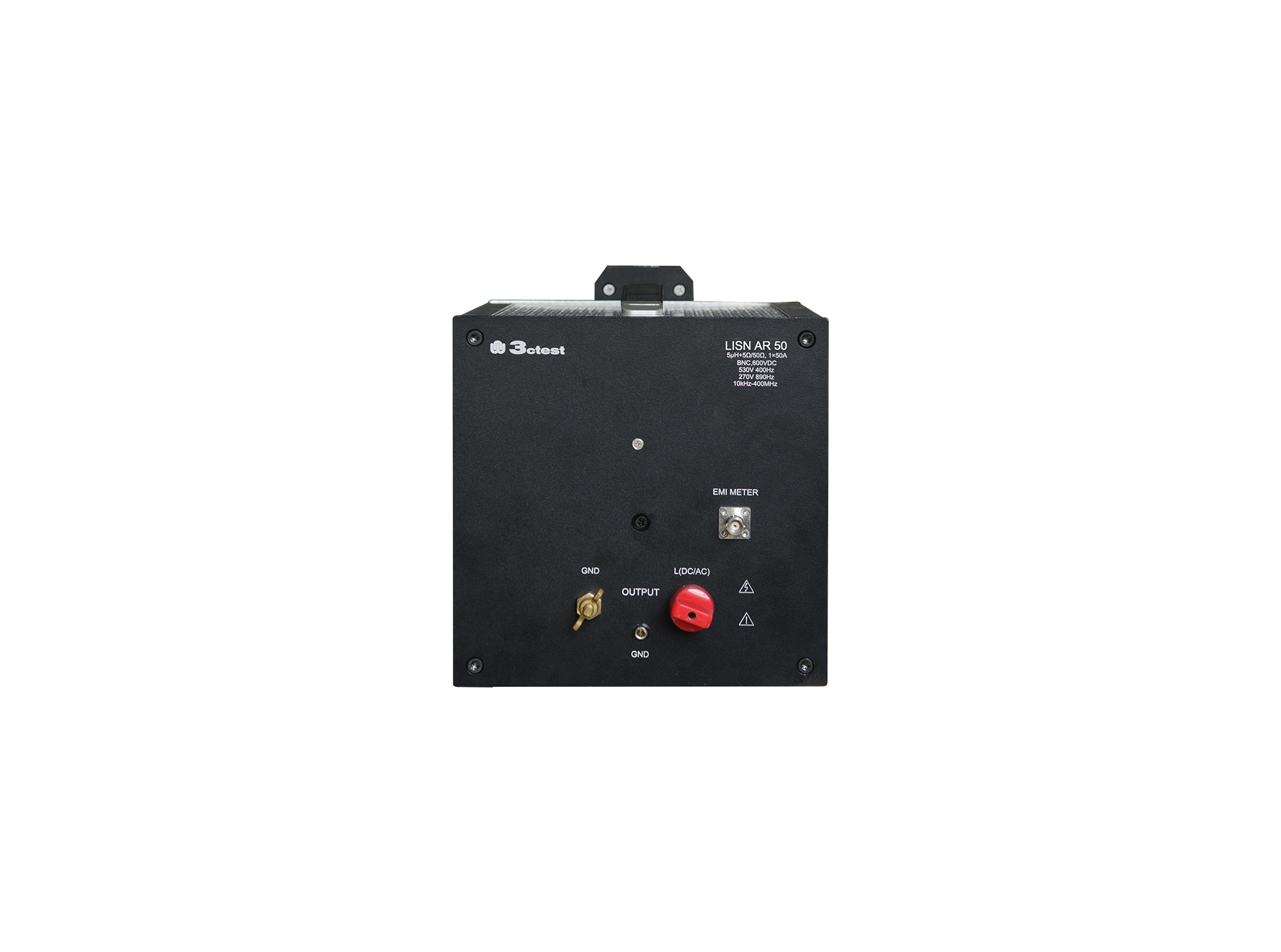
The LISN AR 50 Line Impedance Stabilization Network is designed in accordance with RTCA/DO-160 Section 20 and Section 22.
The LISN AR 50 Line Impedance Stabilization Network is designed in accordance with RTCA/DO-160G Section 20 and Section 22.
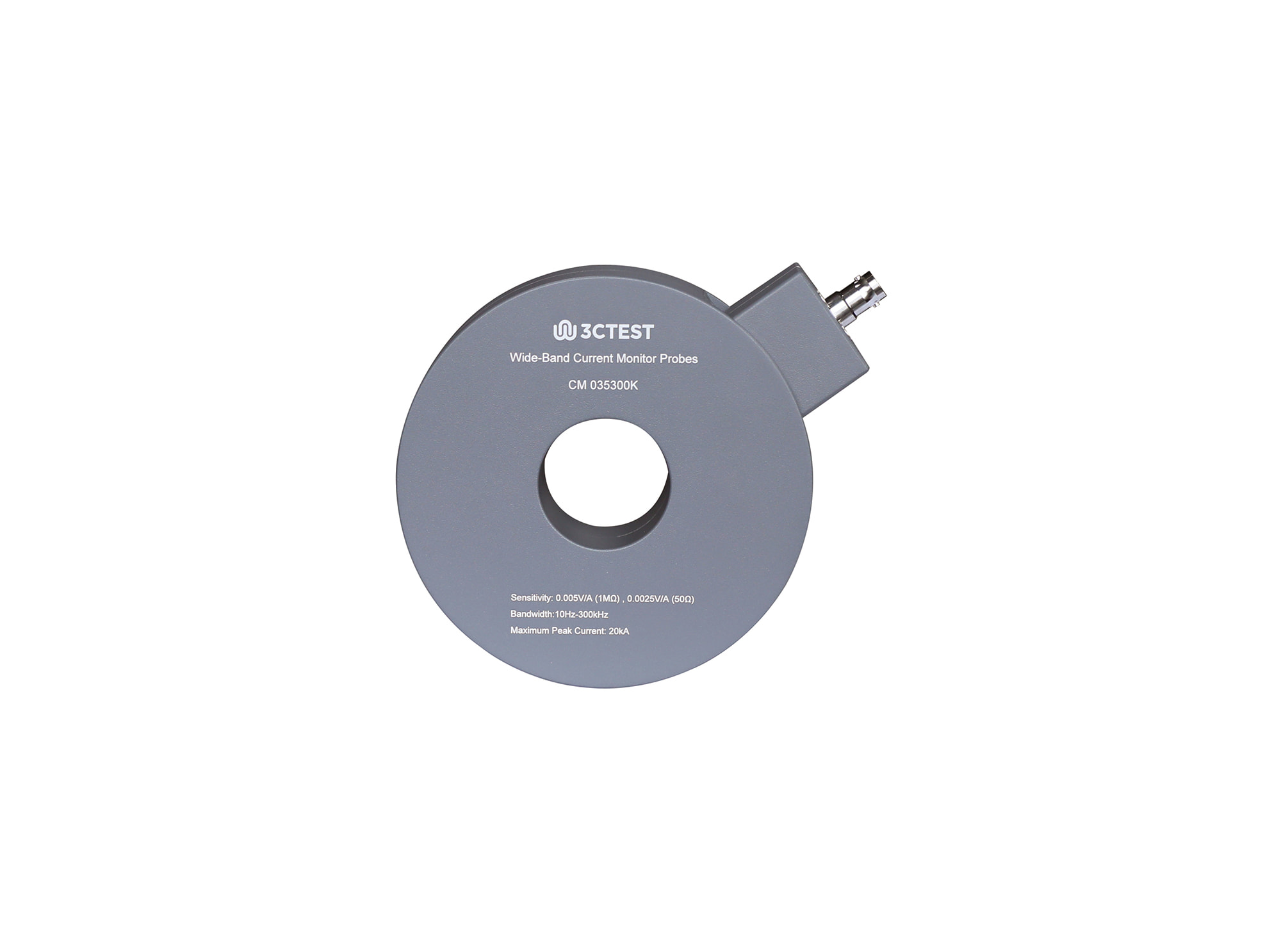
The CM 035300K Wideband Current Monitor Probe complies with IEC 61000-4-5, RTCA DO-160G and GB/T 17626.5-2019 and is designed to measure AC currents from 10 Hz to 300 kHz and time-domain pulse currents.
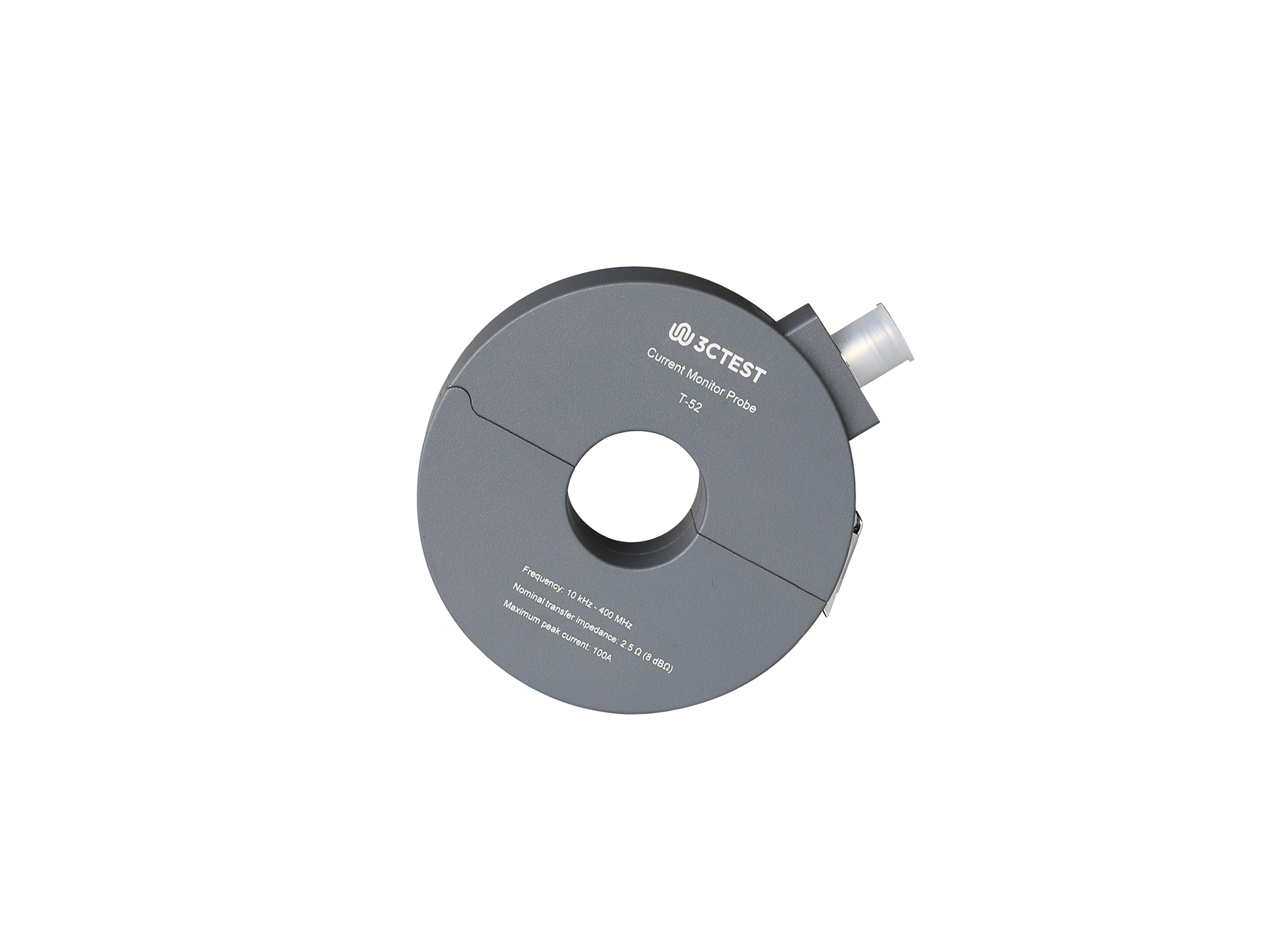
The T-52 Current Monitor Clamp complies with MIL-STD-461H, RTCA DO-160G and GJB151C-2024, and is designed for measuring high-frequency AC current and time-domain pulse current under low-frequency and DC bias.
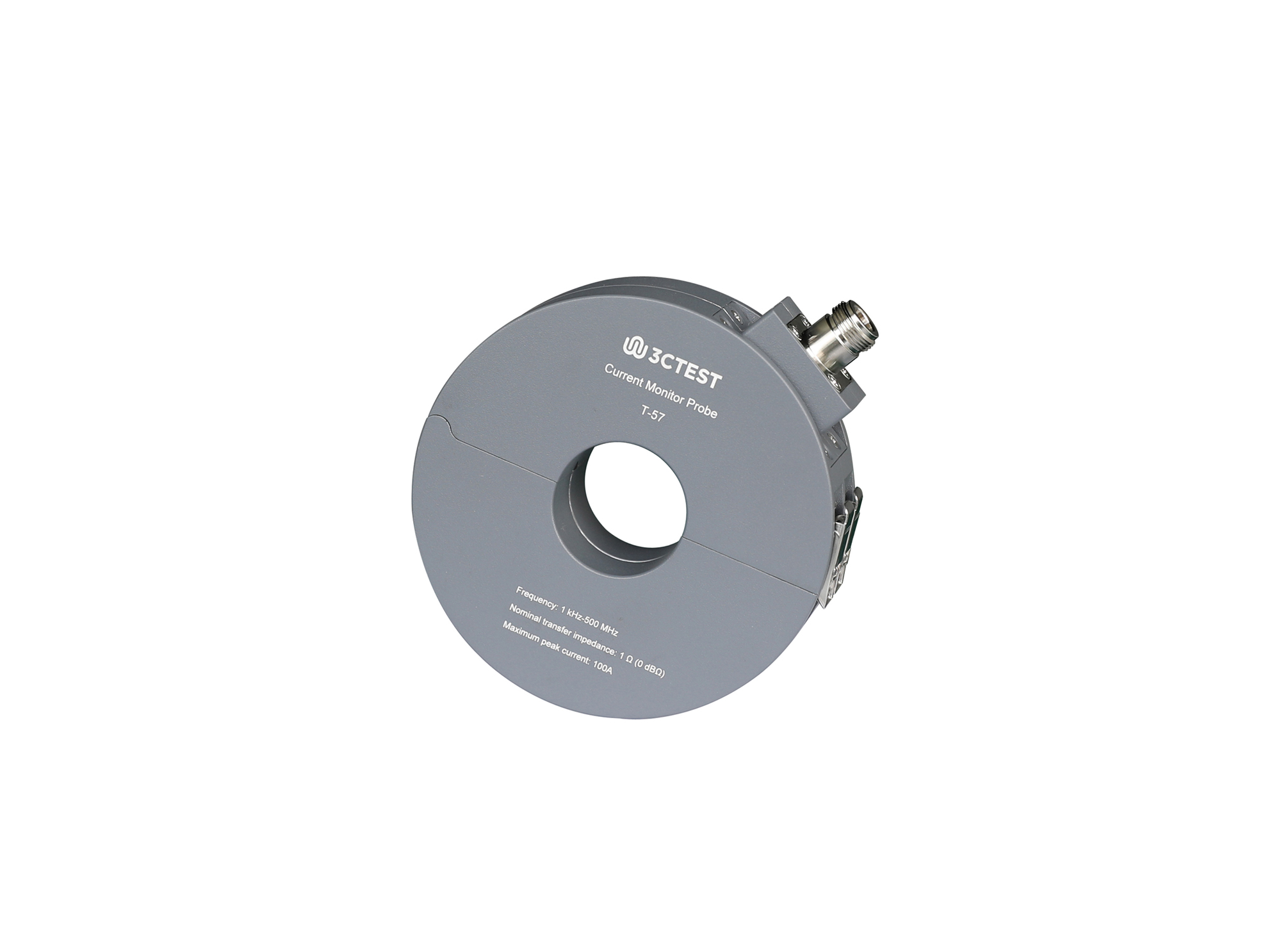
The T-57 Current Monitor Clamp complies with MIL-STD-461H, RTCA DO-160G and GJB151C-2024, and is designed for measuring high-frequency AC current and time-domain pulse current measurement under low-frequency and DC bias.
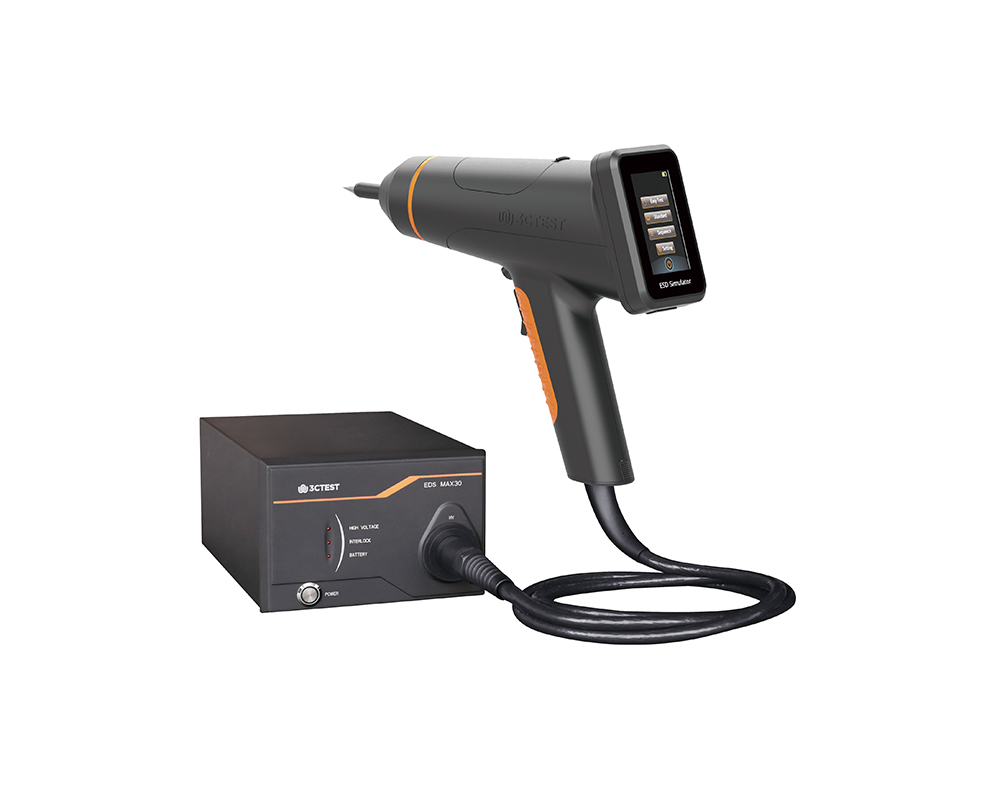
The EDS MAX30 is 3CTEST’s fourth-generation electrostatic discharge simulator in compliance with IEC 61000-4-2:2025, ISO 10605:2023 and other standards. This new product has a test voltage up to 30 kV
The EDS MAX30 is 3CTEST's fourth-generation electrostatic discharge simulator in compliance with IEC 61000-4-2:2025, ISO 10605:2023 and other standards.
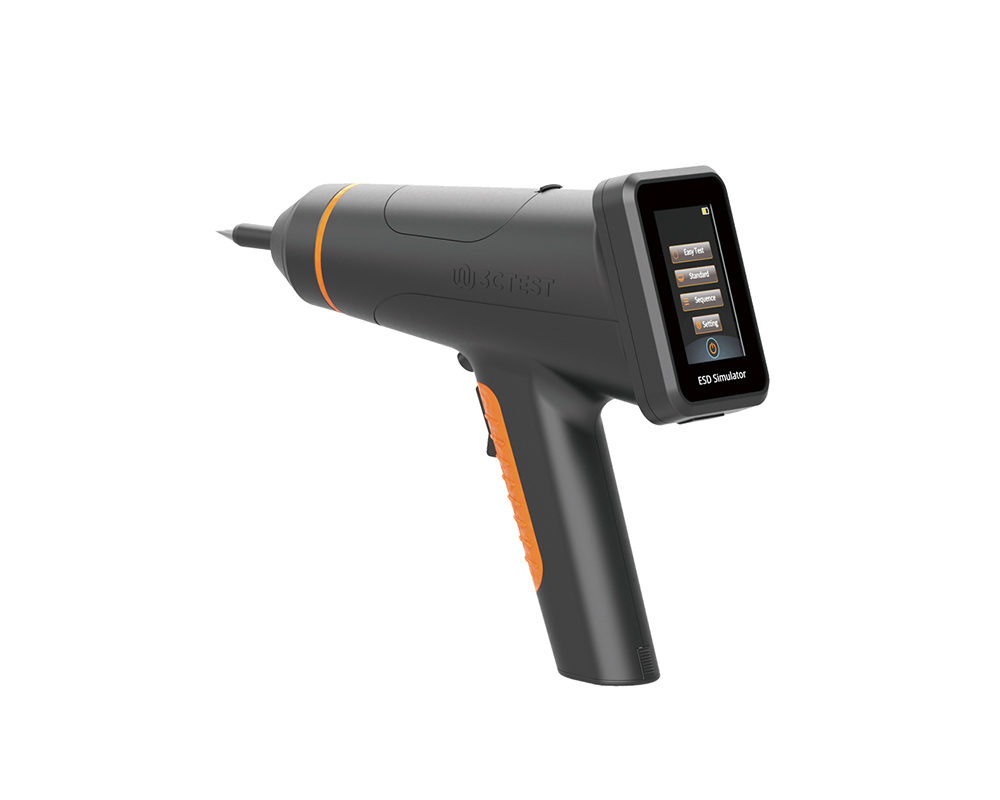
The EDS MAX20 is 3CTEST's fourth - generation electrostatic discharge simulator in compliance with IEC 61000-4-2 and other standards.
The EDS MAX20 is 3CTEST’s fourth - generation electrostatic discharge simulator in compliance with IEC 61000-4-2 and other standards. This new product has a test voltage up to 20 kV and features 3.5-inch HD color screen, along with compact mechanical design, intuitive UI design, lightweight, and impeccable waveforms.
The EDS MAX16 is 3CTEST's fourth - generation electrostatic discharge simulator in compliance with IEC 61000-4-2 and other standards.
The EDS MAX16 is 3CTEST's fourth - generation electrostatic discharge simulator in compliance with IEC 61000-4-2 and other standards. This new product has a test voltage up to 17 kV and features 3.5-inch high - definition color screen,
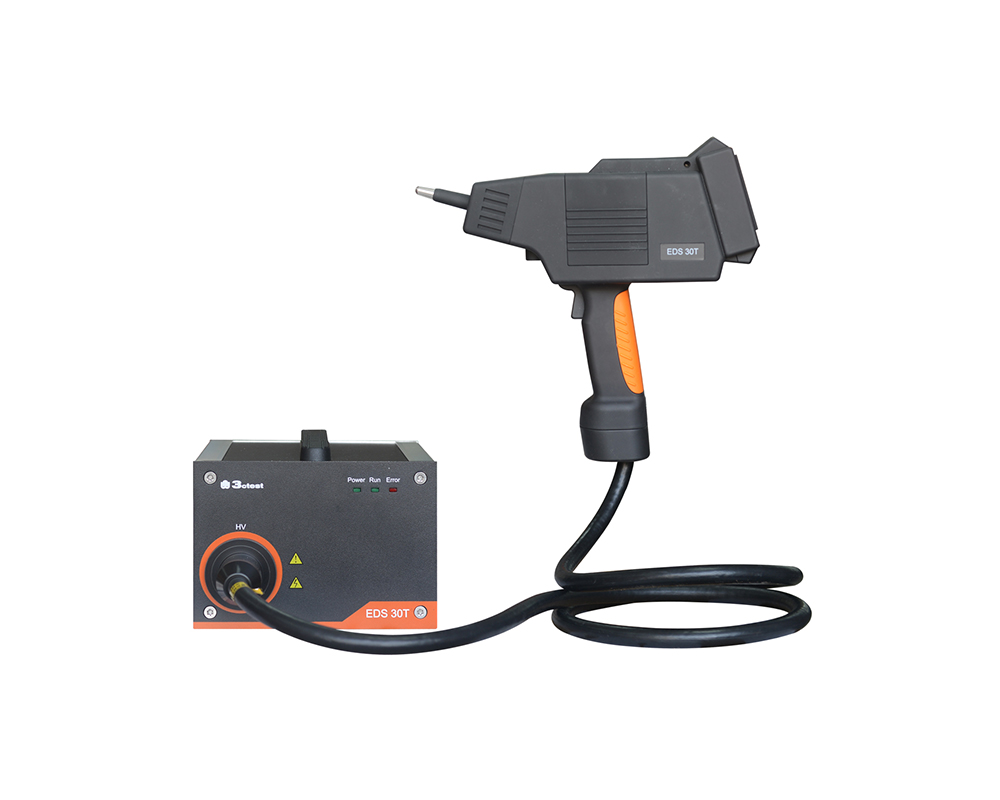
The EDS 30T is an intelligent electrostatic discharge (ESD) simulator designed to meet the IEC 61000-4-2 testing standard, accurately simulating electrostatic discharge pulse up to 30 kV.
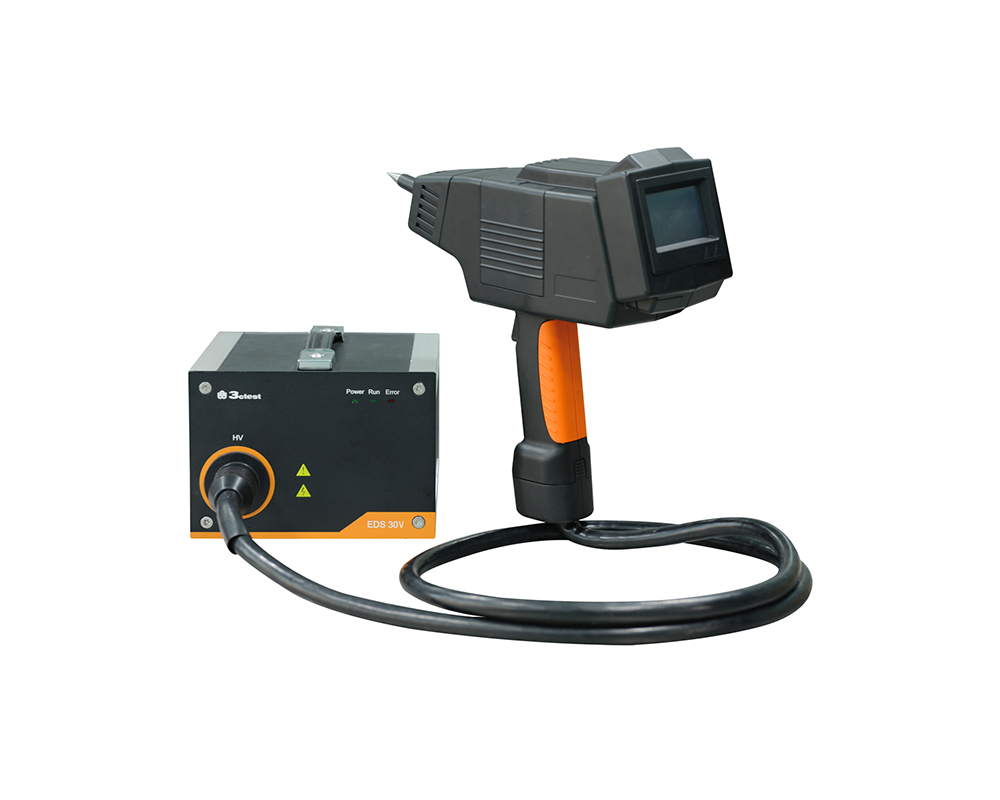
The EDS 30V is an intelligent electrostatic discharge (ESD) generator complies with international automotive electronic standards such as ISO 10605, while also supporting general electrostatic discharge test standards such as IEC 61000-4-2.

• Using the product inquiry function can help you quickly learn about the product's price and other related information.
• You can either inquire about a single product directly, or select multiple products to add to the inquiry bar and inquire about them together.
• How to make an inquiry





1. Using the product comparison function can help you find the target product you need for selection more quickly and easily.
2. You can add up to 5 products for comparison. Product models and parameters may vary across different series. It is recommended to compare products within the same series.
3. How to use the comparison bar.




 Phone: +86-512-68413700
 Email: info@3ctest.cn
 Address:No.99 E'meishan Rd, SND, Suzhou, Jiangsu, 215153, China,Suzhou, Jiangsu, 215153, China



© 2025 Suzhou 3CTEST


 Leave a Message


