

High frequency recommended vocabulary
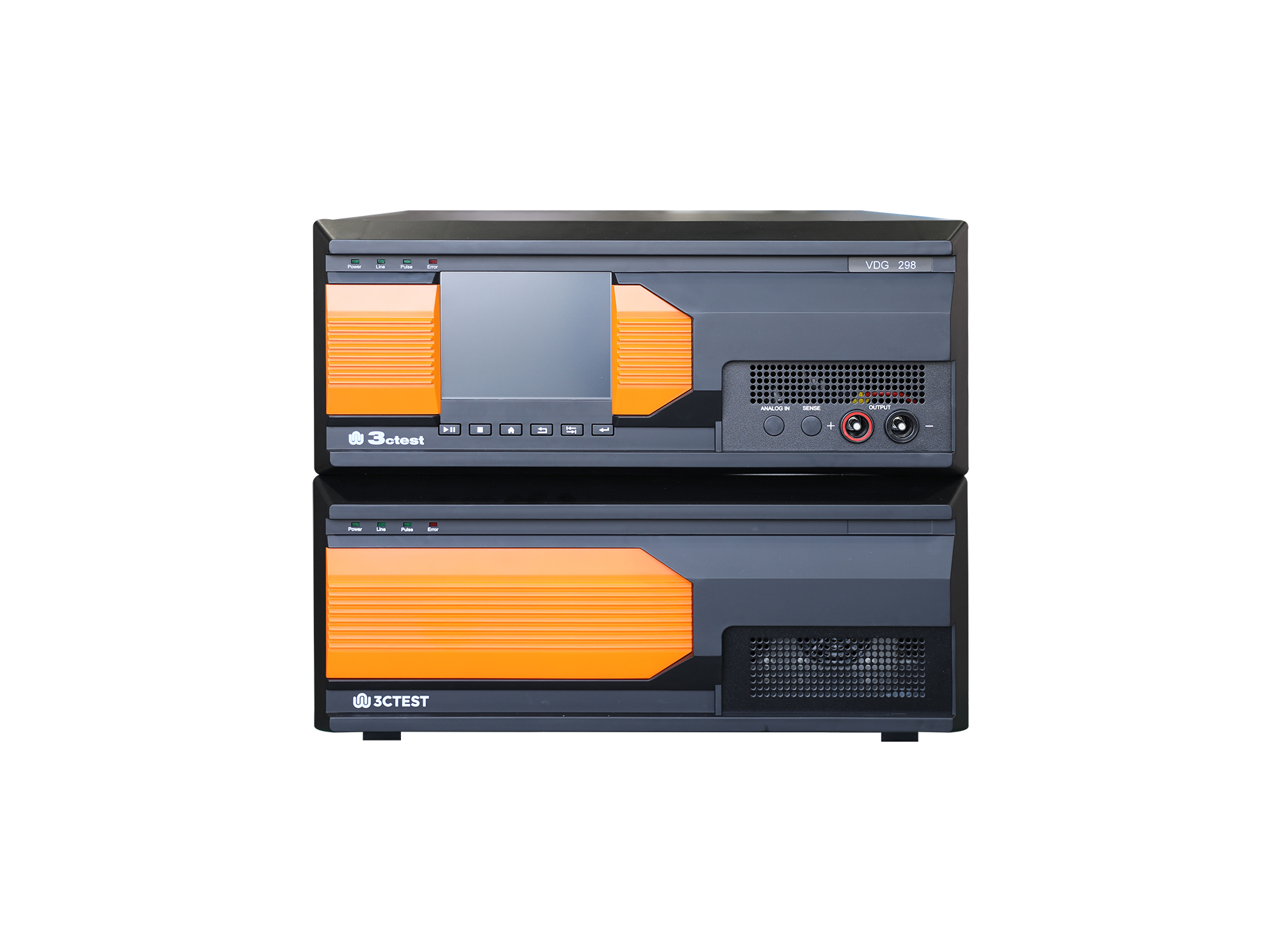
MIL-STD-1275D is the United States military standard that specifies the characteristics of the 28 volt direct current electrical system of military vehicles, and it defines the electrical environment that equipment connected to that system must tolerate. A military vehicle electrical system is substantially harsher than a commercial one: the alternator is large in relation to the battery, loads are switched abruptly, and the equipment may be operated with the battery disconnected or discharged, which is the condition that produces the most severe transient. The standard defines the steady state voltage limits under normal and abnormal operation, the ripple and the transient conditions generated by switching loads, the load dump that follows the disconnection of a loaded alternator, the behaviour during engine cranking and the requirements during a single fault such as a loss of voltage regulation or a short circuit of a supply line. It also states what equipment must do while these conditions are present and what permanent damage is permitted afterwards.

• Using the product inquiry function can help you quickly learn about the product's price and other related information.
• You can either inquire about a single product directly, or select multiple products to add to the inquiry bar and inquire about them together.
• How to make an inquiry





1. Using the product comparison function can help you find the target product you need for selection more quickly and easily.
2. You can add up to 5 products for comparison. Product models and parameters may vary across different series. It is recommended to compare products within the same series.
3. How to use the comparison bar.




 Phone: +86-512-68413700
 Email: info@3ctest.cn
 Address:No.99 E'meishan Rd, SND, Suzhou, Jiangsu, 215153, China,Suzhou, Jiangsu, 215153, China



© 2025 Suzhou 3CTEST


 Leave a Message


