

High frequency recommended vocabulary
MIL-STD-461G is the United States military standard that establishes the requirements controlling the electromagnetic interference characteristics of subsystems and equipment, and it is the document that most electronic equipment supplied to the United States Department of Defense must satisfy. It defines a set of numbered test items in four families, conducted emissions, conducted susceptibility, radiated emissions and radiated susceptibility, and for each item it states the purpose, the applicable frequency range, the limit or the applied level, the applicability to different classes of equipment and the test set-up. The revision incorporated two items that earlier editions did not contain: a conducted susceptibility test for the transients induced in aircraft and equipment cabling by a lightning strike, and a test for the electrostatic discharge that occurs when personnel touch equipment. A programme does not apply the whole standard; it selects the items appropriate to the platform and the installation, and it is that tailored list which forms the contractual requirement.
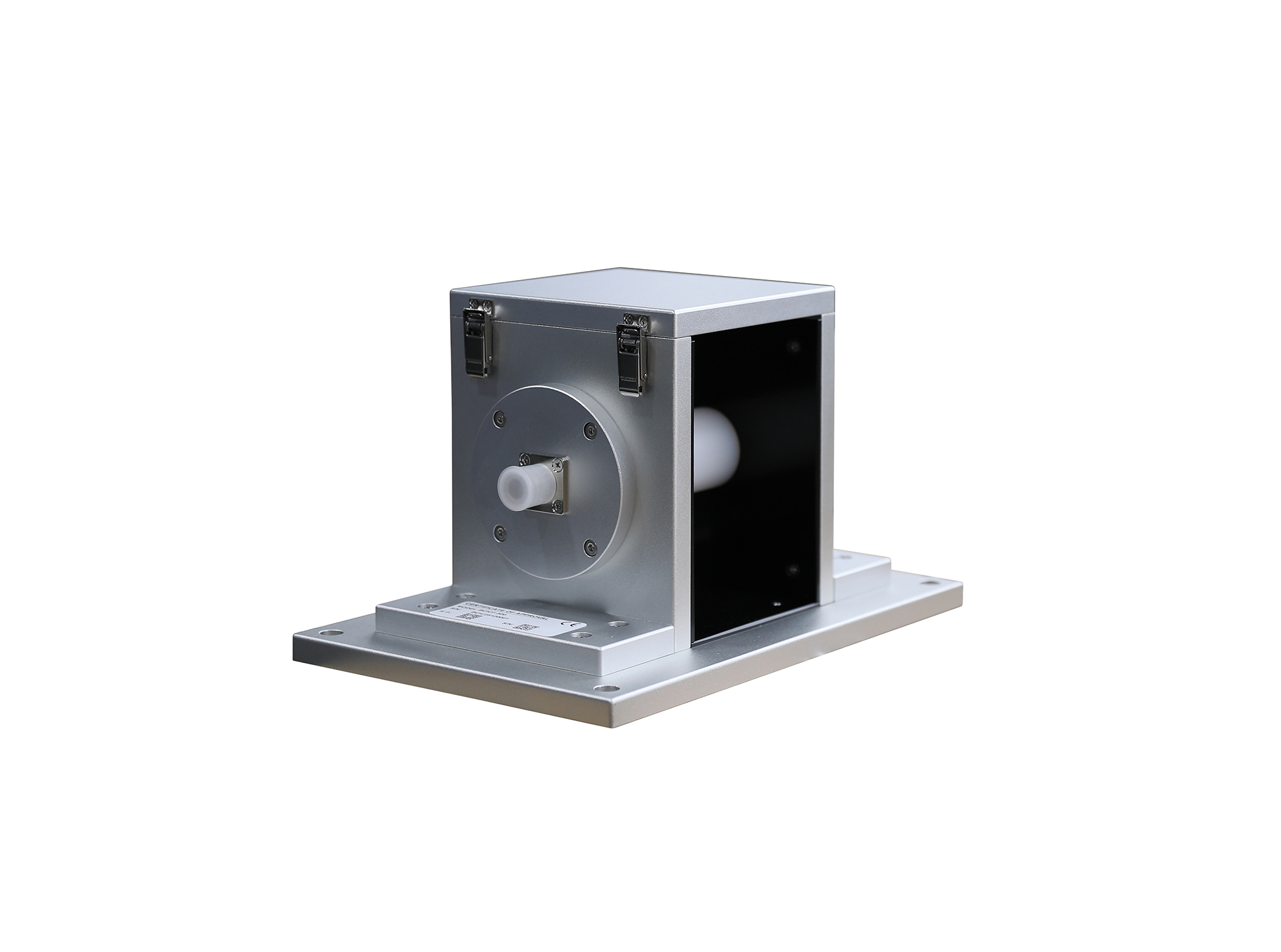
The BCICF-500 broadband current injection calibration fixture is designed for calibration tests of current injection clamps and current measuring probes, serving as a broadband signal transmission and coupling device. I
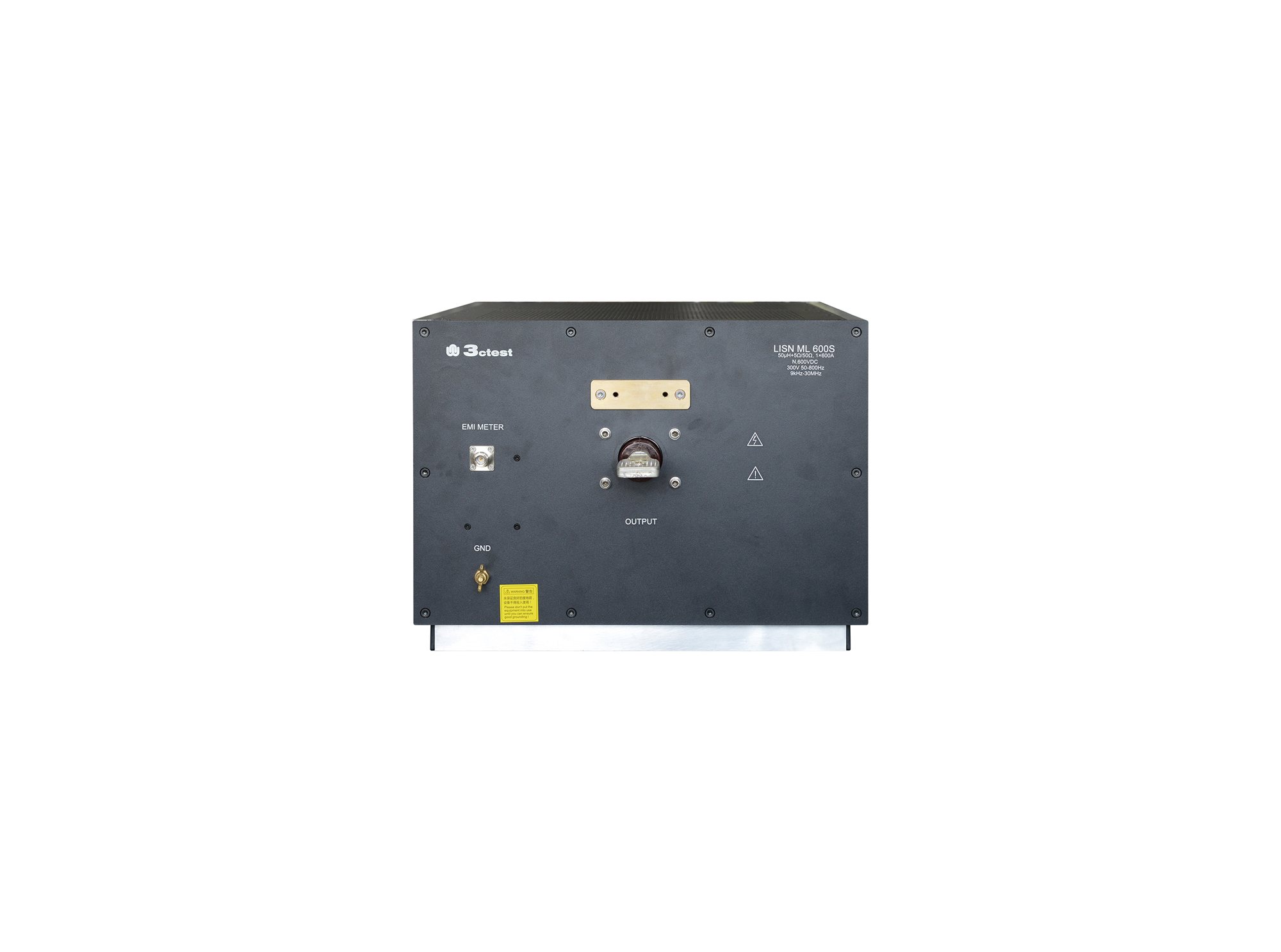
The LISN ML 600S line impedance stabilization network is designed according to MIL-STD-461 and GJB 151.
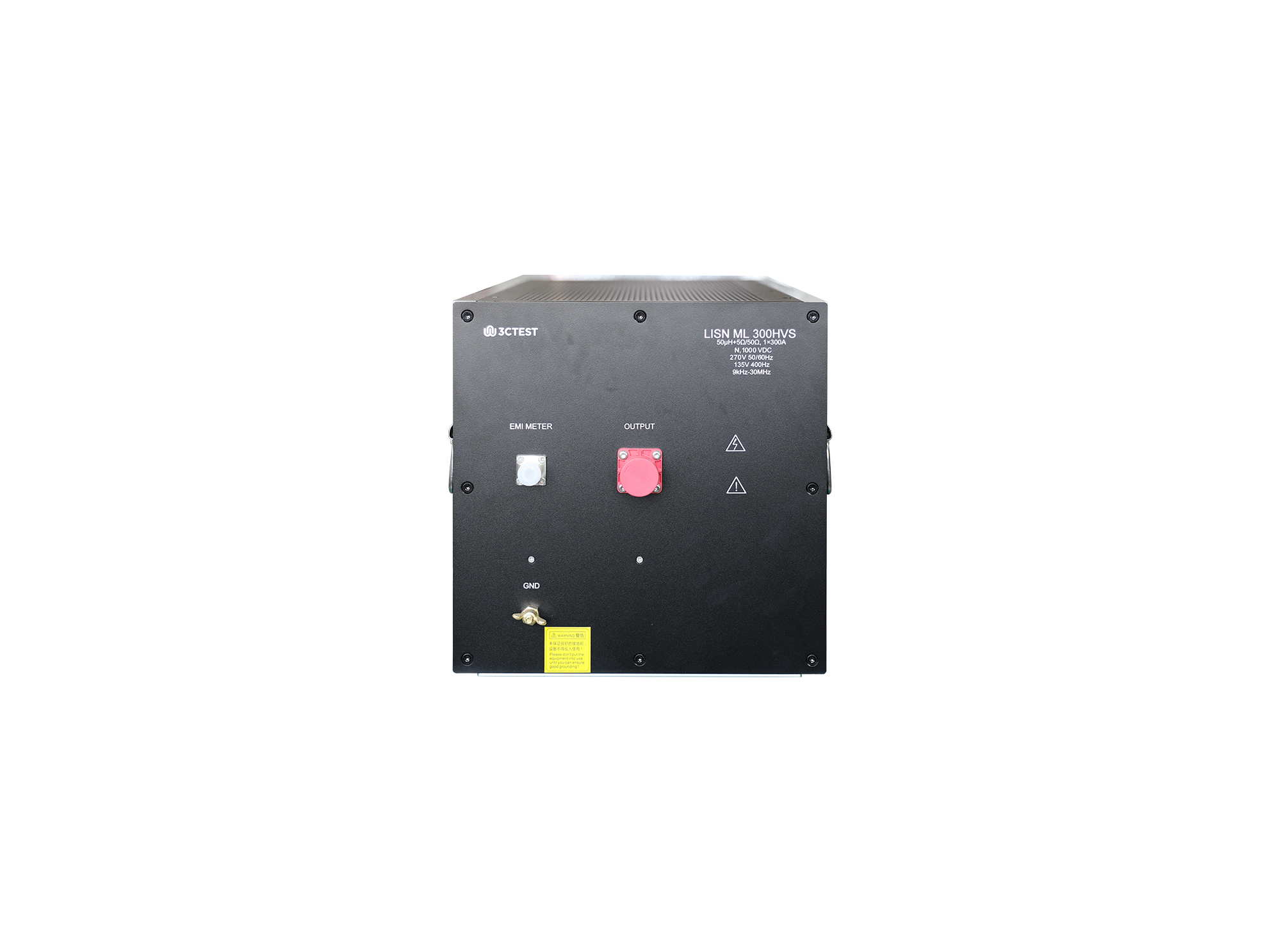
The LISN ML 300HVS line impedance stabilization network is designed according to MIL-STD-461 and GJB 151.
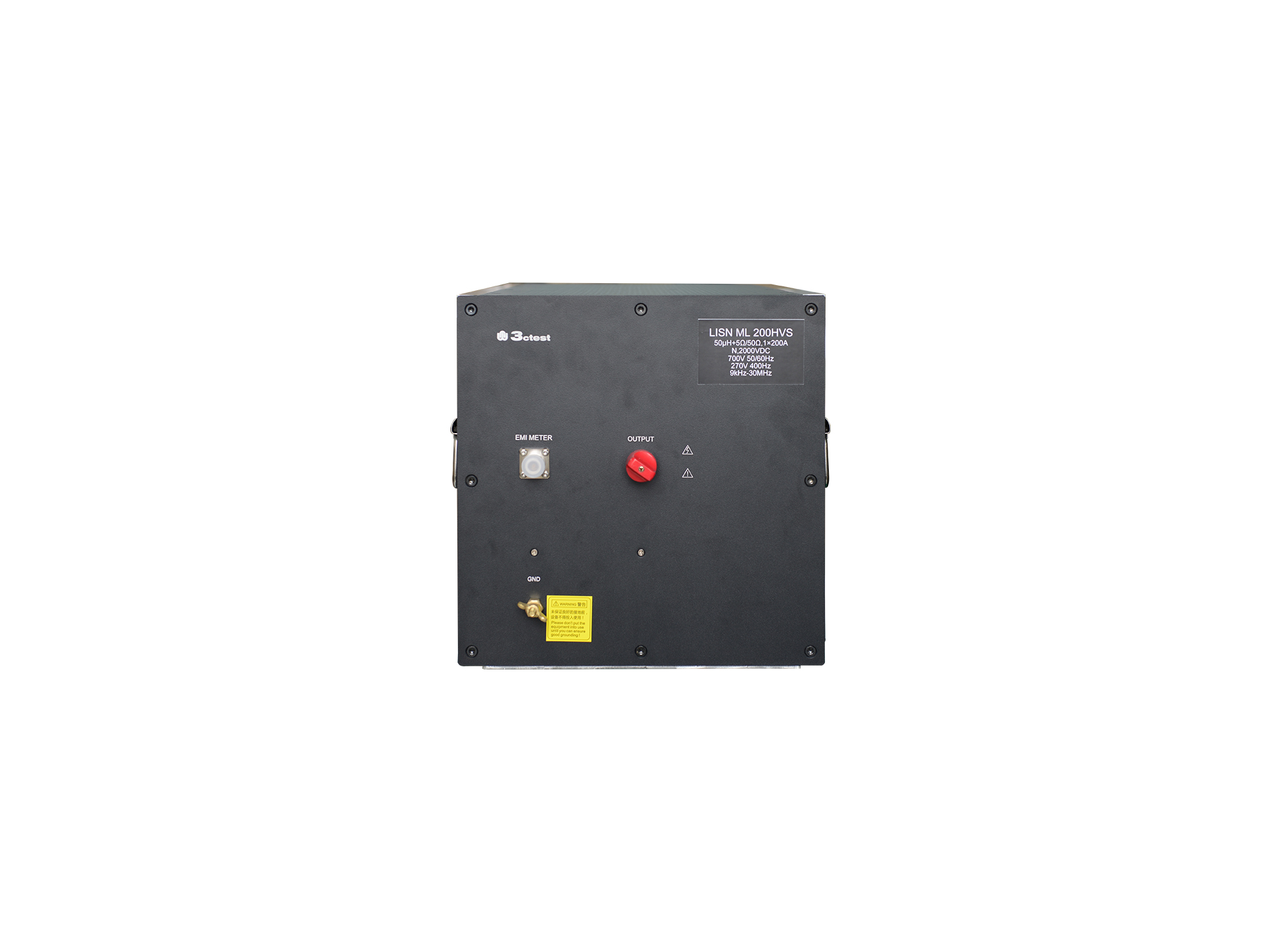
The LISN ML 200HVS line impedance stabilization network is designed according to MIL-STD-461 and GJB 151. Designed for conducted emission test, it isolates power interference and provides the specified power impedance to EUT.
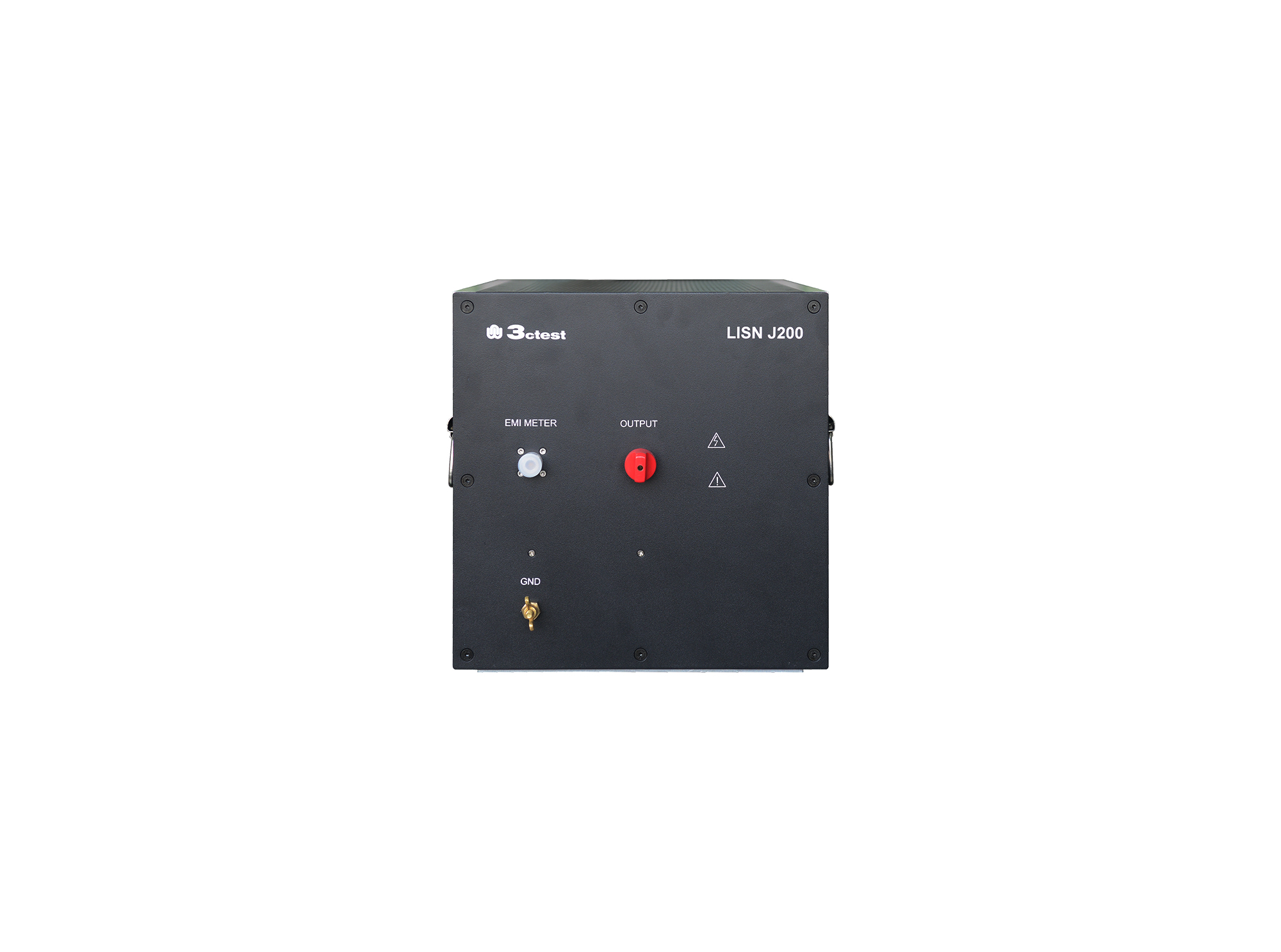
The LISN J200 is designed as per GJB151B (2013) and MIL-STD-461E(1999)and used to separate parts from mains and measure the disturbances feature of vehicles, ships and internal combustion engines, its impedance completely meets standards requirements.
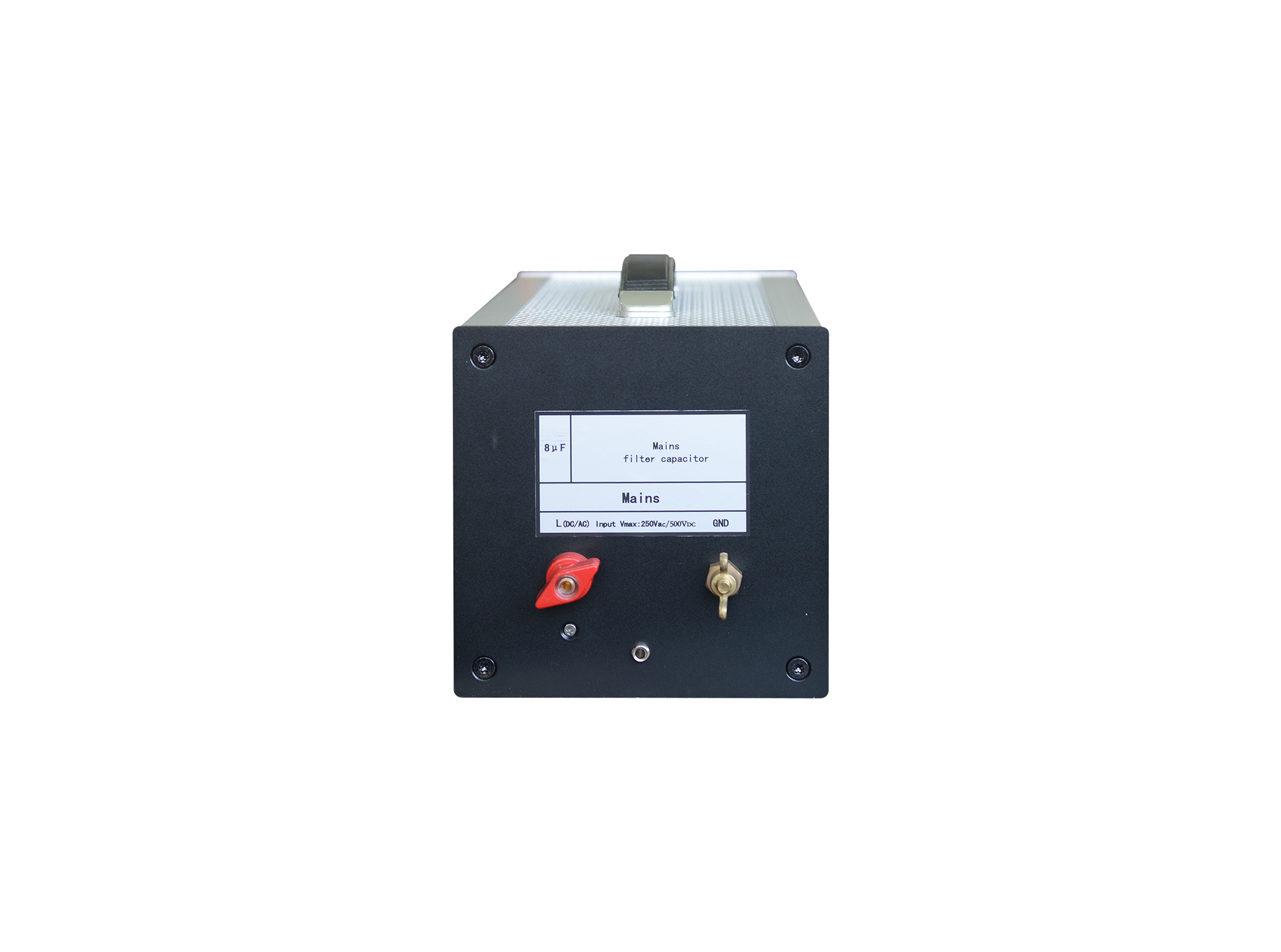
The J50 line impedance stabilization network complies to MIL-STD-461 and GJB 151. It isolates components from power supplies and measures interference of vehicles, vessels and internal combustion engines.
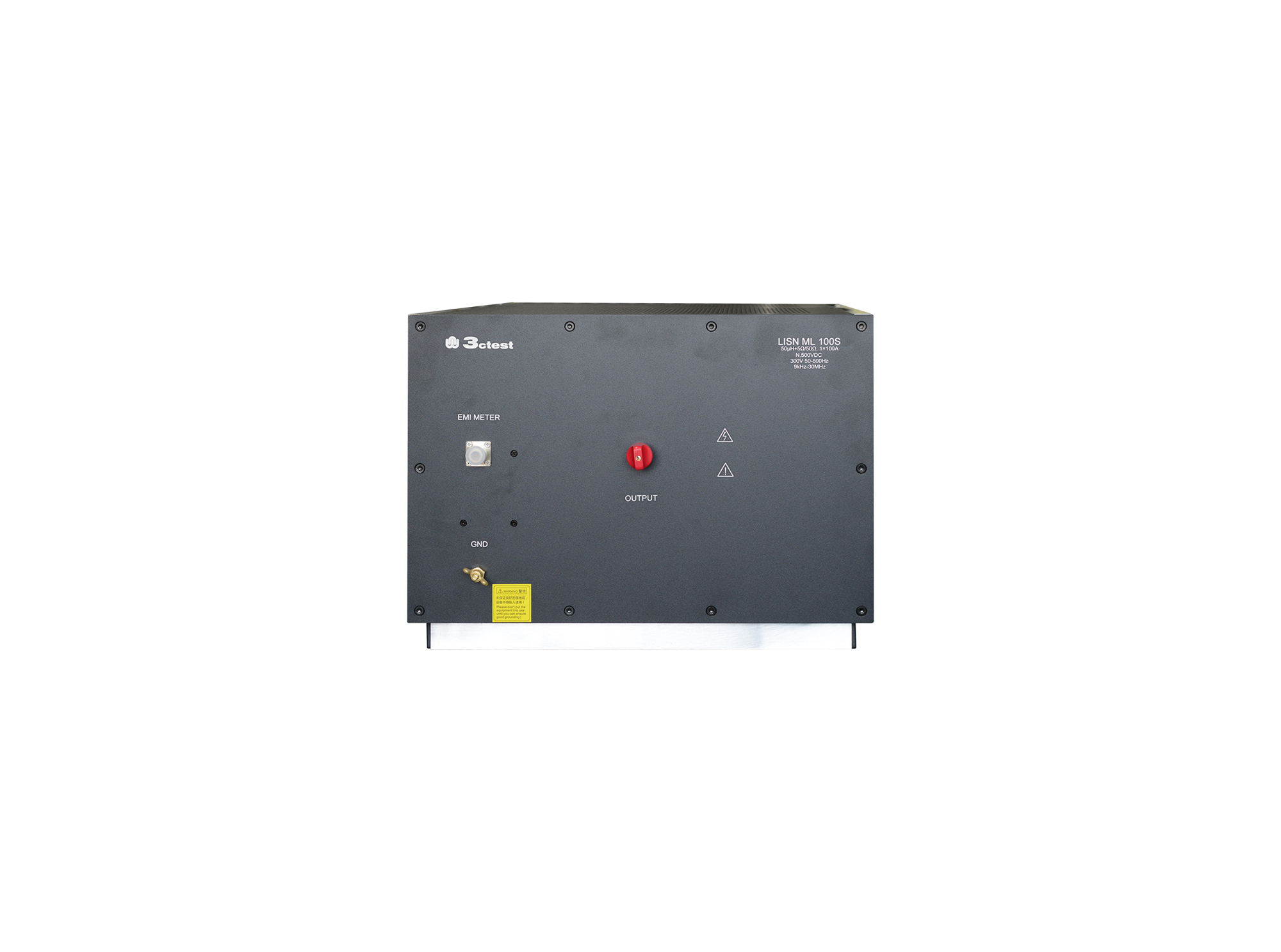
The LISN ML 100S line impedance stabilization network is designed according to MIL-STD-461 and GJB 151. Designed for conducted emission test, it isolates power interference and provides the specified power impedance to EUT.
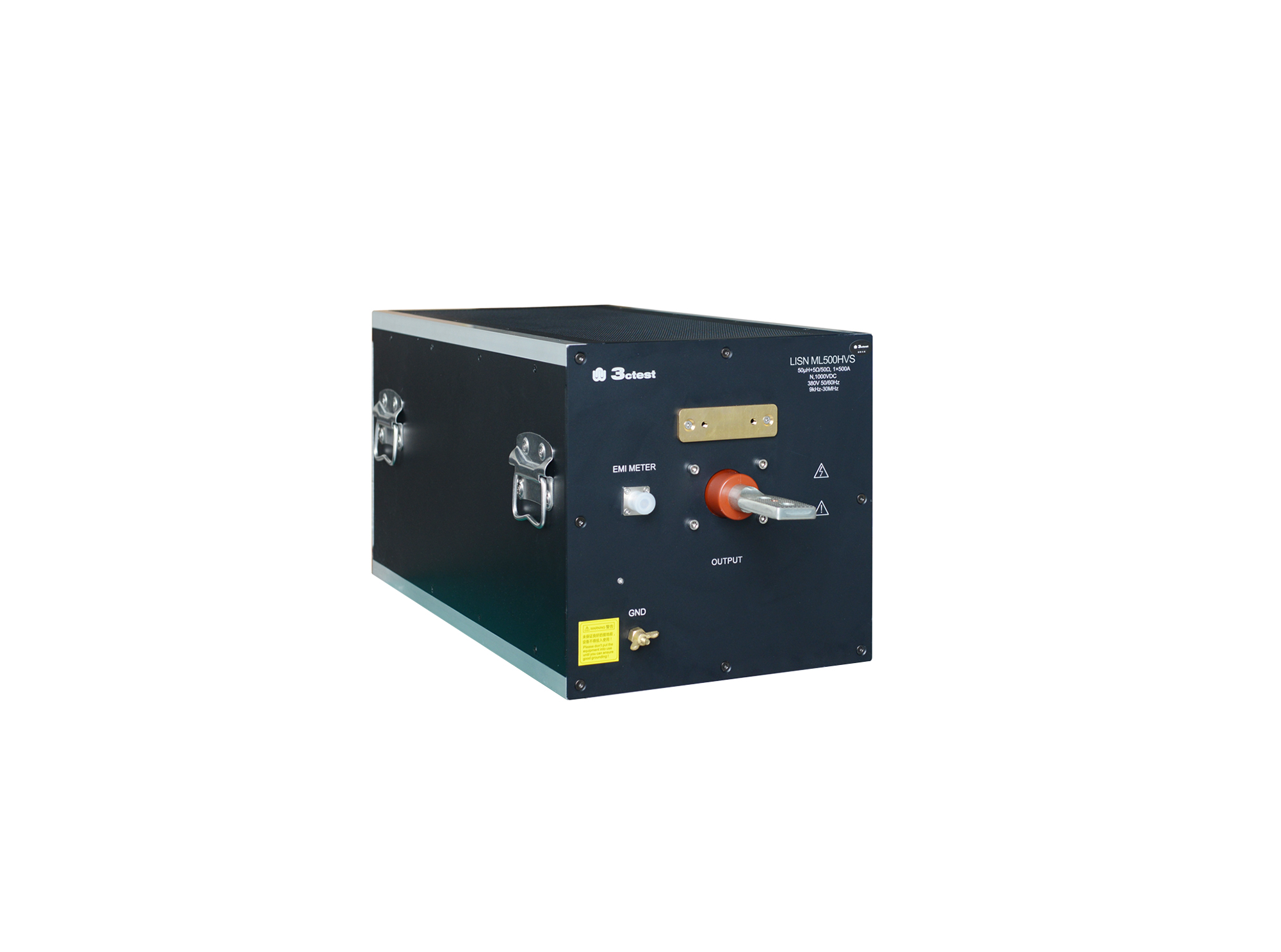
The LISN ML 500HVS Line Impedance Stabilization Network is designed in accordance with GJB 151B and MIL-STD-461.
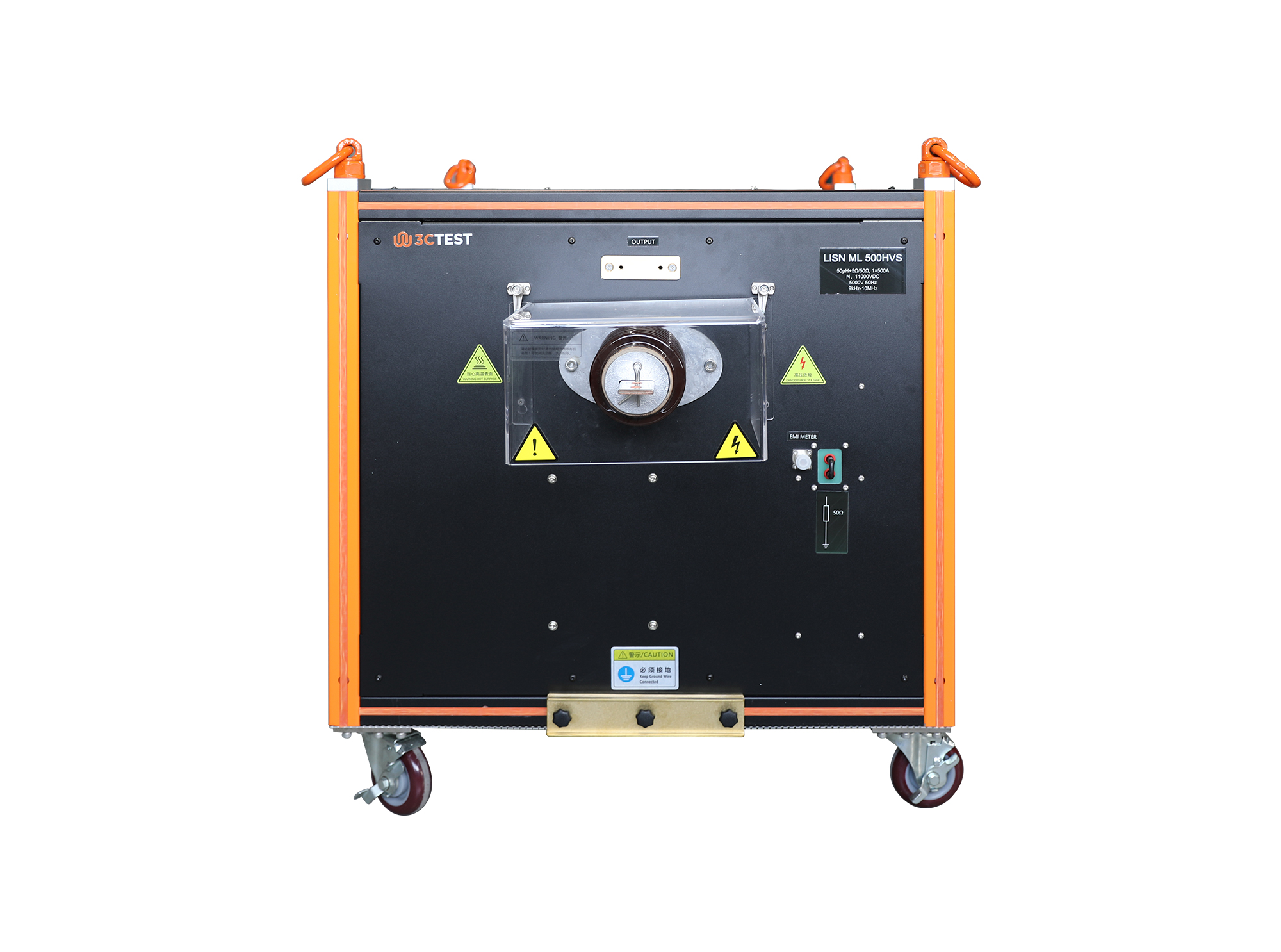
The LISN ML 500HVS line impedance stabilization network is designed according to GJB 151B/C and MIL-STD-461E.
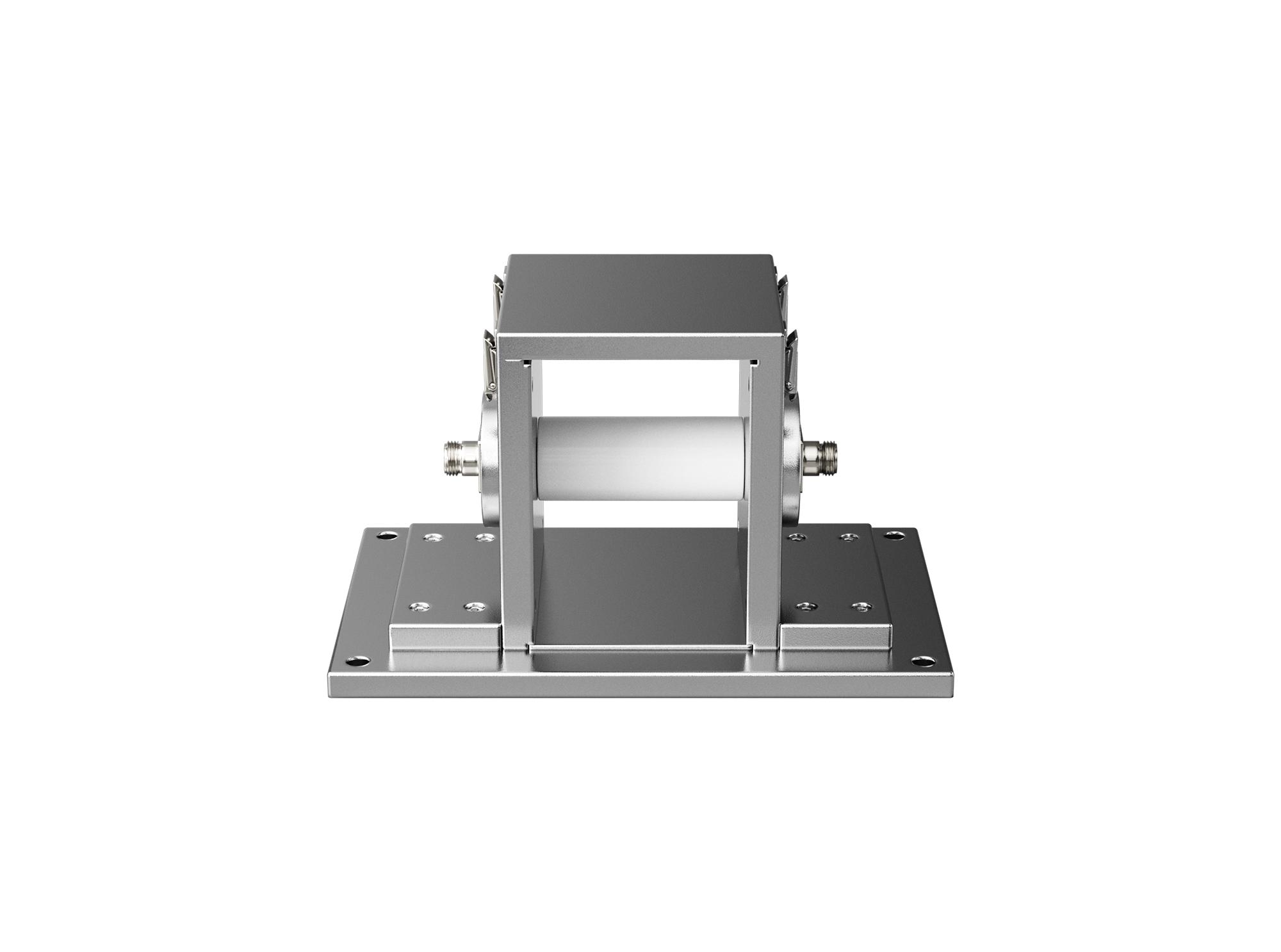
The BCICF-400 broadband current injection calibration fixture is designed for calibration tests of current injection clamps and current measuring probes, serving as a broadband signal transmission and coupling device.
The BCICF-200 broadband current injection calibration fixture is designed for calibration tests of current injection clamps and current measuring probes, serving as a broadband signal transmission and coupling device.
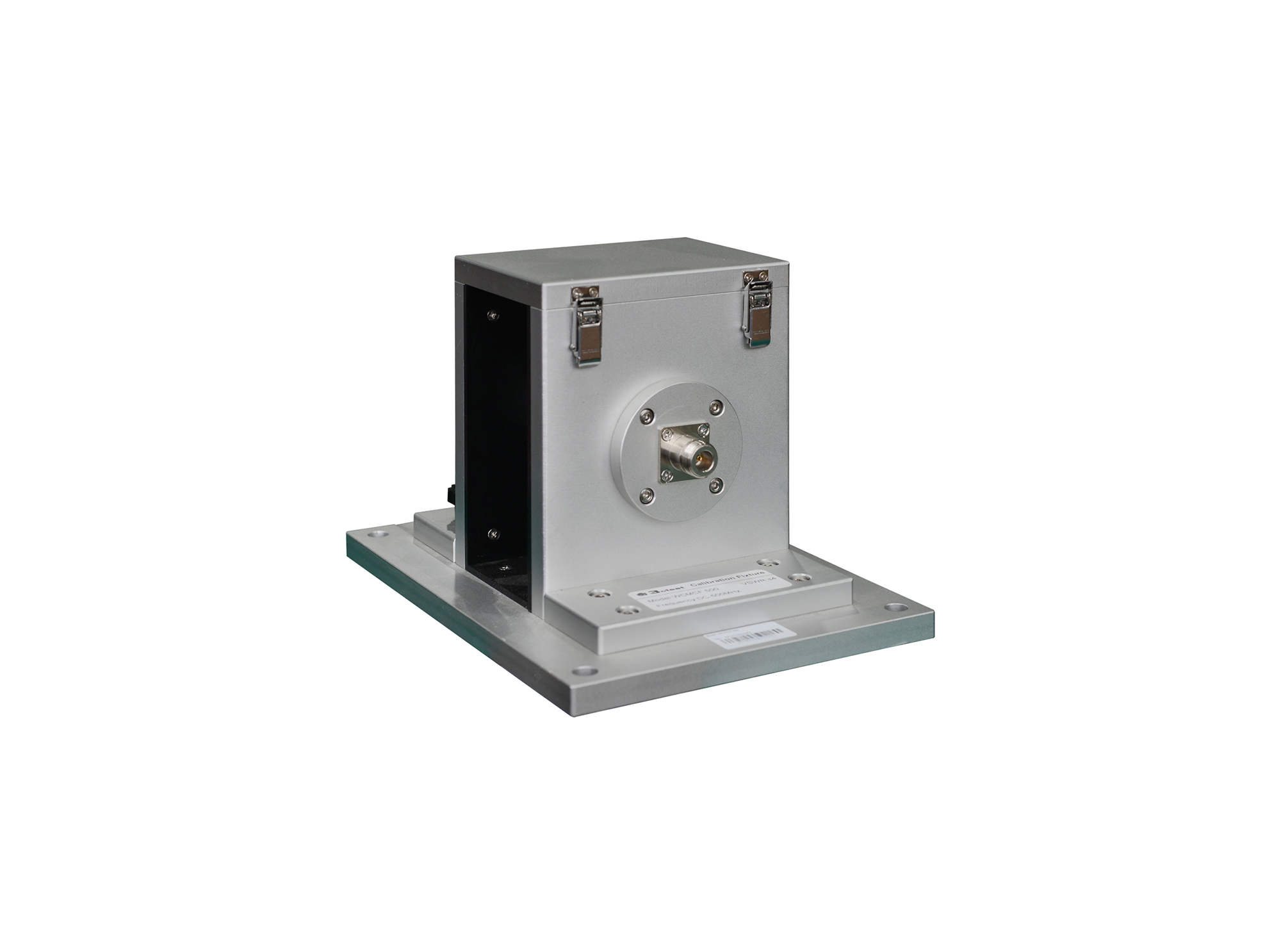
The WCMCF 500 wideband current monitor calibration fixture is designed with 50Ω TEM waveguide structure.
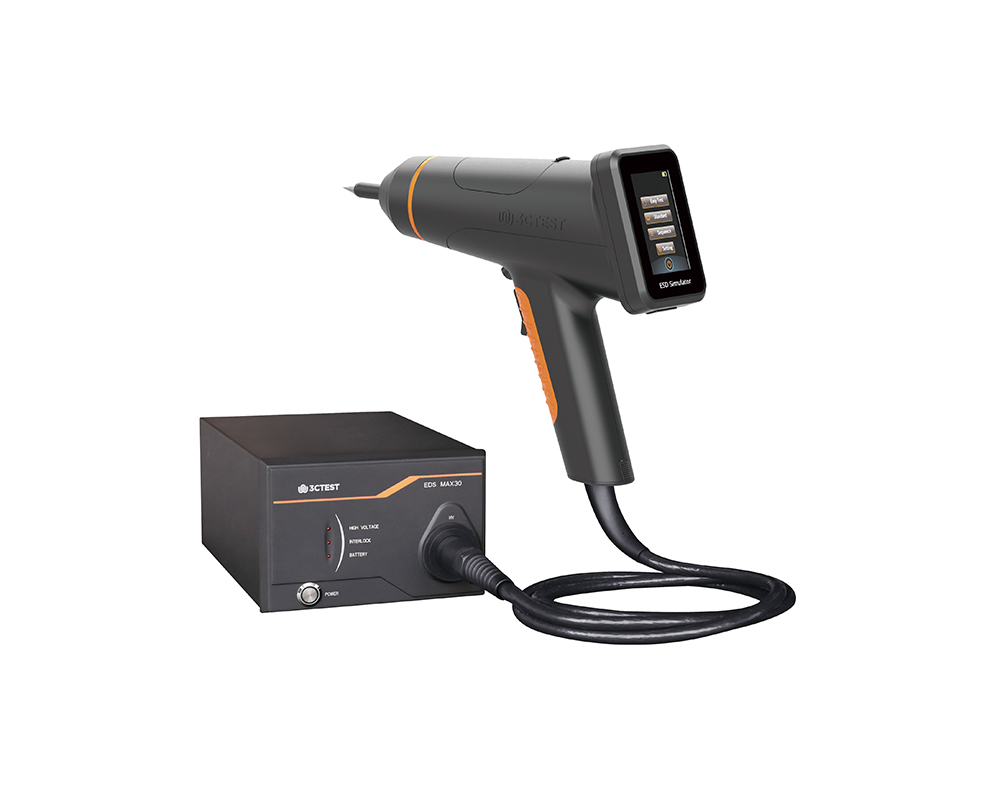
The EDS MAX30 is 3CTEST’s fourth-generation electrostatic discharge simulator in compliance with IEC 61000-4-2:2025, ISO 10605:2023 and other standards. This new product has a test voltage up to 30 kV
The EDS MAX30 is 3CTEST's fourth-generation electrostatic discharge simulator in compliance with IEC 61000-4-2:2025, ISO 10605:2023 and other standards.
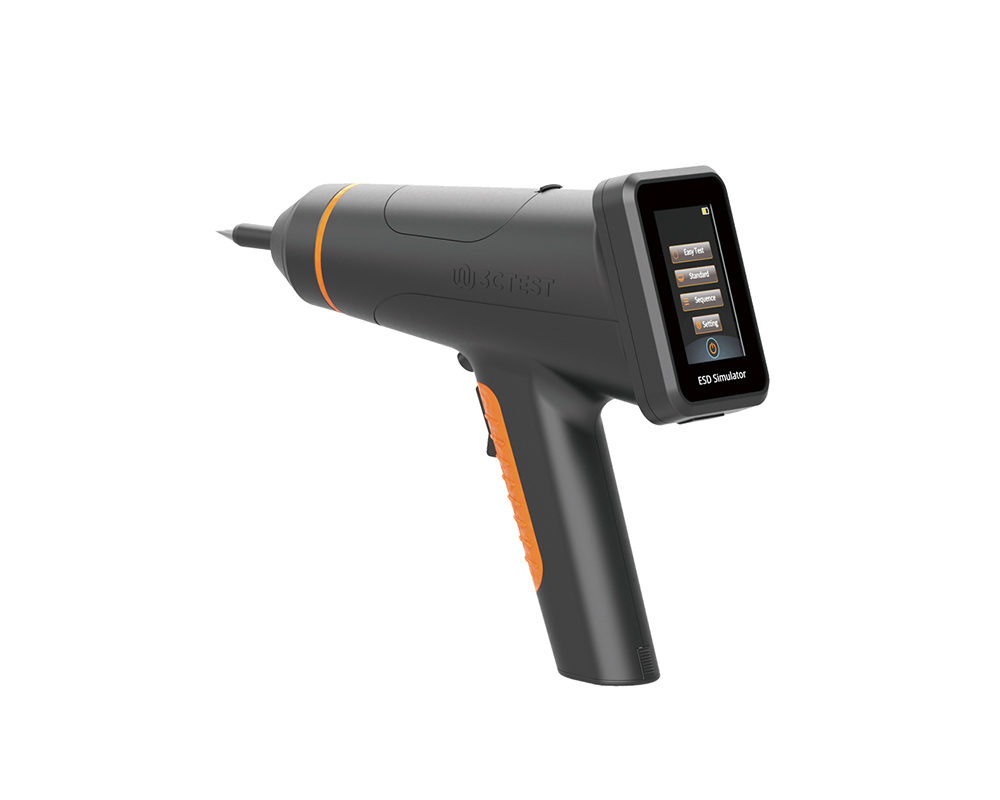
The EDS MAX20 is 3CTEST's fourth - generation electrostatic discharge simulator in compliance with IEC 61000-4-2 and other standards.
The EDS MAX20 is 3CTEST’s fourth - generation electrostatic discharge simulator in compliance with IEC 61000-4-2 and other standards. This new product has a test voltage up to 20 kV and features 3.5-inch HD color screen, along with compact mechanical design, intuitive UI design, lightweight, and impeccable waveforms.

• Using the product inquiry function can help you quickly learn about the product's price and other related information.
• You can either inquire about a single product directly, or select multiple products to add to the inquiry bar and inquire about them together.
• How to make an inquiry





1. Using the product comparison function can help you find the target product you need for selection more quickly and easily.
2. You can add up to 5 products for comparison. Product models and parameters may vary across different series. It is recommended to compare products within the same series.
3. How to use the comparison bar.




 Phone: +86-512-68413700
 Email: info@3ctest.cn
 Address:No.99 E'meishan Rd, SND, Suzhou, Jiangsu, 215153, China,Suzhou, Jiangsu, 215153, China



© 2025 Suzhou 3CTEST


 Leave a Message


