

High frequency recommended vocabulary
AECTP 500 is the NATO publication that describes how the electromagnetic environmental effects of a platform are verified, and it is the companion to the publication that defines the environment itself. It addresses a problem that bench testing cannot solve: once equipment is installed, with its cables routed as they are in service and with other systems operating around it, the coupling paths that determine whether the platform is electromagnetically compatible exist only in that installation, so the verification has to be performed on the platform. The document therefore covers the characterisation of the ambient environment in which the measurements are made, the techniques for measuring the emissions of a platform and for subjecting it to fields and injected currents, the transfer function measurements used to relate what can be measured at an accessible point to what is present inside a closed structure, and the criteria by which the platform is judged to be acceptable. It is applied at platform level rather than to individual items.
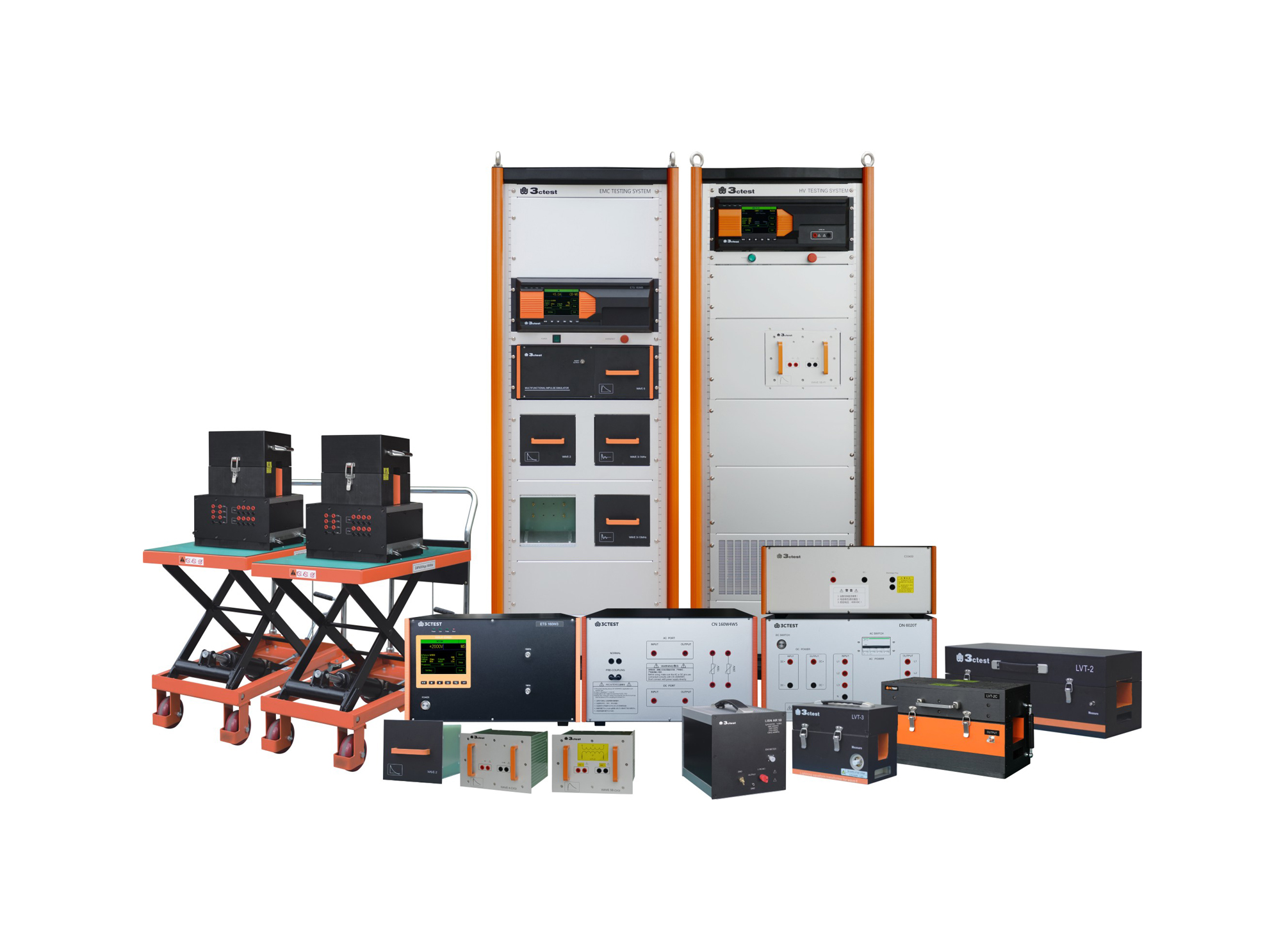
When an aircraft is flying in severe convection environment, it will be frequently affected by lightning stroke, which will generate transient induced voltage or current on circuits and cables of airborne equipment, such phenomenon is called indirect lightning effect.

• Using the product inquiry function can help you quickly learn about the product's price and other related information.
• You can either inquire about a single product directly, or select multiple products to add to the inquiry bar and inquire about them together.
• How to make an inquiry





1. Using the product comparison function can help you find the target product you need for selection more quickly and easily.
2. You can add up to 5 products for comparison. Product models and parameters may vary across different series. It is recommended to compare products within the same series.
3. How to use the comparison bar.




 Phone: +86-512-68413700
 Email: info@3ctest.cn
 Address:No.99 E'meishan Rd, SND, Suzhou, Jiangsu, 215153, China,Suzhou, Jiangsu, 215153, China



© 2025 Suzhou 3CTEST


 Leave a Message


