

High frequency recommended vocabulary
AECTP 250 is a NATO Allied Environmental Conditions and Test Publication that defines the electrical and electromagnetic environmental conditions against which defence equipment is to be designed, rather than the tests by which compliance is shown. It belongs to a family of publications in which one document describes an environment and the others describe the test and verification methods appropriate to it, and the separation matters because a programme can then adopt the environment of a specific platform without necessarily accepting the test methods of the country that wrote them. The publication characterises the electrical conditions of the several classes of platform and installation, including the voltage and frequency tolerances of aircraft and vehicle power systems, the transient conditions that accompany switching operations, and the ambient electromagnetic field produced by radio transmitters, radar and the other high power sources present on a military platform. Those conditions then become the design targets for equipment.
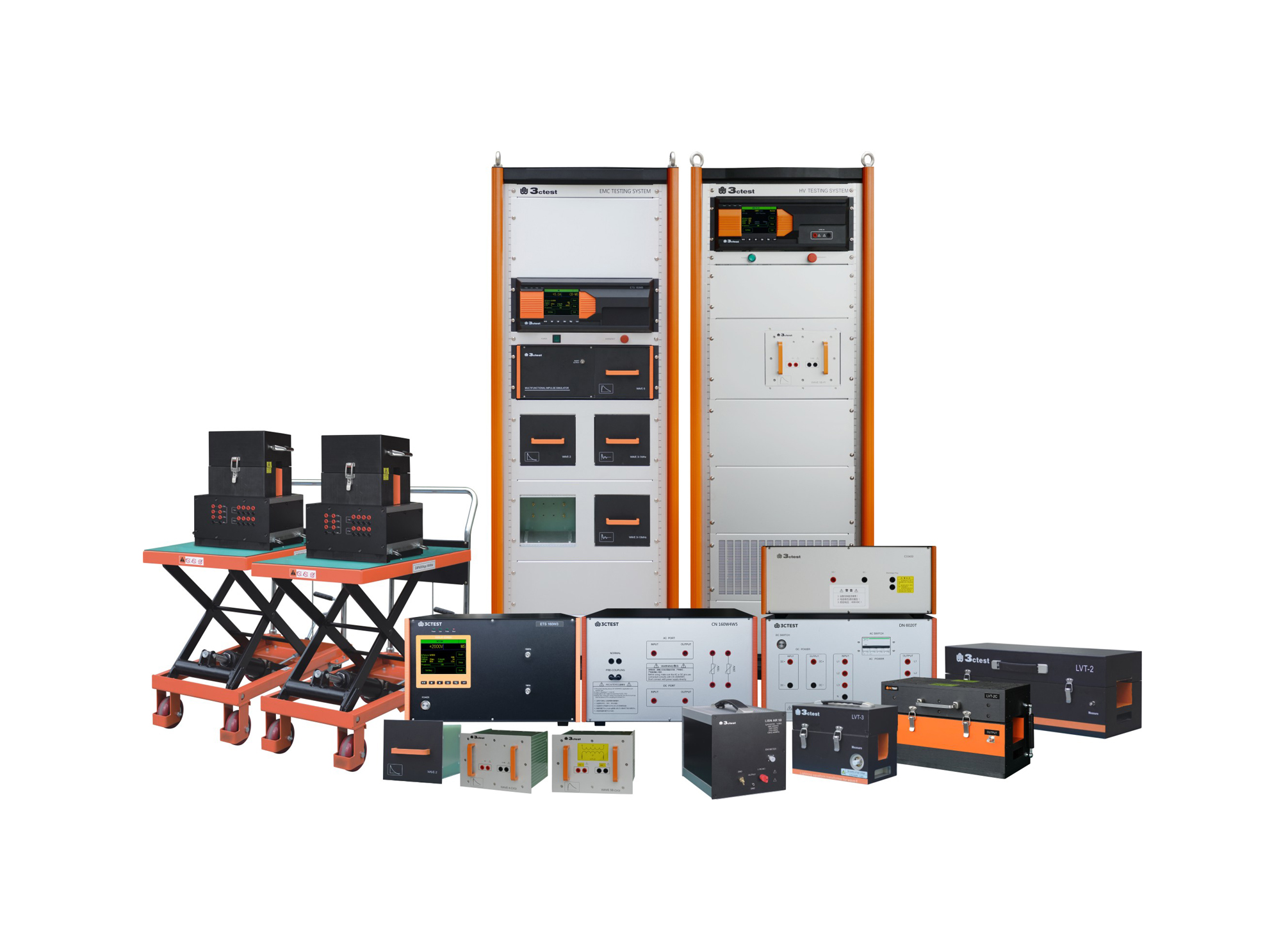
When an aircraft is flying in severe convection environment, it will be frequently affected by lightning stroke, which will generate transient induced voltage or current on circuits and cables of airborne equipment, such phenomenon is called indirect lightning effect.

• Using the product inquiry function can help you quickly learn about the product's price and other related information.
• You can either inquire about a single product directly, or select multiple products to add to the inquiry bar and inquire about them together.
• How to make an inquiry





1. Using the product comparison function can help you find the target product you need for selection more quickly and easily.
2. You can add up to 5 products for comparison. Product models and parameters may vary across different series. It is recommended to compare products within the same series.
3. How to use the comparison bar.




 Phone: +86-512-68413700
 Email: info@3ctest.cn
 Address:No.99 E'meishan Rd, SND, Suzhou, Jiangsu, 215153, China,Suzhou, Jiangsu, 215153, China



© 2025 Suzhou 3CTEST


 Leave a Message


