

High frequency recommended vocabulary
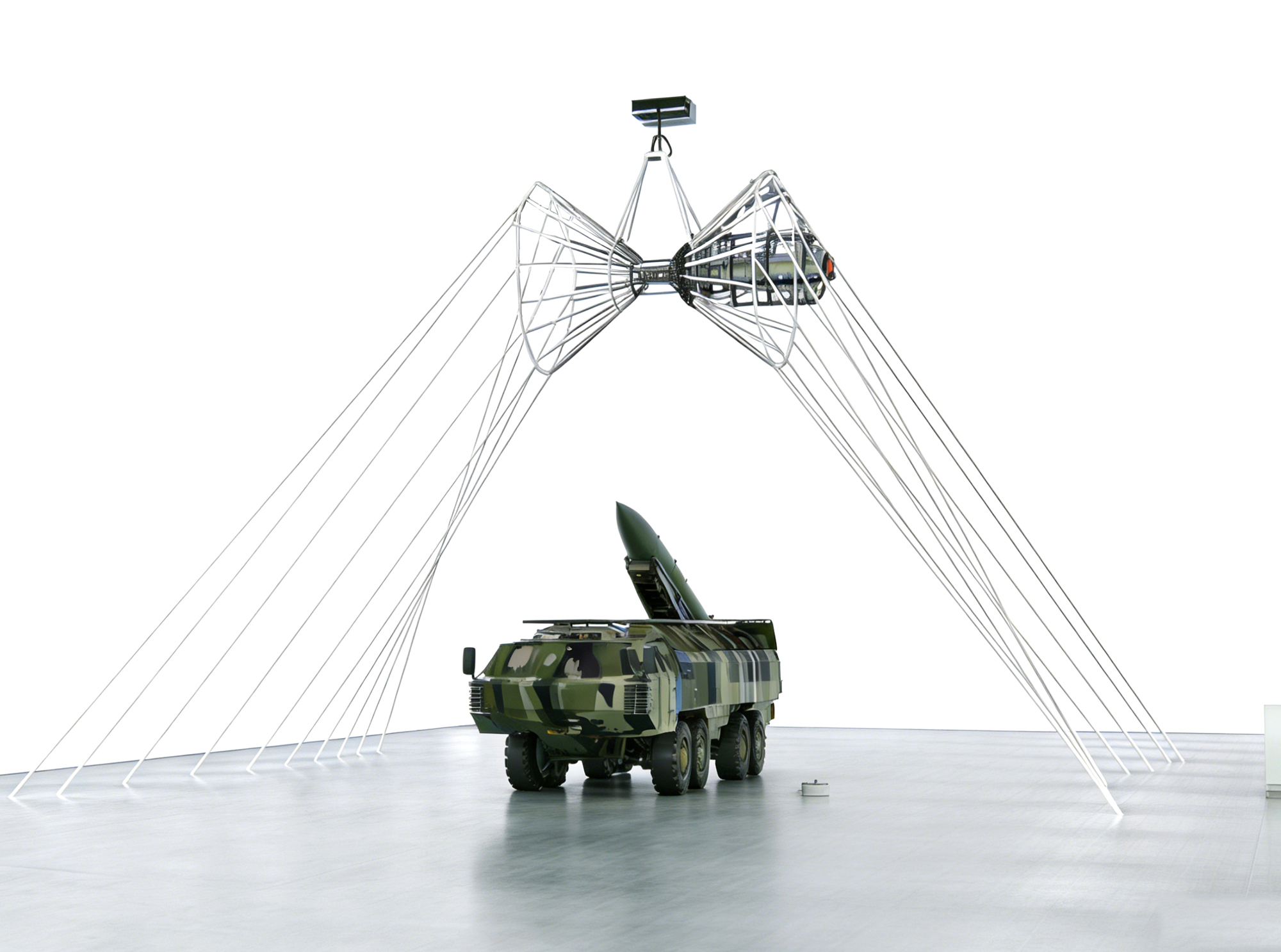
GJB 1389B is the Chinese national military standard that establishes the electromagnetic environmental effects requirements at system level. It is the successor to the earlier generation of the standard and reflects the broader concept of electromagnetic environmental effects, which treats not only the mutual interference of equipment but the whole interaction between a platform and its electromagnetic environment, including lightning, the electromagnetic pulse of a nuclear detonation, high-power microwave and the static charge generated by precipitation. The document defines the environment that the platform is expected to encounter and the safety margins that must be preserved between the emission of any subsystem and the susceptibility of any other, and it covers the control of radiation hazards to personnel, to fuel and to ordnance. It specifies the system level analyses, modelling and tests required to demonstrate compliance, together with the management procedures and the documentation that must accompany a platform through its development and its service life.

• Using the product inquiry function can help you quickly learn about the product's price and other related information.
• You can either inquire about a single product directly, or select multiple products to add to the inquiry bar and inquire about them together.
• How to make an inquiry





1. Using the product comparison function can help you find the target product you need for selection more quickly and easily.
2. You can add up to 5 products for comparison. Product models and parameters may vary across different series. It is recommended to compare products within the same series.
3. How to use the comparison bar.




 Phone: +86-512-68413700
 Email: info@3ctest.cn
 Address:No.99 E'meishan Rd, SND, Suzhou, Jiangsu, 215153, China,Suzhou, Jiangsu, 215153, China



© 2025 Suzhou 3CTEST


 Leave a Message


