

High frequency recommended vocabulary
GJB 152A was the Chinese national military standard containing the measurement methods for the electromagnetic emission and susceptibility of military equipment and subsystems. It was modelled on the corresponding United States military standard and provided, for each of the numbered test items defined by the companion requirements document, the equipment needed to perform the test, the arrangement of the equipment under test and its cables, the bonding and grounding of the test set-up, the frequency range over which the measurement is made and the procedure to be followed. It also stated the calibration and verification of the measurement system, the treatment of the ambient electromagnetic environment of the test facility and the way the measured result is compared with the limit. Its purpose was to ensure that a test performed by one laboratory could be reproduced by another, and it was superseded when the requirements and the methods were consolidated into a single document.
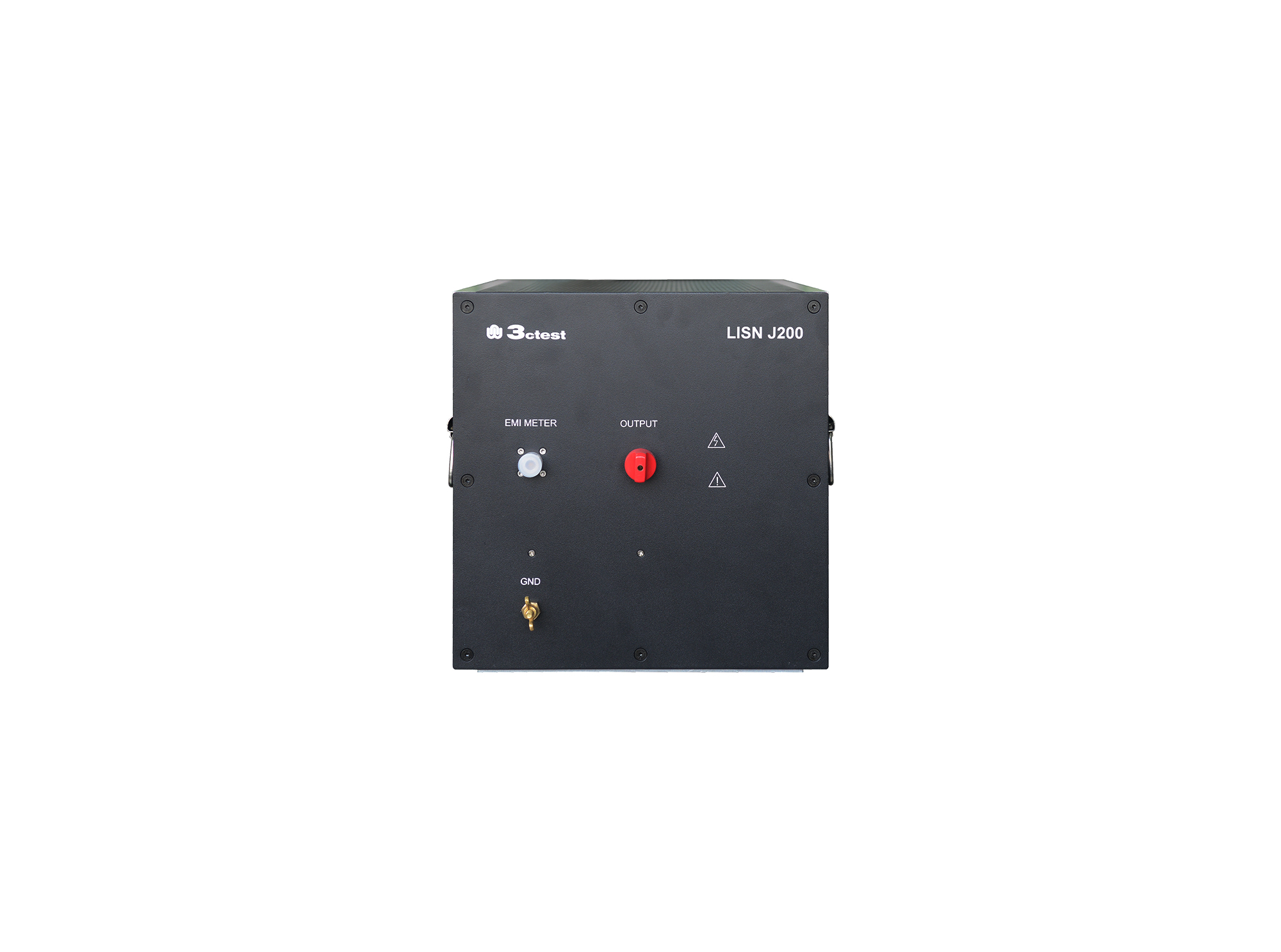
The LISN J200 is designed as per GJB151B (2013) and MIL-STD-461E(1999)and used to separate parts from mains and measure the disturbances feature of vehicles, ships and internal combustion engines, its impedance completely meets standards requirements.

• Using the product inquiry function can help you quickly learn about the product's price and other related information.
• You can either inquire about a single product directly, or select multiple products to add to the inquiry bar and inquire about them together.
• How to make an inquiry





1. Using the product comparison function can help you find the target product you need for selection more quickly and easily.
2. You can add up to 5 products for comparison. Product models and parameters may vary across different series. It is recommended to compare products within the same series.
3. How to use the comparison bar.




 Phone: +86-512-68413700
 Email: info@3ctest.cn
 Address:No.99 E'meishan Rd, SND, Suzhou, Jiangsu, 215153, China,Suzhou, Jiangsu, 215153, China



© 2025 Suzhou 3CTEST


 Leave a Message


