

High frequency recommended vocabulary
GJB 151A was the Chinese national military standard that set the electromagnetic emission and susceptibility requirements for military equipment and subsystems. It was modelled on the corresponding United States military standard and adopted its approach of defining a set of numbered test items, each consisting of a limit and the conditions under which the limit applies, so that a procurement programme can select the subset of items appropriate to a particular platform and installation. The items were divided into conducted and radiated emissions, designated CE and RE, and conducted and radiated susceptibility, designated CS and RS, and they covered the frequency range from power frequency through to microwave. The standard stated the limits, the frequency ranges and the applicability of each item, and left the measurement methods to the companion document. It has since been superseded by later editions that combine the requirements and the measurement methods in one document.
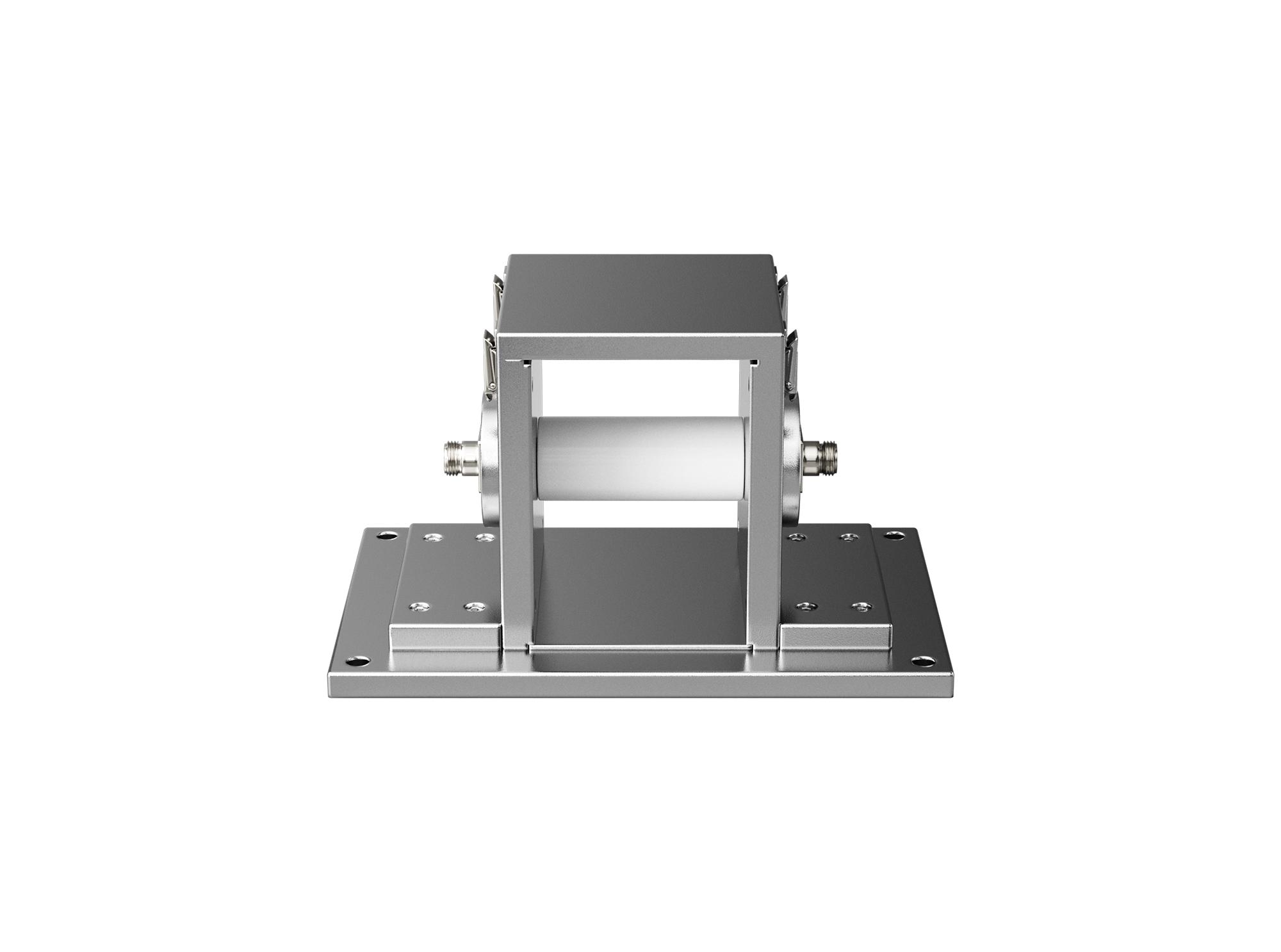
The BCICF-400 broadband current injection calibration fixture is designed for calibration tests of current injection clamps and current measuring probes, serving as a broadband signal transmission and coupling device.
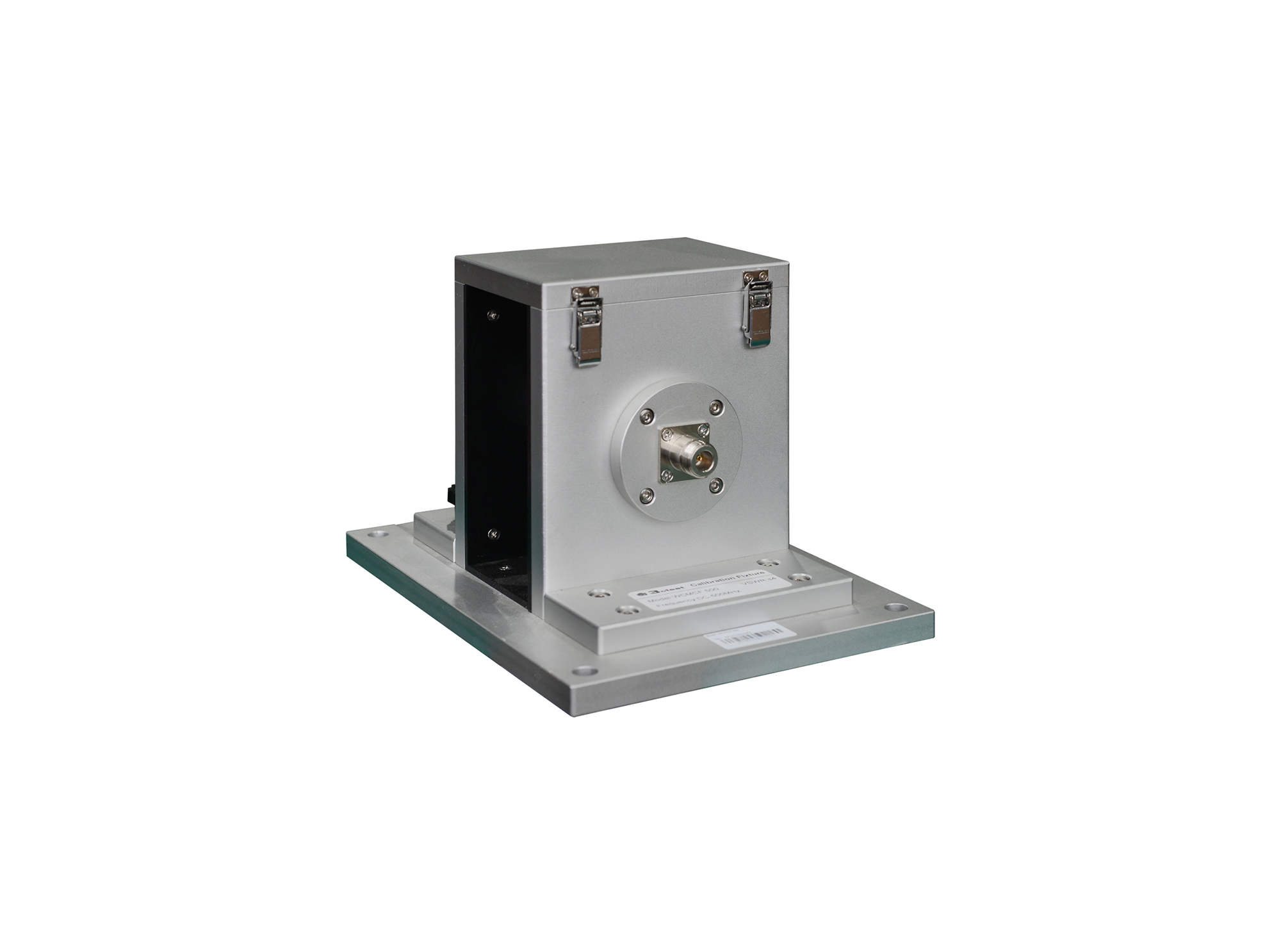
The WCMCF 500 wideband current monitor calibration fixture is designed with 50Ω TEM waveguide structure.
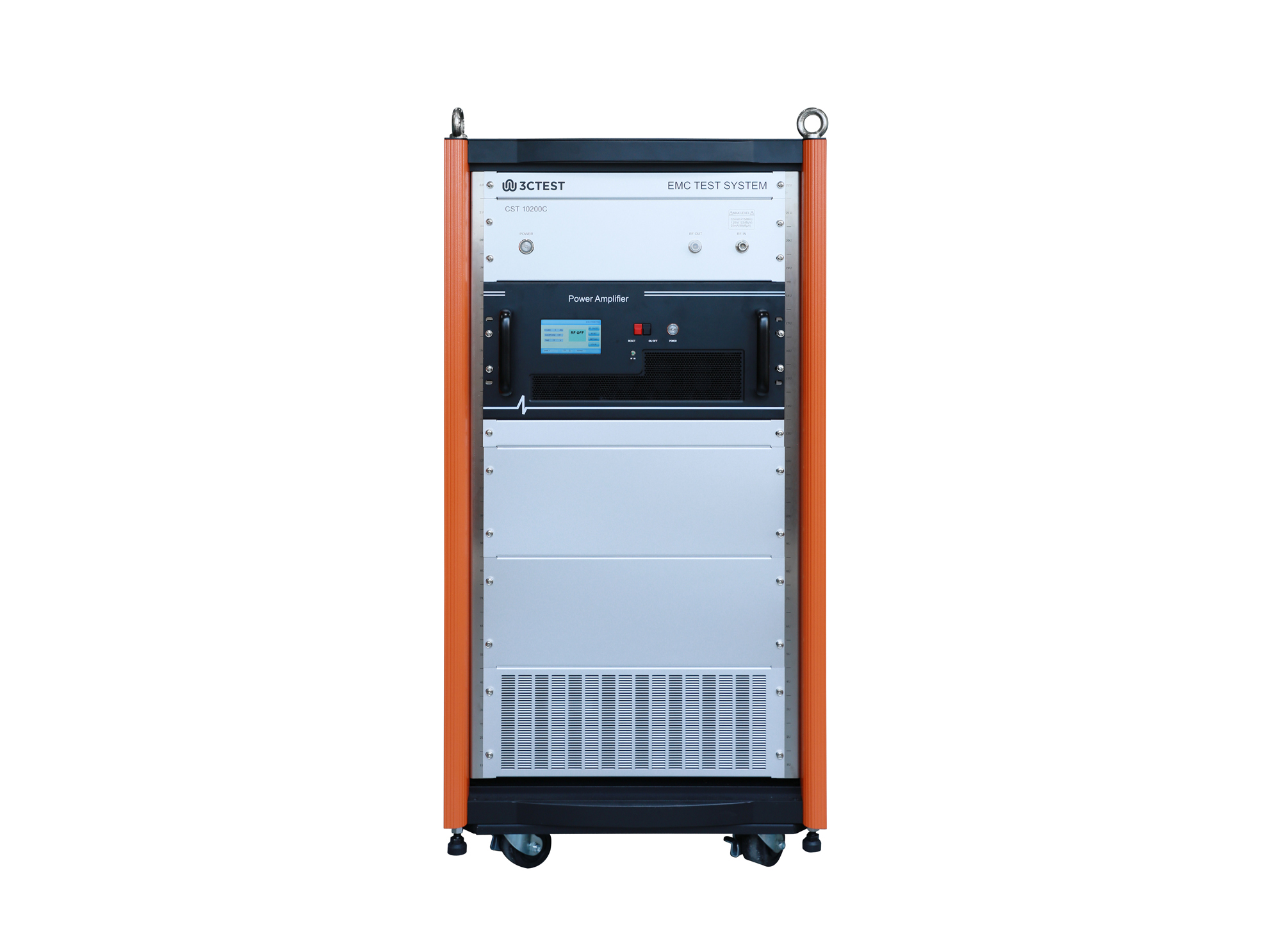
The CST 10200C conducted immunity test system is an integrated automatic test system in accordance with MIL-STD-461H, MIL-STD-461G and RTCA DO-160, specifically for cable injection conducted susceptibility testing of military electronic products.
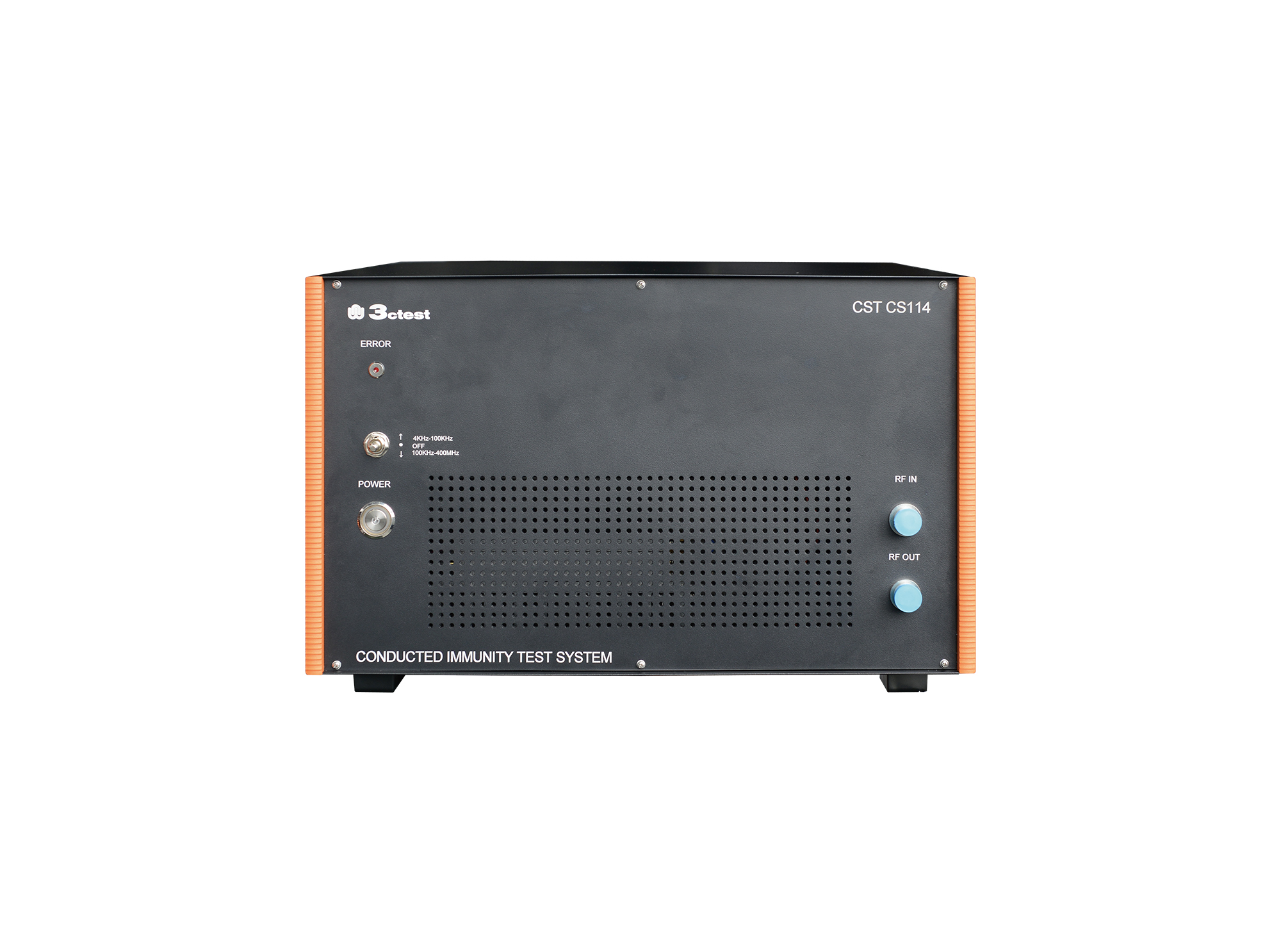
The CST CS114 conducted immunity test system is an integrated automatic test system in accordance with MIL-STD-461H, MIL-STD-461G and RTCA DO-160, specifically for cable injection conducted susceptibility testing of military electronic products.
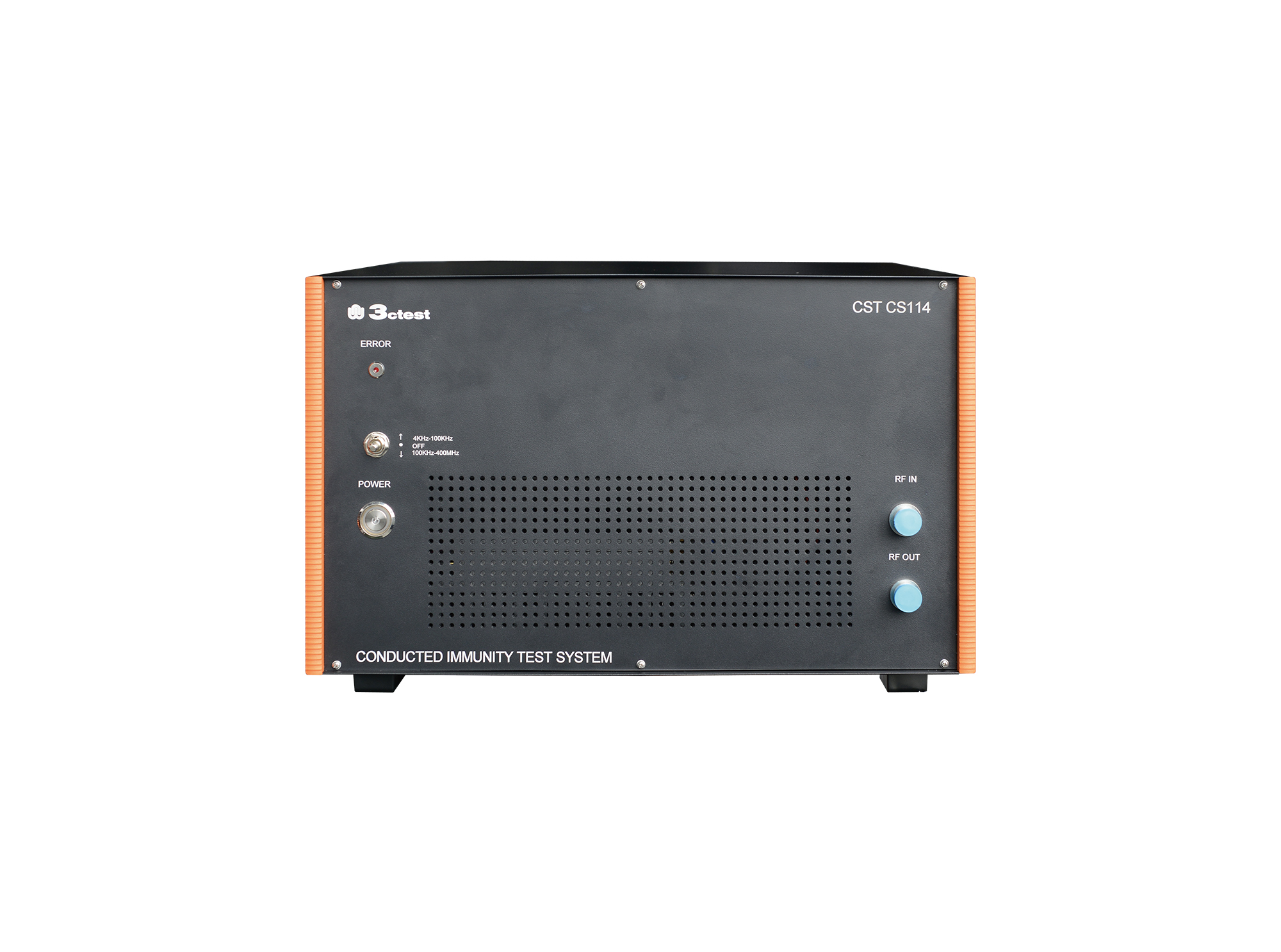
The CST CS114(2 kHz) conducted immunity test system is an integrated automatic test system in accordance with MIL-STD-461H, MIL-STD-461G and RTCA DO-160, specifically for cable injection conducted susceptibility testing of military electronic products.
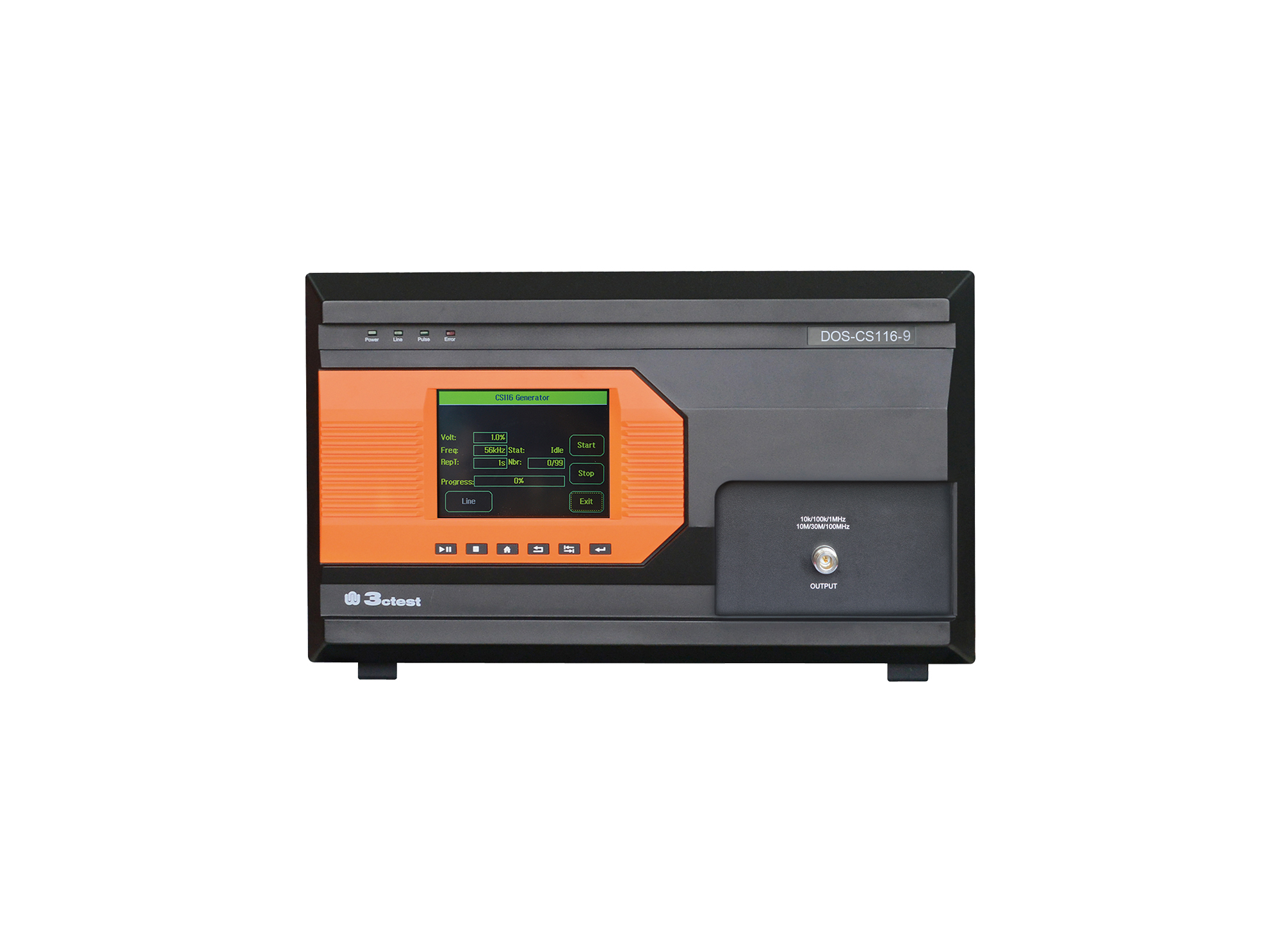
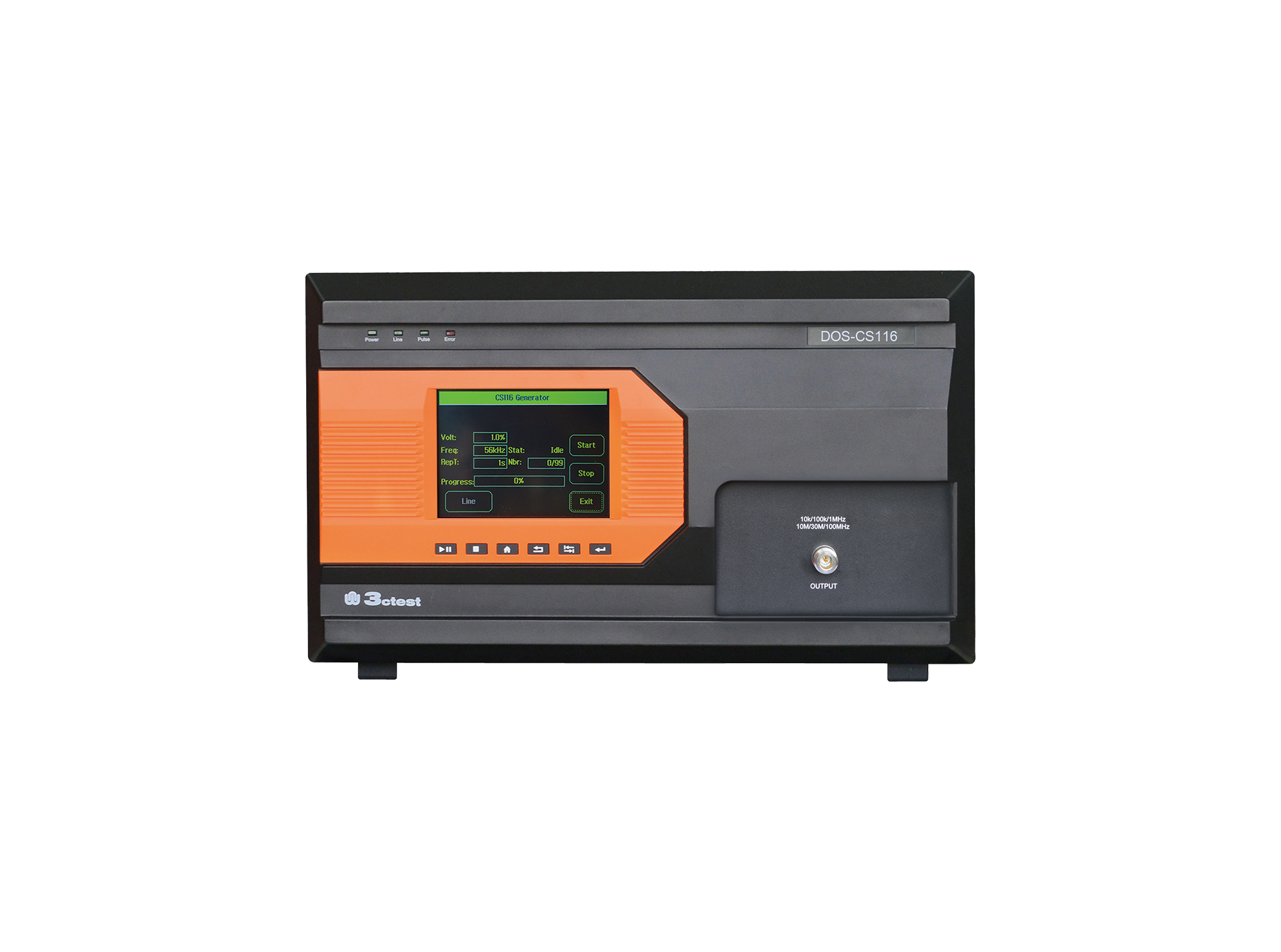
The DOS-CS116 High Frequency Damped Sinusoidal Transient Generator is specially designed to meet CS116 test in MIL-STD-461E/F/G. This generator can produce 9 types of damped sine(cosine) waves from 10 kHz to 100 MHz
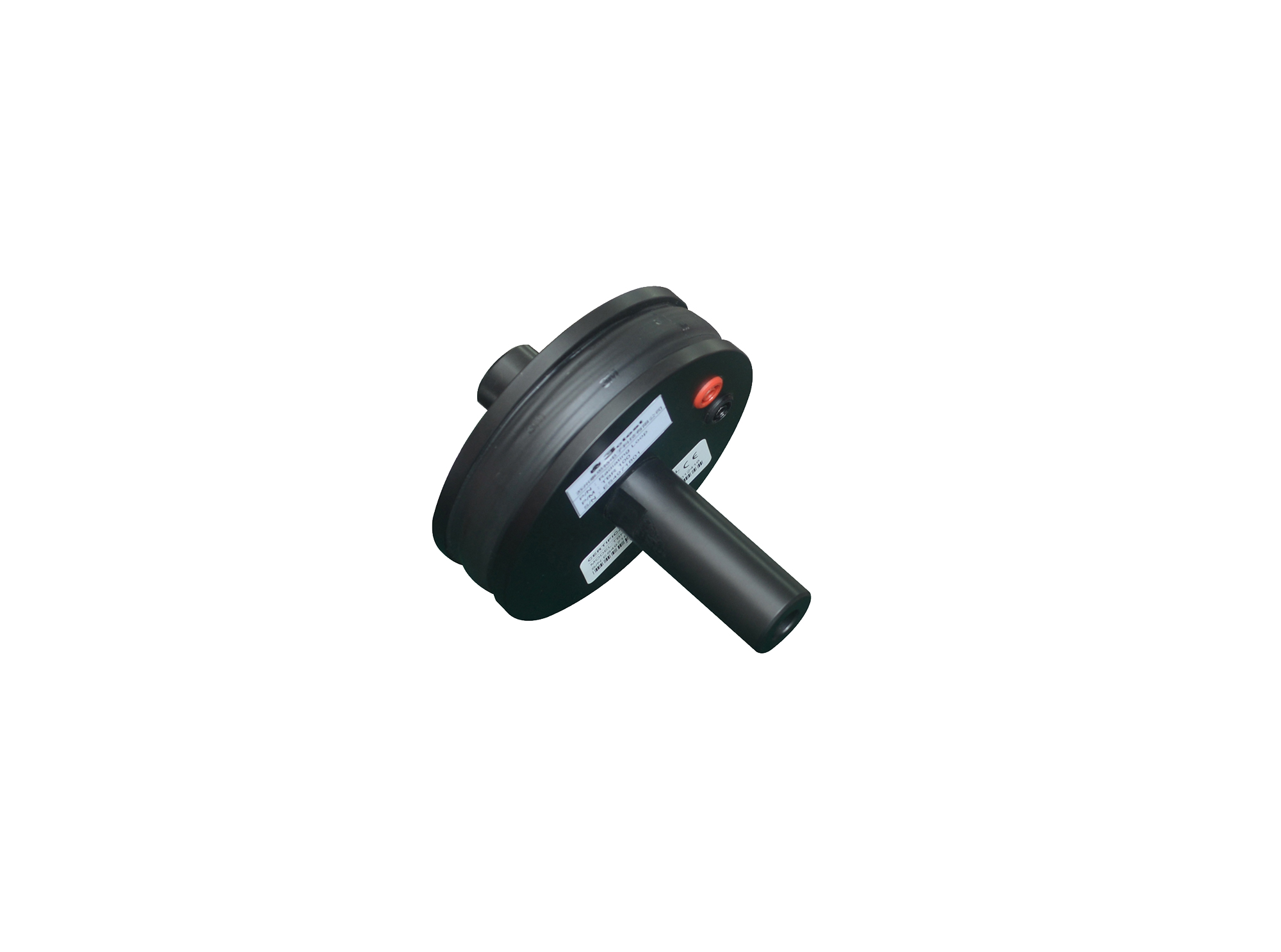
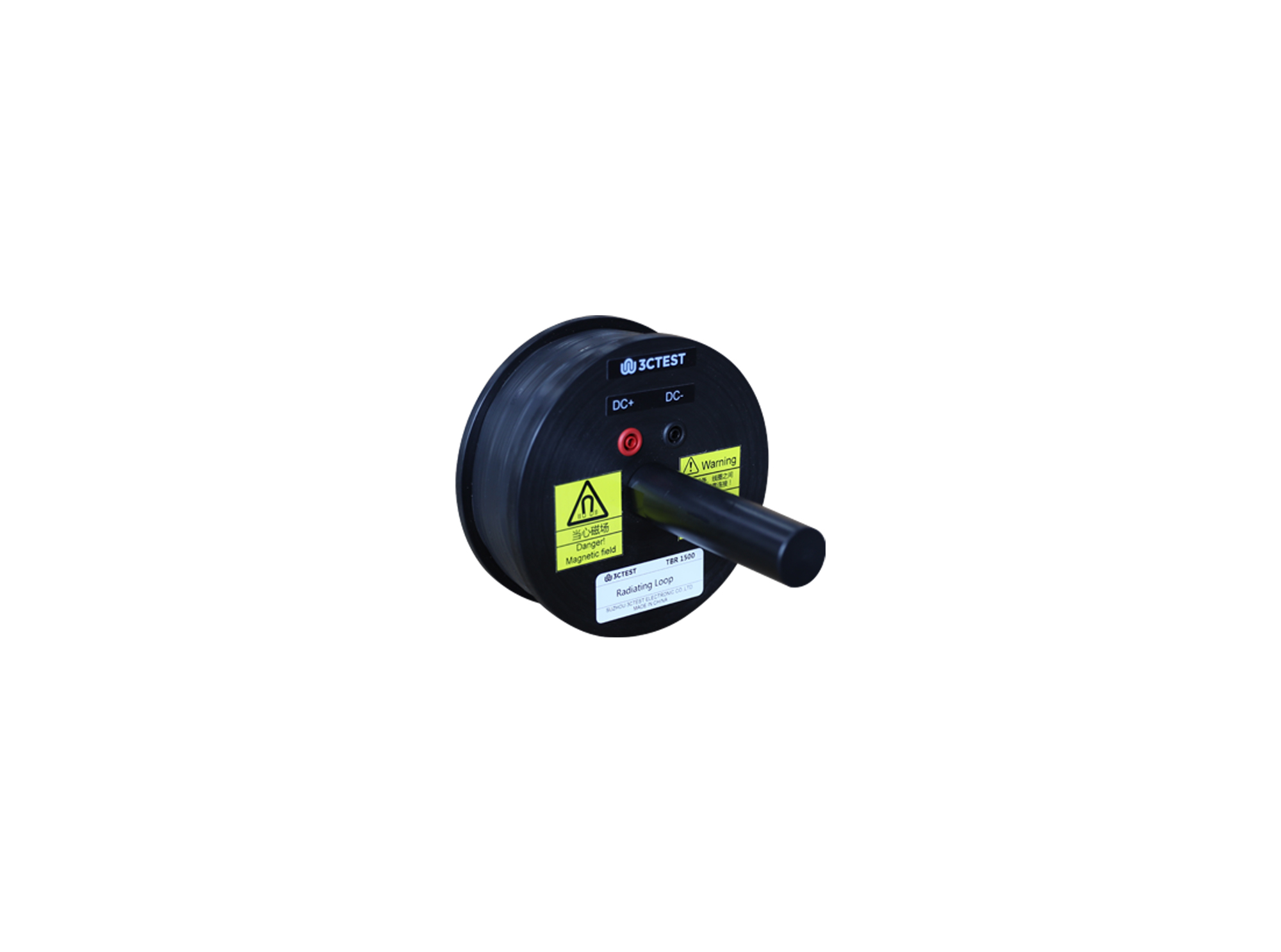
The radiation ring TBR 300 complies with ISO 11452-8, MIL-STD-461E/F/G and GJB151A/B/C, it is used for magnetic field immunity tests.
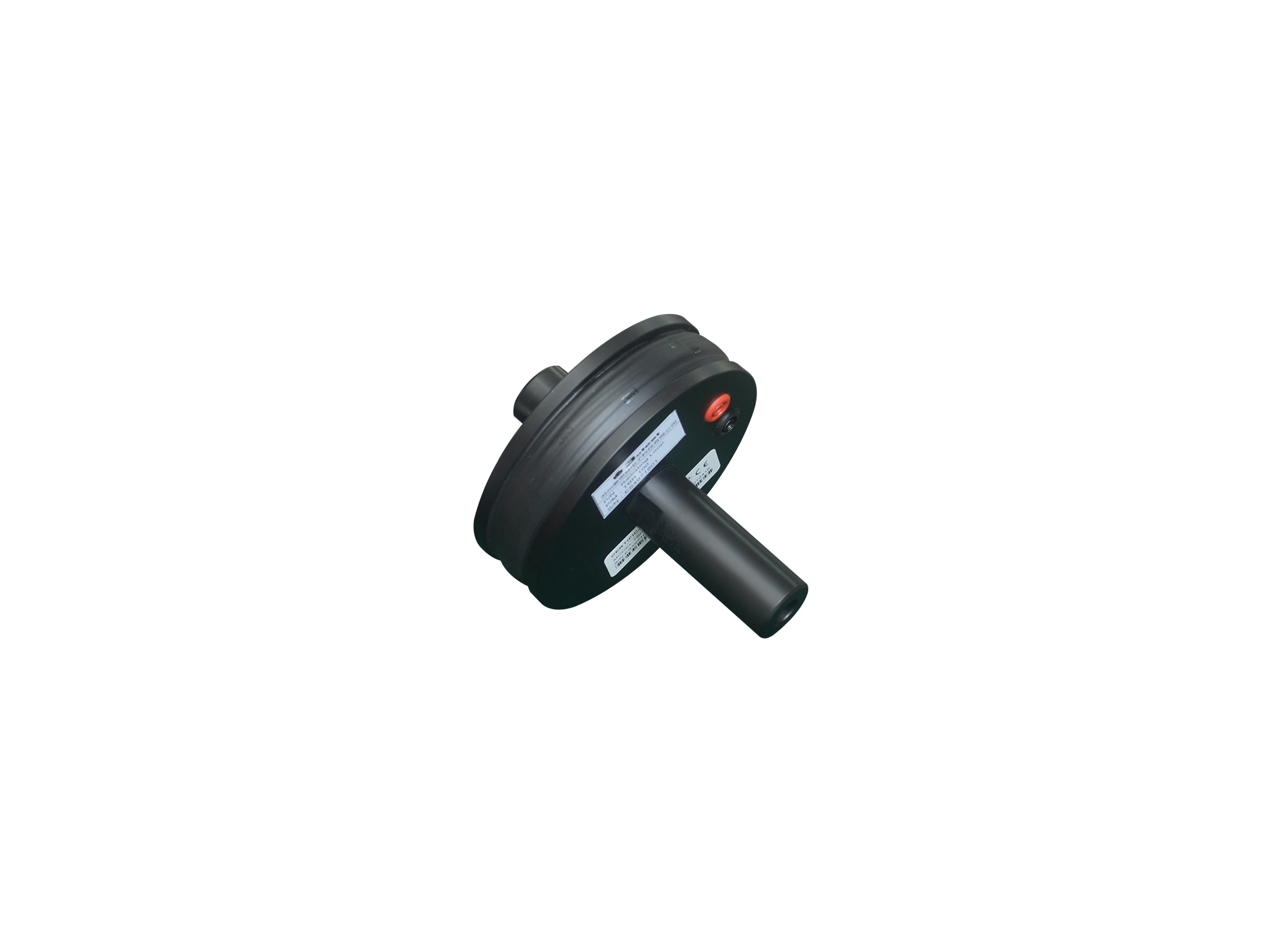
The radiation ring TBR 100 complies with ISO 11452-8, GJB151A/B/C and MIL-STD-461E/F/G, it is used for magnetic field immunity tests.
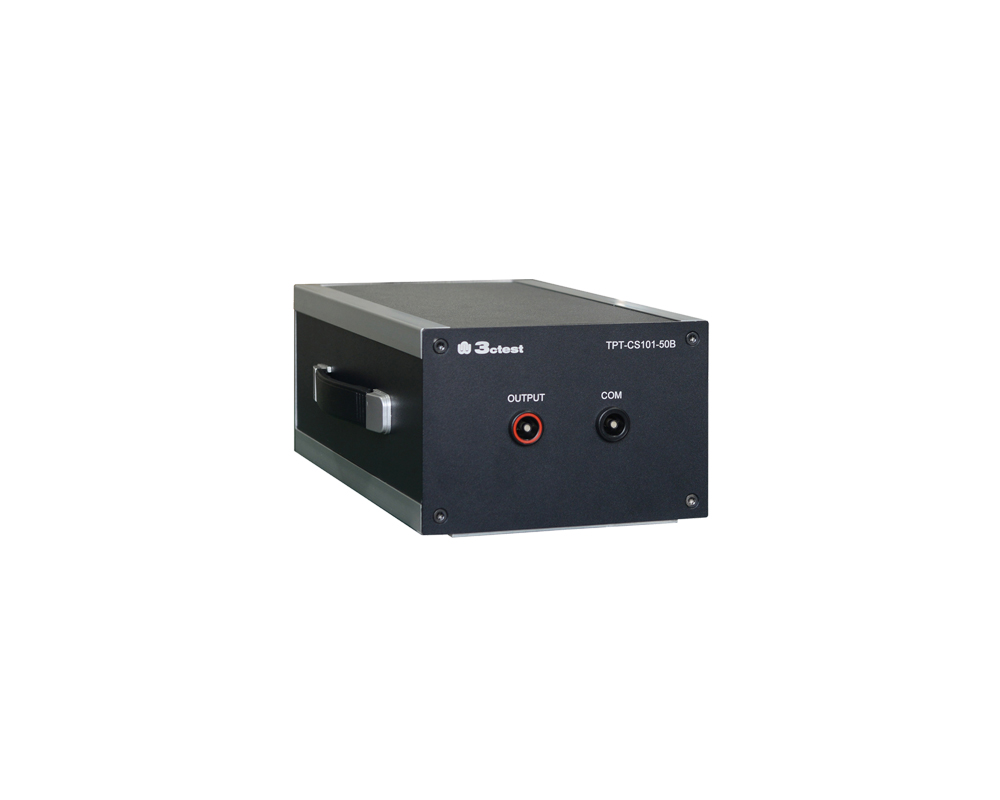
The TPT-CS101-50B coupling transformer is applied to power line conducted susceptibility tests. Designed in strict compliance with MIL-STD-461G and GJB 151C, it transfers time-harmonic signals (sine waves) or pulse signals to the Equipment Under Test (EUT) via magnetic coupling.
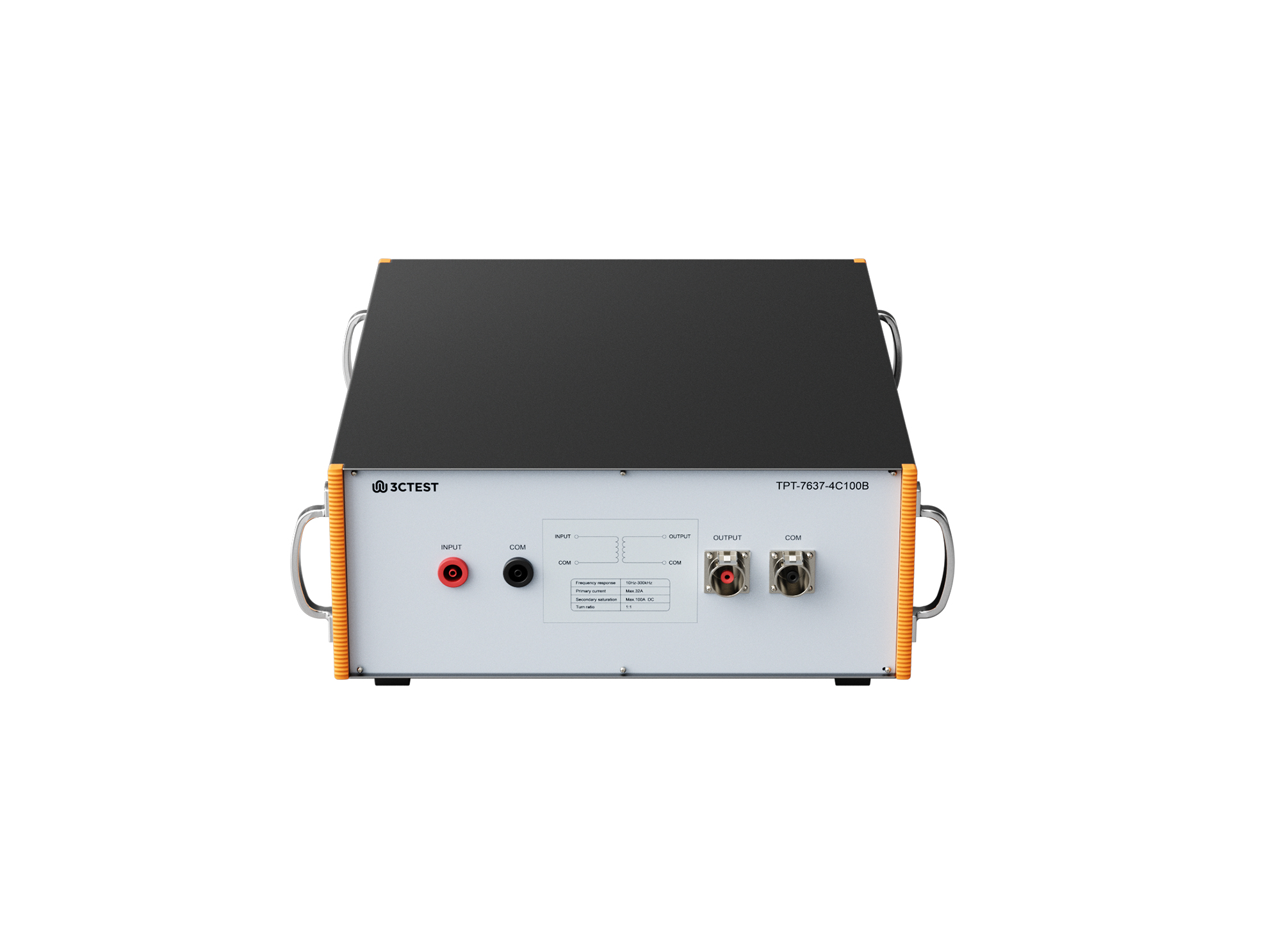
The TPT-7637-4C100B coupling transformer is a broadband coupling transformer specifically designed for the Low-Frequency Sinusoidal Disturbance Pulse B transient immunity test defined in ISO 7637.
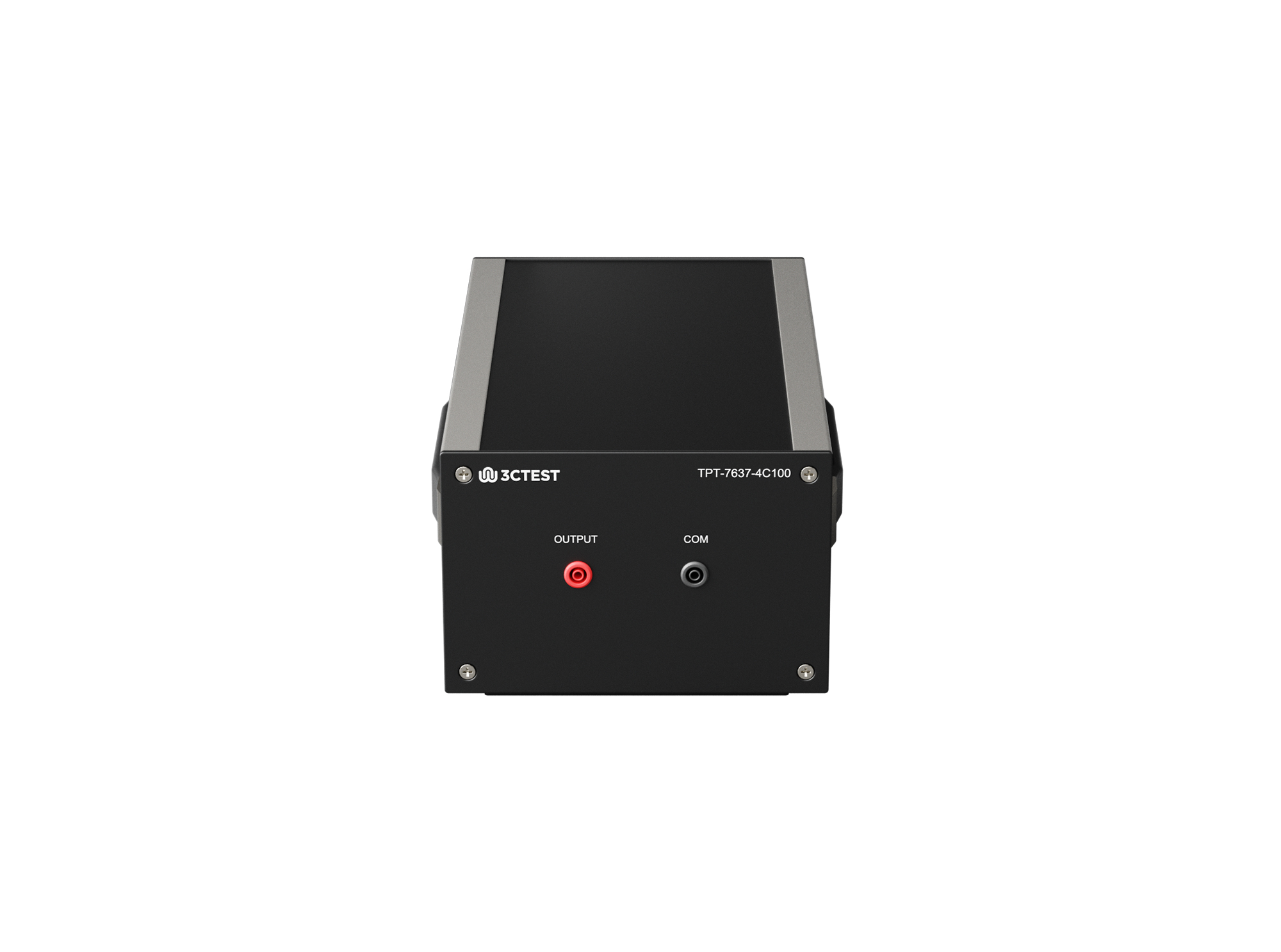
The TPT-7637-4C100 pulse transformer is a kind of wideband coupling transformer. It can transmit time-harmonic (sinusoidal) and pulse signals to the EUT via magnetic coupling.

• Using the product inquiry function can help you quickly learn about the product's price and other related information.
• You can either inquire about a single product directly, or select multiple products to add to the inquiry bar and inquire about them together.
• How to make an inquiry





1. Using the product comparison function can help you find the target product you need for selection more quickly and easily.
2. You can add up to 5 products for comparison. Product models and parameters may vary across different series. It is recommended to compare products within the same series.
3. How to use the comparison bar.




 Phone: +86-512-68413700
 Email: info@3ctest.cn
 Address:No.99 E'meishan Rd, SND, Suzhou, Jiangsu, 215153, China,Suzhou, Jiangsu, 215153, China



© 2025 Suzhou 3CTEST


 Leave a Message


