

High frequency recommended vocabulary
GJB 181 was the Chinese national military standard defining the electrical power characteristics of aircraft and the requirements those characteristics impose on the equipment that uses the power. An aircraft electrical system is far less stable than a ground supply: the voltage and frequency vary with engine speed and load, transients accompany the operation of every large load, and the system must survive the failure of a generator and the transfer of the bus to another source without interrupting the supply to essential equipment. The standard defined the nominal system values and the steady-state limits around them, the transient voltage envelope that utilization equipment must tolerate, the permissible distortion and the behaviour required during generator switching and during a bus transfer. It also specified the requirements that the equipment itself must meet, in terms of the distortion and ripple it may inject, its inrush current and the transients it may generate, and it defined the tests by which both sets of requirements are verified.
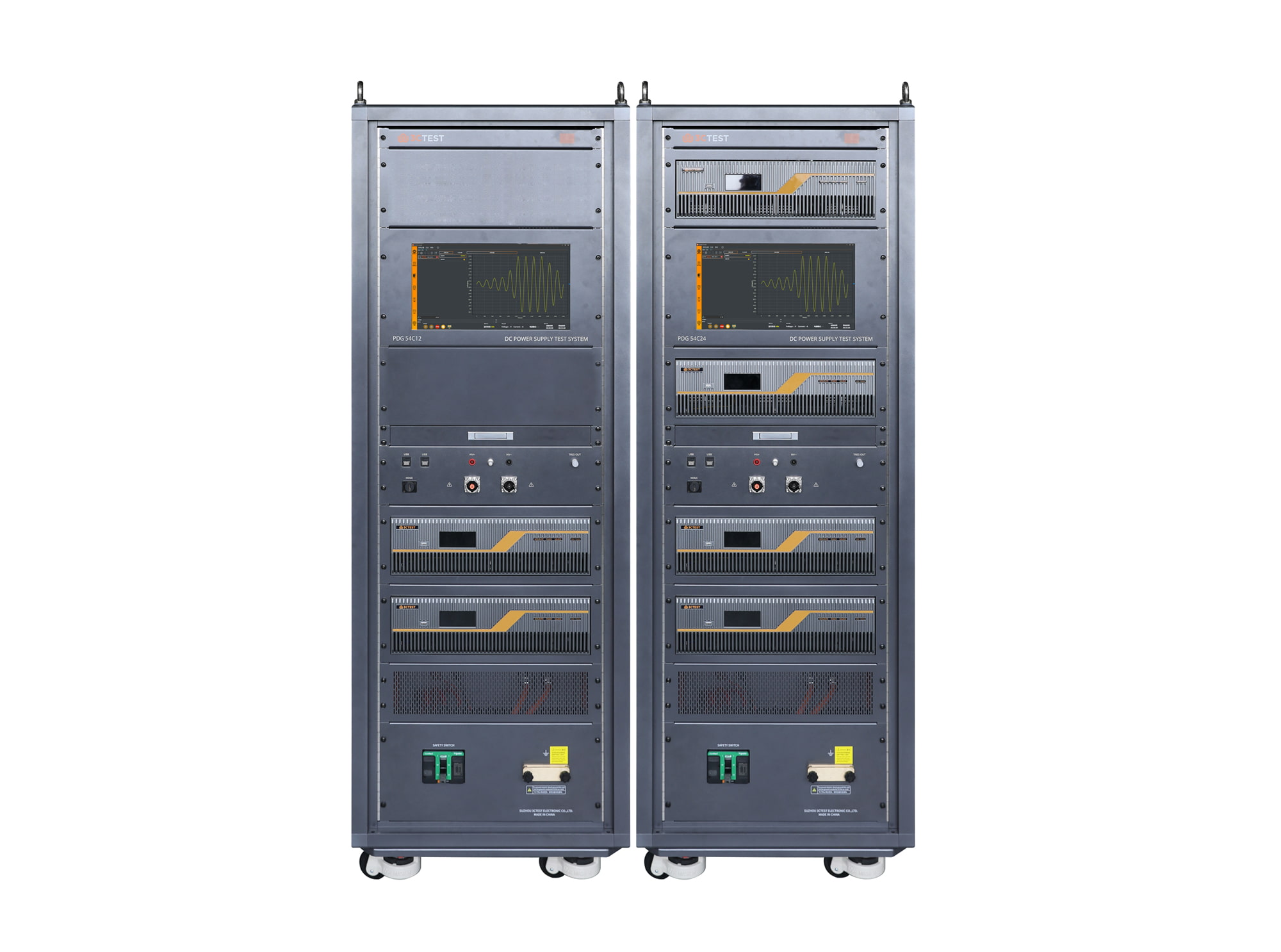
The PDG 54Cxx Airborne DC Power Characteristic Test System supports DC 14 V, 28 V, 270 V, 540 V test, in compliance with MIL-STD-704F, DO160 S16/S18, HB 20326.7/8, GJB 181-86 and GJB 181A/B. Its total voltage distortion is below 0.3% under all load conditions, with frequency coverage from DC to 200 kHz.
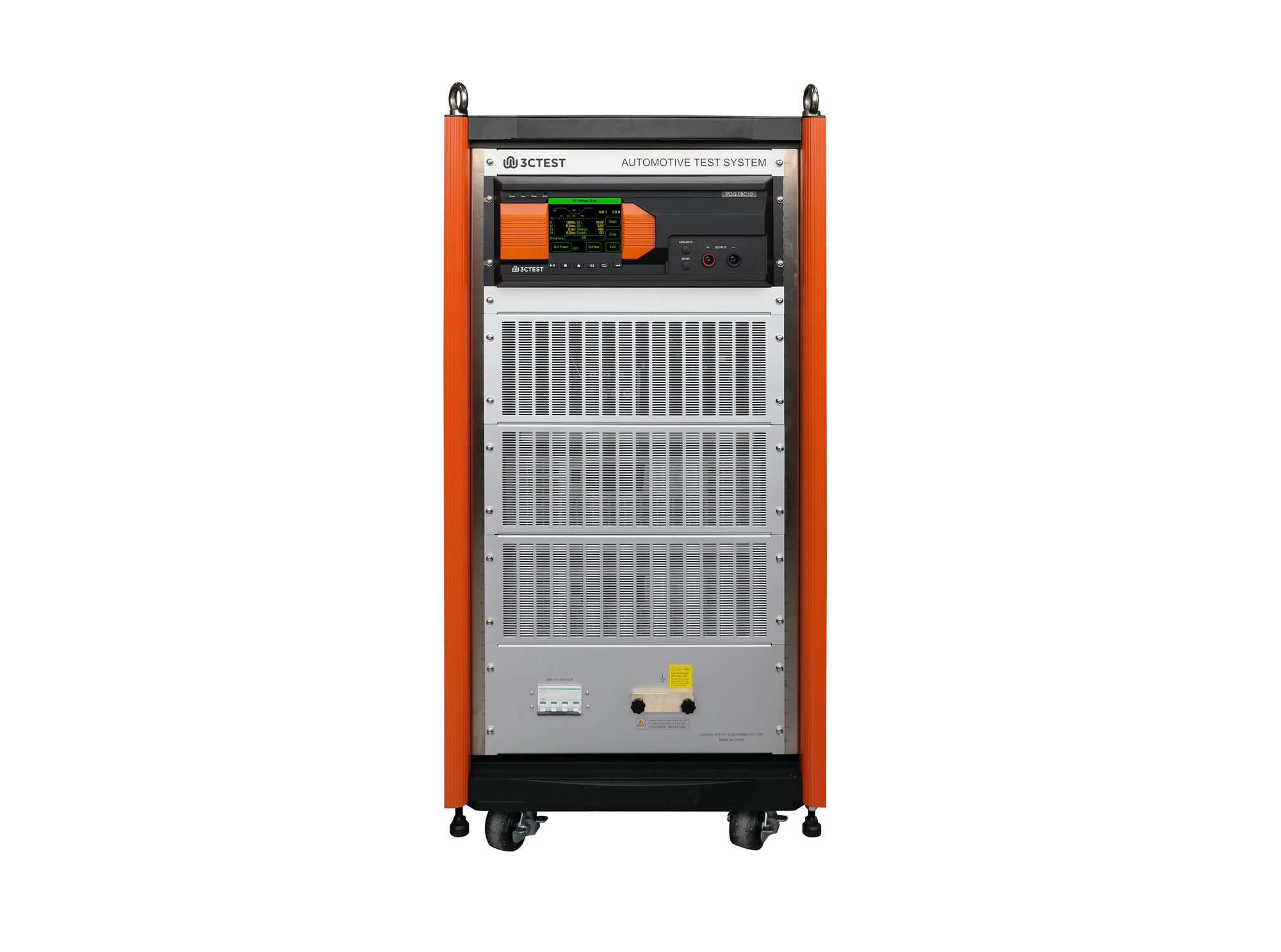
The PDG 08C10 Airborne DC Power Characteristic Test System supports DC 14 V, 28 V test, in compliance with MIL-STD-704F, DO160 S16/S18, HB 20326.8, GJB 181-86 and GJB 181A/B. Its total voltage distortion is below 0.3% under all load conditions, with frequency coverage from DC to 200 kHz.
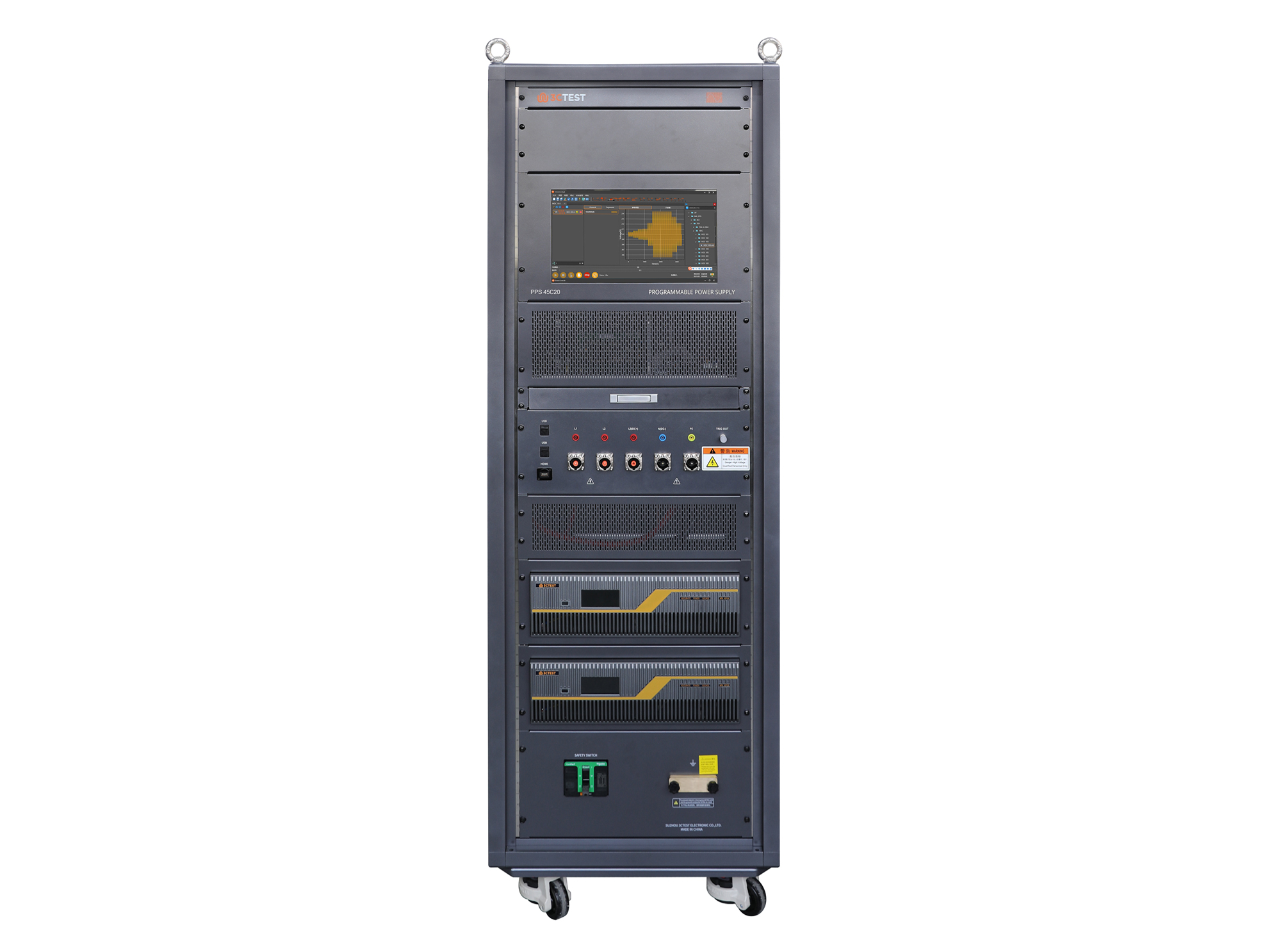
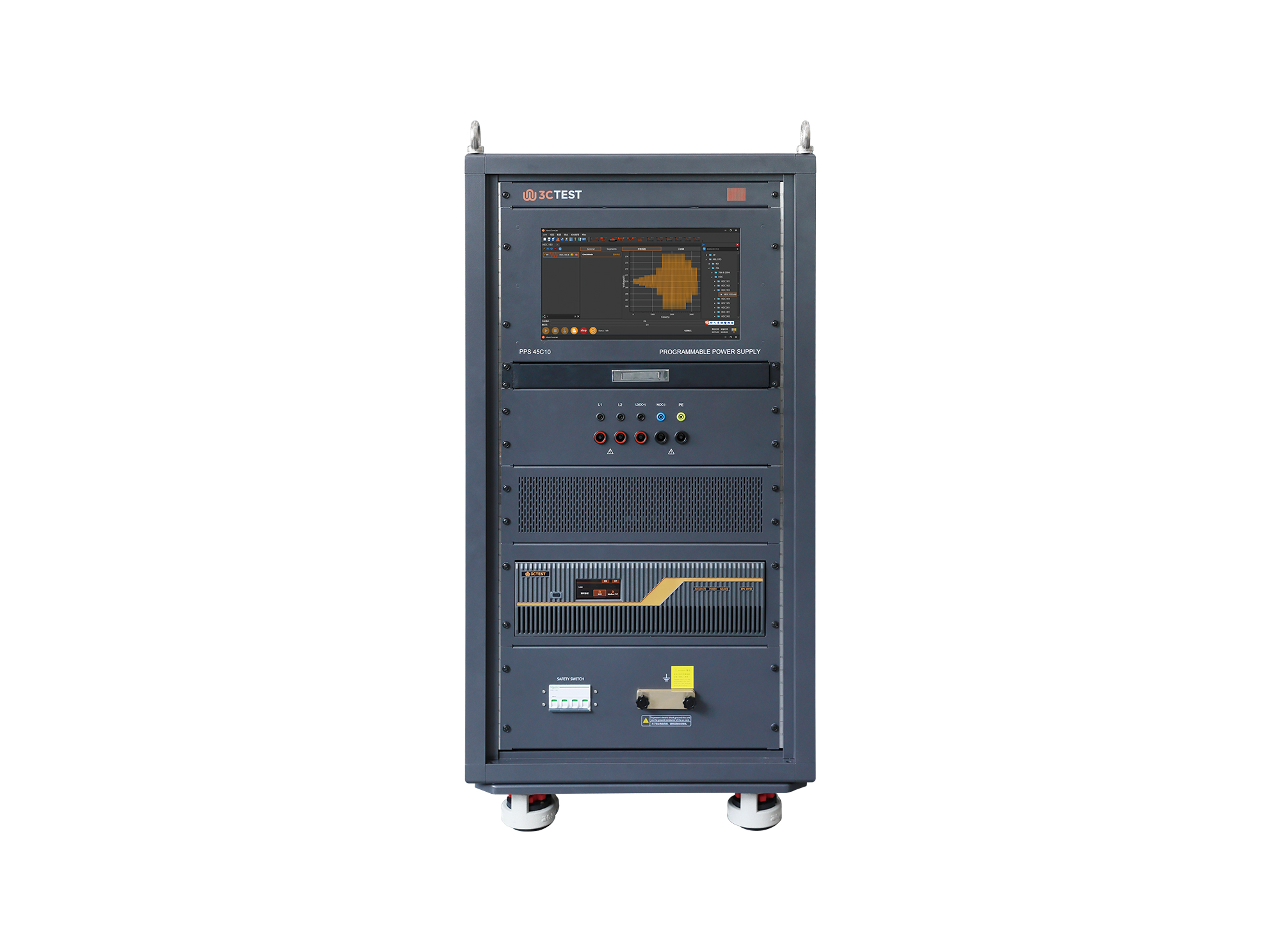
The PPS 45C20 Airborne AC/DC Power Characteristic Test System features wide voltage and current dynamic range, in compliance with MIL-STD-704F, DO160 S16/S18, HB 20326, GJB 181-86 and GJB 181A/B. Its output voltage distortion is below 0.3% under all load conditions, with frequency coverage from DC to 200 kHz.
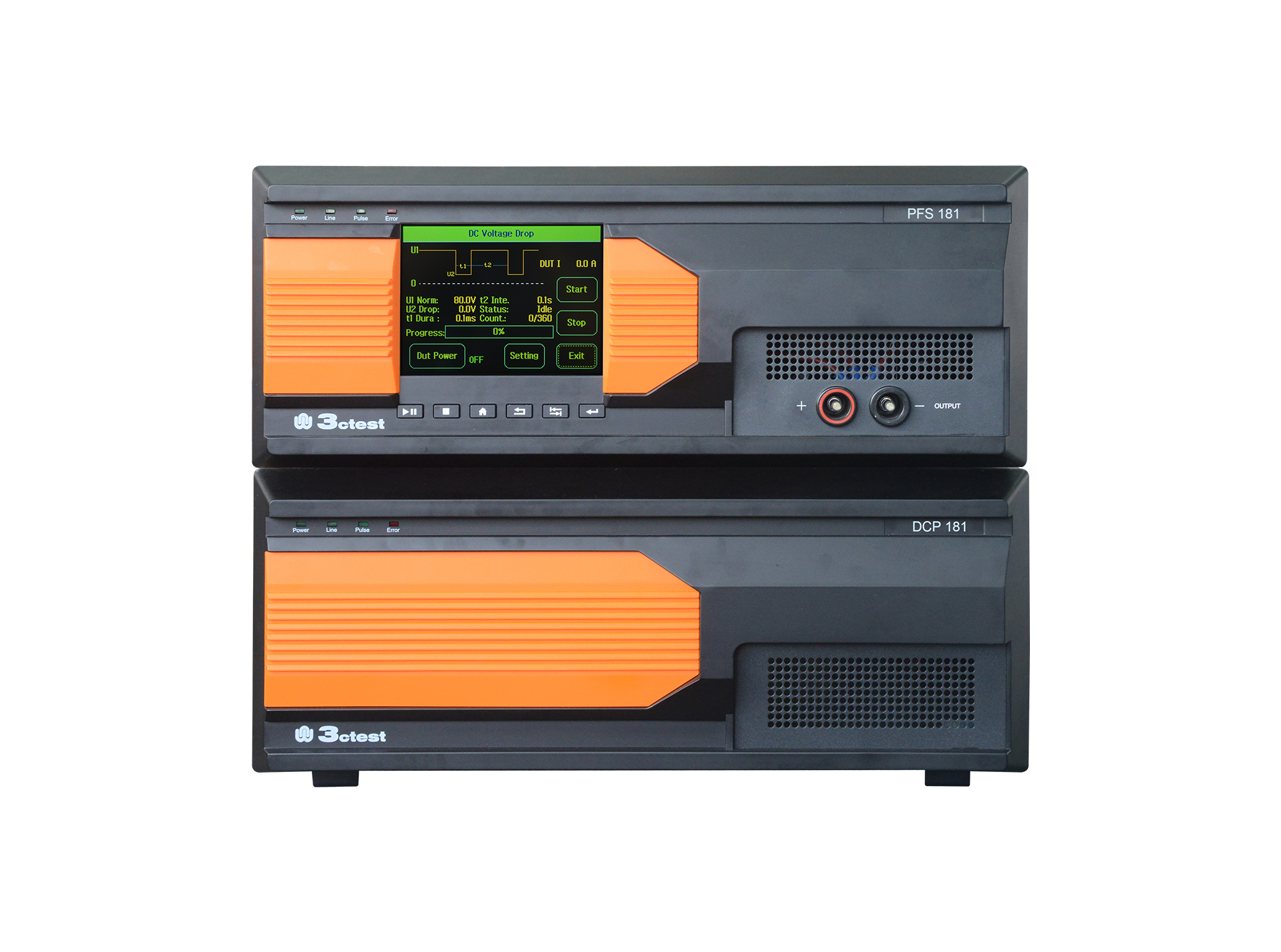
Vehicle-mounted power failure simulator PFS 181 is specially designed generator for DC voltage dips immunity tests, capable of simulating conditions of voltage dips, short interruption and variation of the DC power supply.
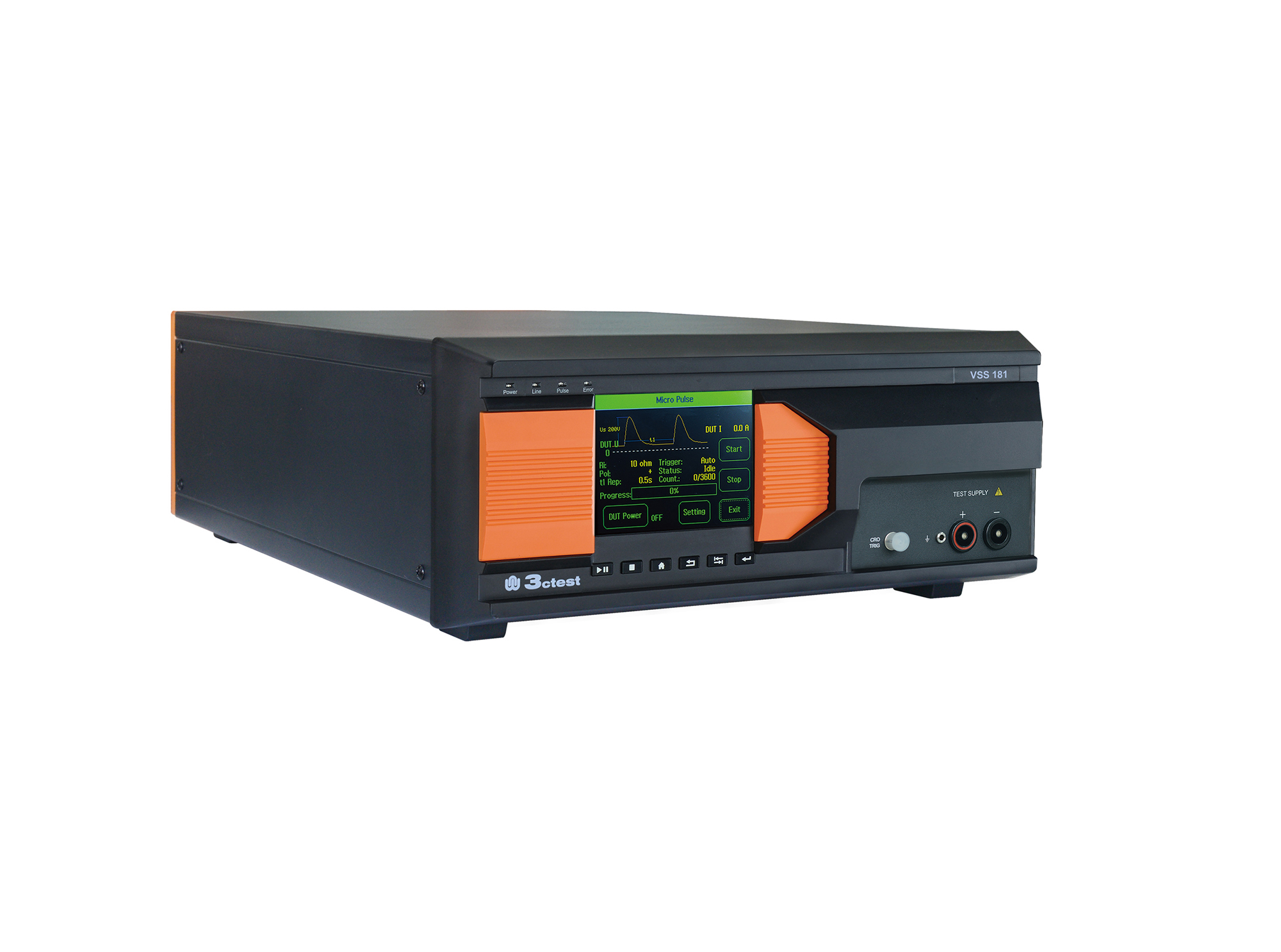
The VSS 181 Spike Voltage Simulator is designed to meet the test requirements of GJB 181-86, GJB 181A and RTCA/DO-160E.
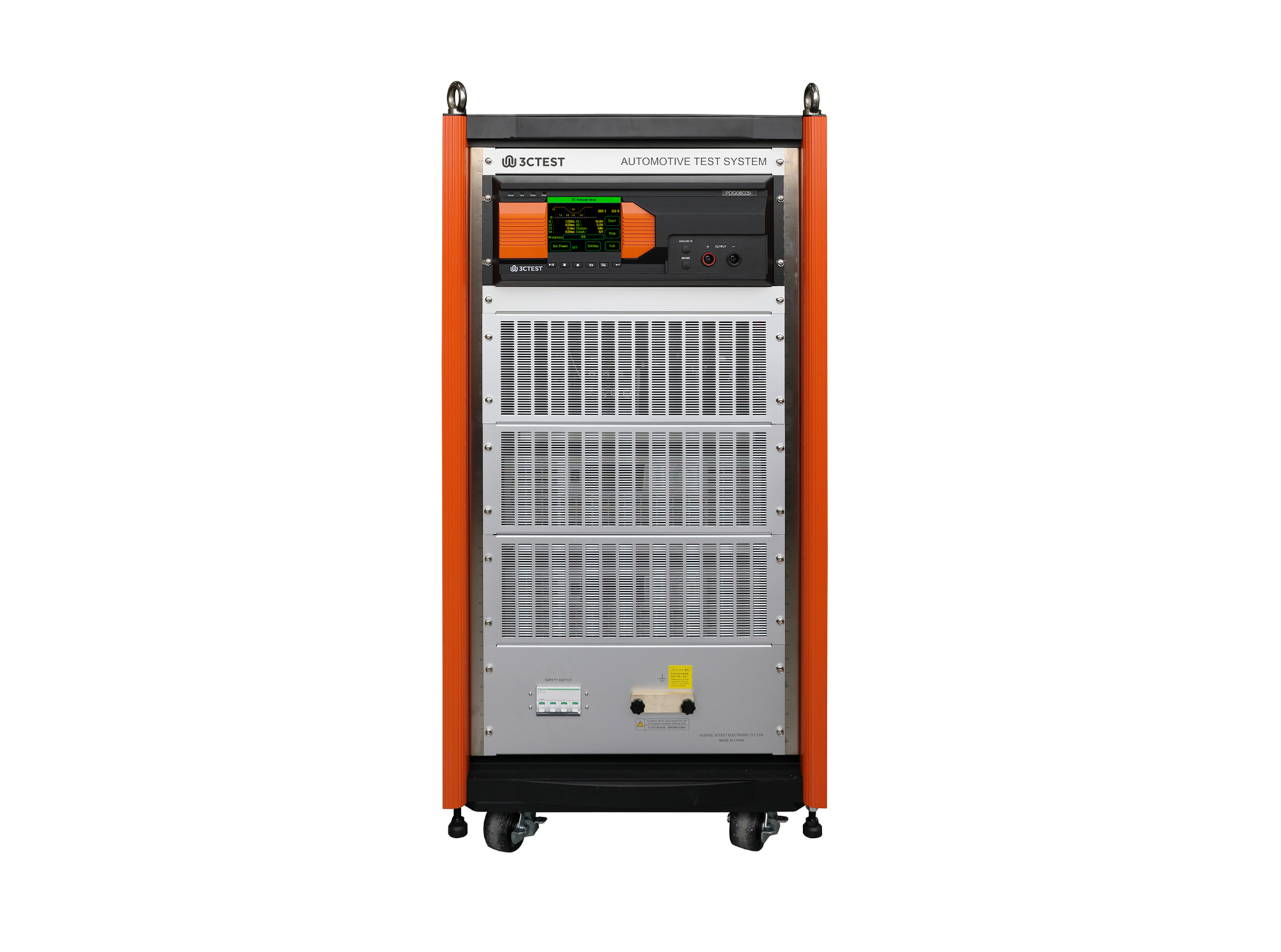
The PDG 08C05 Airborne DC Power Characteristic Test System supports DC 14 V, 28 V test, in compliance with MIL-STD-704F, DO160 S16/S18, HB 20326.8, GJB 181-86 and GJB 181A/B. Its total voltage harmonic distortion is below 0.3% under all load conditions, with frequency from DC to 200 kHz.

• Using the product inquiry function can help you quickly learn about the product's price and other related information.
• You can either inquire about a single product directly, or select multiple products to add to the inquiry bar and inquire about them together.
• How to make an inquiry





1. Using the product comparison function can help you find the target product you need for selection more quickly and easily.
2. You can add up to 5 products for comparison. Product models and parameters may vary across different series. It is recommended to compare products within the same series.
3. How to use the comparison bar.




 Phone: +86-512-68413700
 Email: info@3ctest.cn
 Address:No.99 E'meishan Rd, SND, Suzhou, Jiangsu, 215153, China,Suzhou, Jiangsu, 215153, China



© 2025 Suzhou 3CTEST


 Leave a Message


