

High frequency recommended vocabulary
ISO/TS 7637-4 is the technical specification version of the document that defines transient conduction along shielded high-voltage supply lines in road vehicles. A technical specification is published when the subject matter is still developing and the committee wishes to make guidance available before a full international standard can be agreed, and that situation applied to the high-voltage transient environment of electric vehicles, where field experience was limited and practice among manufacturers was still forming. The document therefore presents the test waveforms and the method for applying them to the shielded high-voltage circuit with the understanding that the requirements may be revised. In practice it was the basis on which traction system components were qualified before the corresponding part of the series reached full international standard status, and the two documents should be read together where a project refers to either. The test configuration and the generator characteristics are essentially those of the published part.
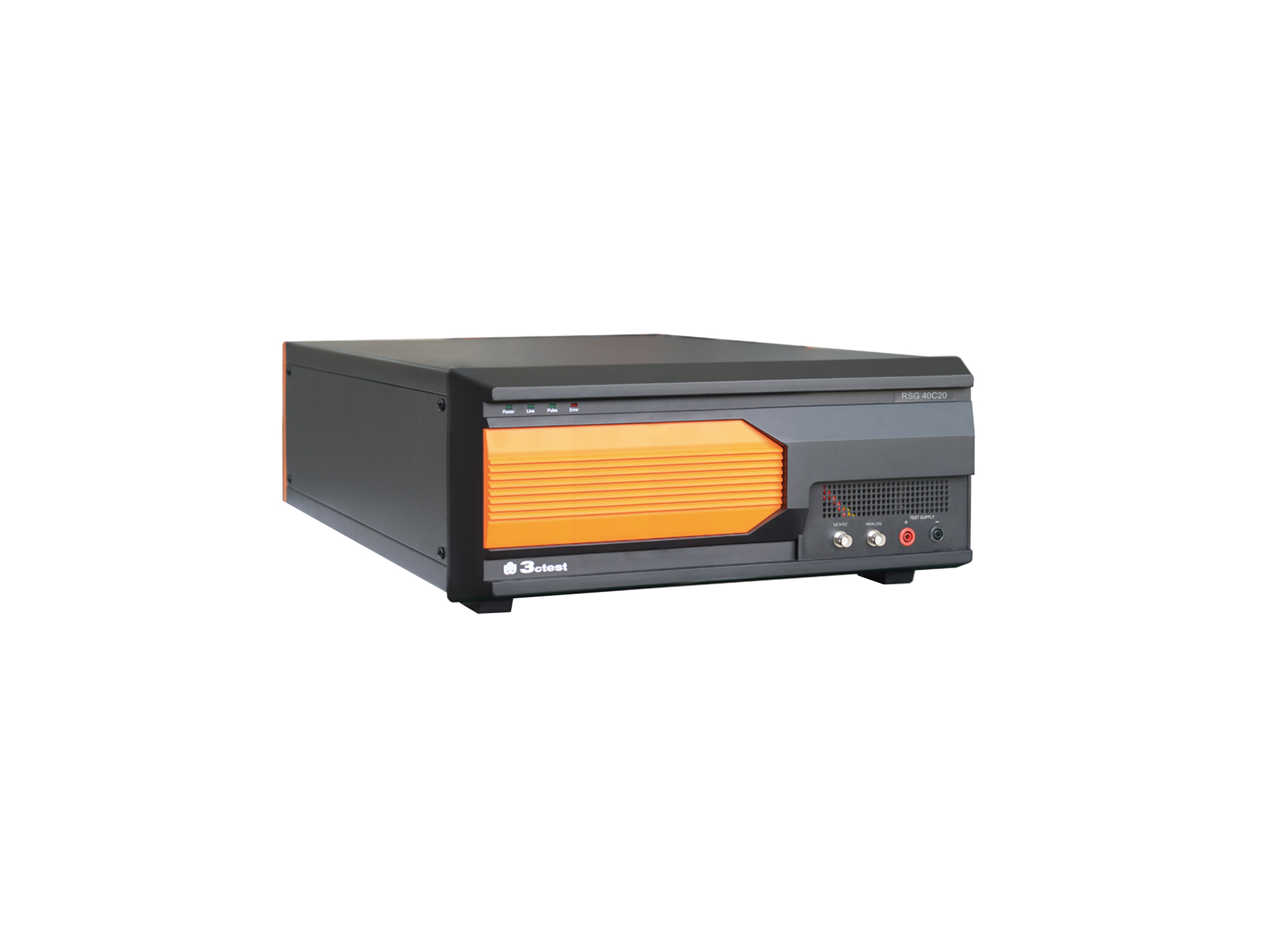
The RSG 40C20 Ripple Signal Generator complies with ISO/TS 7637-4, ISO 21498, VW 80300, GJB 151B and ISO 11452.8
The RSG 40C20 Ripple Signal Generator complies with ISO/TS 7637-4, ISO 21498, VW 80300, GJB 151B and ISO 11452.8
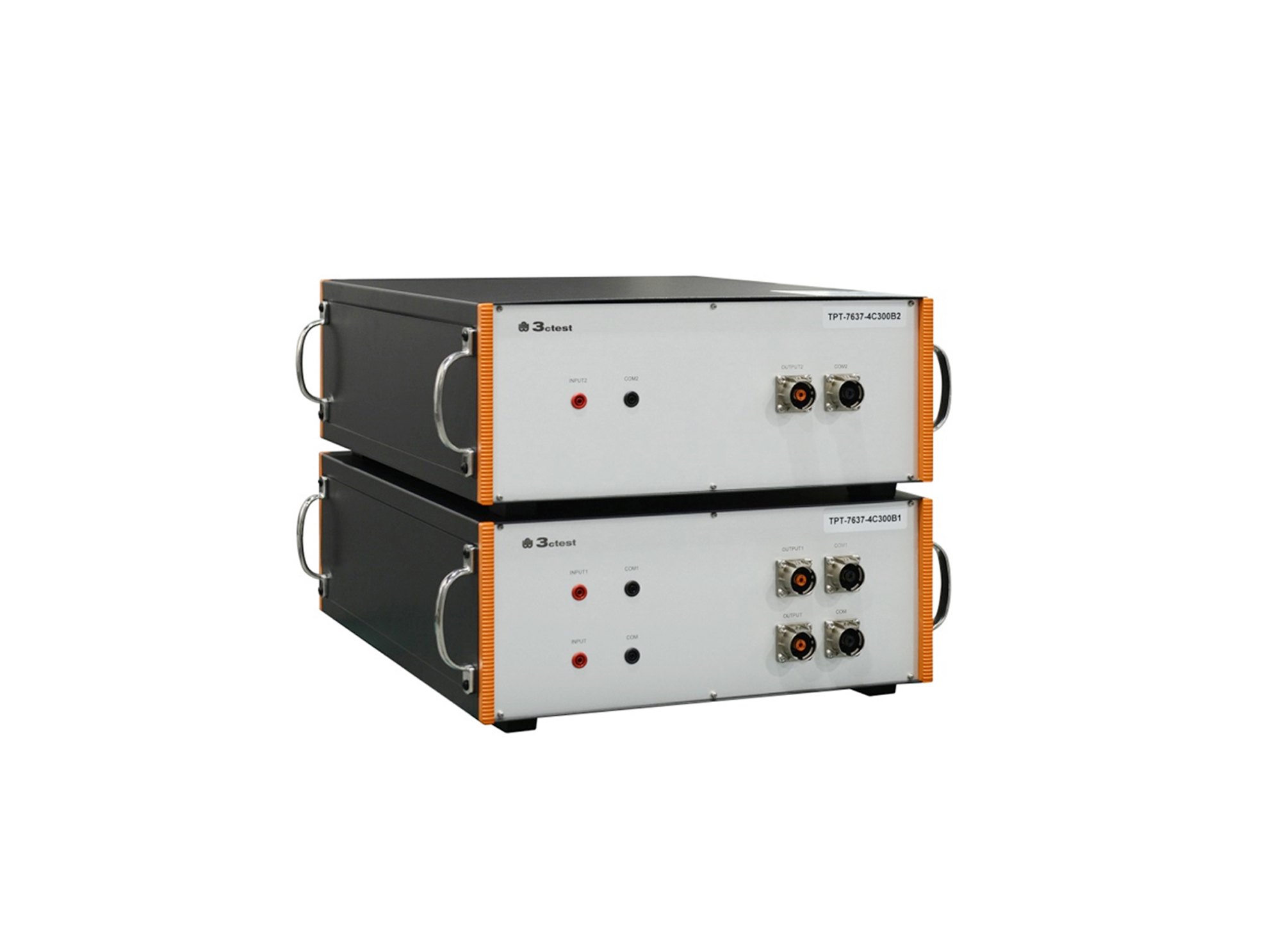
The TPT-7637-4C300B1/B2 is a broadband coupling transformer specifically designed for the Low-Frequency Sinusoidal Disturbance Pulse B transient immunity test defined in ISO 7637-4.
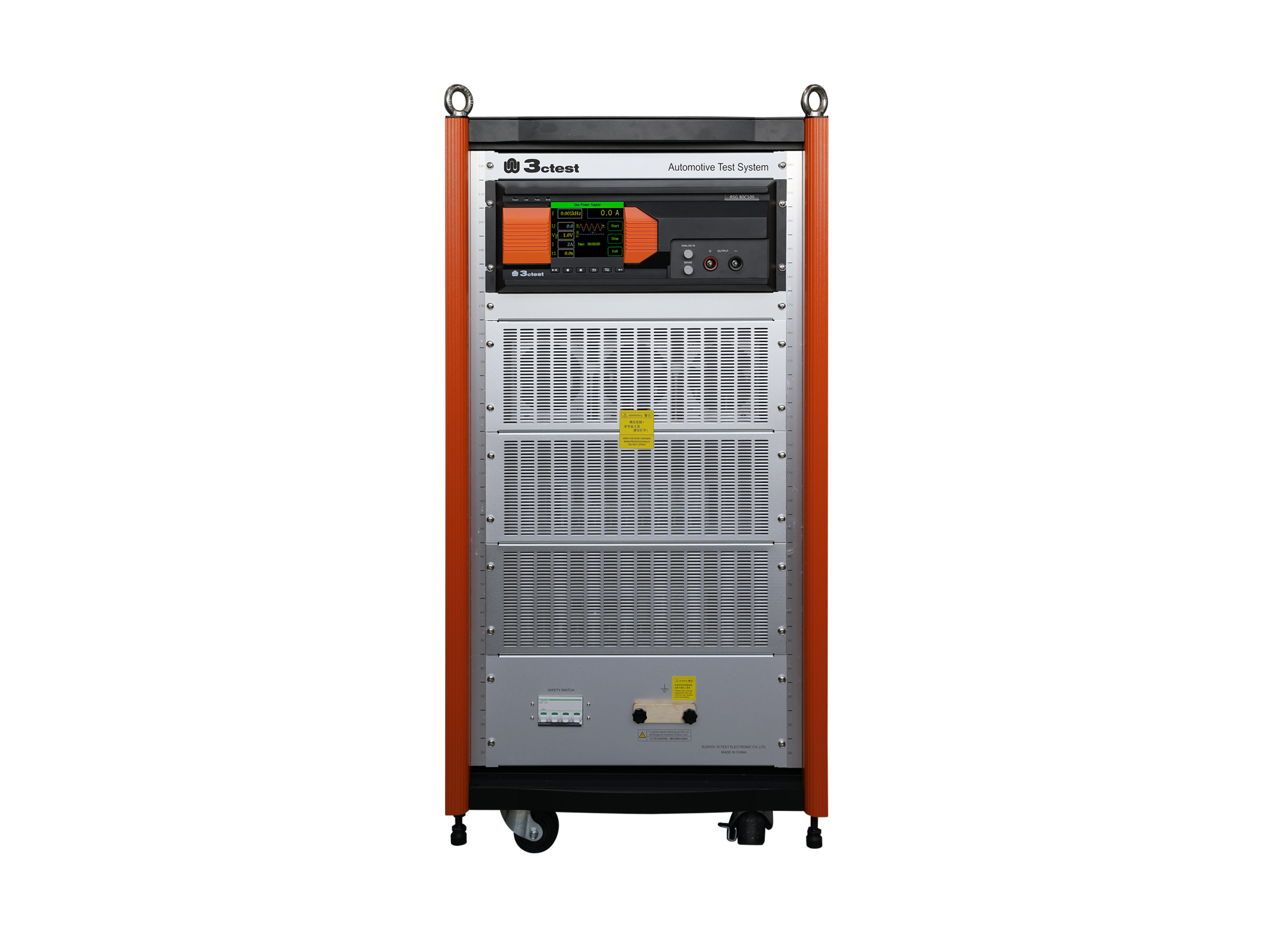
The RSG 80C100 Ripple Signal Generator complies with ISO/TS 7637-4, ISO 21498, VW 80300, GJB 151B and ISO 11452.8

• Using the product inquiry function can help you quickly learn about the product's price and other related information.
• You can either inquire about a single product directly, or select multiple products to add to the inquiry bar and inquire about them together.
• How to make an inquiry





1. Using the product comparison function can help you find the target product you need for selection more quickly and easily.
2. You can add up to 5 products for comparison. Product models and parameters may vary across different series. It is recommended to compare products within the same series.
3. How to use the comparison bar.




 Phone: +86-512-68413700
 Email: info@3ctest.cn
 Address:No.99 E'meishan Rd, SND, Suzhou, Jiangsu, 215153, China,Suzhou, Jiangsu, 215153, China



© 2025 Suzhou 3CTEST


 Leave a Message


