

High frequency recommended vocabulary
ISO 7637-2 specifies the test waveforms and procedures for electrical transient conduction along supply lines in road vehicles. It is the most widely applied part of the series, because the transients it defines are produced by the everyday operation of the vehicle electrical system: the inductive kick that follows the interruption of a load such as a relay or a motor, the fast negative and positive transients generated by the switching of inductive devices, the burst of short pulses that accompanies the release of a relay contact, and the load dump transient that results when a heavily loaded alternator is disconnected from a battery. Each phenomenon is defined as a numbered pulse with a specified amplitude, rise time, duration and source impedance, and particular attention is given to the impedance of the test generator, because it determines how much current flows into the equipment under test and therefore dominates the test result. Test levels and the applicable functional status are selected by the vehicle manufacturer.
.jpg)
The TFB 500/1000 is an EFT/B calibration kit developed in compliance with IEC/EN 61000-4-4, ISO 7637.2 and GB/T 17626.4. TFB500 / TFB1000 feature 50 Ω and 1 kΩ terminations.
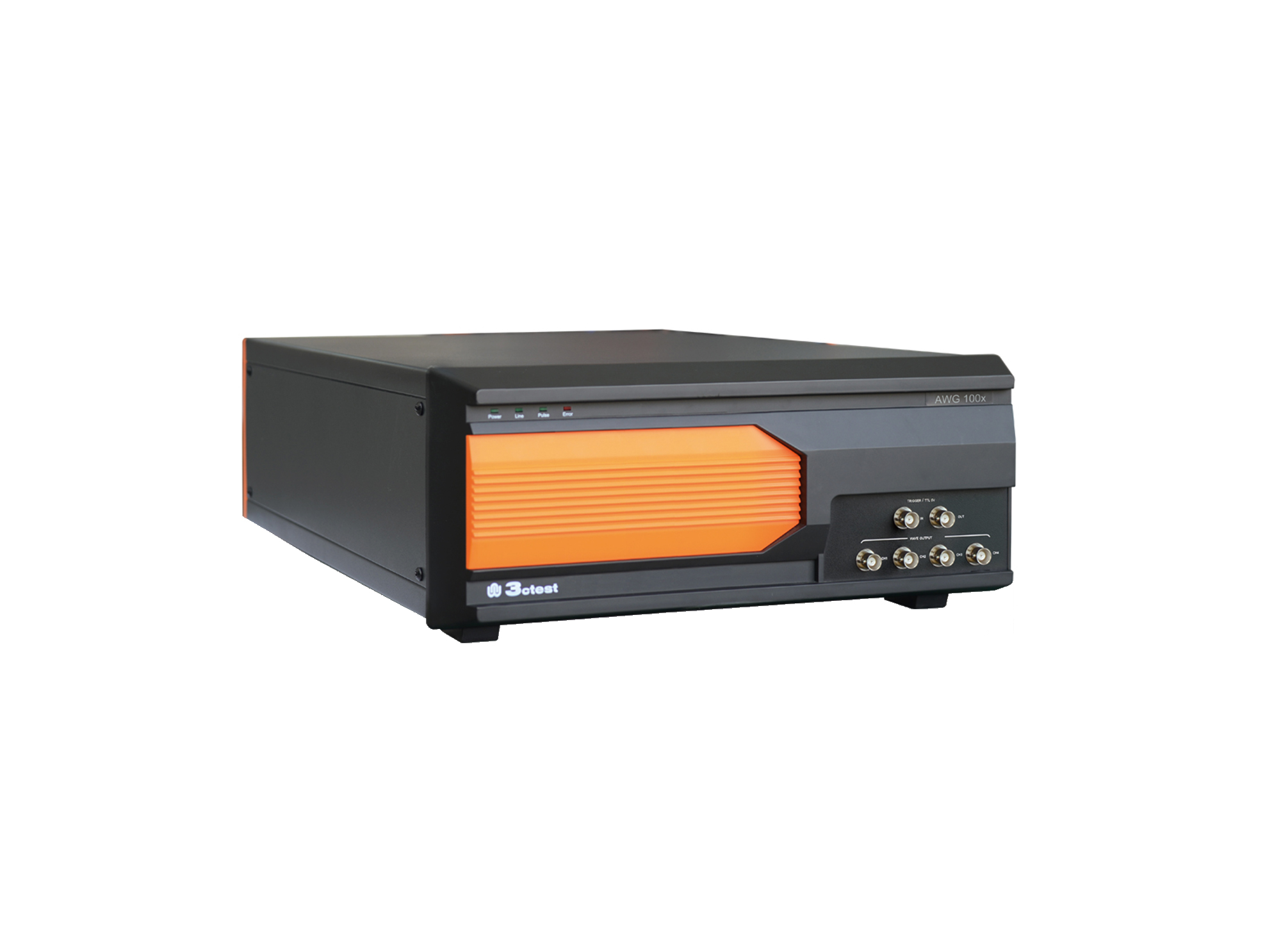
The AWG 100X Arbitrary Waveform Generator complies with ISO 16750, ISO 7637-2 and certain automotive manufacturer standards.
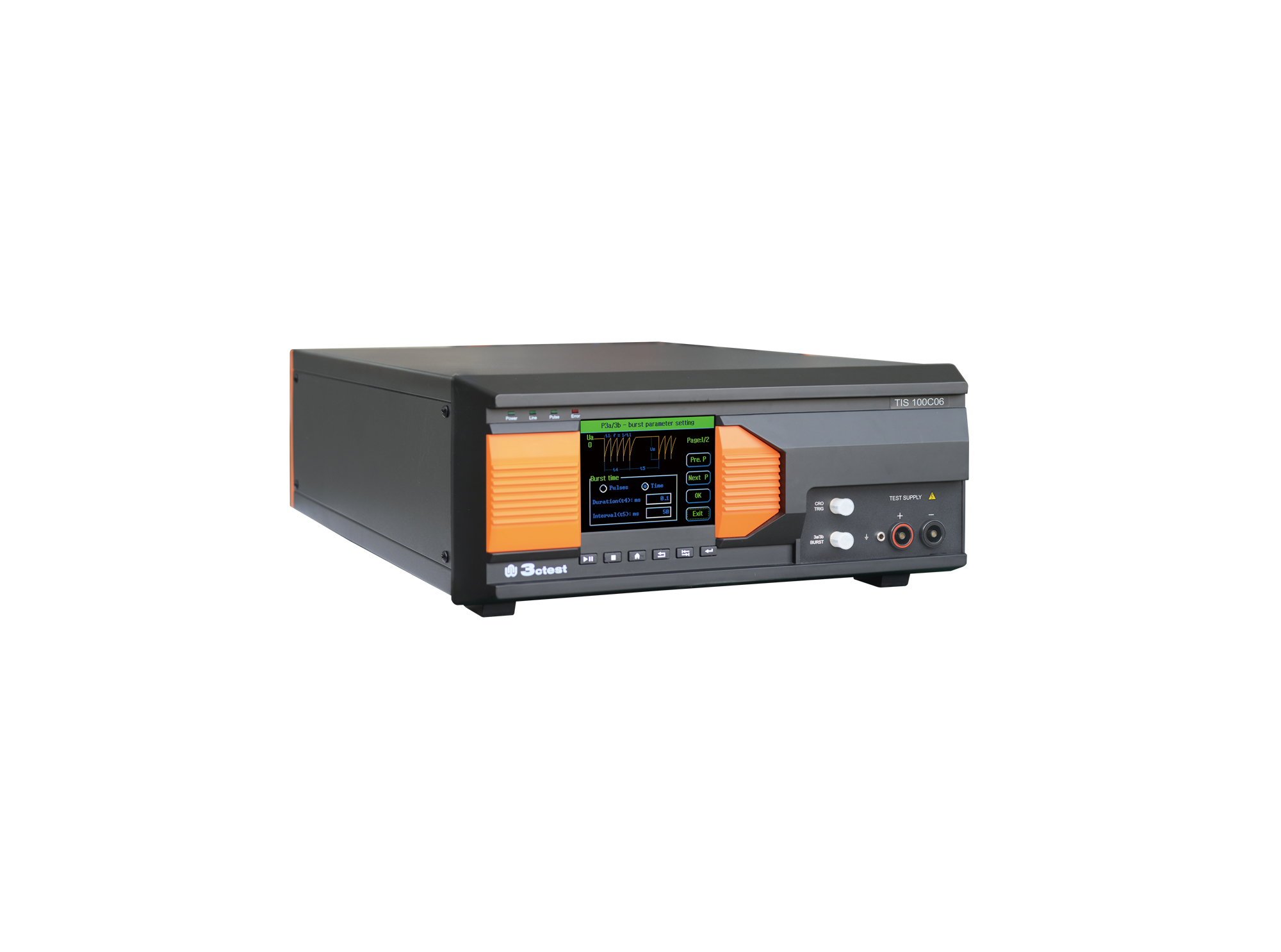
The TIS 100Cx Series Vehicle Compact Transient Pulse Simulator can perform pulses 1, 2a, 3a and 3b on power lines as per ISO 7637-2, and signal and data lines as per ISO 7637-3.
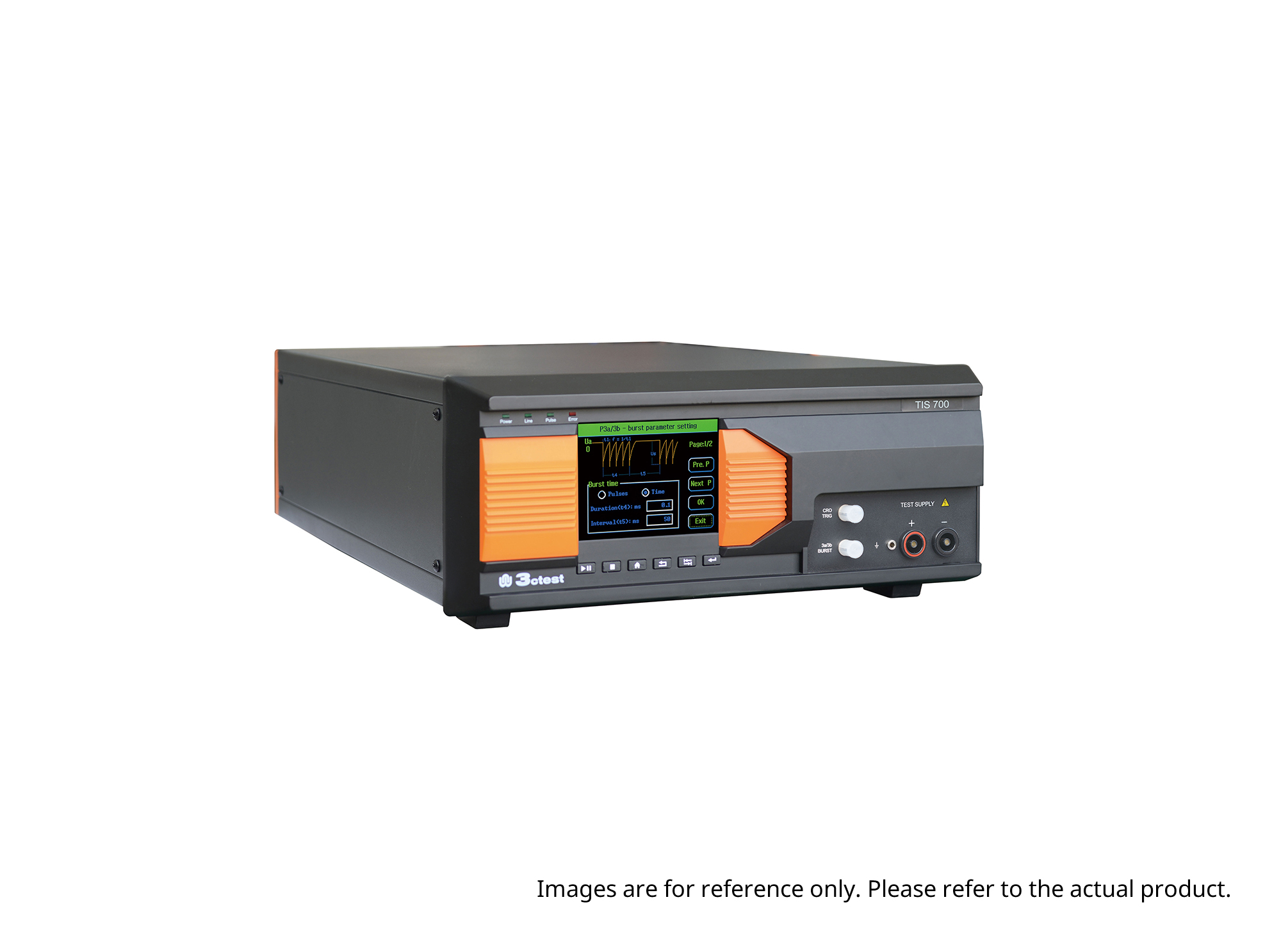
The TIS 700 Vehicle Compact Transient Pulse Simulator can perform pulses 1, 2a, 3a and 3b on power lines as per ISO 7637-2, and signal and data lines as per ISO 7637-3. When used with PC software, it can also perform Pulse 1b and Pulse 6 tests.
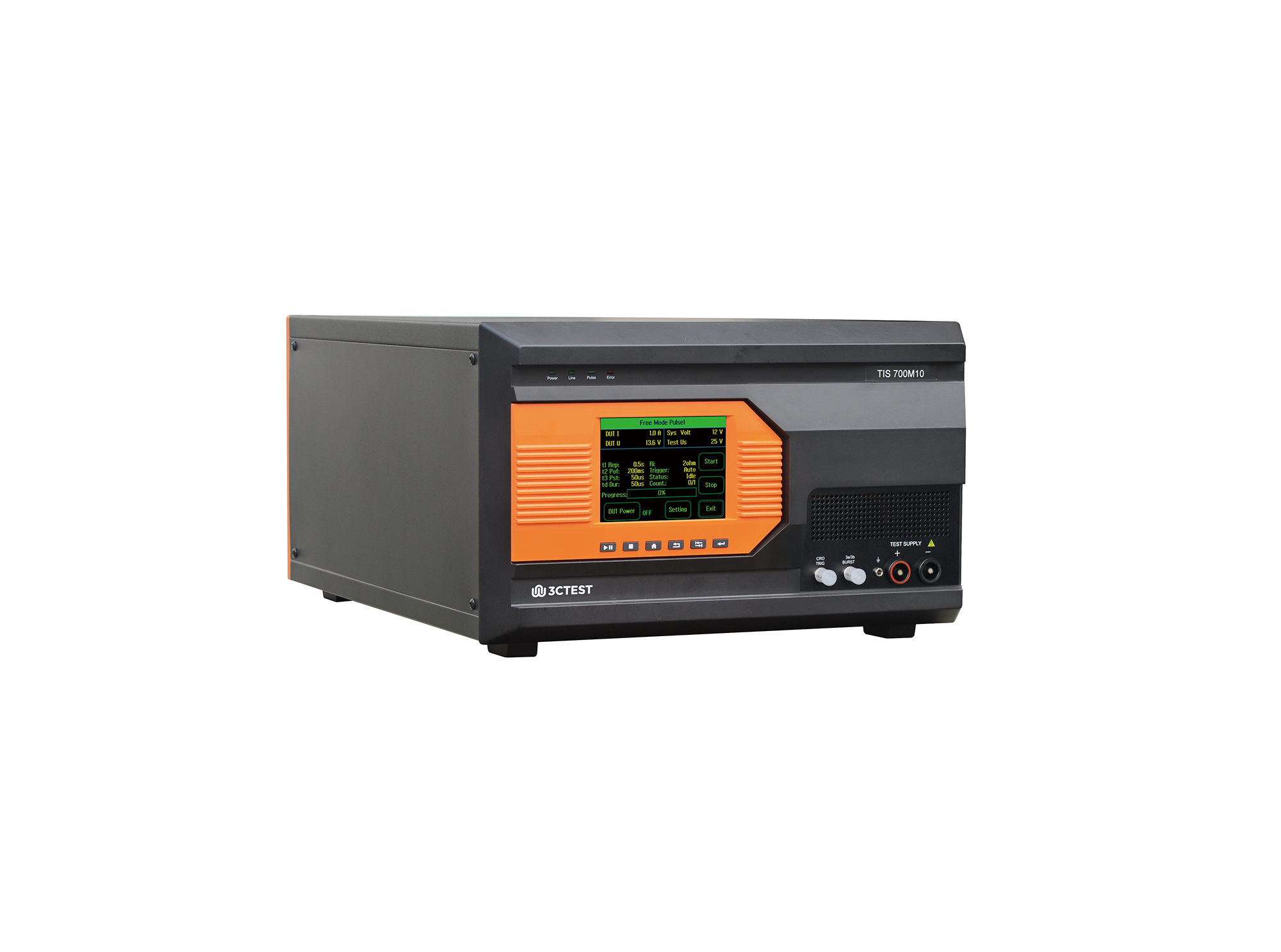
The TIS 700M10 Micro-Pulse Interference Generator can perform pulses 1, 2a, 3a and 3b on power lines as per ISO 7637-2, and fast and slow transient pulses on signal and data lines tests as per ISO 7637-3.
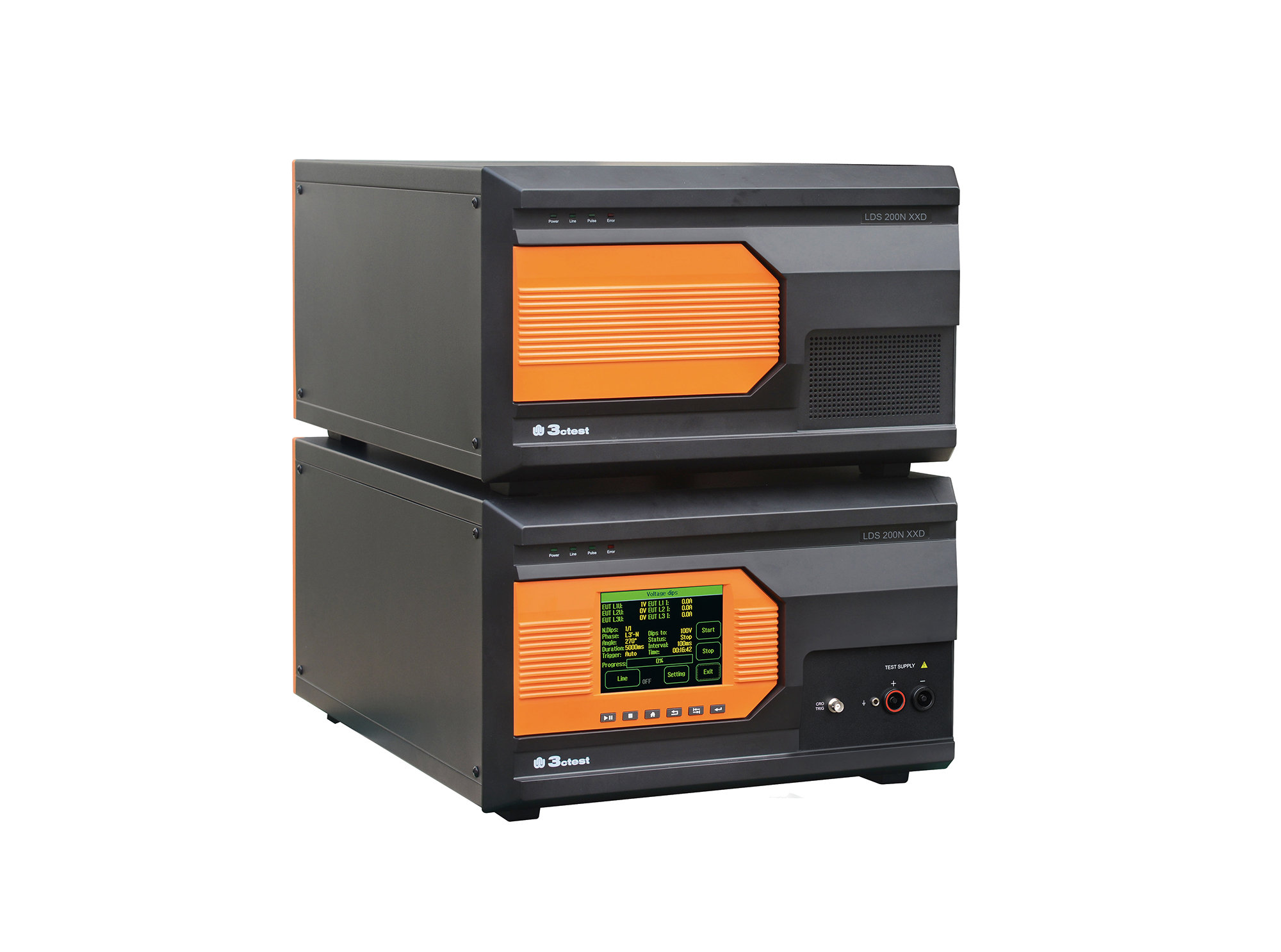
Load dump pulses generated by the LDS 200NxxD comply with ISO 7637-2, ISO 16750-2, SAE J1113 and numerous vehicle manufacturer standards
The TIS 700-200 Vehicle Compact Transient Pulse Simulator can perform pulses 1, 2a, 3a and 3b on power lines as per ISO 7637-2, and signal and data lines as per ISO 7637-3. When used with PC software, it can also perform Pulse 1b and Pulse 6 tests.
The TIS 700-100 Vehicle Compact Transient Pulse Simulator can perform pulses 1, 2a, 3a and 3b on power lines as per ISO 7637-2, and signal and data lines as per ISO 7637-3. When used with PC software, it can also perform Pulse 1b and Pulse 6 tests.
The TIS 700-60 Vehicle Compact Transient Pulse Simulator can perform pulses 1, 2a, 3a and 3b on power lines as per ISO 7637-2, and signal and data lines as per ISO 7637-3. When used with PC software, it can also perform Pulse 1b and Pulse 6 tests.
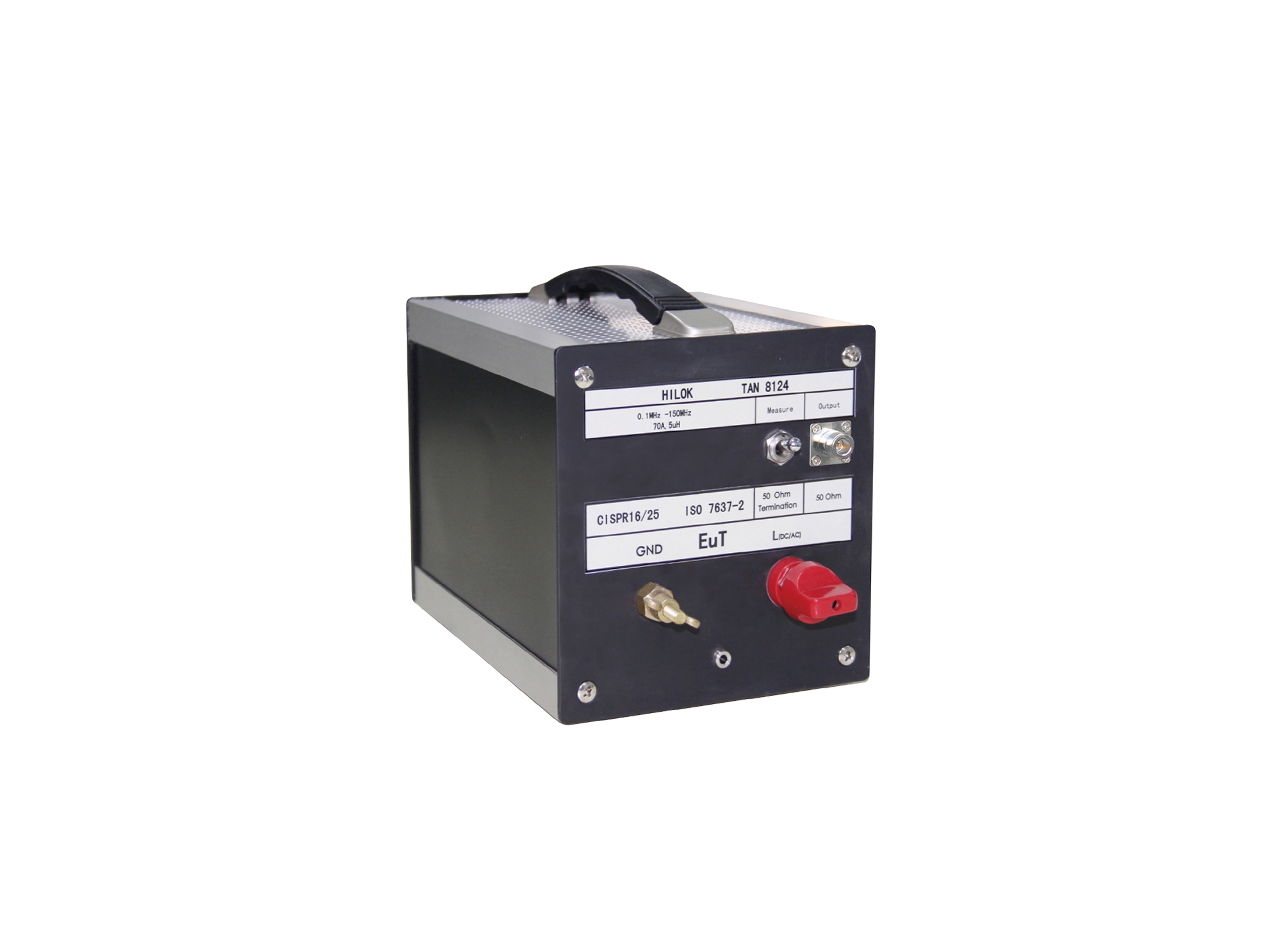
The TAN 8124 artificial network complies with CISPR 25 and ISO 7637-2 standards.

• Using the product inquiry function can help you quickly learn about the product's price and other related information.
• You can either inquire about a single product directly, or select multiple products to add to the inquiry bar and inquire about them together.
• How to make an inquiry





1. Using the product comparison function can help you find the target product you need for selection more quickly and easily.
2. You can add up to 5 products for comparison. Product models and parameters may vary across different series. It is recommended to compare products within the same series.
3. How to use the comparison bar.




 Phone: +86-512-68413700
 Email: info@3ctest.cn
 Address:No.99 E'meishan Rd, SND, Suzhou, Jiangsu, 215153, China,Suzhou, Jiangsu, 215153, China



© 2025 Suzhou 3CTEST


 Leave a Message


