

High frequency recommended vocabulary
ISO 21780 specifies the electrical requirements and tests for the 48 V supply voltage used in road vehicles. The 48 V system was introduced to support functions such as electric boosting, regenerative braking and active suspension without the cost and the safety measures that a full high-voltage traction system requires, and it occupies the voltage range that lies above the conventional 12 V or 24 V network but below the level at which contact protection becomes mandatory. The standard defines the nominal voltage and the tolerances that the system must maintain, then describes the operating conditions against which components are qualified, including the steady-state overvoltage that follows a load rejection, the voltage excursions during boosting and recuperation, the dips that occur when high-power loads are switched, the behaviour during engine start and the ripple generated by the converter that links the 48 V network to the conventional one. Test procedures, reference waveforms and the criteria for acceptable operation are given for each condition.
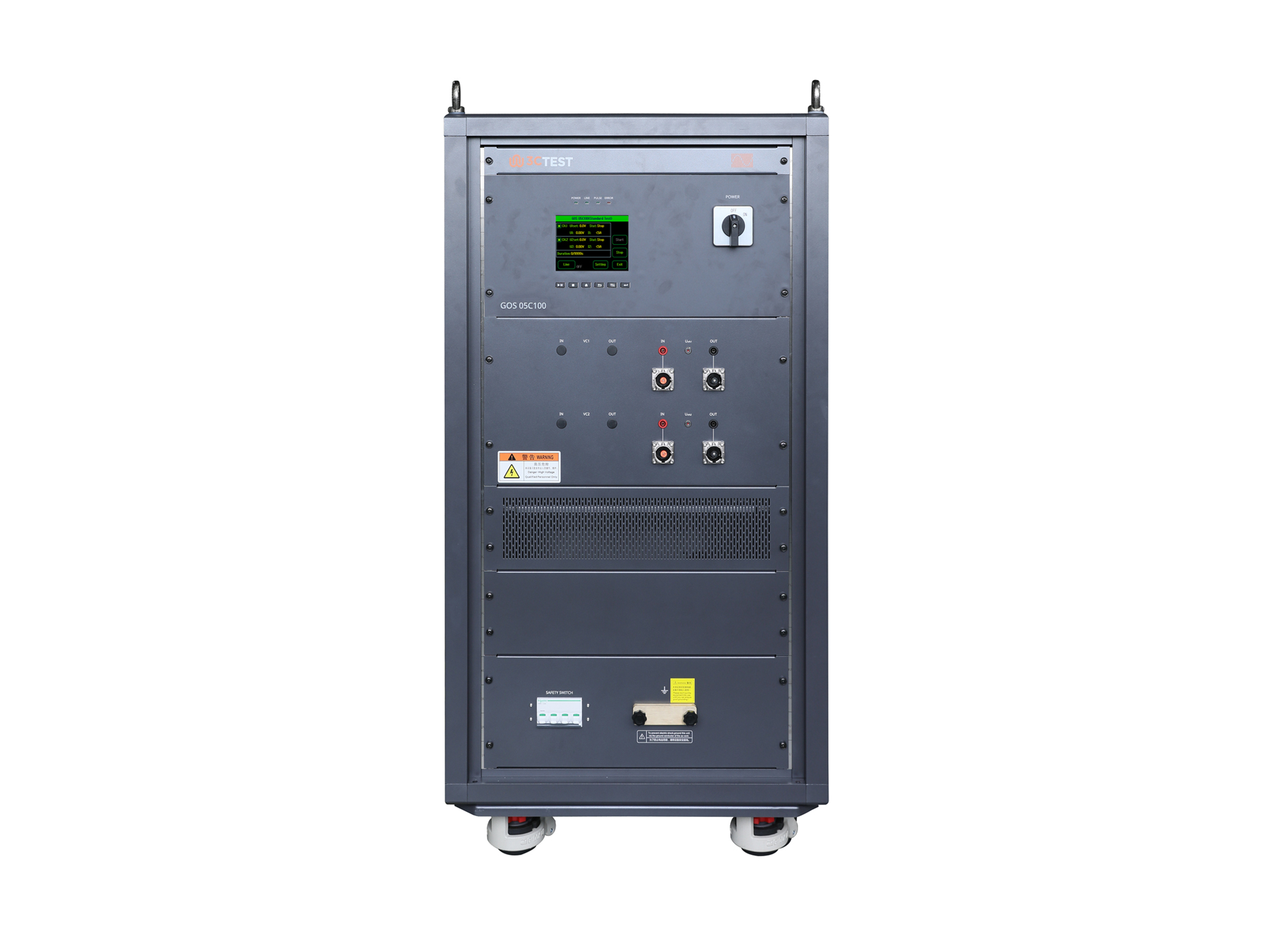
The GOS 05C100 ground offset simulator complies with ISO 16750-2, ISO 21780, VW 80000, GMW 3172.
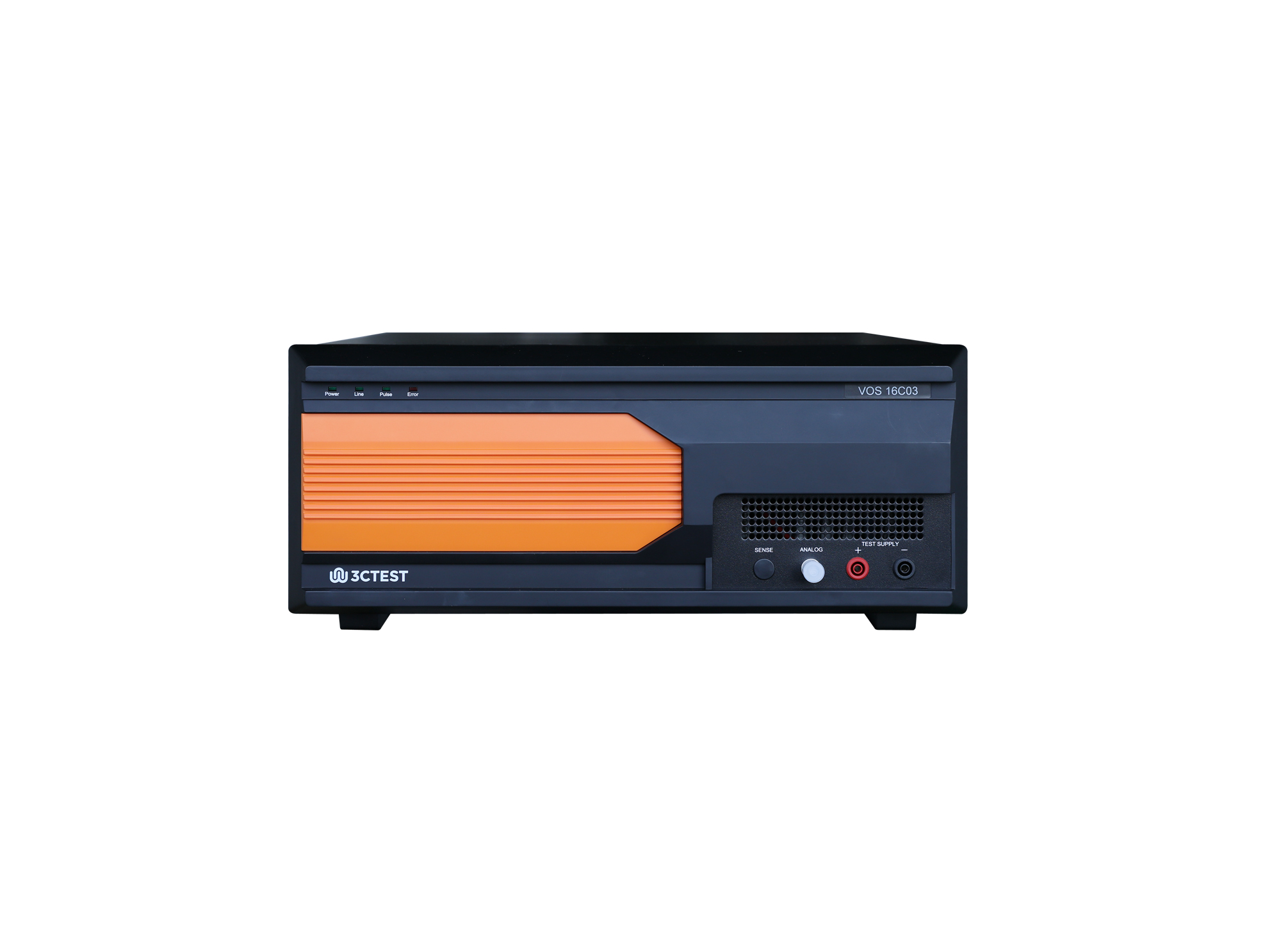
The VOS 16C03 Voltage Offset Simulator is designed strictly in accordance with the Pulse 10a/10b/10c/10d specified in Table 31 of CHANGAN standard VS-00.35-L-10008:2018. The product integrates a high-performance signal generator with frequency up to 300 kHz and its voltage slew rate up to 80 V/μs.
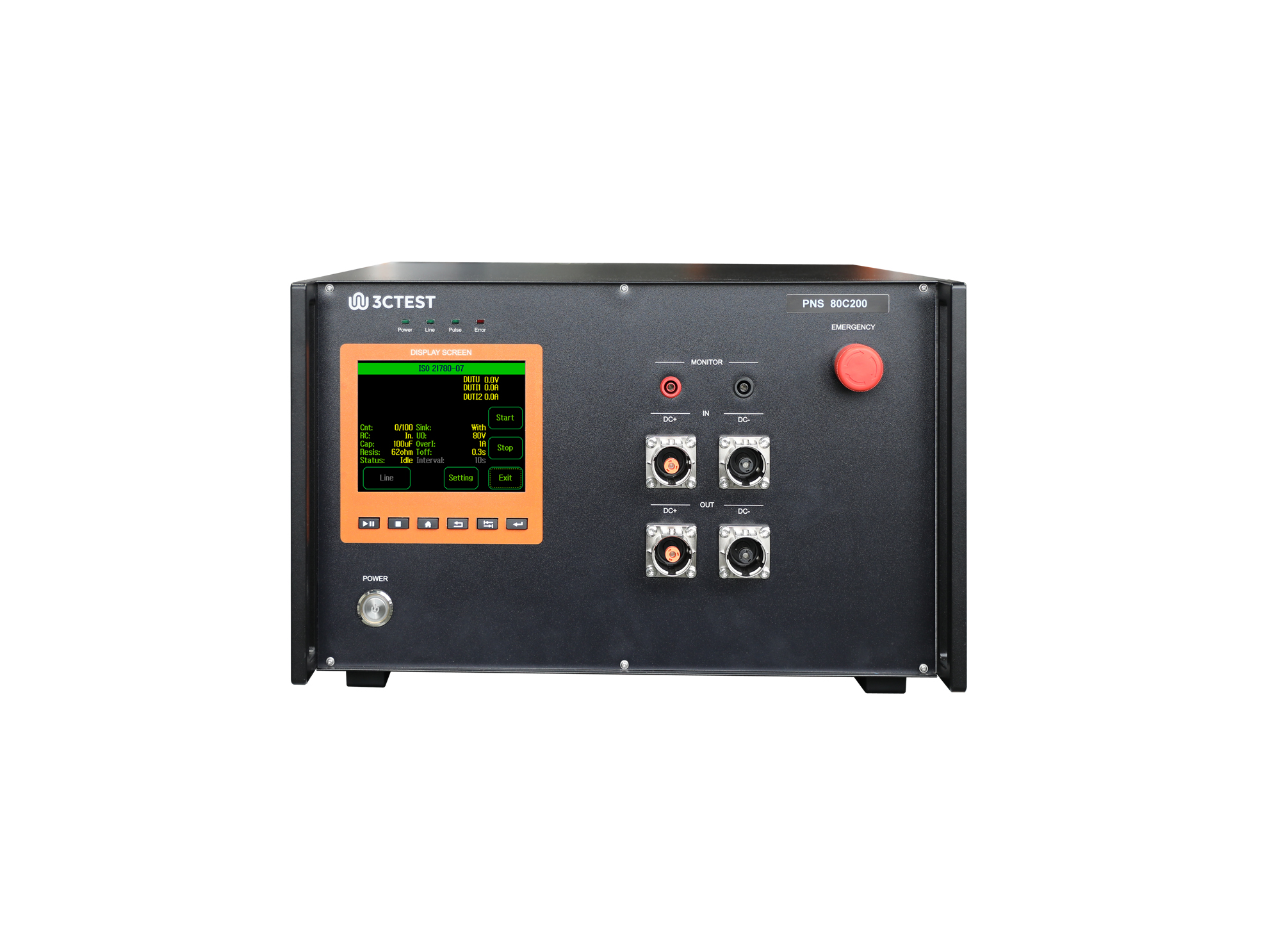
The PNS 80C200 Power Network Simulator is designed for Test-04: supply component load dump control test and Test-07 overvoltage with consumer components which may supply electrical energy specified in ISO 21780. This RC network can be used for simulating harness impedance and grid parasitic capacitance in 48 V vehicles.
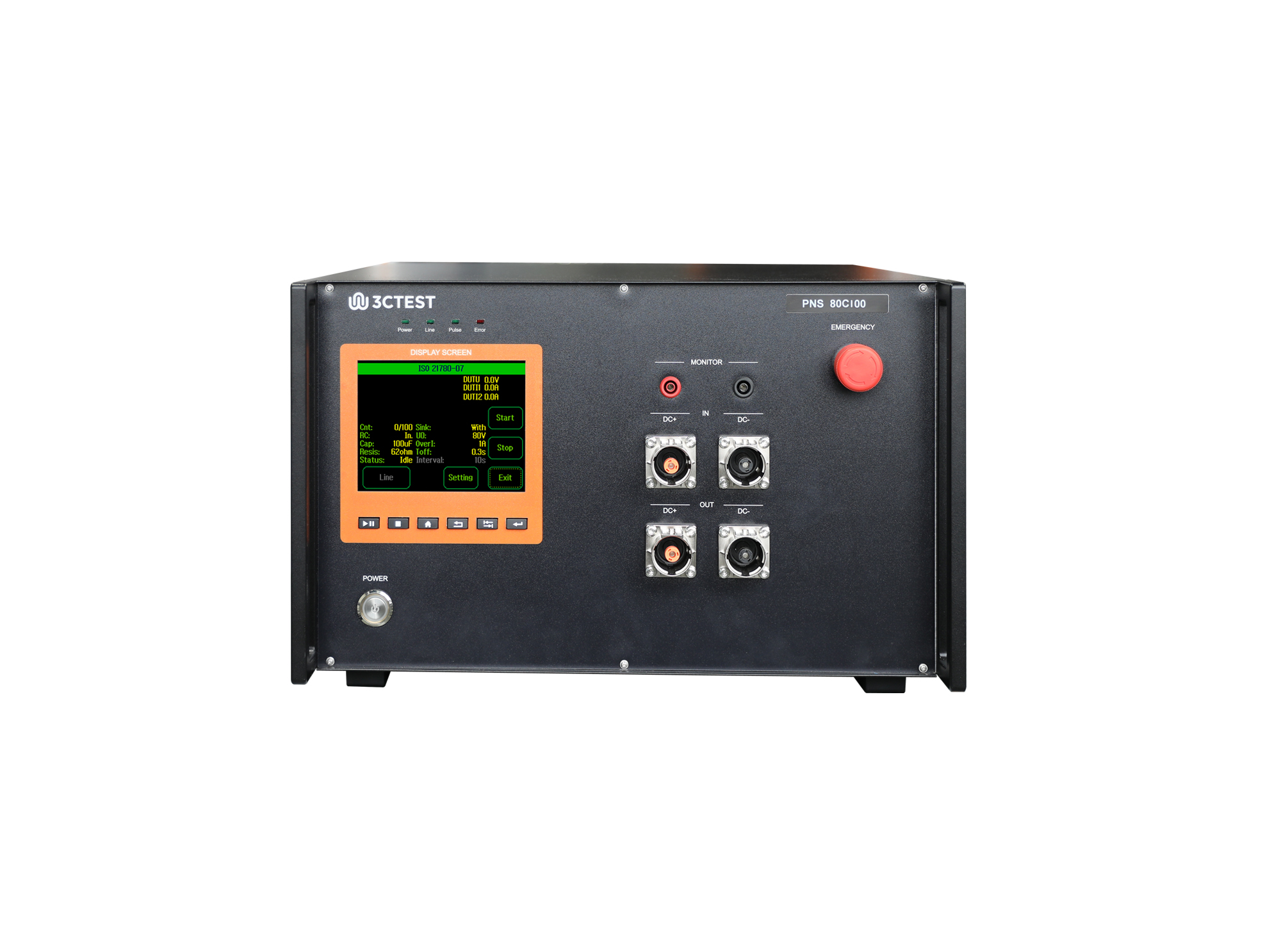
The PNS 80C100 Power Network Simulator is designed for Test-04: supply component load dump control test and Test-07 overvoltage with consumer components which may supply electrical energy specified in ISO 21780. This RC network can be used for simulating harness impedance and grid parasitic capacitance in 48 V vehicles.
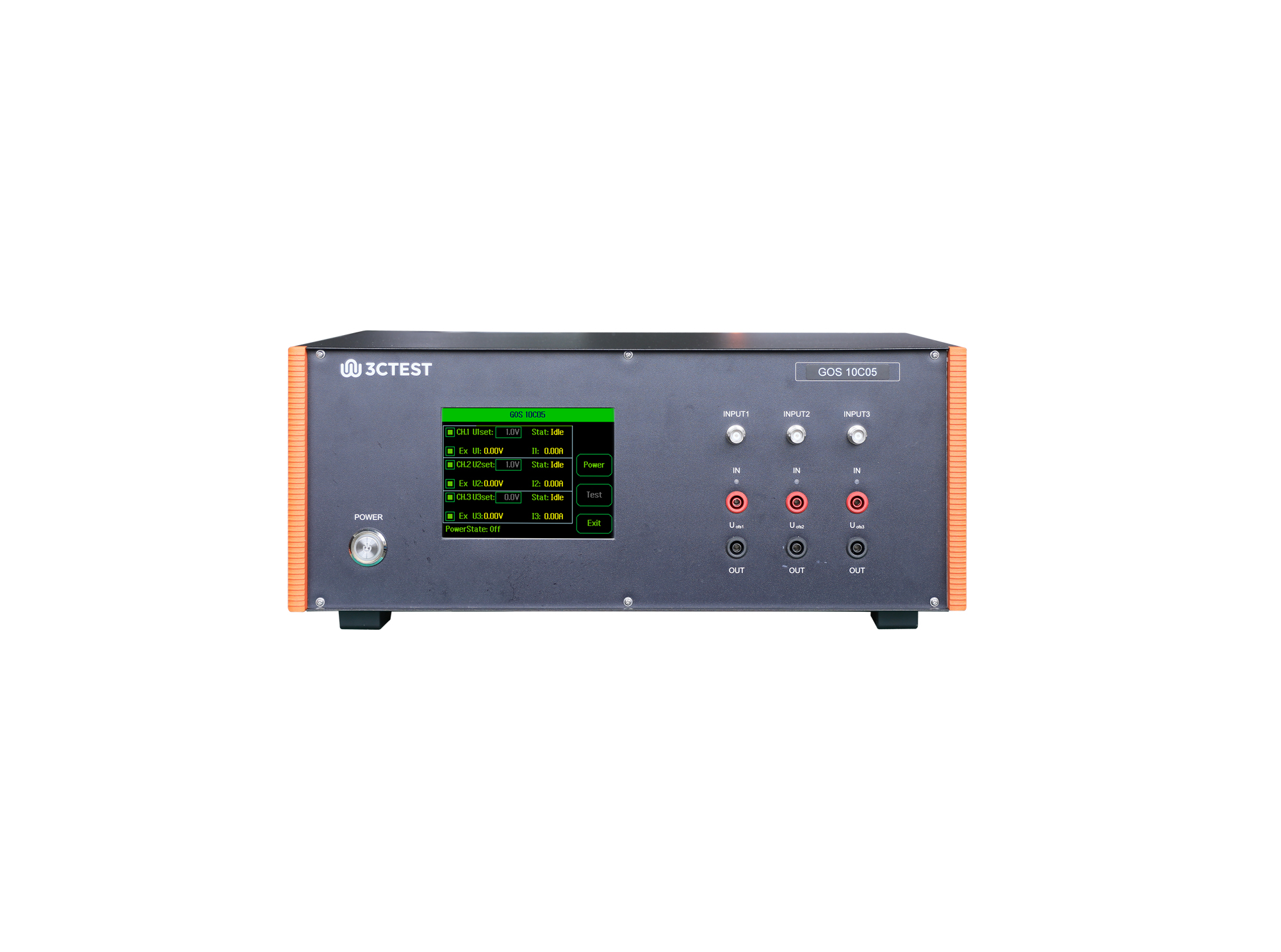
The GOS 10C05 is a standalone test equipment used to simulate ground offset and power supply offset of multi-channel power supply circuits.
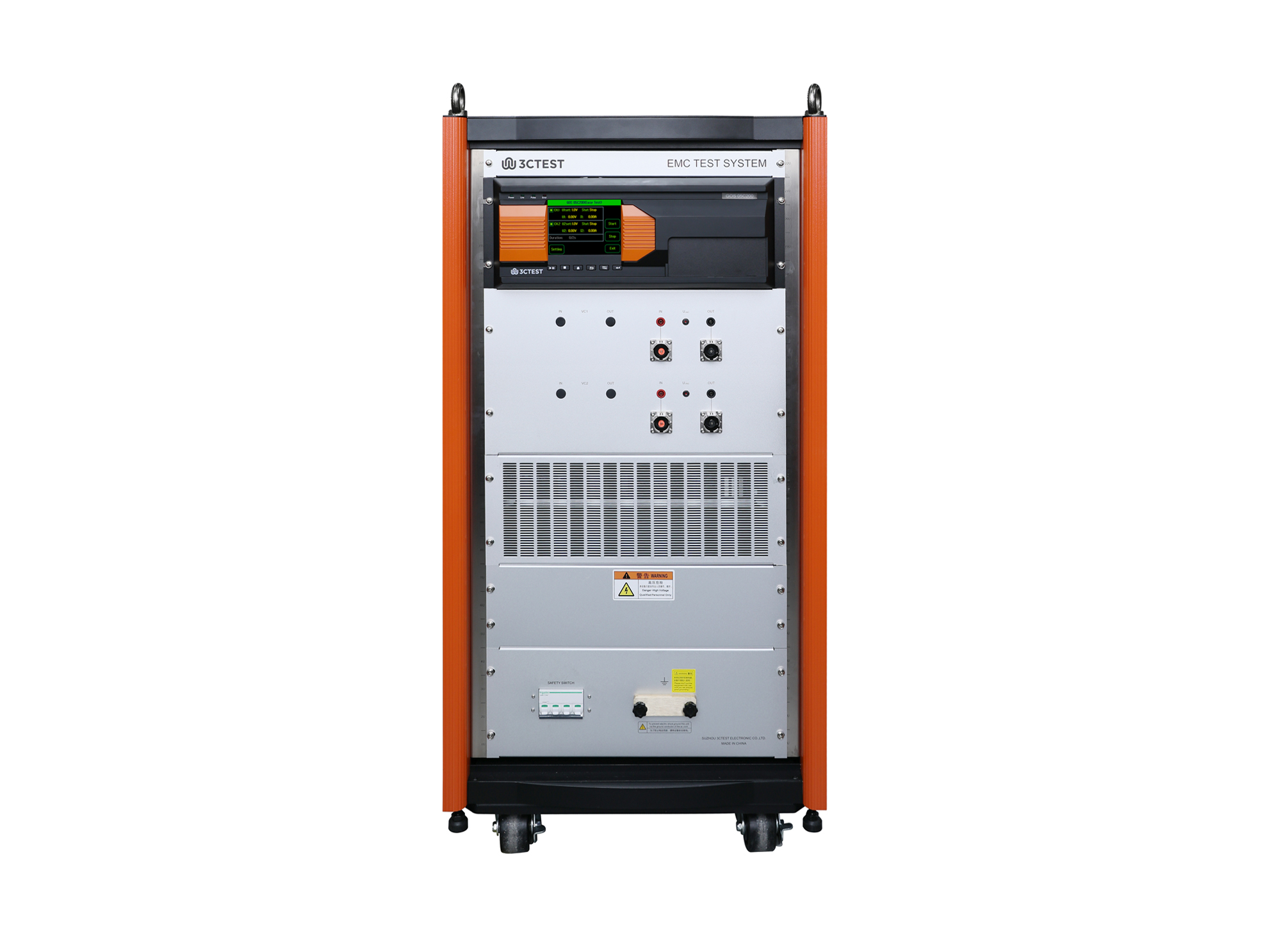
The GOS 05C200 is a standalone test equipment used to simulate ground offset and power supply offset of multi-channel power supply circuits.

• Using the product inquiry function can help you quickly learn about the product's price and other related information.
• You can either inquire about a single product directly, or select multiple products to add to the inquiry bar and inquire about them together.
• How to make an inquiry





1. Using the product comparison function can help you find the target product you need for selection more quickly and easily.
2. You can add up to 5 products for comparison. Product models and parameters may vary across different series. It is recommended to compare products within the same series.
3. How to use the comparison bar.




 Phone: +86-512-68413700
 Email: info@3ctest.cn
 Address:No.99 E'meishan Rd, SND, Suzhou, Jiangsu, 215153, China,Suzhou, Jiangsu, 215153, China



© 2025 Suzhou 3CTEST


 Leave a Message


