

High frequency recommended vocabulary
ISO 21498-2 contains the electrical tests that are performed on components of voltage class B systems in electrically propelled road vehicles. It builds on the voltage definitions of the preceding part and specifies how each test is carried out, which conditions are applied and what must be measured. The tests address the electrical stresses that a high-voltage component encounters in service: the maximum working voltage and the temporary overvoltage that can appear when a load is disconnected or a contactor opens, the insulation resistance and dielectric withstand between the high-voltage circuit and the vehicle chassis and between galvanically separated circuits, the behaviour under voltage ripple and under the voltage variations associated with the charging and traction operation, and the functioning of the component over the full operating voltage range. The standard defines the test conditions, including the ambient temperature and the operating state, the measurement equipment and the criteria by which the component passes. Its companion part covers system level testing.
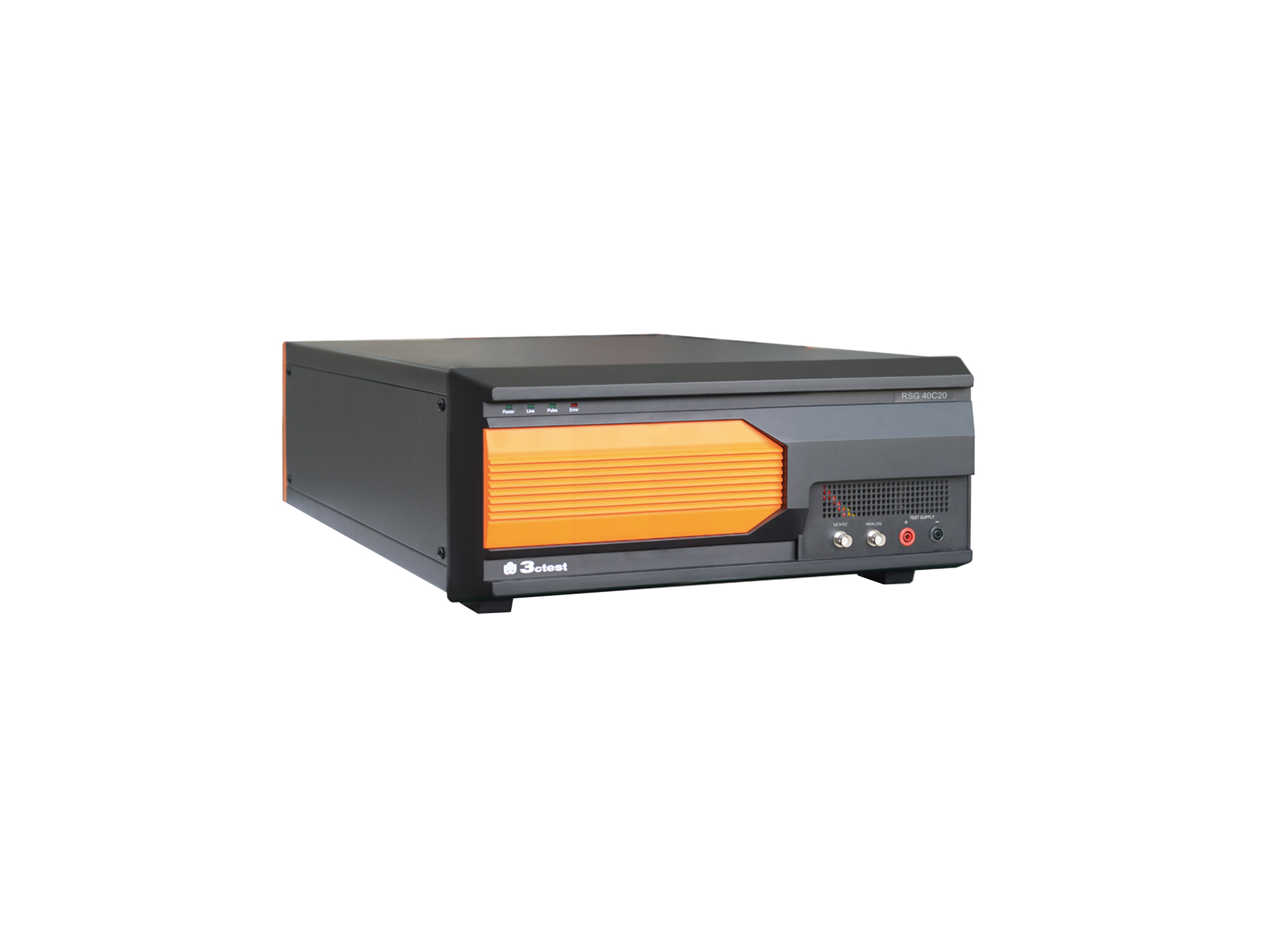
The RSG 40C20 Ripple Signal Generator complies with ISO/TS 7637-4, ISO 21498, VW 80300, GJB 151B and ISO 11452.8
The RSG 40C20 Ripple Signal Generator complies with ISO/TS 7637-4, ISO 21498, VW 80300, GJB 151B and ISO 11452.8
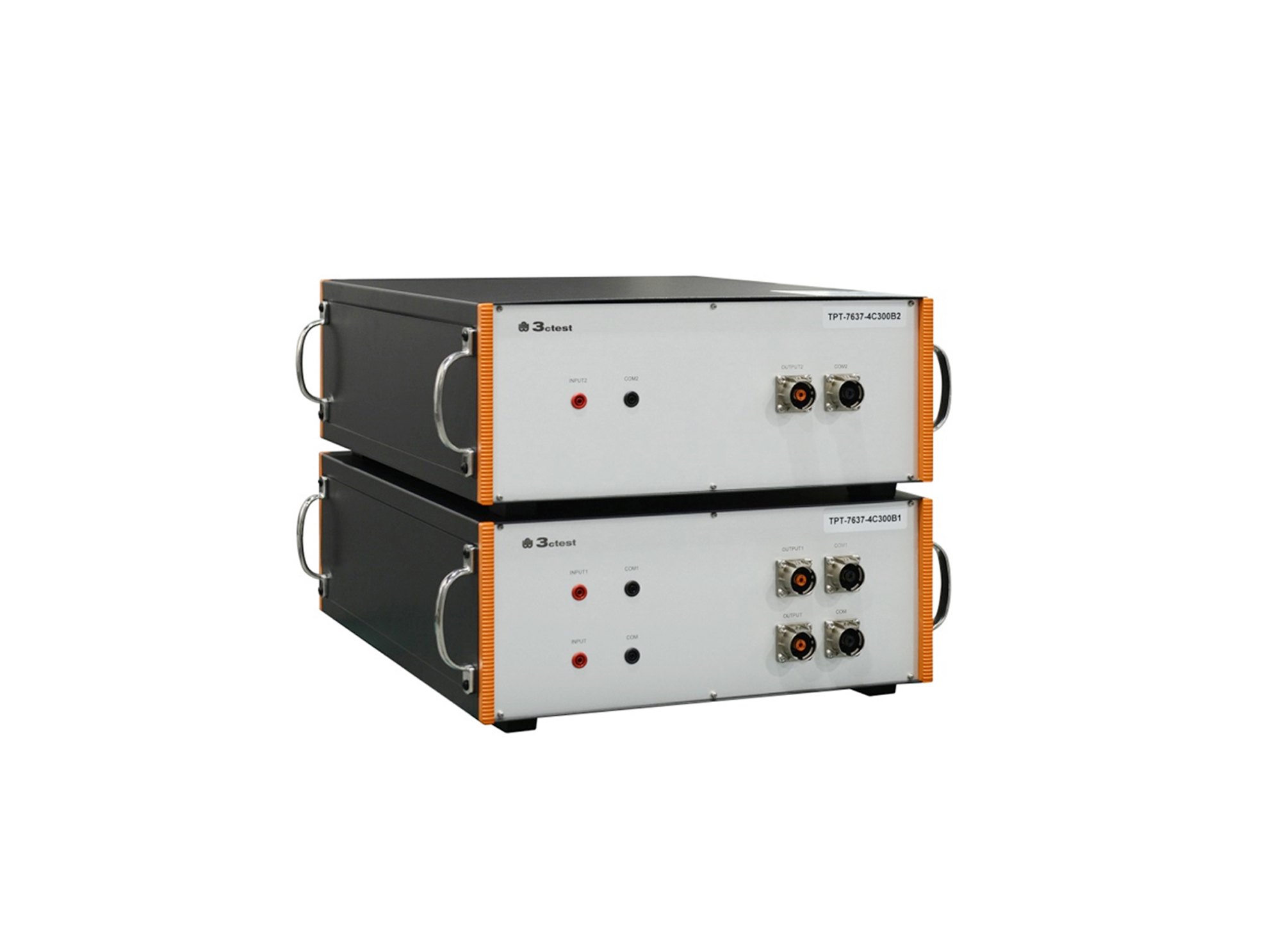
The TPT-7637-4C300B1/B2 is a broadband coupling transformer specifically designed for the Low-Frequency Sinusoidal Disturbance Pulse B transient immunity test defined in ISO 7637-4.
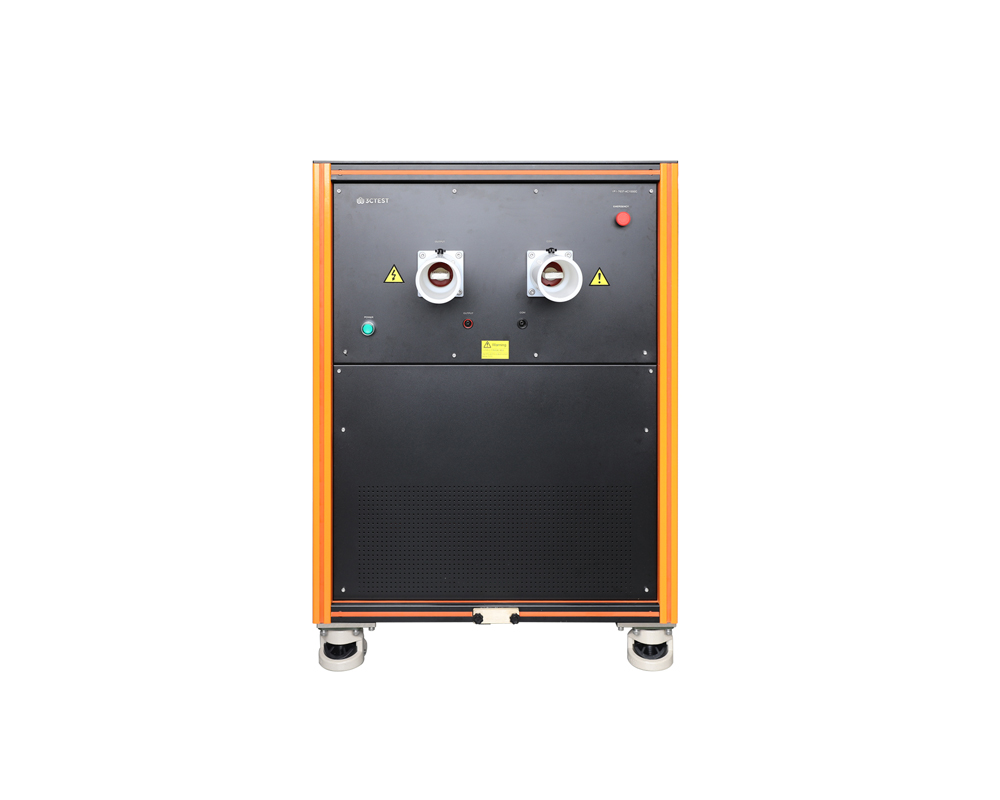
The TPT-7637-4C1000C wideband coupling transformer is designed for immunity tests required by standards such as ISO 21498-2 and ISO 7637-4.

• Using the product inquiry function can help you quickly learn about the product's price and other related information.
• You can either inquire about a single product directly, or select multiple products to add to the inquiry bar and inquire about them together.
• How to make an inquiry





1. Using the product comparison function can help you find the target product you need for selection more quickly and easily.
2. You can add up to 5 products for comparison. Product models and parameters may vary across different series. It is recommended to compare products within the same series.
3. How to use the comparison bar.




 Phone: +86-512-68413700
 Email: info@3ctest.cn
 Address:No.99 E'meishan Rd, SND, Suzhou, Jiangsu, 215153, China,Suzhou, Jiangsu, 215153, China



© 2025 Suzhou 3CTEST


 Leave a Message


