

High frequency recommended vocabulary
ISO 21498-1 is the first part of the standard that specifies the electrical requirements and tests for voltage class B systems and components in electrically propelled road vehicles. Class B denotes the high-voltage system of an electric or hybrid vehicle, that is the traction circuit in which the voltage is high enough to be hazardous to a person, and this part defines how the voltage of such a system is described and classified. It establishes the sub-classes within the class B range, the rated and maximum operating voltages associated with each, and the terminology used for the voltage characteristics that a component must be designed for. On that basis it specifies the reference voltages and the limits that apply to the test procedures defined in the following part, so that a component can be tested against a defined condition rather than an arbitrary one. The document also addresses the definition of the working voltage for insulation coordination and the relationship between the system voltage and the voltage that the test equipment must generate.
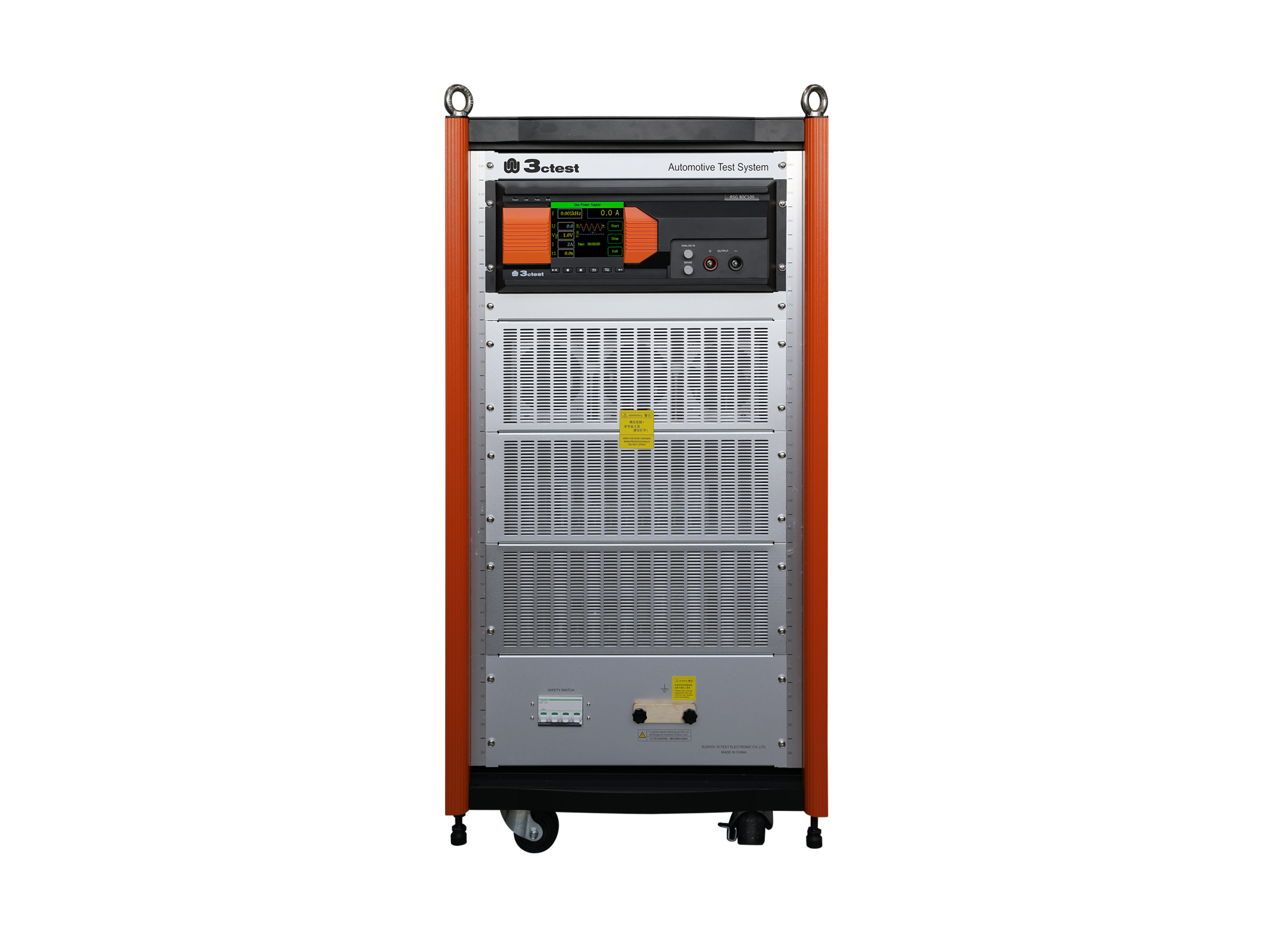
The RSG 80C100 Ripple Signal Generator complies with ISO/TS 7637-4, ISO 21498, VW 80300, GJB 151B and ISO 11452.8
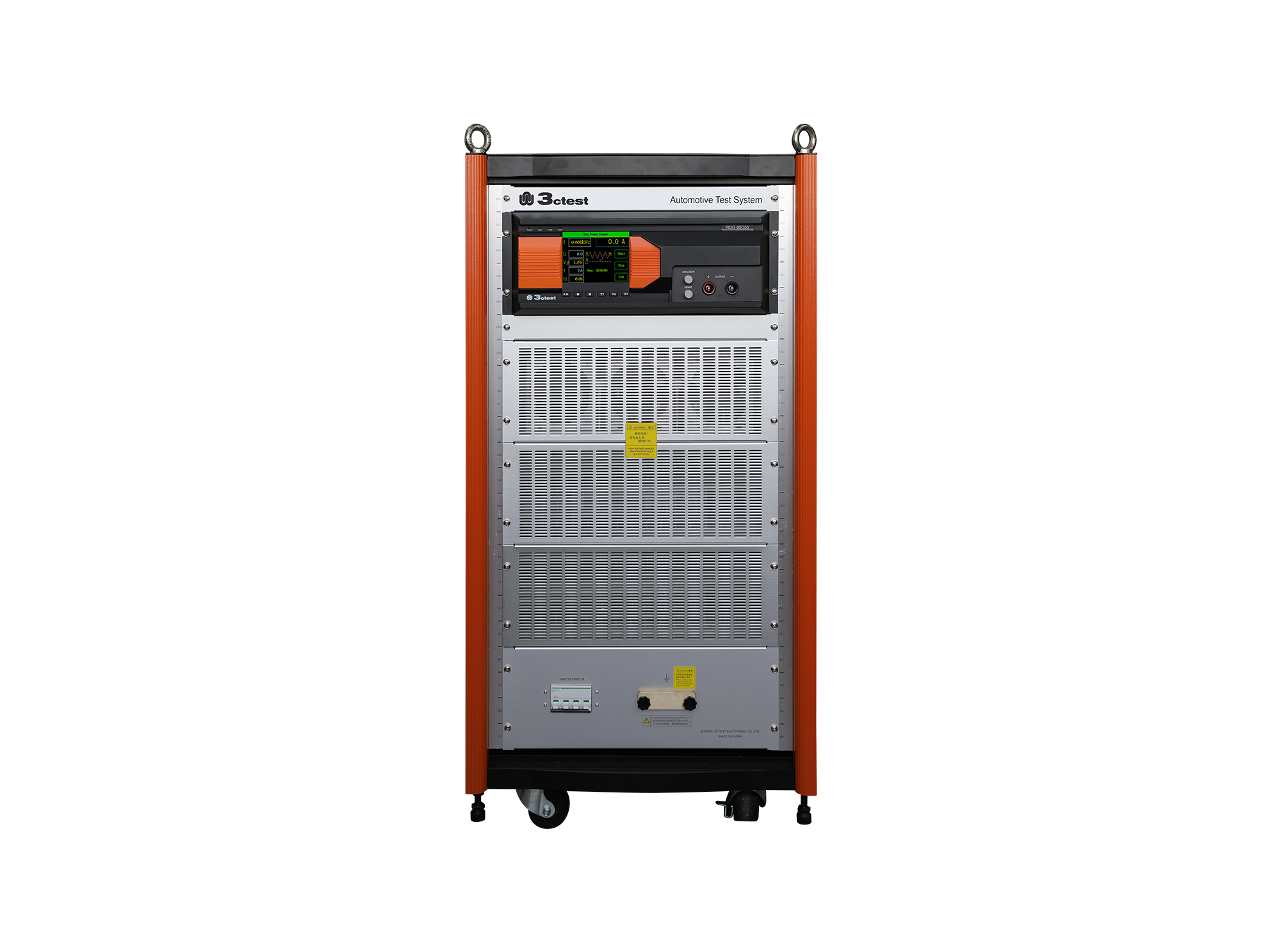
The RSG 80C50 Ripple Signal Generator complies with ISO/TS 7637-4, ISO 21498, VW 80300, GJB 151B and ISO 11452-8

• Using the product inquiry function can help you quickly learn about the product's price and other related information.
• You can either inquire about a single product directly, or select multiple products to add to the inquiry bar and inquire about them together.
• How to make an inquiry





1. Using the product comparison function can help you find the target product you need for selection more quickly and easily.
2. You can add up to 5 products for comparison. Product models and parameters may vary across different series. It is recommended to compare products within the same series.
3. How to use the comparison bar.




 Phone: +86-512-68413700
 Email: info@3ctest.cn
 Address:No.99 E'meishan Rd, SND, Suzhou, Jiangsu, 215153, China,Suzhou, Jiangsu, 215153, China



© 2025 Suzhou 3CTEST


 Leave a Message


