

High frequency recommended vocabulary
ISO 11452-8 is the part of the ISO 11452 series that addresses the immunity of automotive components to magnetic fields. Vehicles contain a variety of sources that produce significant magnetic fields at low frequency: the high currents flowing in the supply and return conductors of the electrical system, the currents in electric drive and charging circuits, loudspeakers and actuating coils, and the fields associated with the traction system of an electric vehicle. Components that use magnetic sensing, such as speed sensors, position sensors, current sensors and audio pickups, are particularly exposed. The standard defines the methods used to apply magnetic fields to a component, including the Helmholtz coil, the induction coil and the parallel plate arrangement for producing a field with a specified flux density, and it specifies the frequency range and the flux density levels from which the severity applicable to a given installation position is chosen. The positioning of the equipment in the field, the field calibration and the assessment criteria are prescribed.
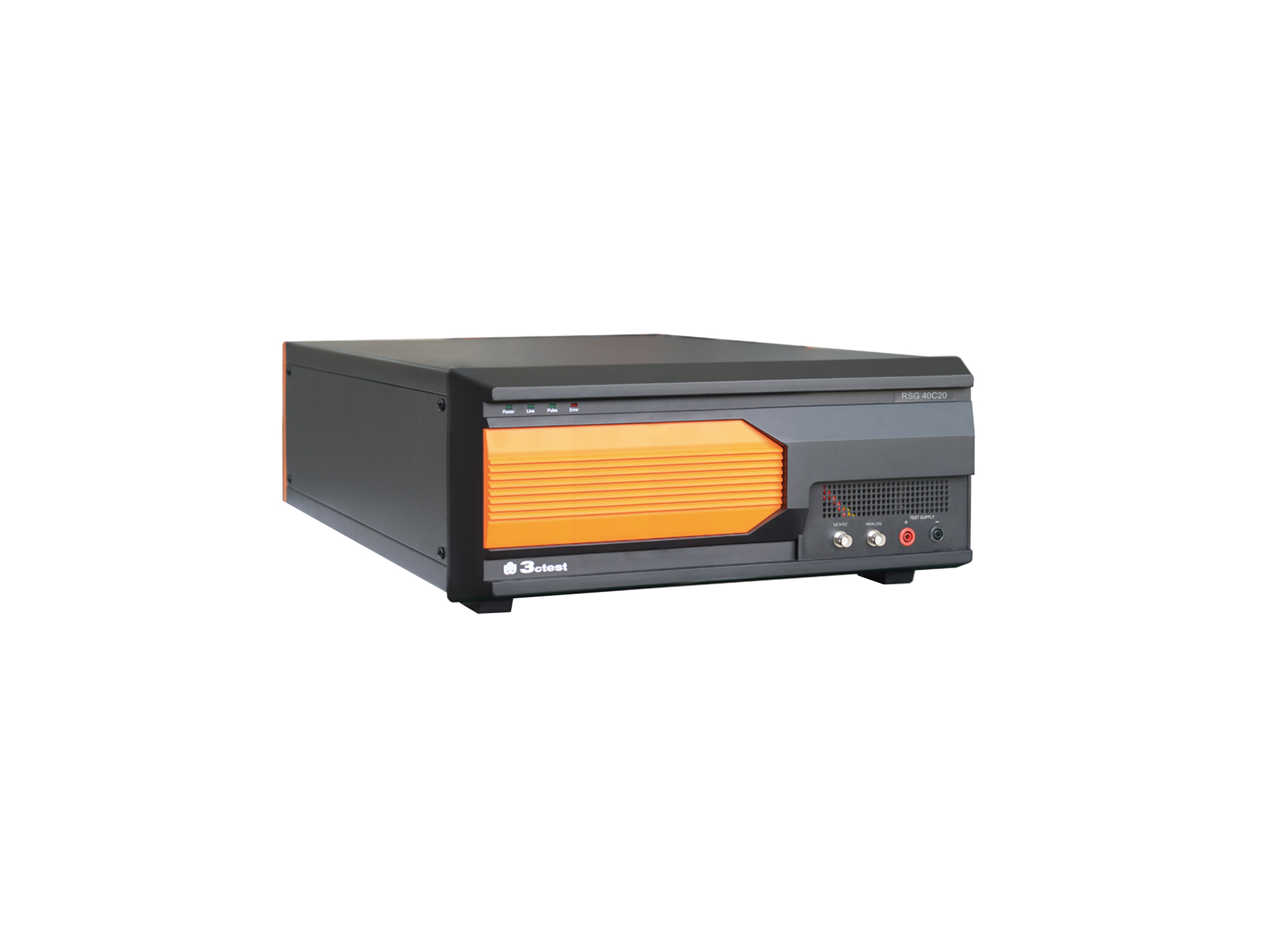
The RSG 40C20 Ripple Signal Generator complies with ISO/TS 7637-4, ISO 21498, VW 80300, GJB 151B and ISO 11452.8
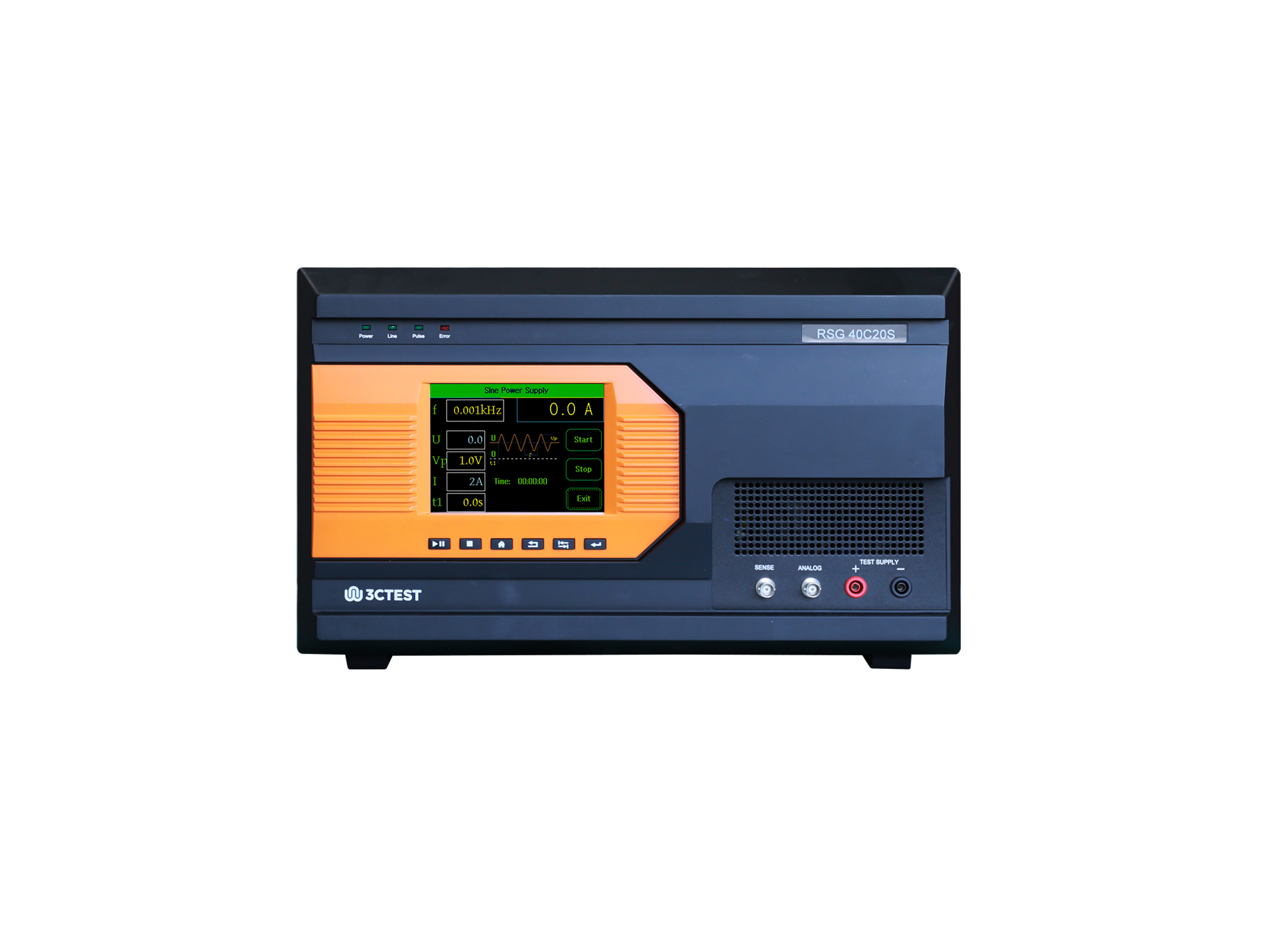
The RSG 80C20S Ripple Signal Generator complies with ISO 11452-8, GJB 151C and GB/T 33014.8. The RSG 80C20S is used for low-frequency magnetic field immunity and power line conducted susceptibility tests.
The RSG 40C20 Ripple Signal Generator complies with ISO/TS 7637-4, ISO 21498, VW 80300, GJB 151B and ISO 11452.8
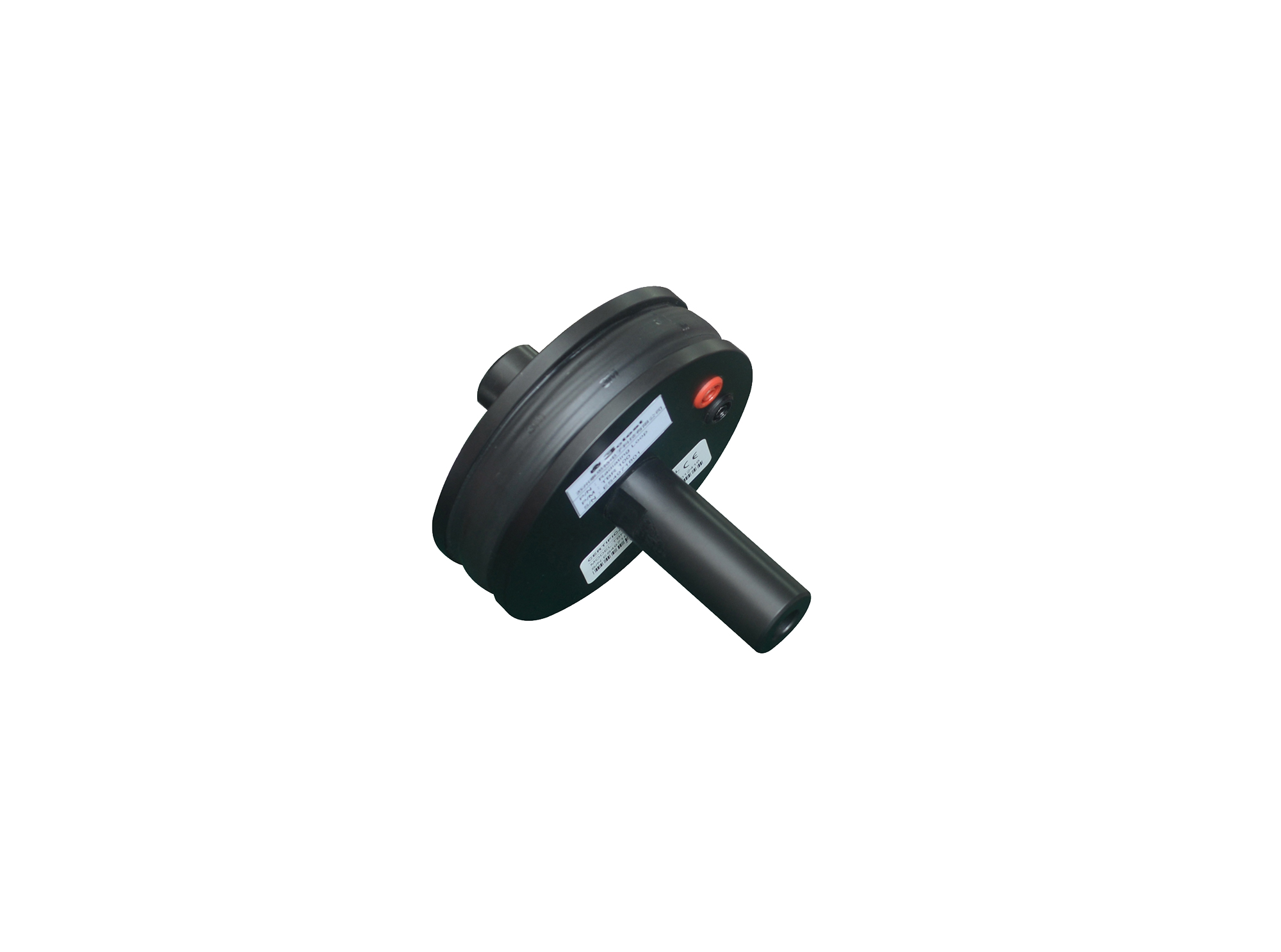
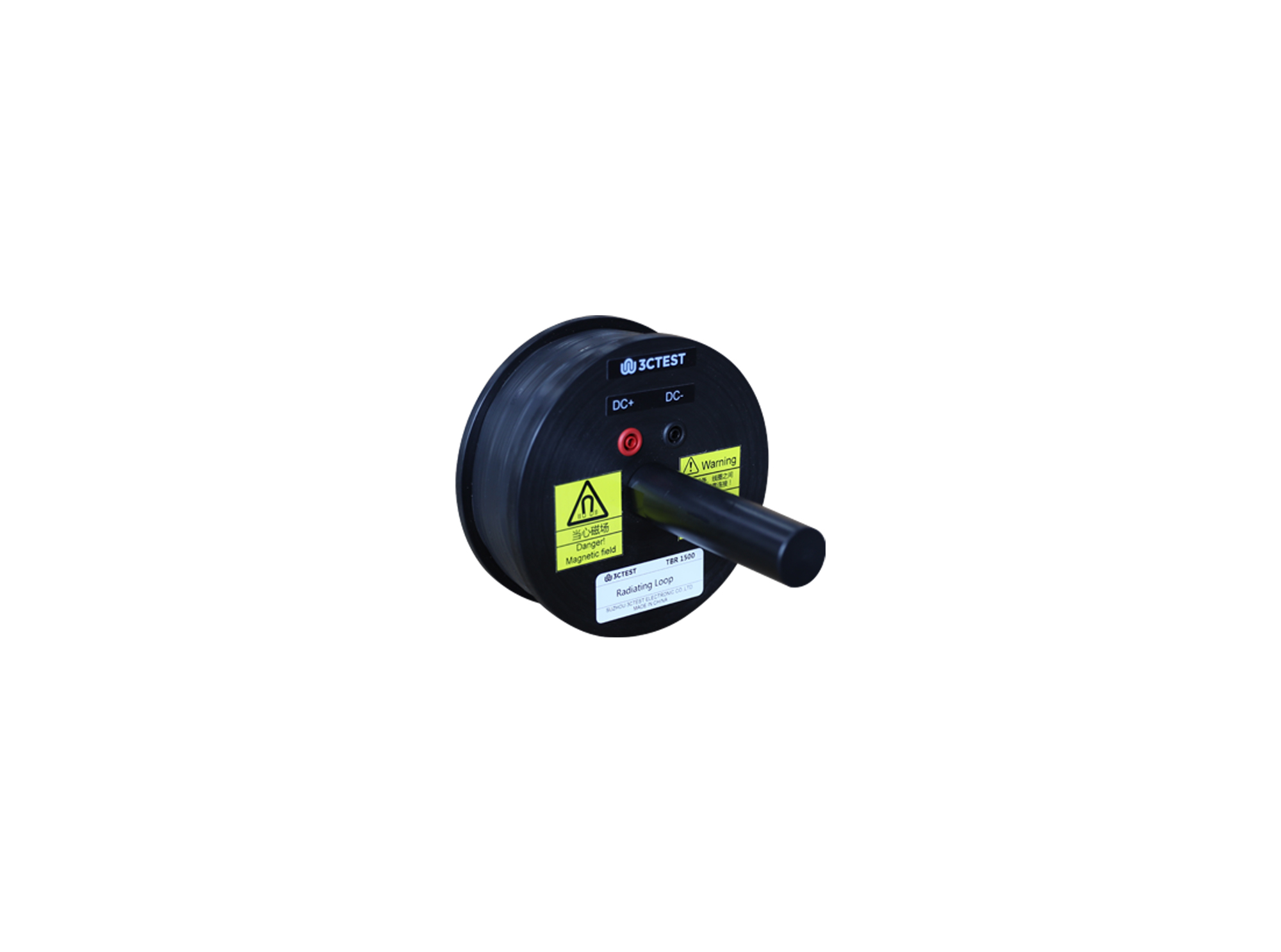
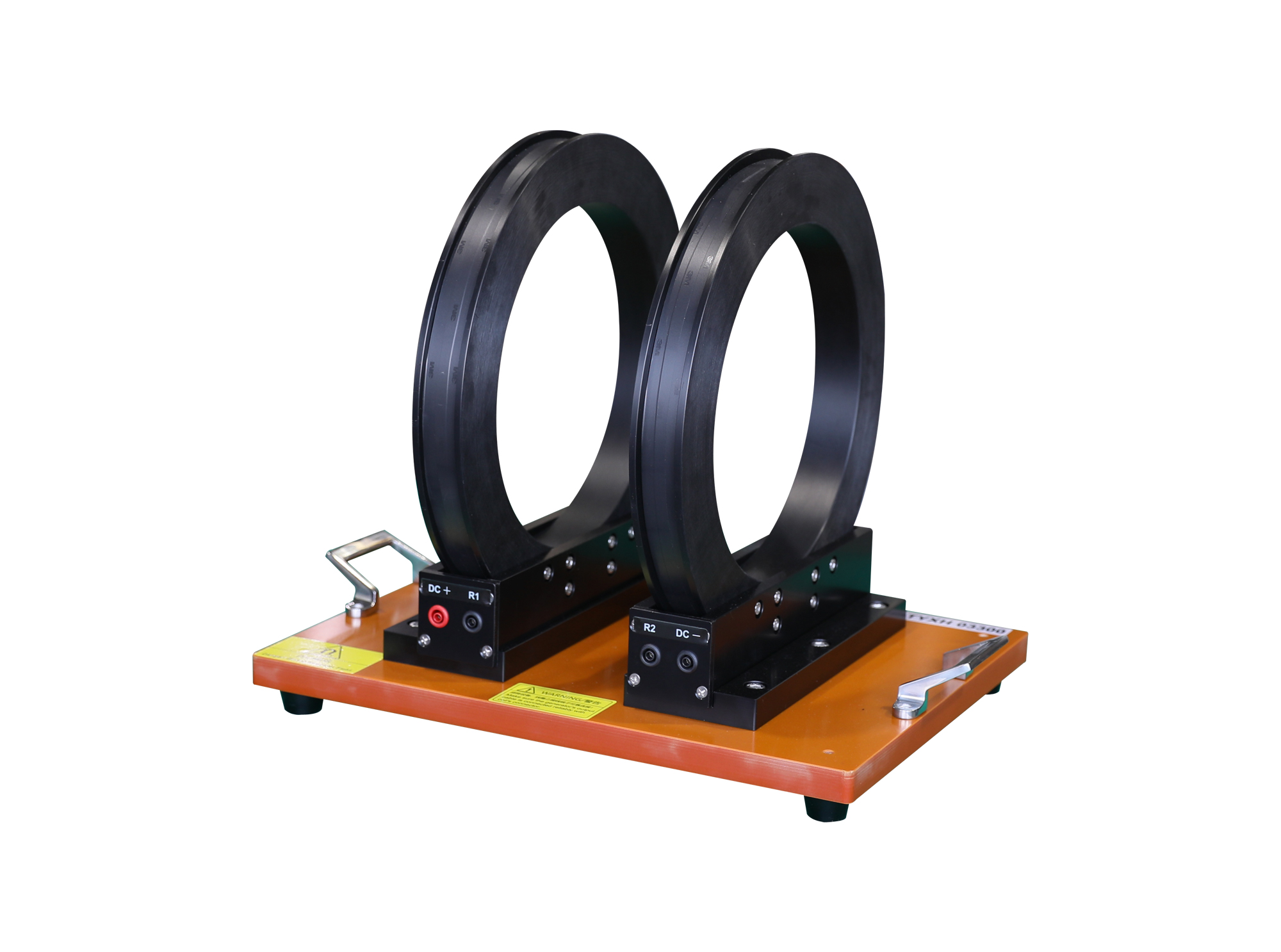
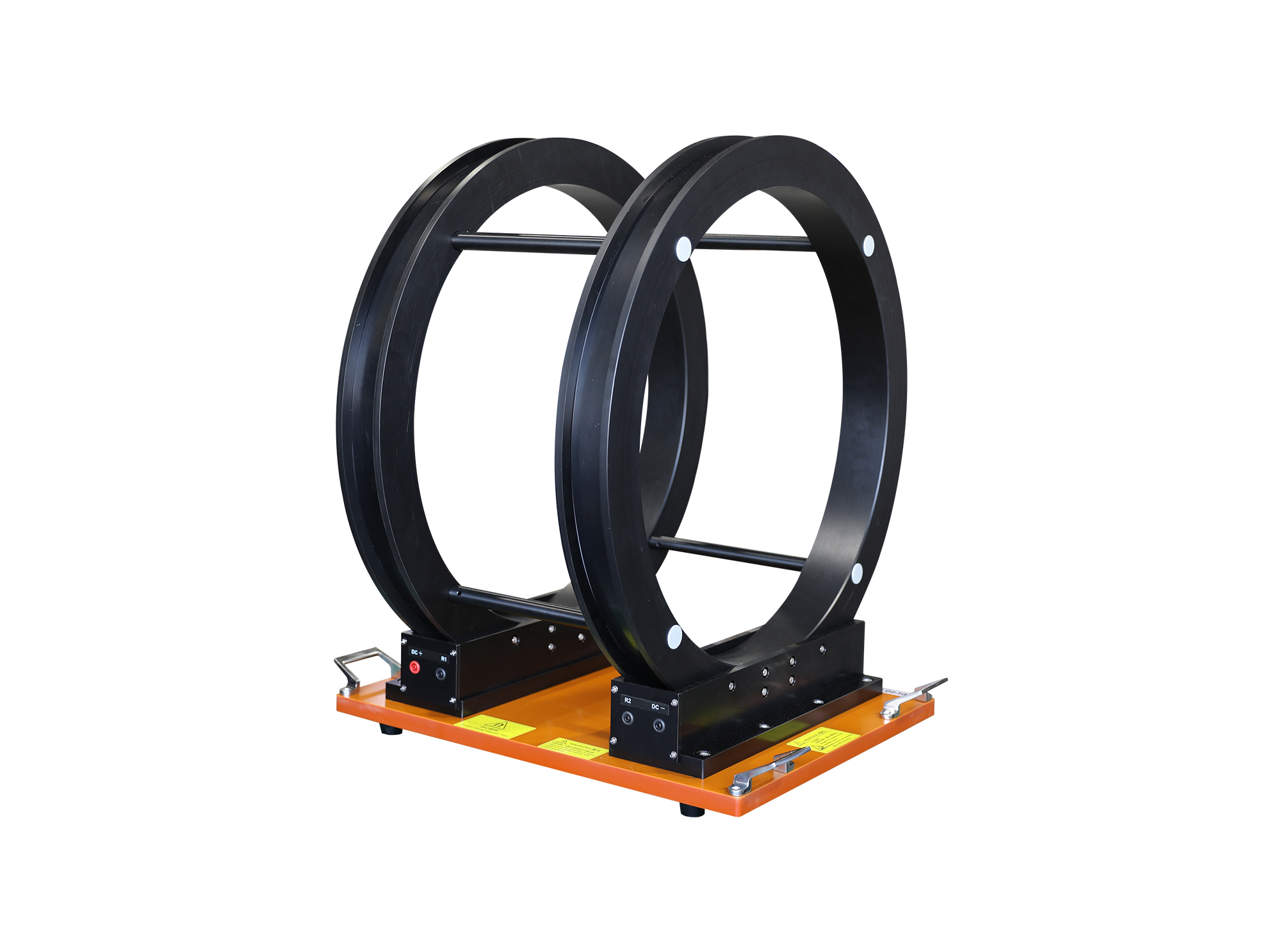
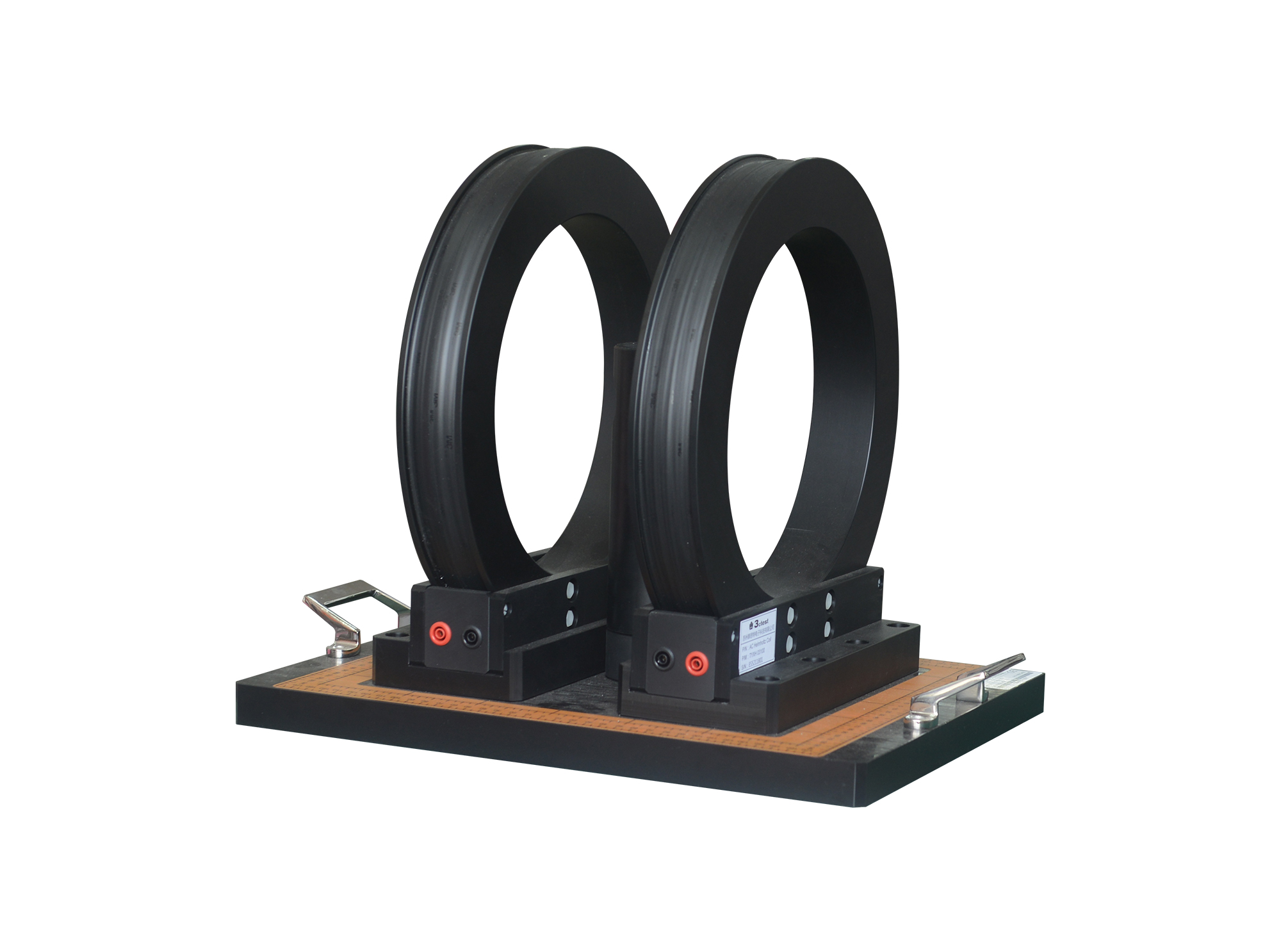
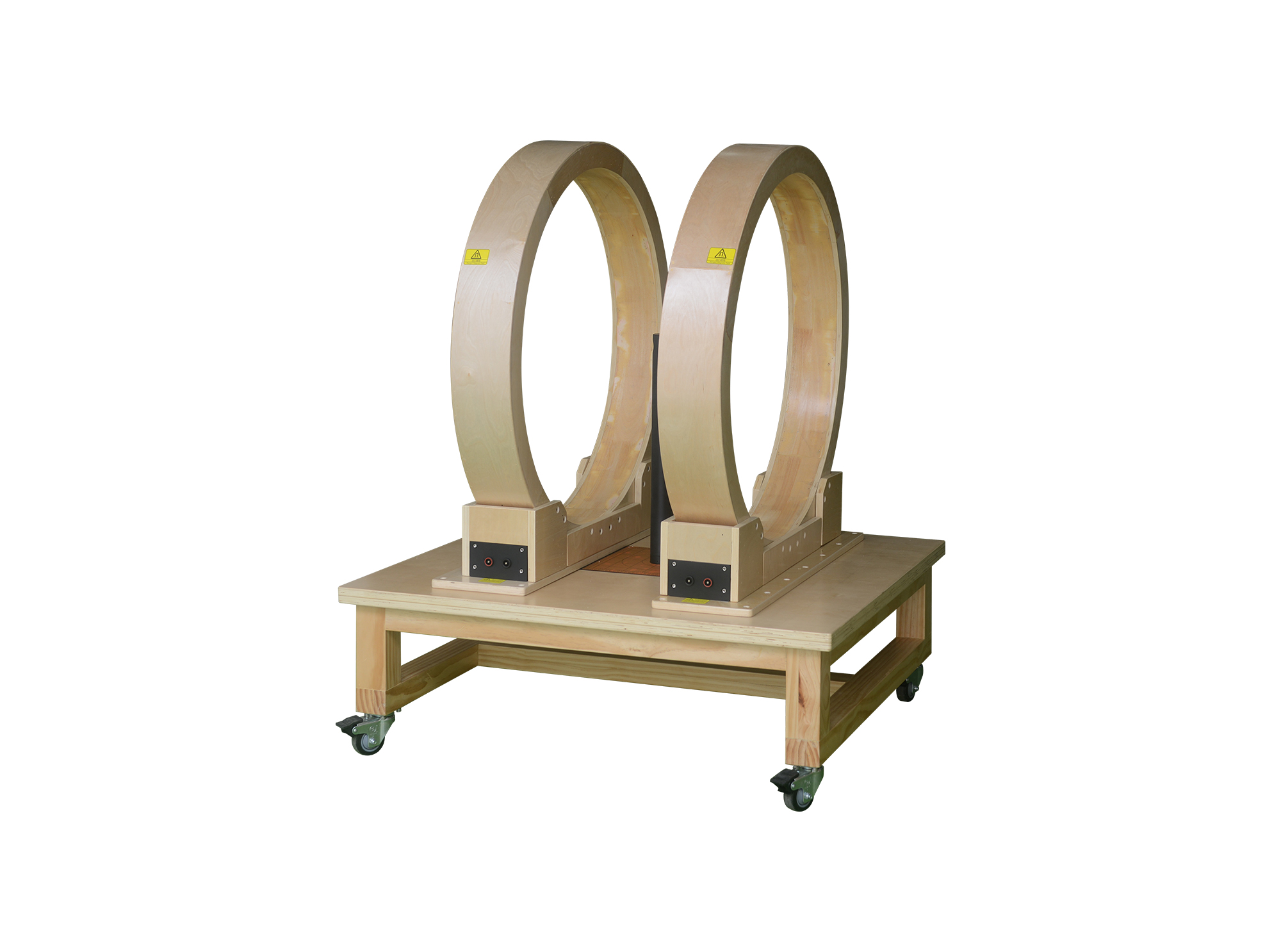
The radiation ring TBR 300 complies with ISO 11452-8, MIL-STD-461E/F/G and GJB151A/B/C, it is used for magnetic field immunity tests.
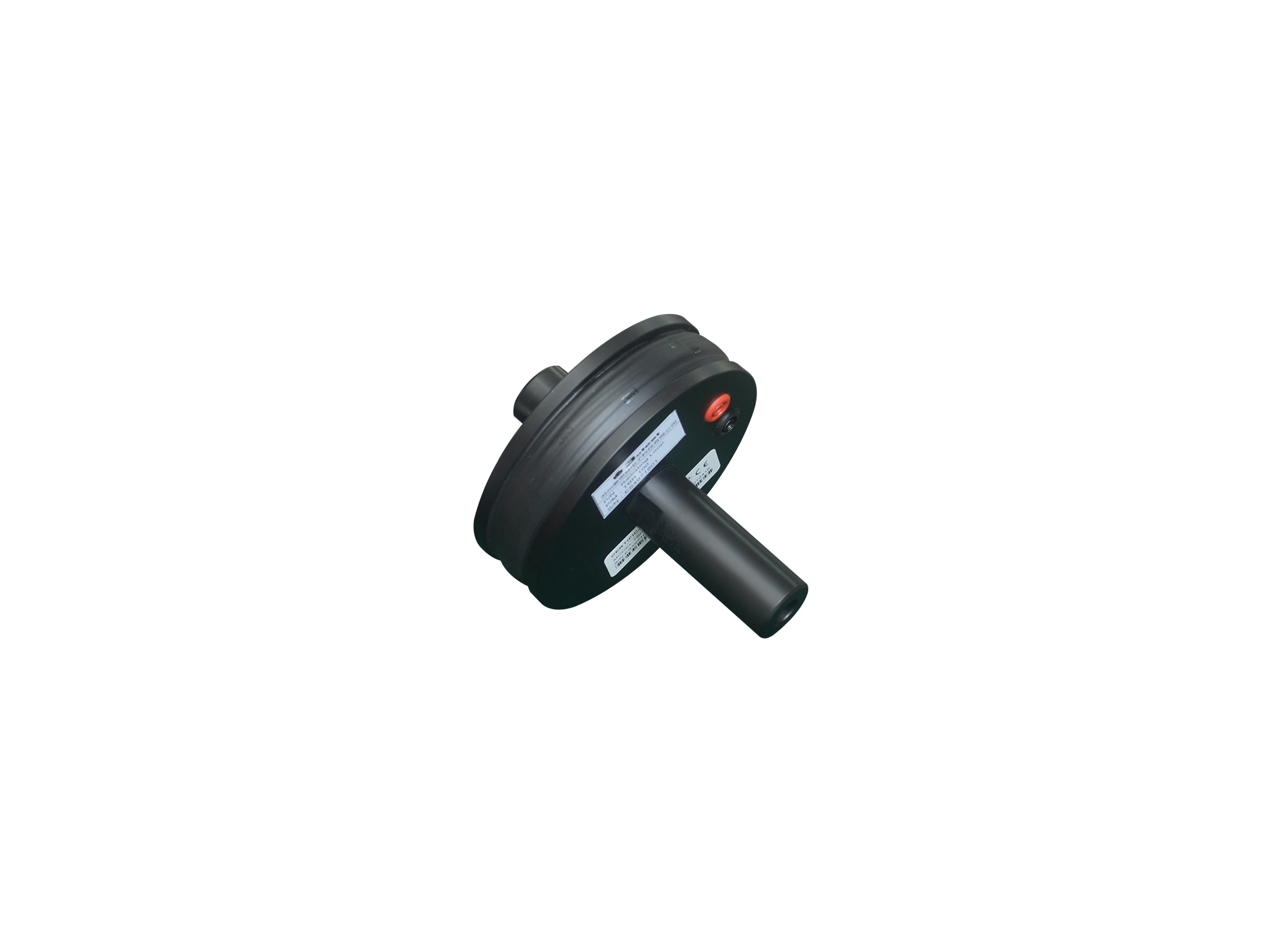
The radiation ring TBR 100 complies with ISO 11452-8, GJB151A/B/C and MIL-STD-461E/F/G, it is used for magnetic field immunity tests.
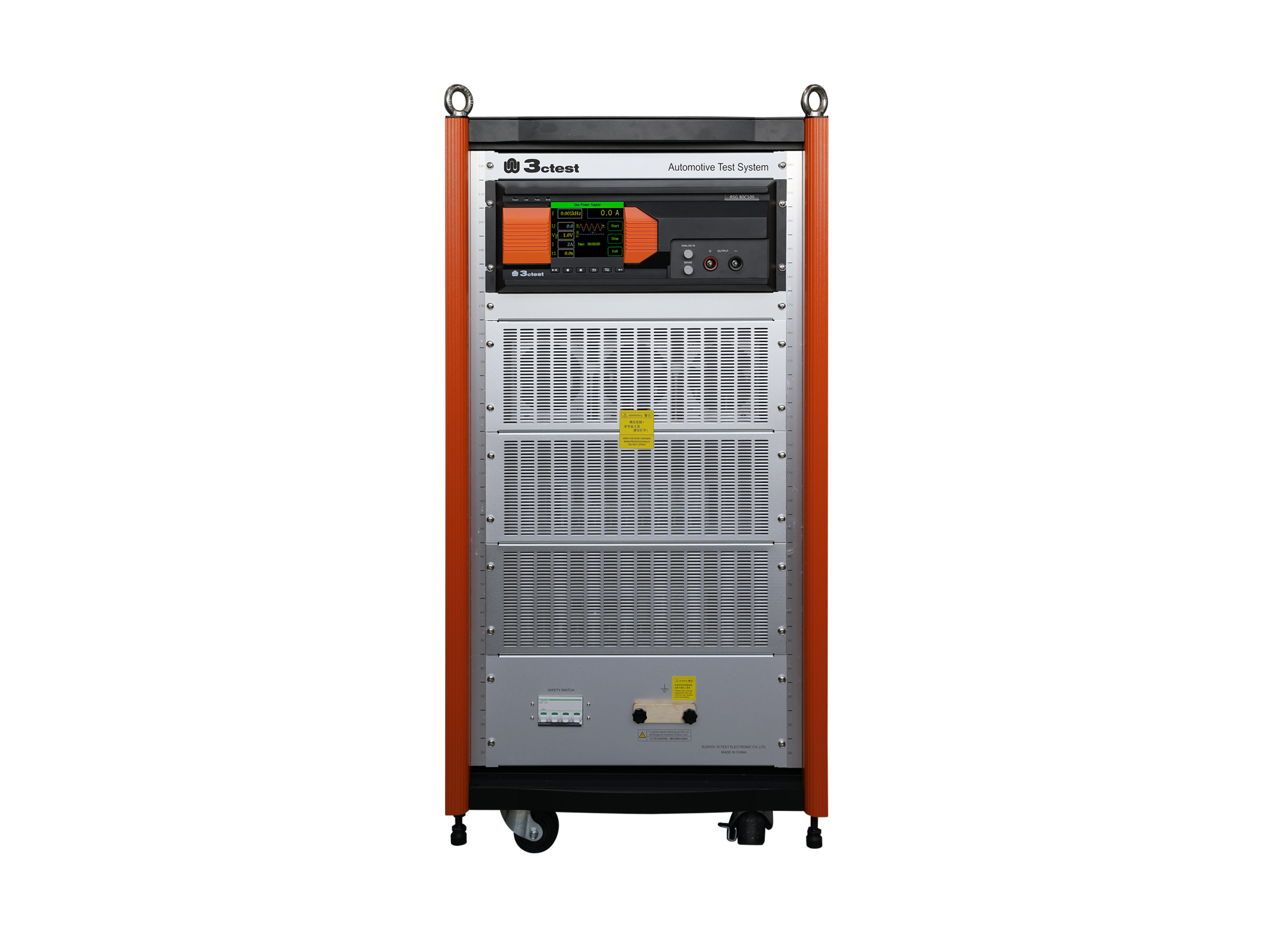
The RSG 80C100 Ripple Signal Generator complies with ISO/TS 7637-4, ISO 21498, VW 80300, GJB 151B and ISO 11452.8
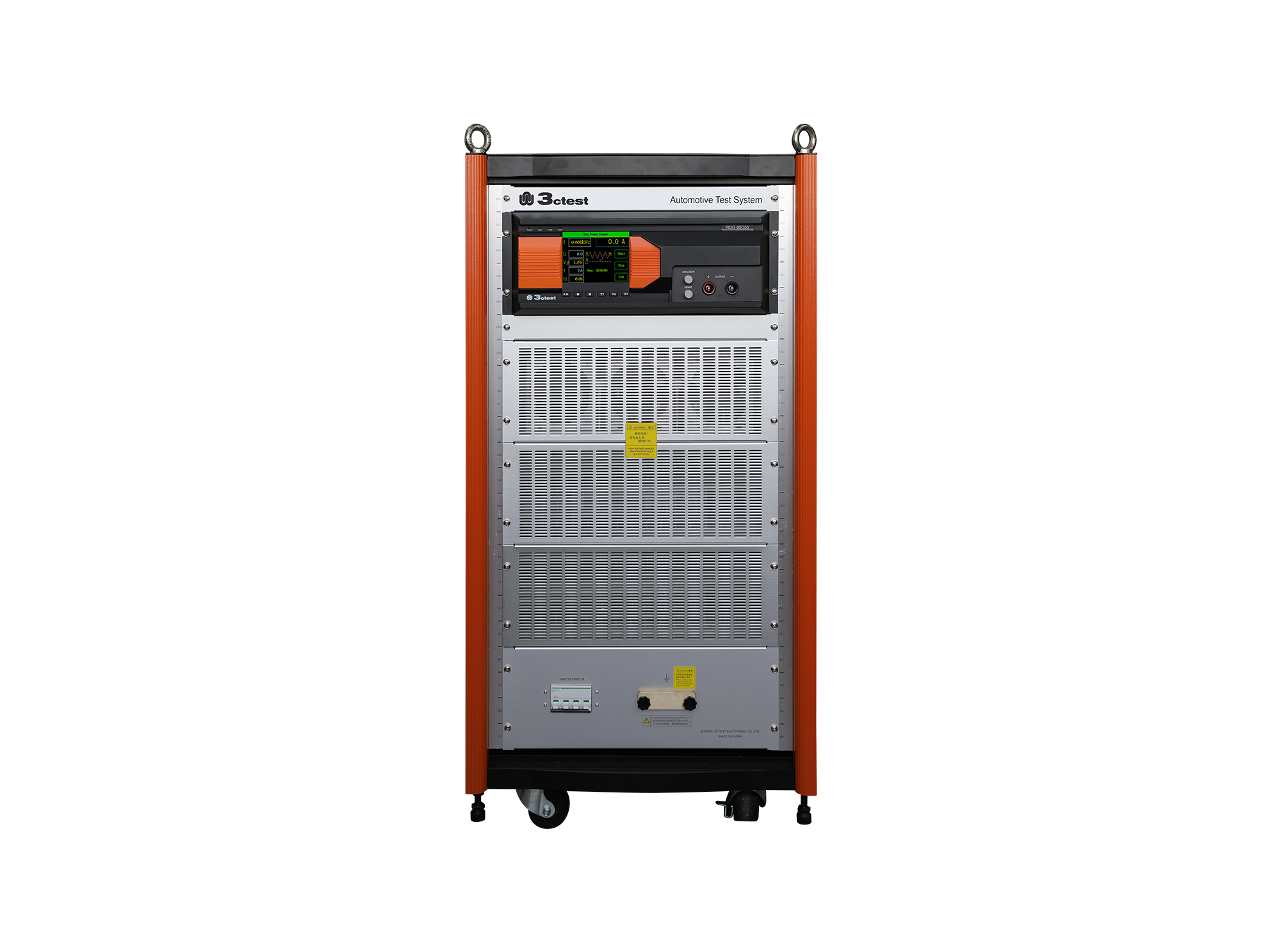
The RSG 80C50 Ripple Signal Generator complies with ISO/TS 7637-4, ISO 21498, VW 80300, GJB 151B and ISO 11452-8

• Using the product inquiry function can help you quickly learn about the product's price and other related information.
• You can either inquire about a single product directly, or select multiple products to add to the inquiry bar and inquire about them together.
• How to make an inquiry





1. Using the product comparison function can help you find the target product you need for selection more quickly and easily.
2. You can add up to 5 products for comparison. Product models and parameters may vary across different series. It is recommended to compare products within the same series.
3. How to use the comparison bar.




 Phone: +86-512-68413700
 Email: info@3ctest.cn
 Address:No.99 E'meishan Rd, SND, Suzhou, Jiangsu, 215153, China,Suzhou, Jiangsu, 215153, China



© 2025 Suzhou 3CTEST


 Leave a Message


