

High frequency recommended vocabulary
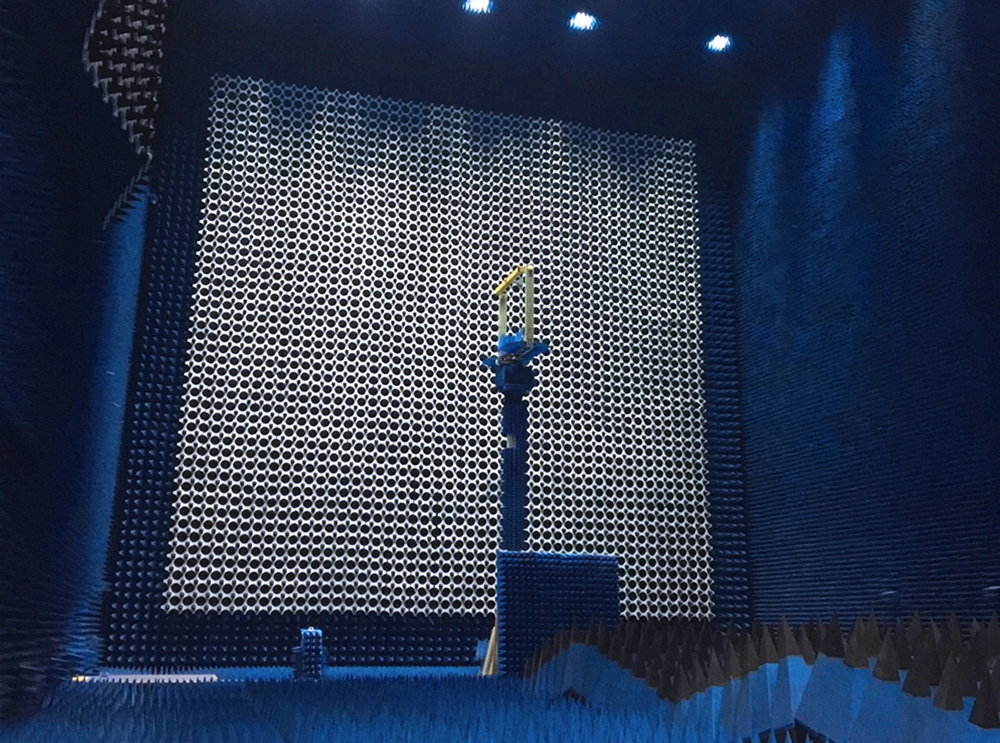
SJ 31470 was a Chinese electronics industry standard setting the code for the construction and acceptance of electromagnetic shielding enclosures, and it governed a category of building work that is easy to get wrong: a screened room intended for EMC measurement or for the protection of sensitive equipment is only as good as its joints, its door seals and the filters at its penetrations, and the performance can be destroyed by a single poorly made seam or by an unbonded cable entry. The standard therefore dealt with the materials and the construction of the screen, the arrangement of the seams, the treatment of doors, windows, ventilation and cable penetrations, the earthing of the enclosure and the measurement by which the finished room was accepted against a declared shielding effectiveness. The standard has since been superseded, and a project that cites it should confirm which document now applies; the measurement of shielding effectiveness itself is defined separately.

• Using the product inquiry function can help you quickly learn about the product's price and other related information.
• You can either inquire about a single product directly, or select multiple products to add to the inquiry bar and inquire about them together.
• How to make an inquiry





1. Using the product comparison function can help you find the target product you need for selection more quickly and easily.
2. You can add up to 5 products for comparison. Product models and parameters may vary across different series. It is recommended to compare products within the same series.
3. How to use the comparison bar.




 Phone: +86-512-68413700
 Email: info@3ctest.cn
 Address:No.99 E'meishan Rd, SND, Suzhou, Jiangsu, 215153, China,Suzhou, Jiangsu, 215153, China



© 2025 Suzhou 3CTEST


 Leave a Message


