

High frequency recommended vocabulary
TB/T 3027 is the Chinese railway industry standard that specifies the technical requirements for computer based interlocking at railway stations. It is not primarily an electromagnetic compatibility standard, and it is included here because interlocking equipment is a case in which electromagnetic requirements and functional safety requirements meet: the system must remain safe when it fails, so any disturbance that could change a route setting, release a route or permit a movement that has not been authorised is a safety hazard rather than a performance problem. The standard therefore sets out the functional and safety requirements of the interlocking, including the principles by which routes are established and locked, the handling of failures, the redundant architecture and the means by which the system is proven, and it imposes requirements on the environment in which the equipment operates, among them the electromagnetic conditions and the power supply arrangements at a station. It is applied together with the industry standards covering the electromagnetic protection of signalling installations.
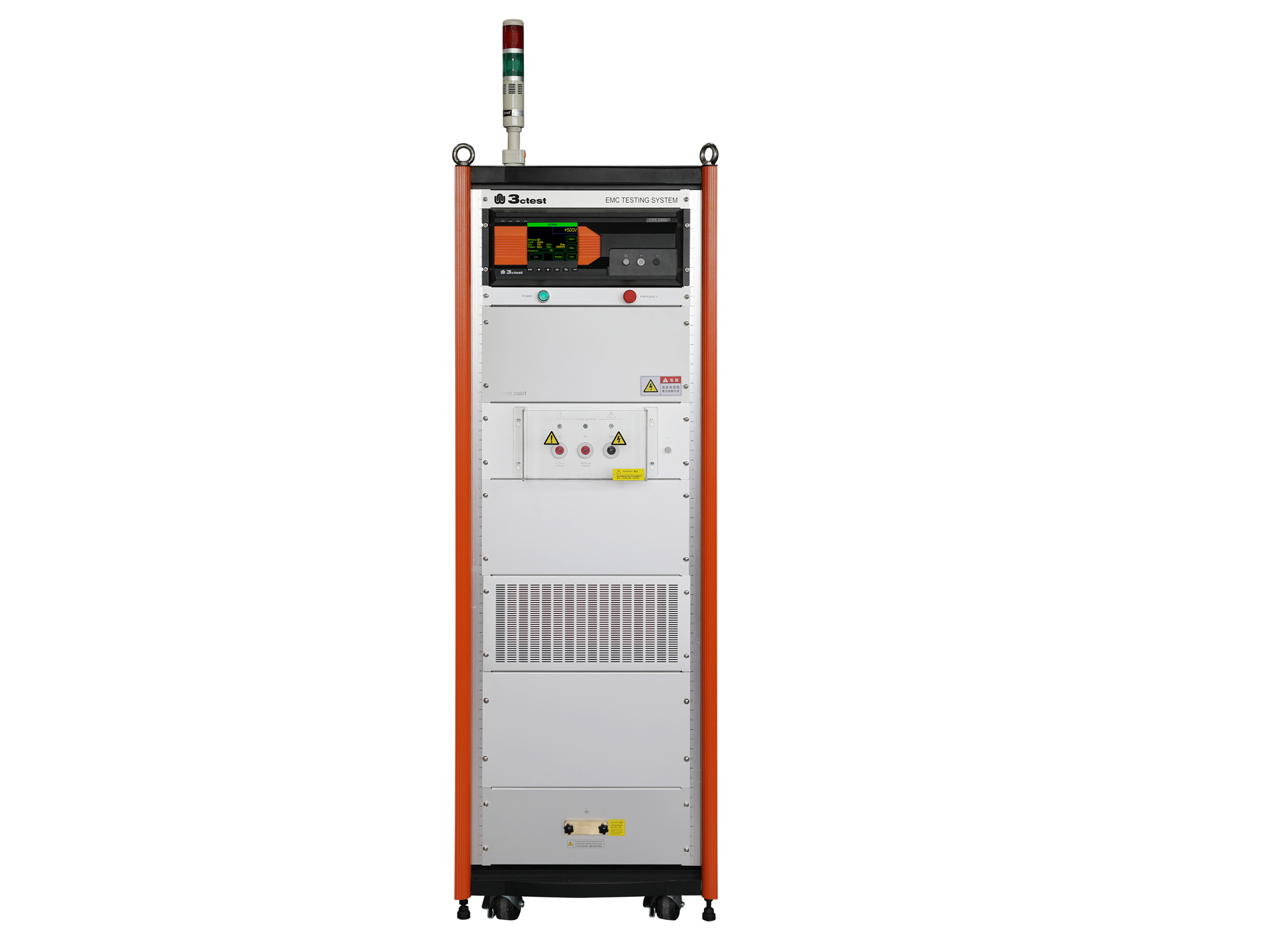
The CWS 2000C & CWS 2000T communication surge immunity tester complies with IEC 61000-4-5 and other standard requirements.

• Using the product inquiry function can help you quickly learn about the product's price and other related information.
• You can either inquire about a single product directly, or select multiple products to add to the inquiry bar and inquire about them together.
• How to make an inquiry





1. Using the product comparison function can help you find the target product you need for selection more quickly and easily.
2. You can add up to 5 products for comparison. Product models and parameters may vary across different series. It is recommended to compare products within the same series.
3. How to use the comparison bar.




 Phone: +86-512-68413700
 Email: info@3ctest.cn
 Address:No.99 E'meishan Rd, SND, Suzhou, Jiangsu, 215153, China,Suzhou, Jiangsu, 215153, China



© 2025 Suzhou 3CTEST


 Leave a Message


