

High frequency recommended vocabulary
YD/T 944 is a Chinese telecommunications industry standard that specifies the lightning protection requirements and the test methods for telecommunication power supply equipment. The equipment it governs is the rectifier, the direct current distribution unit and the associated control and monitoring apparatus that supply a telecommunications station, and the standard reflects the position that equipment occupies: it is connected to an alternating current supply that arrives from outside the building, and it delivers a direct current supply to equipment that is itself connected to subscriber or trunk cables leaving the building, so a surge can reach it from either side. The standard sets the location and arrangement of the protective devices within the equipment, the withstand requirements on each port and the tests by which they are verified, and it defines the criteria for continuing to operate and for surviving without damage. It is applied alongside the industry codes for earthing and for the protective devices installed at the distribution board.
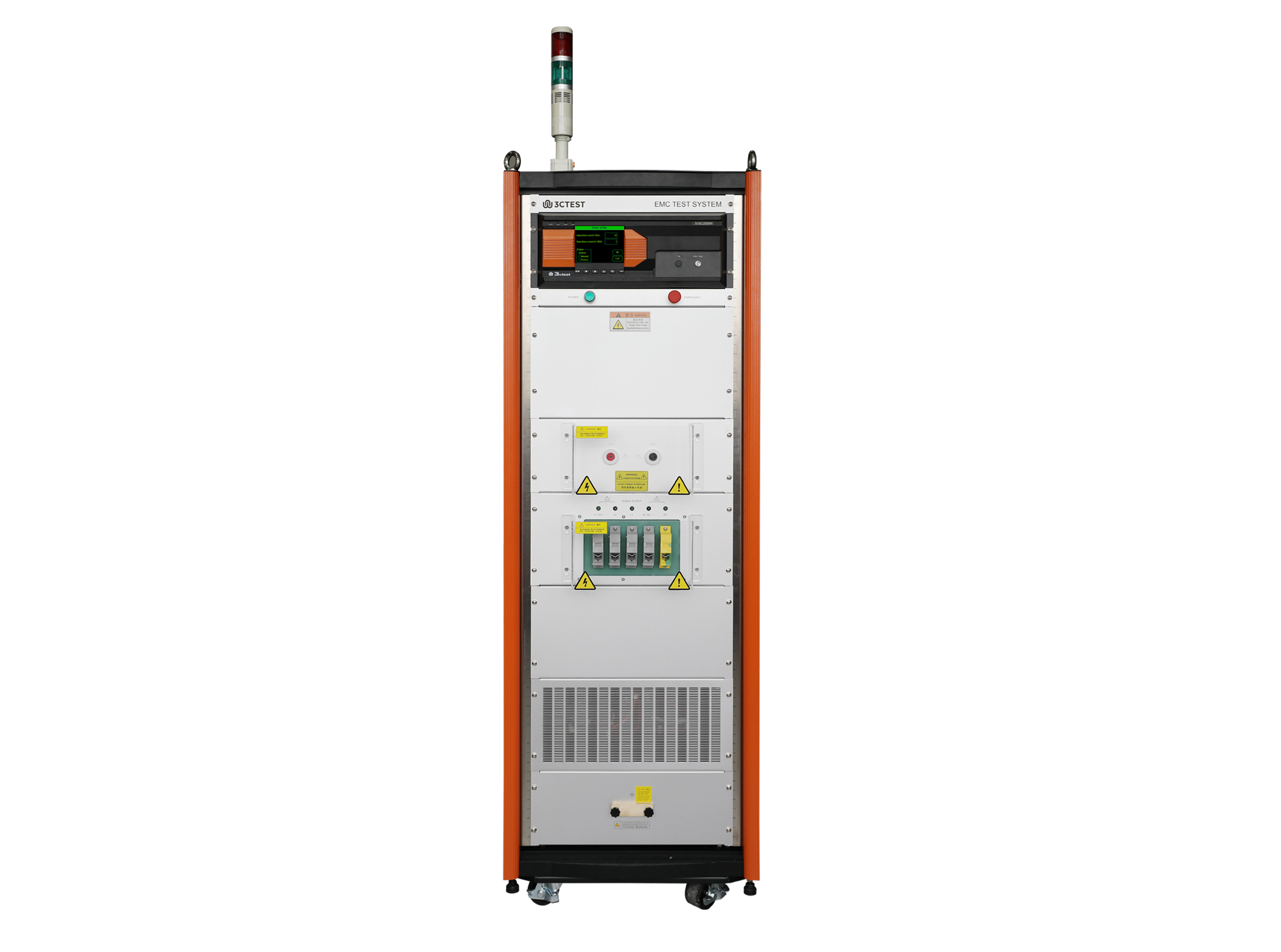
The S16C2000N Impulse Current Simulator is designed in compliance with YD-T 944-2007, GB/T 18802.11-2020 and IEC 61643-11:2011. It can simulate an 8/20 μs impulse current waveform with a Max. impulse current of 20 kA.

• Using the product inquiry function can help you quickly learn about the product's price and other related information.
• You can either inquire about a single product directly, or select multiple products to add to the inquiry bar and inquire about them together.
• How to make an inquiry





1. Using the product comparison function can help you find the target product you need for selection more quickly and easily.
2. You can add up to 5 products for comparison. Product models and parameters may vary across different series. It is recommended to compare products within the same series.
3. How to use the comparison bar.




 Phone: +86-512-68413700
 Email: info@3ctest.cn
 Address:No.99 E'meishan Rd, SND, Suzhou, Jiangsu, 215153, China,Suzhou, Jiangsu, 215153, China



© 2025 Suzhou 3CTEST


 Leave a Message


