

High frequency recommended vocabulary
NECA TR-28 is a technical report of the Japanese electrical control equipment manufacturers association, and it defines a noise test that occupies a distinctive place in Japanese practice. The disturbance it specifies is a rectangular pulse with a rise time shorter than one nanosecond, applied through a coupling network to the power and signal circuits of control equipment. It differs from the fast transient burst test of the international standards in the shape and the amplitude of the individual pulse and in the coupling arrangement, and it is more severe at the highest frequencies, which means it is particularly effective at revealing the behaviour of a design at the frequencies where the parasitic elements of a printed circuit board determine the outcome. The method is widely specified by Japanese customers for programmable controllers, inverters and factory automation equipment, and a supplier to that market will frequently be asked to demonstrate immunity to it in addition to the international tests. The rise time of the pulse is what makes the test demanding to perform as well as to pass.
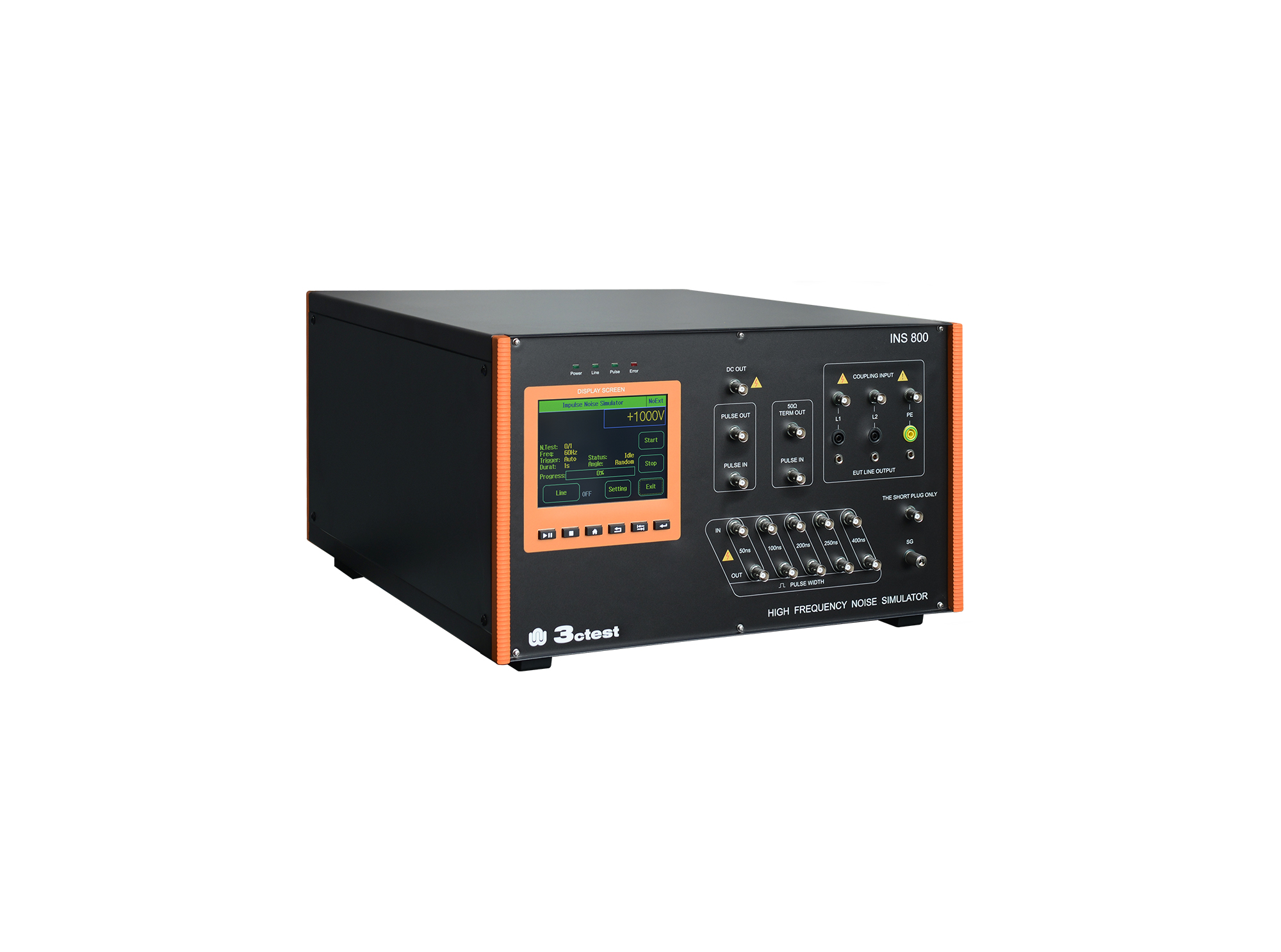
The INS 800 high-frequency noise simulator is designed to simulate the interference generated when the relay is turned on or off as a representative of the inductive component.
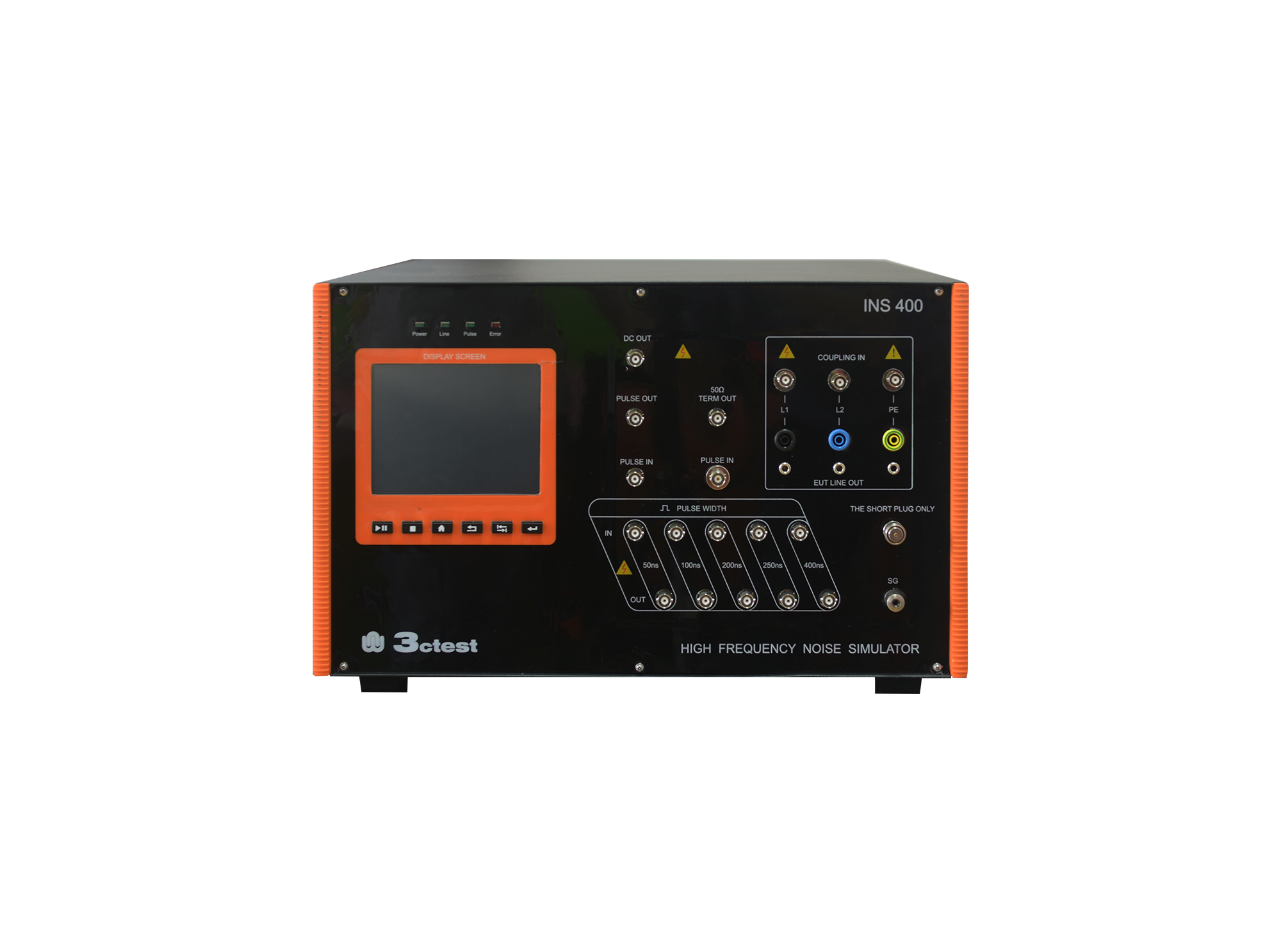
The INS 400 high-frequency noise simulator is designed to simulate the interference generated when the relay is turned on or off as a representative of the inductive component.
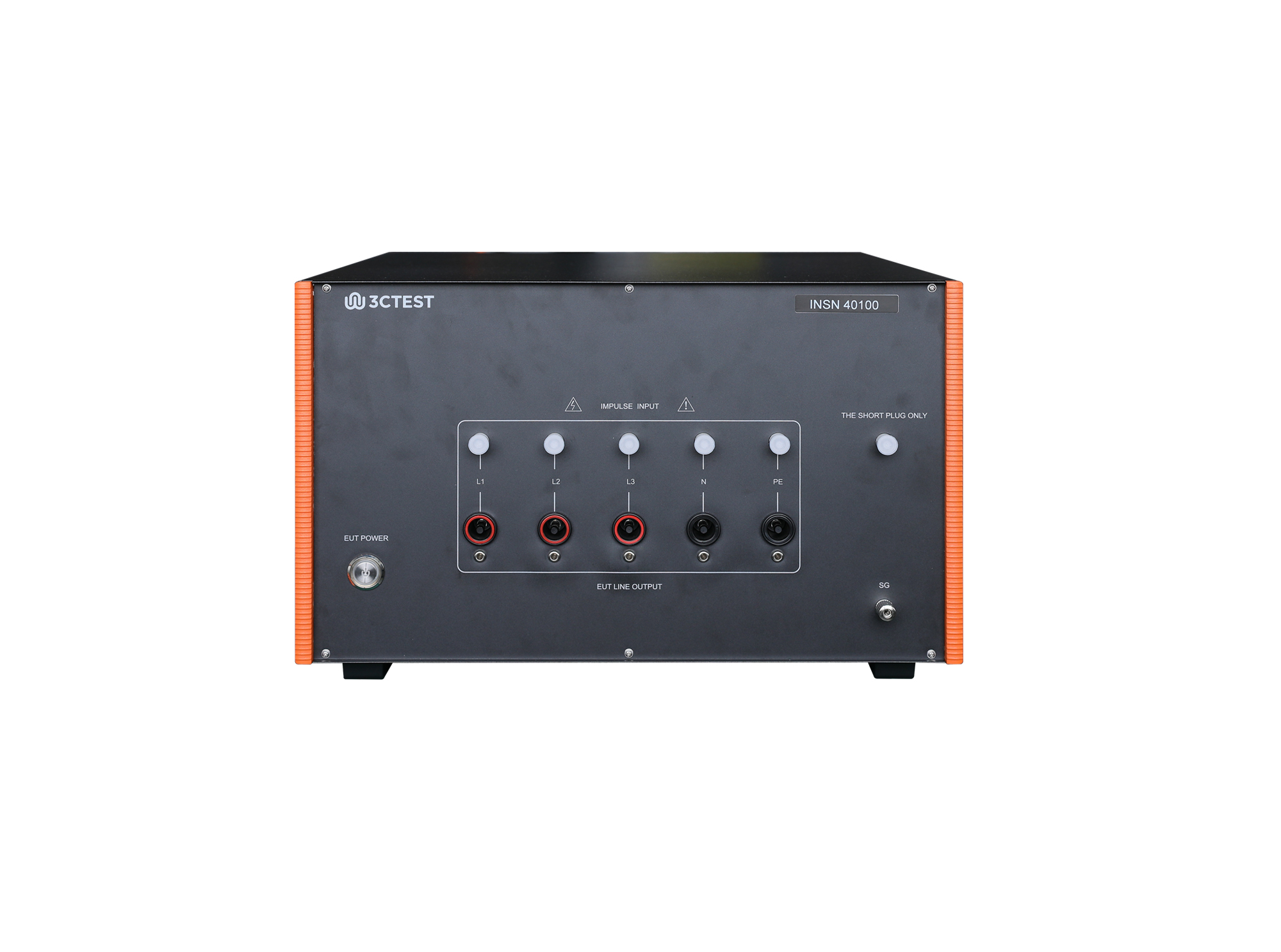
INSN 40100 High-frequency Noise Coupling/Decoupling Network, meet the requirements of NECA TR-28 standard assessing the immunity of electronic equipment to transient conducted interference.

• Using the product inquiry function can help you quickly learn about the product's price and other related information.
• You can either inquire about a single product directly, or select multiple products to add to the inquiry bar and inquire about them together.
• How to make an inquiry





1. Using the product comparison function can help you find the target product you need for selection more quickly and easily.
2. You can add up to 5 products for comparison. Product models and parameters may vary across different series. It is recommended to compare products within the same series.
3. How to use the comparison bar.




 Phone: +86-512-68413700
 Email: info@3ctest.cn
 Address:No.99 E'meishan Rd, SND, Suzhou, Jiangsu, 215153, China,Suzhou, Jiangsu, 215153, China



© 2025 Suzhou 3CTEST


 Leave a Message


