

High frequency recommended vocabulary
TB/T 3498 is the Chinese railway industry standard that defines the lightning test methods applied to railway communication and signalling equipment. Its purpose is to make a laboratory result meaningful for equipment that will be installed along a railway, where the disturbance arrives over cables that run for long distances beside the track and where a single failure can affect the safe movement of trains. The standard therefore specifies the test waveforms and the levels appropriate to the ports of the equipment, distinguishing the power supply ports, the signalling and communication ports and the interfaces to the track circuits and to the interlocking, and it defines the arrangements by which the disturbance is applied and the criteria by which the result is judged. It is the companion to the industry standard that specifies how the protection is designed and installed, and the two are normally cited together in a specification for equipment intended for the Chinese railway network.
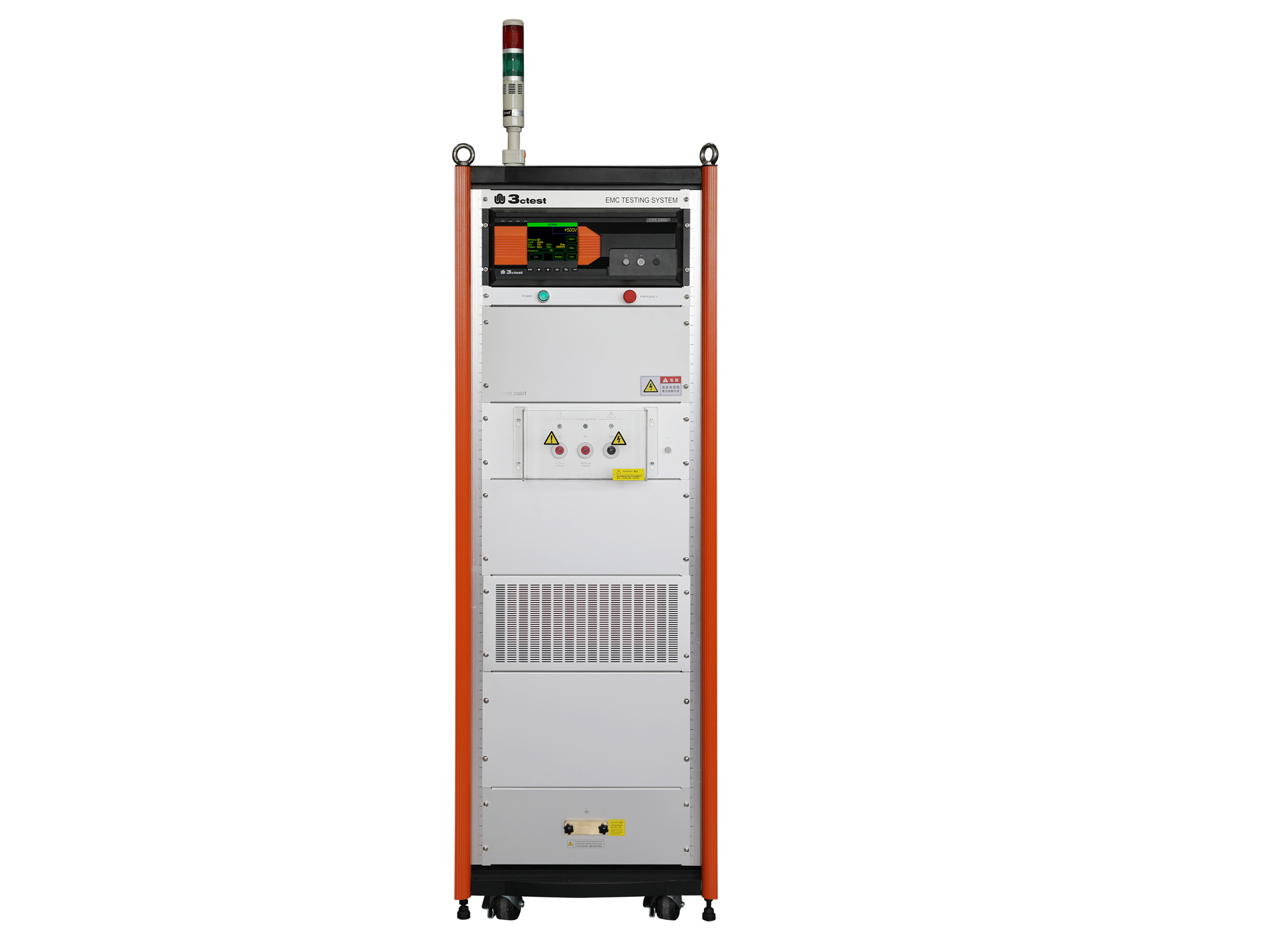
The CWS 2000C & CWS 2000T communication surge immunity tester complies with IEC 61000-4-5 and other standard requirements.
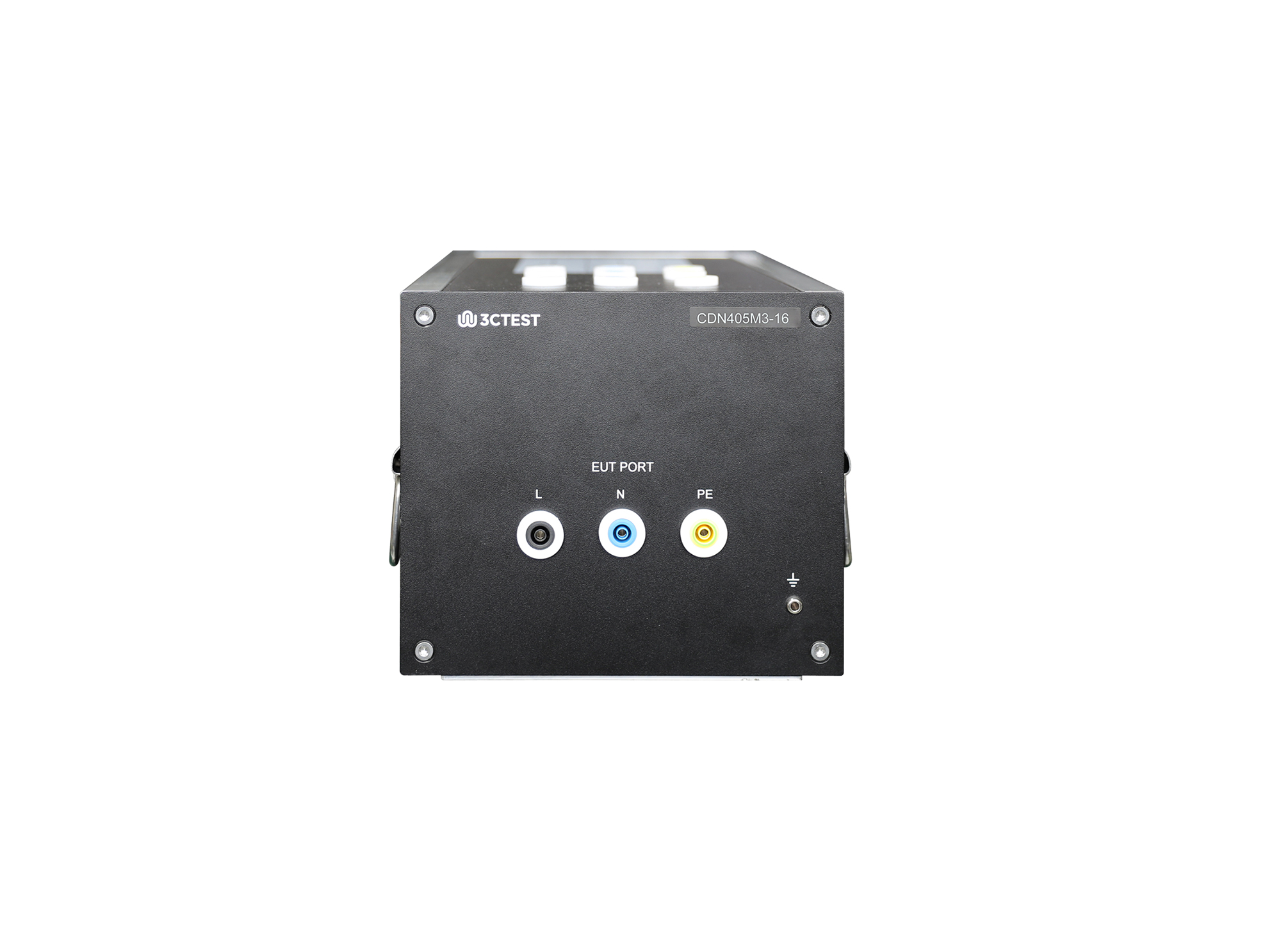
The CDN 405M3-16 for lightening surge complies with IEC/EN 61000-4-5,GB/T 17626.5 and TB/T 3498.
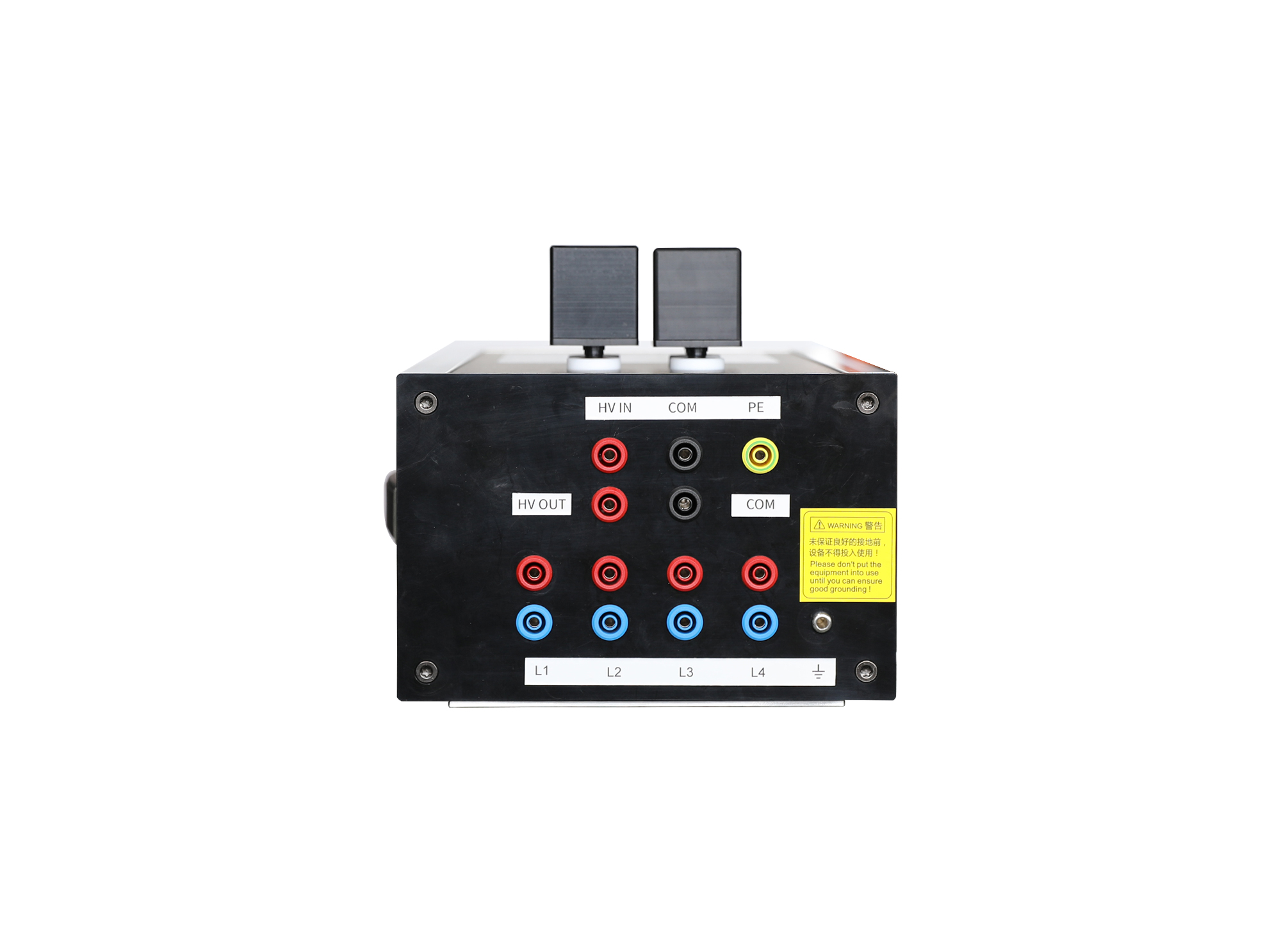
The CN 405AF4 complies with IEC/EN 61000-4-5 and TB/T 3498. It is a professional CN developed for lightning surge immunity tests on railway power supply ports.
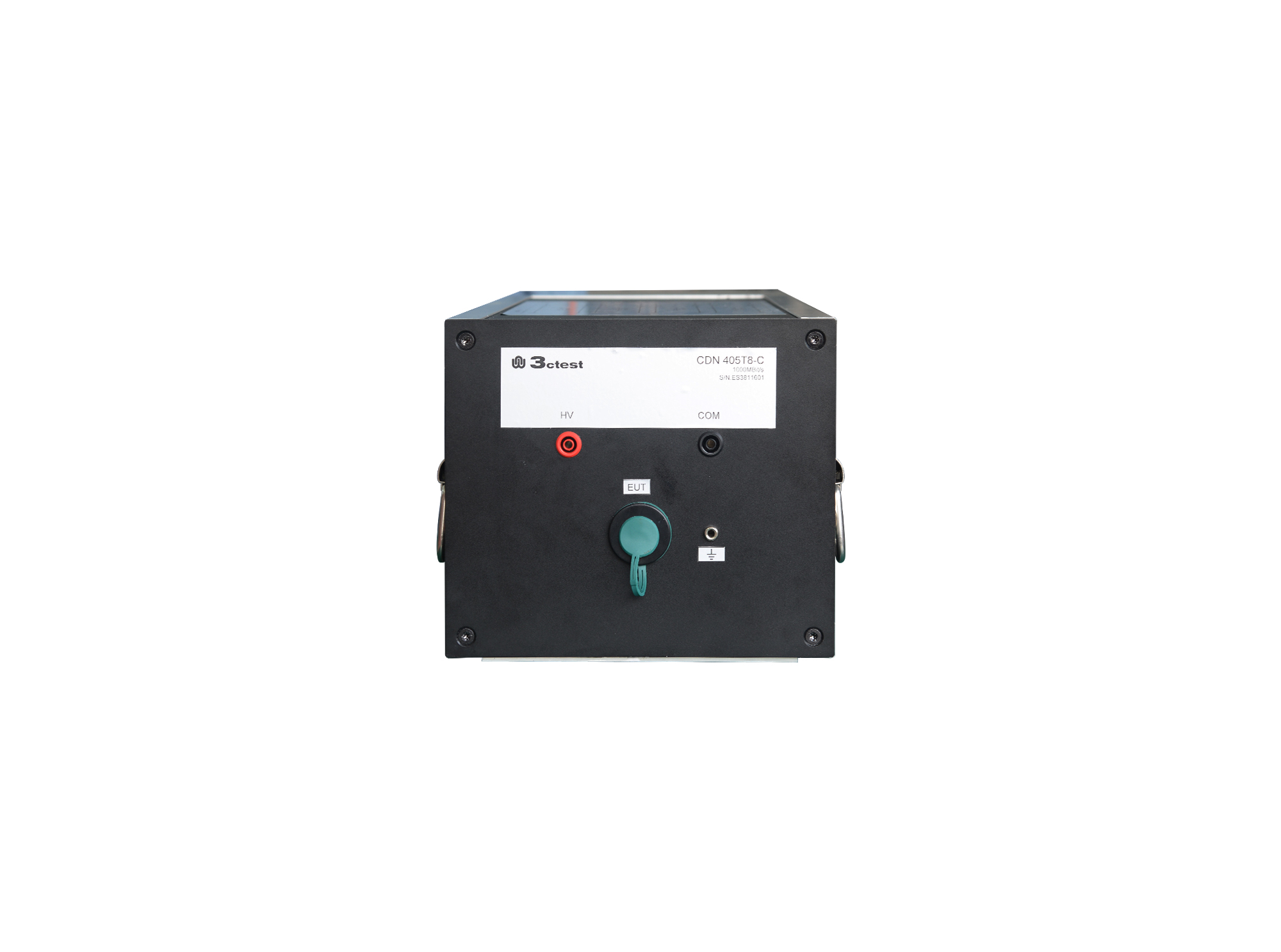
The CDN 405T8-C unshielded symmetric high-speed communication line CDN, compliant with IEC 61000-4-5, GB/T 17626.5, is a professional CDN dedicated to lightning surge immunity tests on unshielded symmetrical high-speed communication lines.

• Using the product inquiry function can help you quickly learn about the product's price and other related information.
• You can either inquire about a single product directly, or select multiple products to add to the inquiry bar and inquire about them together.
• How to make an inquiry





1. Using the product comparison function can help you find the target product you need for selection more quickly and easily.
2. You can add up to 5 products for comparison. Product models and parameters may vary across different series. It is recommended to compare products within the same series.
3. How to use the comparison bar.




 Phone: +86-512-68413700
 Email: info@3ctest.cn
 Address:No.99 E'meishan Rd, SND, Suzhou, Jiangsu, 215153, China,Suzhou, Jiangsu, 215153, China



© 2025 Suzhou 3CTEST


 Leave a Message


