

High frequency recommended vocabulary
Bellcore GR-1089-CORE is the generic criteria document that North American network operators require their telecommunications equipment suppliers to satisfy, and it combines electromagnetic compatibility with electrical safety in one specification. It was prepared under the Bellcore name, the research organisation of the former regional telephone companies, and although the document has passed to the industry body that succeeded it, the original designation is still what appears in purchase specifications. The requirements it sets are driven by the way a public network is built: equipment is connected to subscriber lines and to trunk and power feeders that leave the building, so it is exposed to lightning surges arriving over those cables, to steady and surge currents induced from nearby power lines, and to the potentials that appear between separately earthed points during a fault. The document specifies the surge and power contact tests, the criteria for safe operation and the requirements for equipment that must remain in service during a fault.
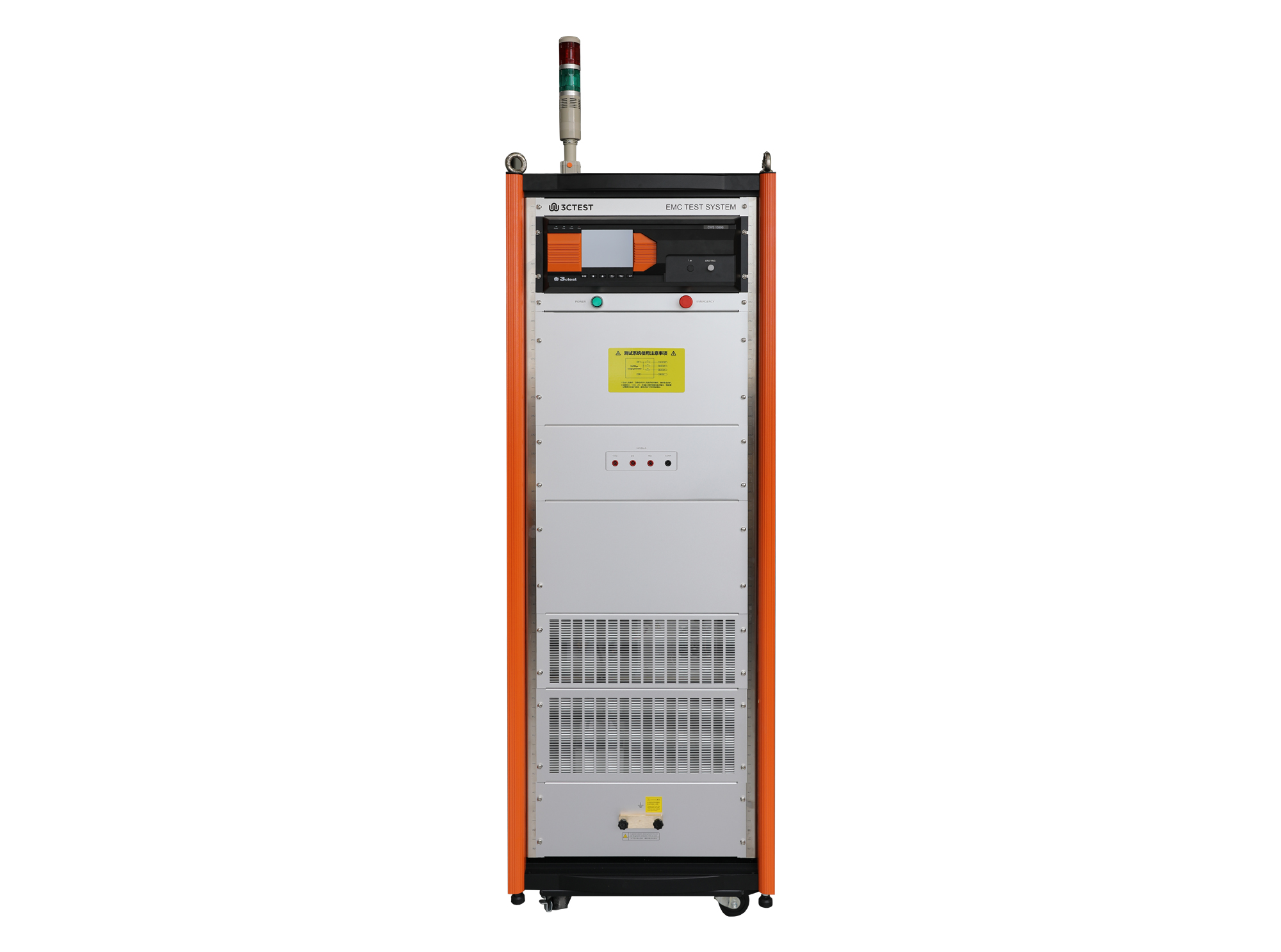
The CWS 1089B communication surge generator includes 10/250 μs voltage and current waveforms, complies with the requirements of GR-1089-CORE 2011 issue 6, and supports two-port testing.
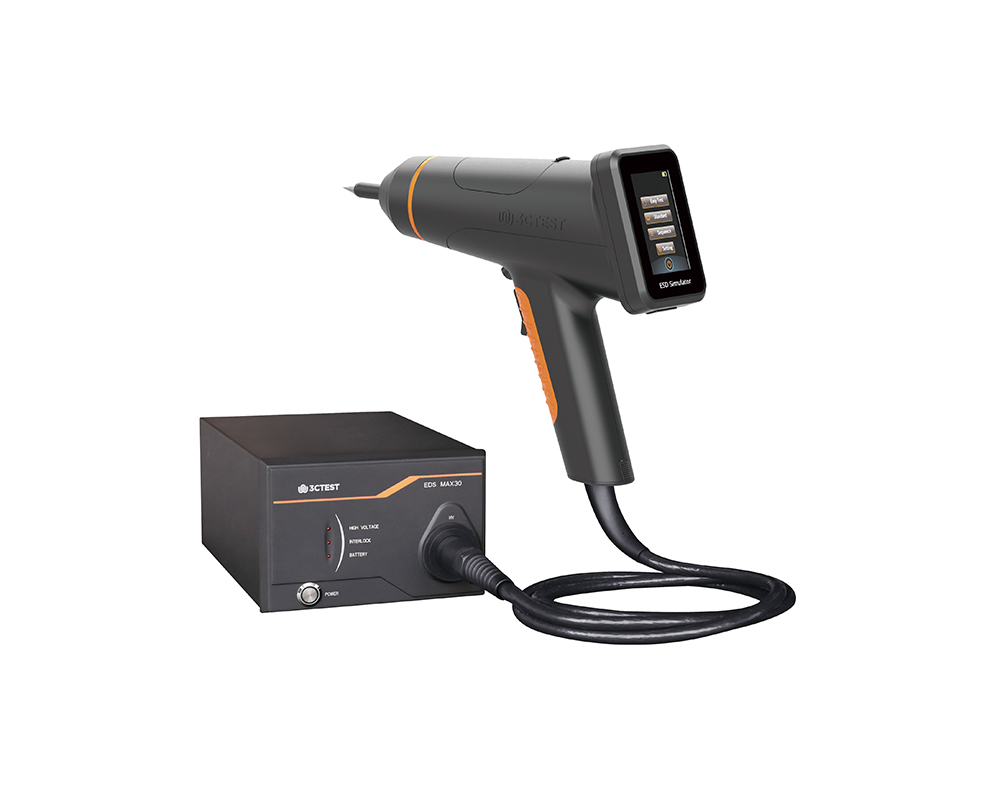
The EDS MAX30 is 3CTEST’s fourth-generation electrostatic discharge simulator in compliance with IEC 61000-4-2:2025, ISO 10605:2023 and other standards. This new product has a test voltage up to 30 kV
The EDS MAX30 is 3CTEST's fourth-generation electrostatic discharge simulator in compliance with IEC 61000-4-2:2025, ISO 10605:2023 and other standards.
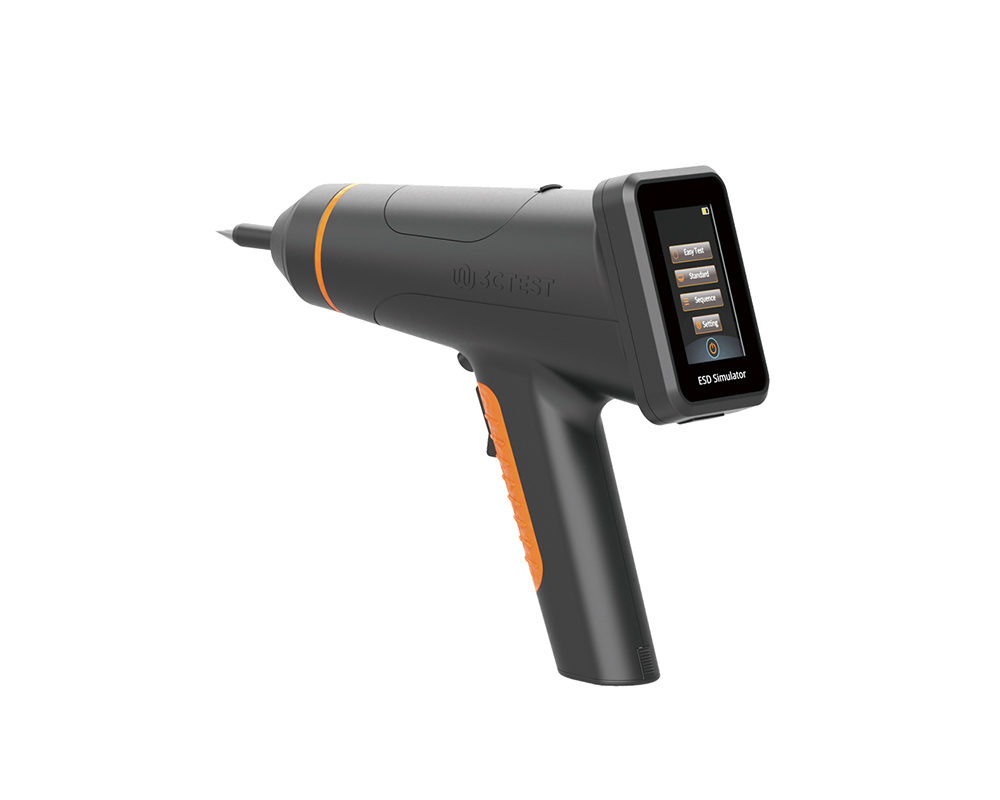
The EDS MAX20 is 3CTEST's fourth - generation electrostatic discharge simulator in compliance with IEC 61000-4-2 and other standards.
The EDS MAX20 is 3CTEST’s fourth - generation electrostatic discharge simulator in compliance with IEC 61000-4-2 and other standards. This new product has a test voltage up to 20 kV and features 3.5-inch HD color screen, along with compact mechanical design, intuitive UI design, lightweight, and impeccable waveforms.
The EDS MAX16 is 3CTEST's fourth - generation electrostatic discharge simulator in compliance with IEC 61000-4-2 and other standards.
The EDS MAX16 is 3CTEST's fourth - generation electrostatic discharge simulator in compliance with IEC 61000-4-2 and other standards. This new product has a test voltage up to 17 kV and features 3.5-inch high - definition color screen,
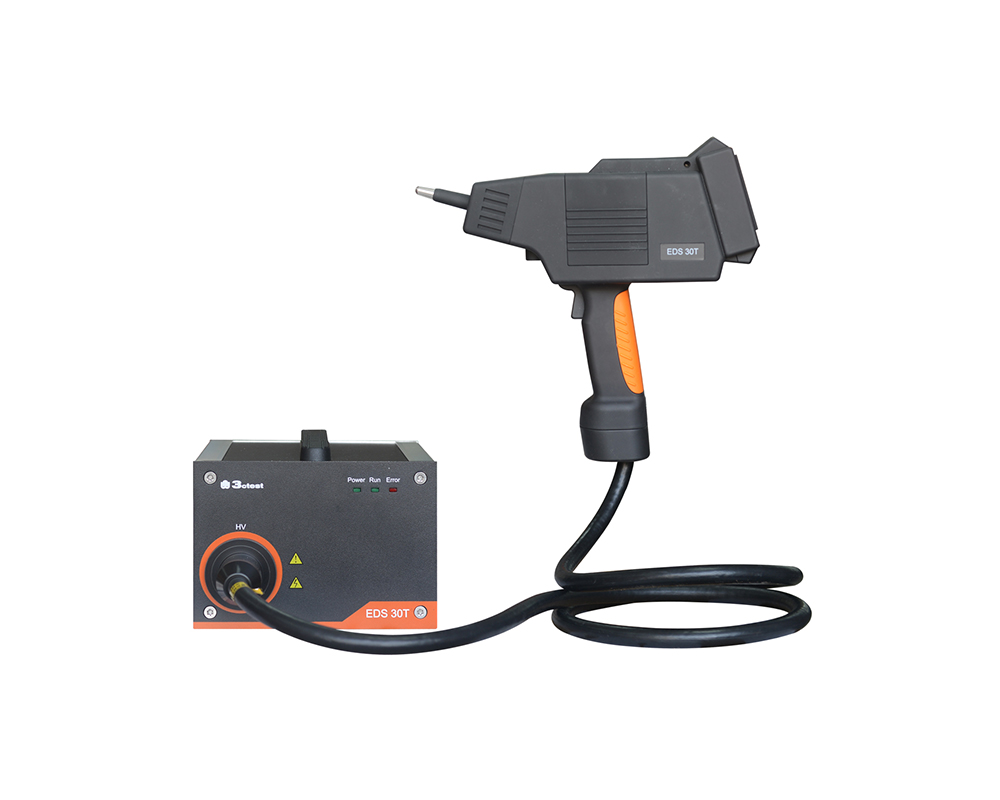
The EDS 30T is an intelligent electrostatic discharge (ESD) simulator designed to meet the IEC 61000-4-2 testing standard, accurately simulating electrostatic discharge pulse up to 30 kV.
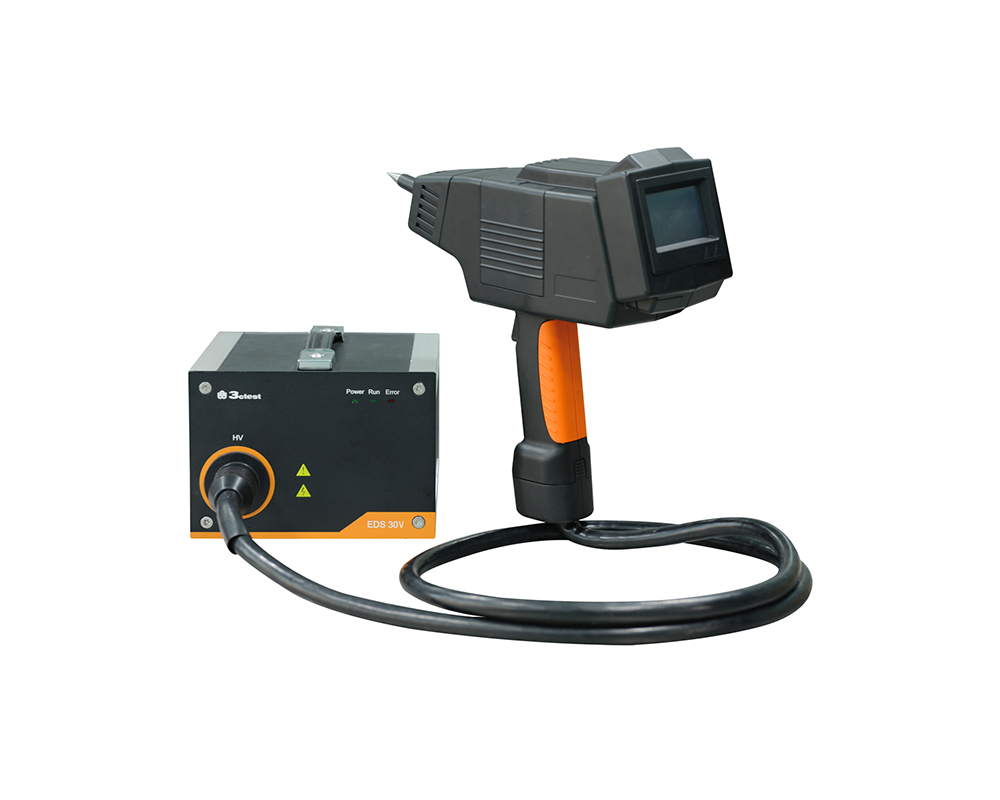
The EDS 30V is an intelligent electrostatic discharge (ESD) generator complies with international automotive electronic standards such as ISO 10605, while also supporting general electrostatic discharge test standards such as IEC 61000-4-2.
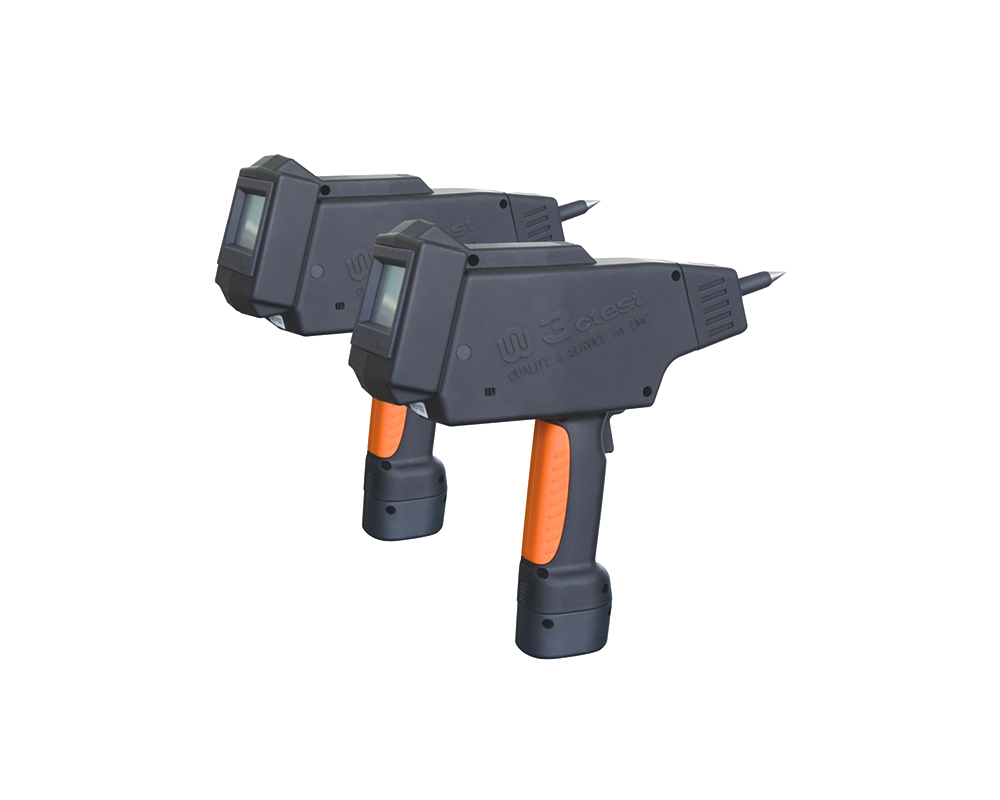
The EDS 16H is an intelligent electrostatic discharge (ESD) generator designed to meet the IEC 61000-4-2 testing standard, accurately simulating electrostatic discharge pulse up to 16.5 kV.
The EDS MAX30 is 3CTEST’s fourth-generation electrostatic discharge simulator in compliance with IEC 61000-4-2:2025, ISO 10605:2023 and other standards. This new product has a test voltage up to 30 kV

• Using the product inquiry function can help you quickly learn about the product's price and other related information.
• You can either inquire about a single product directly, or select multiple products to add to the inquiry bar and inquire about them together.
• How to make an inquiry





1. Using the product comparison function can help you find the target product you need for selection more quickly and easily.
2. You can add up to 5 products for comparison. Product models and parameters may vary across different series. It is recommended to compare products within the same series.
3. How to use the comparison bar.




 Phone: +86-512-68413700
 Email: info@3ctest.cn
 Address:No.99 E'meishan Rd, SND, Suzhou, Jiangsu, 215153, China,Suzhou, Jiangsu, 215153, China



© 2025 Suzhou 3CTEST


 Leave a Message


