

High frequency recommended vocabulary
JESD22-A115C is the machine model member of the JEDEC family of electrostatic discharge sensitivity methods, and its position in that family explains how it was used. The JESD22 methods are selected individually by a reliability or qualification programme rather than adopted as a whole, so a semiconductor supplier would normally report a human body model classification, a machine model classification and a latch-up result together, each obtained to a different method of the same family, and the customer would specify which were required. The machine model classification was for a long period demanded by customers in Japan and by parts of the consumer electronics industry, where the equivalent circuit of a small capacitance with no series resistance was felt to represent the handling environment more closely than the human body model did. Uncertainty about the reproducibility of the waveform and about the correlation with damage observed in production led JEDEC to discontinue the method, and it should now be treated as historical.
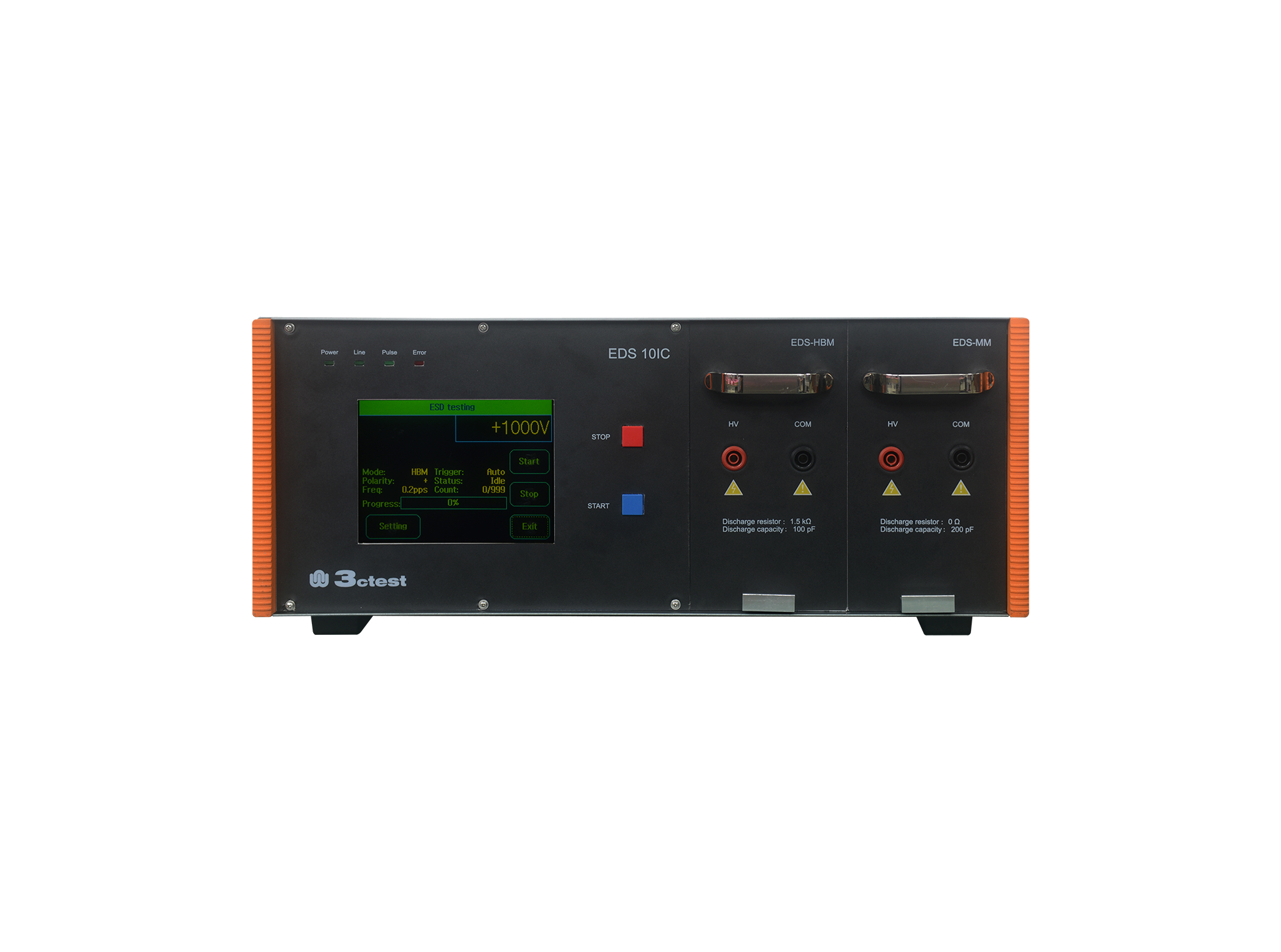
The EDS 10IC Electrostatic Discharge Simulator complies with standards including ANSI/ESDA/JEDEC JS-001, ANSI/ESD STM5.1/2, JESD22-A114F/-A115C, MIL-STD-883G, etc.

• Using the product inquiry function can help you quickly learn about the product's price and other related information.
• You can either inquire about a single product directly, or select multiple products to add to the inquiry bar and inquire about them together.
• How to make an inquiry





1. Using the product comparison function can help you find the target product you need for selection more quickly and easily.
2. You can add up to 5 products for comparison. Product models and parameters may vary across different series. It is recommended to compare products within the same series.
3. How to use the comparison bar.




 Phone: +86-512-68413700
 Email: info@3ctest.cn
 Address:No.99 E'meishan Rd, SND, Suzhou, Jiangsu, 215153, China,Suzhou, Jiangsu, 215153, China



© 2025 Suzhou 3CTEST


 Leave a Message


