

High frequency recommended vocabulary
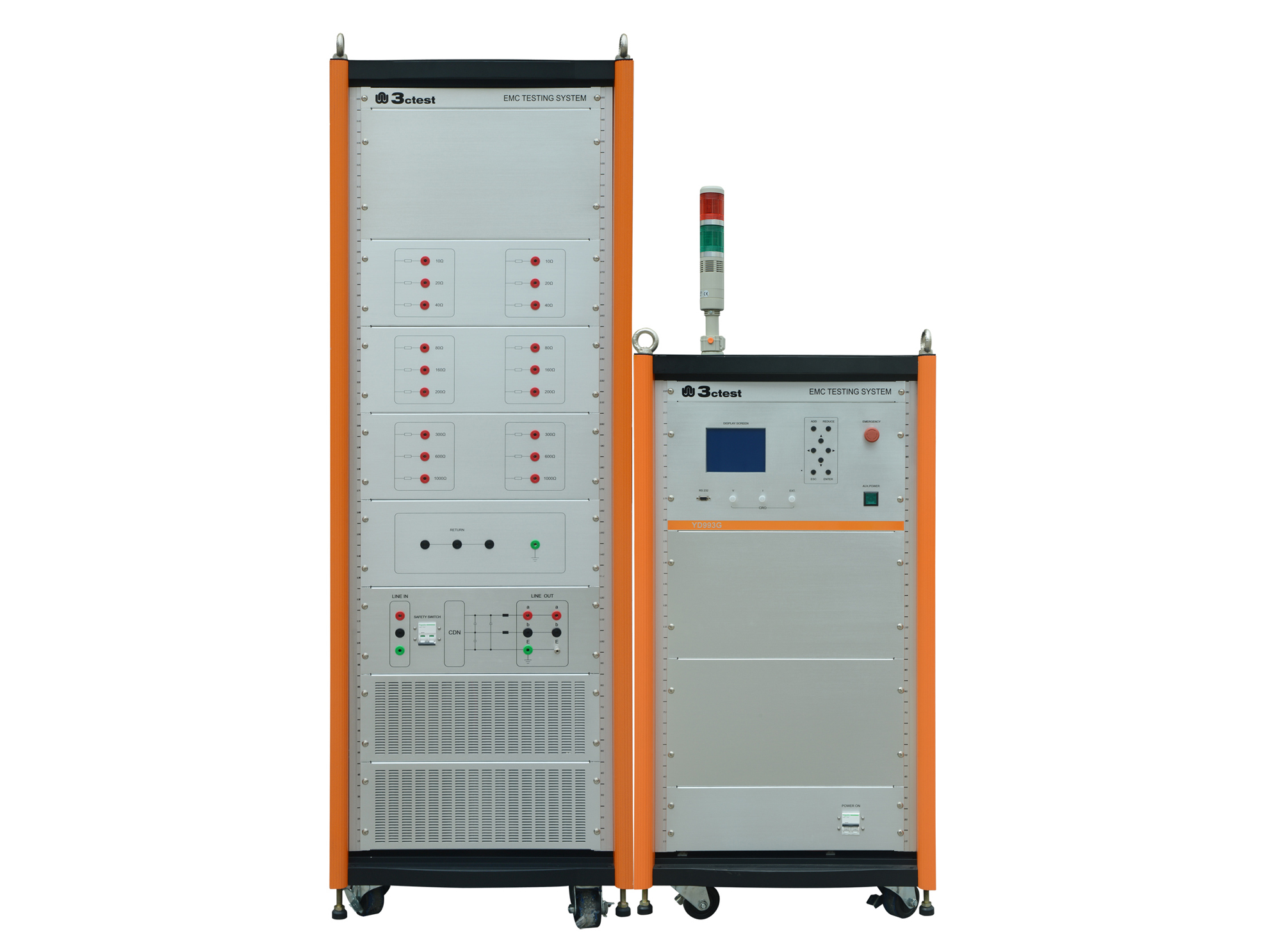
YD/T 993 is a Chinese telecommunications industry standard that specifies the lightning protection requirements and test methods for wired telecommunication terminal equipment. The category covers the equipment installed at the customer end of the network: telephones, modems, terminal adapters and the other apparatus that connects a subscriber line to equipment in the building, and it occupies a position in which a fault can travel in either direction. A surge arriving over the subscriber line may damage the terminal and, if it is not contained, may also damage the building wiring or expose a user; conversely a fault in the building supply may drive current through the terminal into the network. The standard therefore specifies the test levels and waveforms applied to the line port and to the power port, the behaviour required between ports, and the criteria by which the equipment is judged to have withstood the test, and it distinguishes between equipment connected to overhead cable and equipment connected to buried cable.
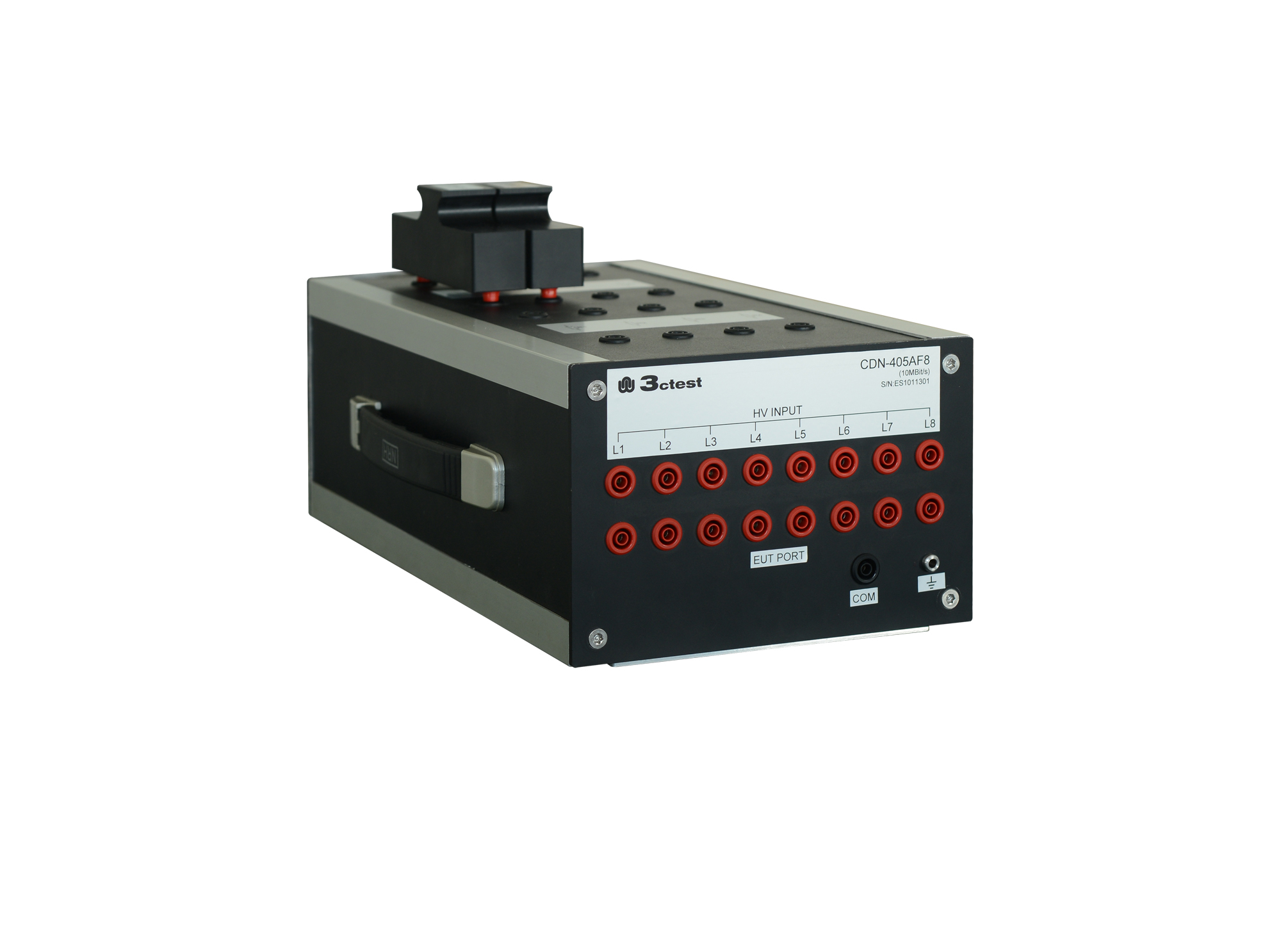
The CDN 21AF8 is designed to couple surge pulses onto 8 lines (4 pairs) unshielded unsymmetrical communication lines for voltage up to 6 kV and max.

• Using the product inquiry function can help you quickly learn about the product's price and other related information.
• You can either inquire about a single product directly, or select multiple products to add to the inquiry bar and inquire about them together.
• How to make an inquiry





1. Using the product comparison function can help you find the target product you need for selection more quickly and easily.
2. You can add up to 5 products for comparison. Product models and parameters may vary across different series. It is recommended to compare products within the same series.
3. How to use the comparison bar.




 Phone: +86-512-68413700
 Email: info@3ctest.cn
 Address:No.99 E'meishan Rd, SND, Suzhou, Jiangsu, 215153, China,Suzhou, Jiangsu, 215153, China



© 2025 Suzhou 3CTEST


 Leave a Message


