

High frequency recommended vocabulary

The withdrawn European emission standard for information technology equipment remains of practical interest in Europe because it governed an enormous installed base of products and because the transition to its successor changed the scope of the requirement as well as its limits. It distinguished class B equipment for the domestic environment from class A equipment for commercial and industrial use, and it covered conducted disturbance at the mains port and radiated disturbance from the enclosure. Its replacement recast the requirement as an emission standard for multimedia equipment, which absorbed the information technology, audio and video and broadcast receiver families into a single document with a broader scope than any of them had alone. A manufacturer holding a report against the withdrawn standard therefore has to establish not only whether the limits have changed but whether the product is now classified differently, since equipment that was class B under the old scheme may fall into a different category under the new one.
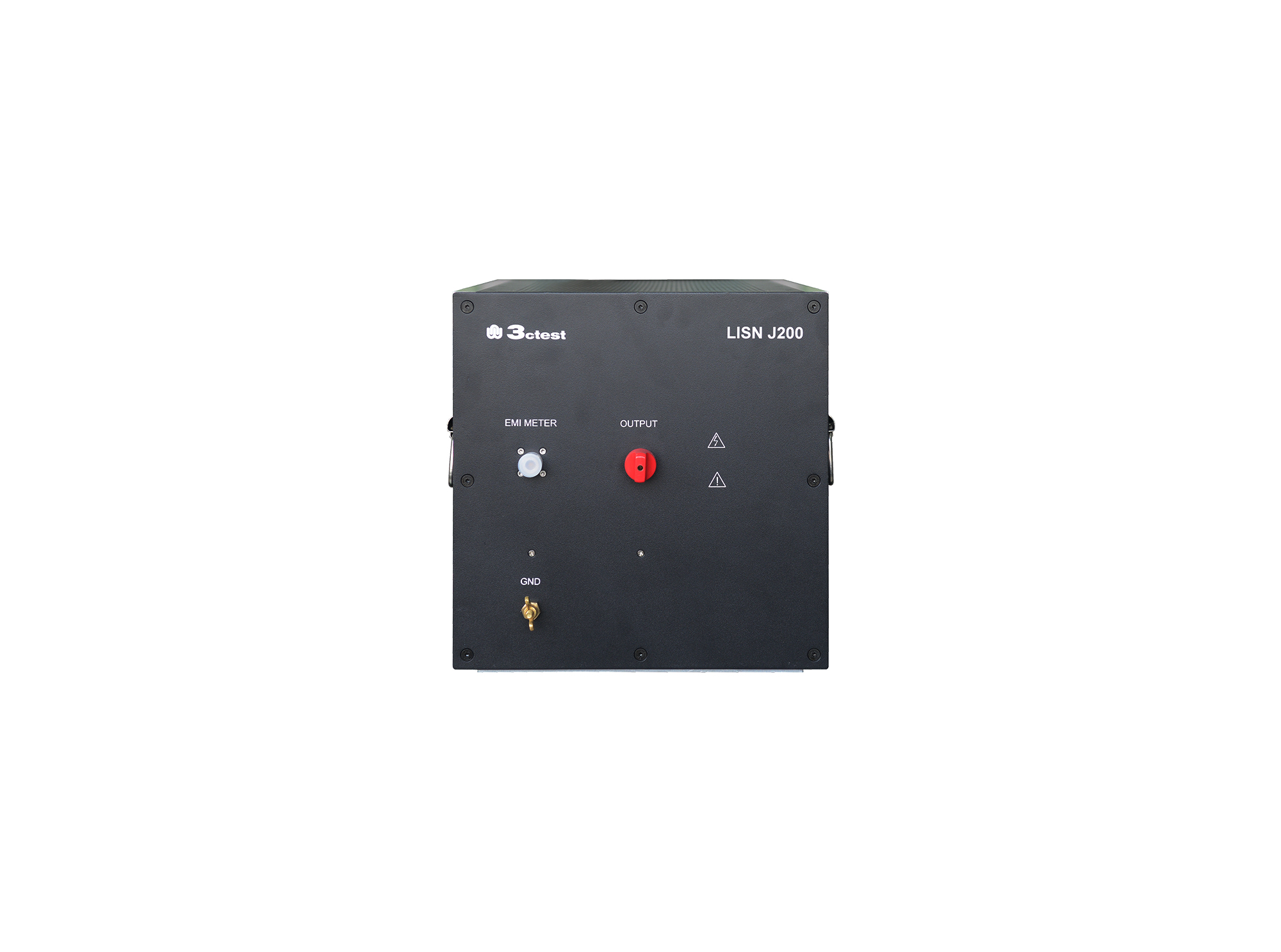
The LISN J200 is designed as per GJB151B (2013) and MIL-STD-461E(1999)and used to separate parts from mains and measure the disturbances feature of vehicles, ships and internal combustion engines, its impedance completely meets standards requirements.
• Using the product inquiry function can help you quickly learn about the product's price and other related information.
• You can either inquire about a single product directly, or select multiple products to add to the inquiry bar and inquire about them together.
• How to make an inquiry





1. Using the product comparison function can help you find the target product you need for selection more quickly and easily.
2. You can add up to 5 products for comparison. Product models and parameters may vary across different series. It is recommended to compare products within the same series.
3. How to use the comparison bar.




 Phone: +86-512-68413700
 Email: info@3ctest.cn
 Address:No.99 E'meishan Rd, SND, Suzhou, Jiangsu, 215153, China,Suzhou, Jiangsu, 215153, China



© 2025 Suzhou 3CTEST


 Leave a Message


