

High frequency recommended vocabulary

Within the European system the surge immunity test is unusual in that it is applied both to the equipment and to the protective components that shield it. The test is called up by the multimedia equipment standard, by the measurement and control equipment standard and by the generic standards, while the surge protective devices that are installed upstream are covered by their own product standard; a complete design therefore involves two separate conformity assessments on the same installation. The European edition of this part reproduces the international combination wave generator and the coupling networks for power and signal ports, and it is the document cited in the declaration of conformity when the manufacturer has chosen the harmonised route. Because lightning exposure and the surge withstand of the distribution network differ across Europe, the level selected for a product is normally justified in the technical file by reference to the installation class rather than simply taken from the preferred list.
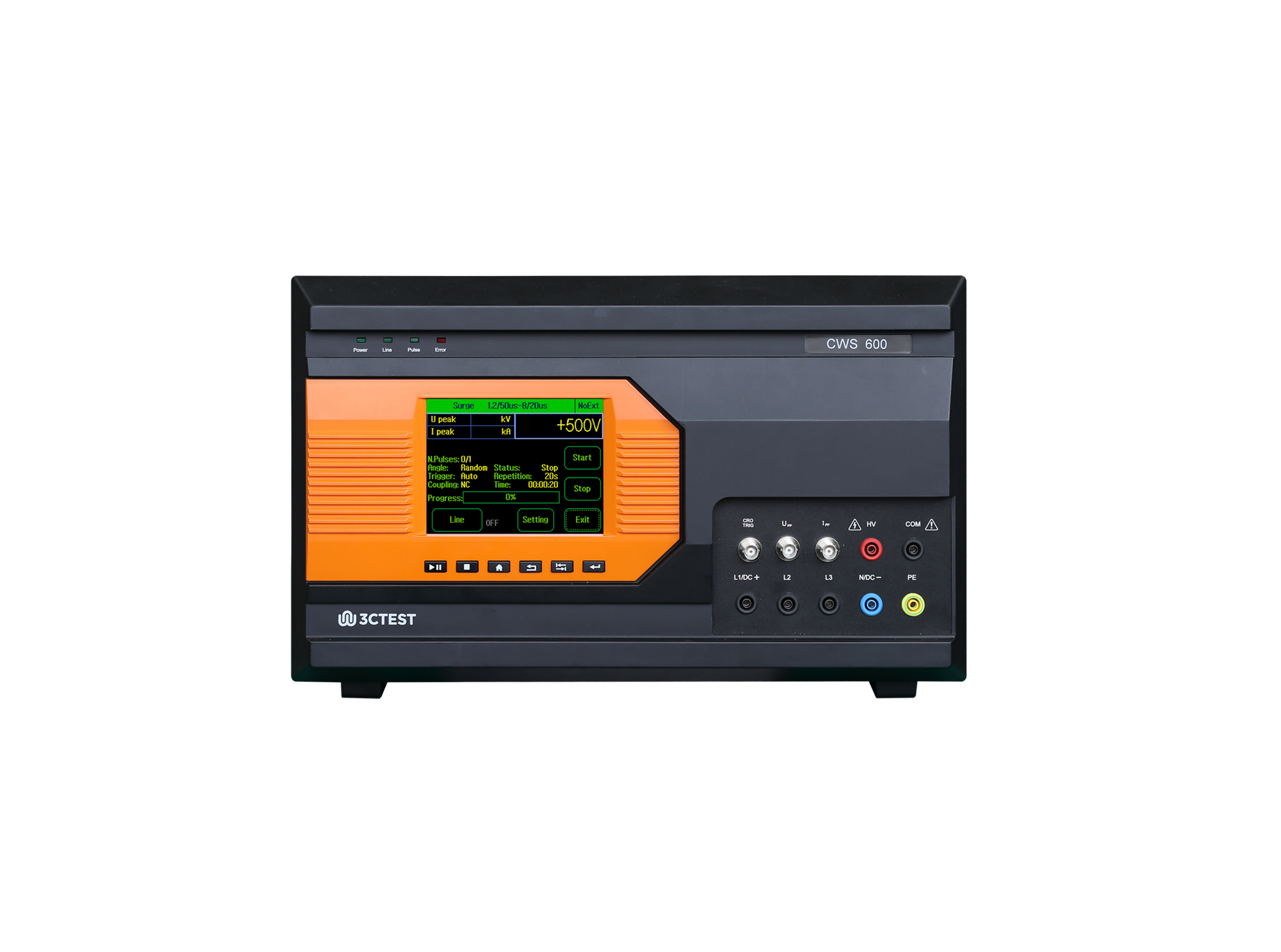
The CWS 600 complies with IEC/EN 61000-4-5, IEC/EN-4-9 and simulates high-voltage surges induced by lightning and power grid switching.
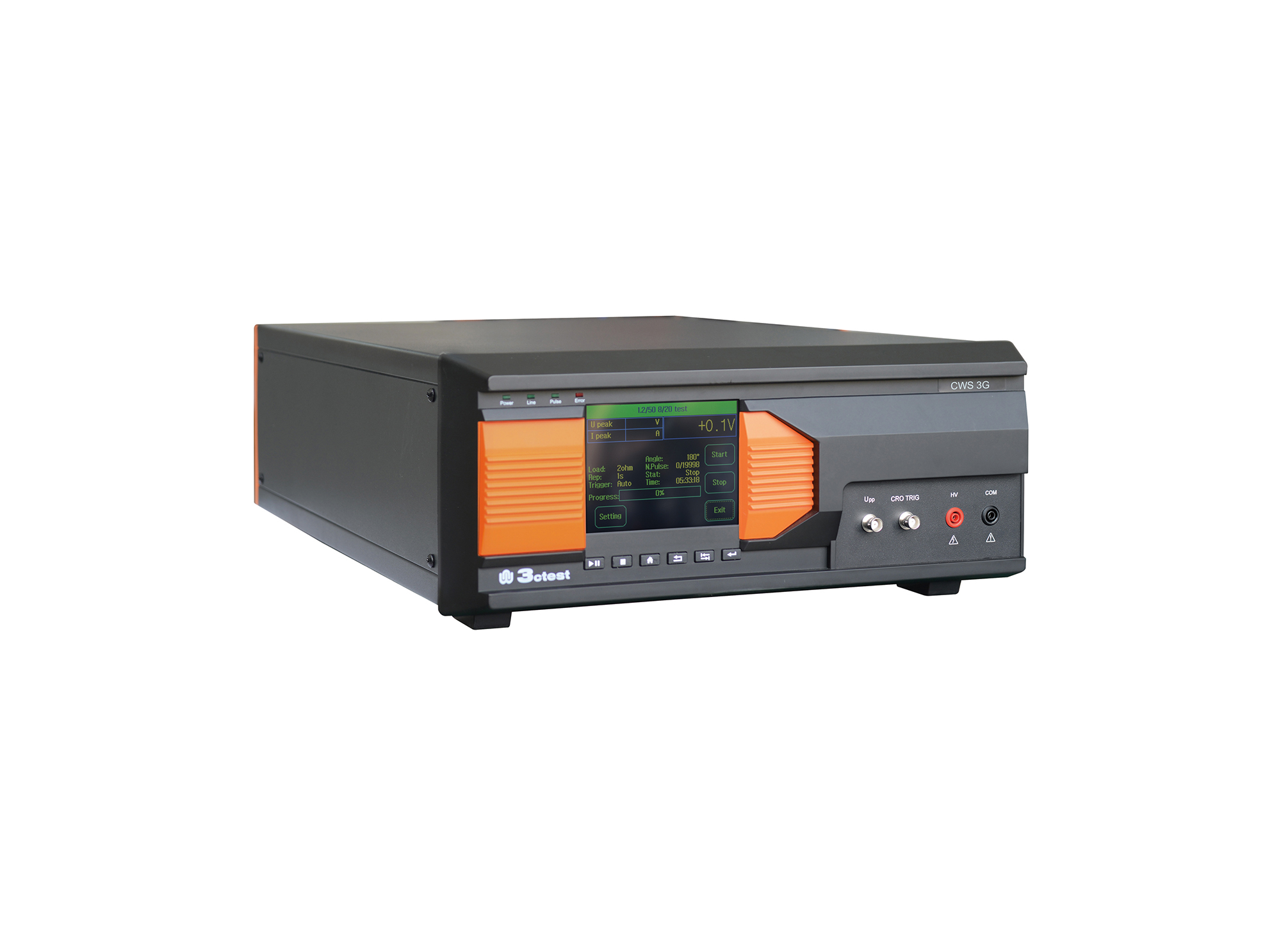
The CWS 3G is specially designed for simulating low voltage surge pulse disturbances phenomenon, which can be used in surge protection device (TVS tube, TSPDs, SIDAC, surge suppressor and wafer or package level) immunity test. Its output voltage can be adjustable from 1 V to 30 V, which totally meet the test requirement of IEC/EN 61000-4-5 and GB/T 17626.5.
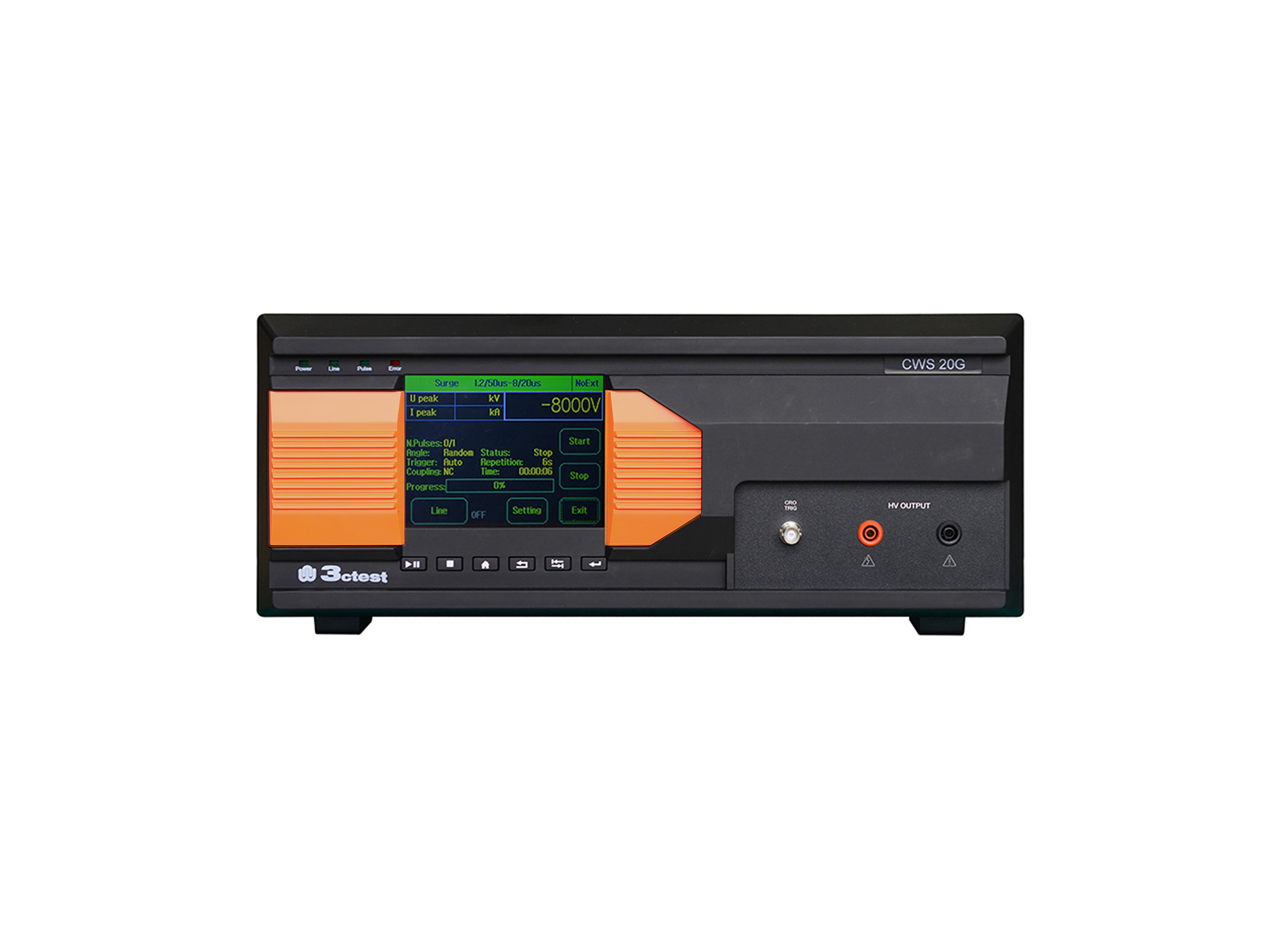
The CWS 20G Combination Lightning Surge Generator is based on the company's third-generation control platform. It is designed according to the requirements of IEC/EN 61000-4-5, IEC 60950, IEC 62305-4, IEC 61643-1, ITU-T K17, ITU-T K21.
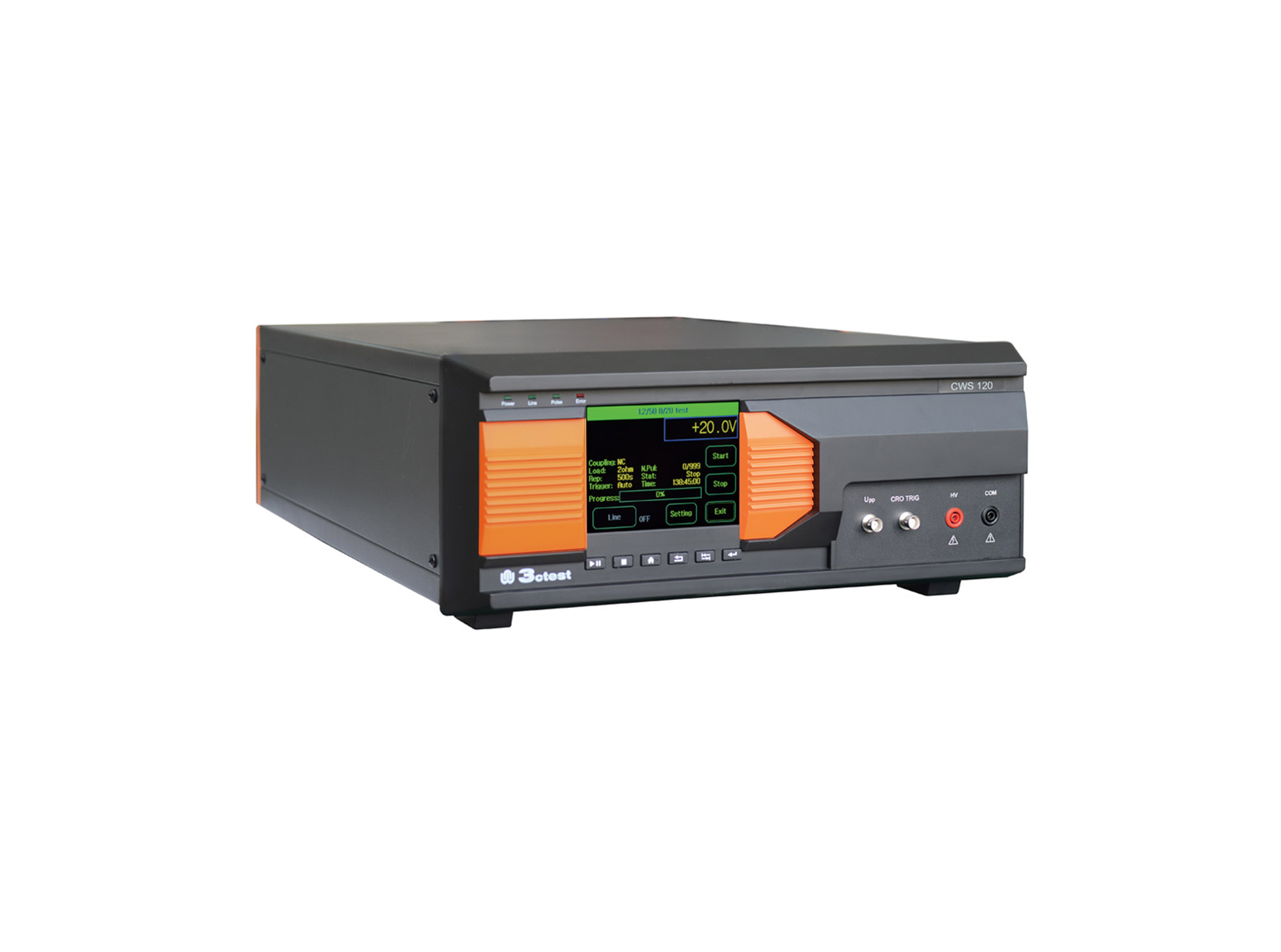
The CWS 120 series is specially designed for simulating low voltage surge pulse disturbances phenomenon, which can be used in surge protection device (TVS tube, TSPDs, SIDAC, surge suppressor and wafer or package level) immunity test. Its output voltage can be adjustable from 1 V to 1,200 V, which totally meet the test requirement of IEC/EN 61000-4-5 and GB/T 17626.5.
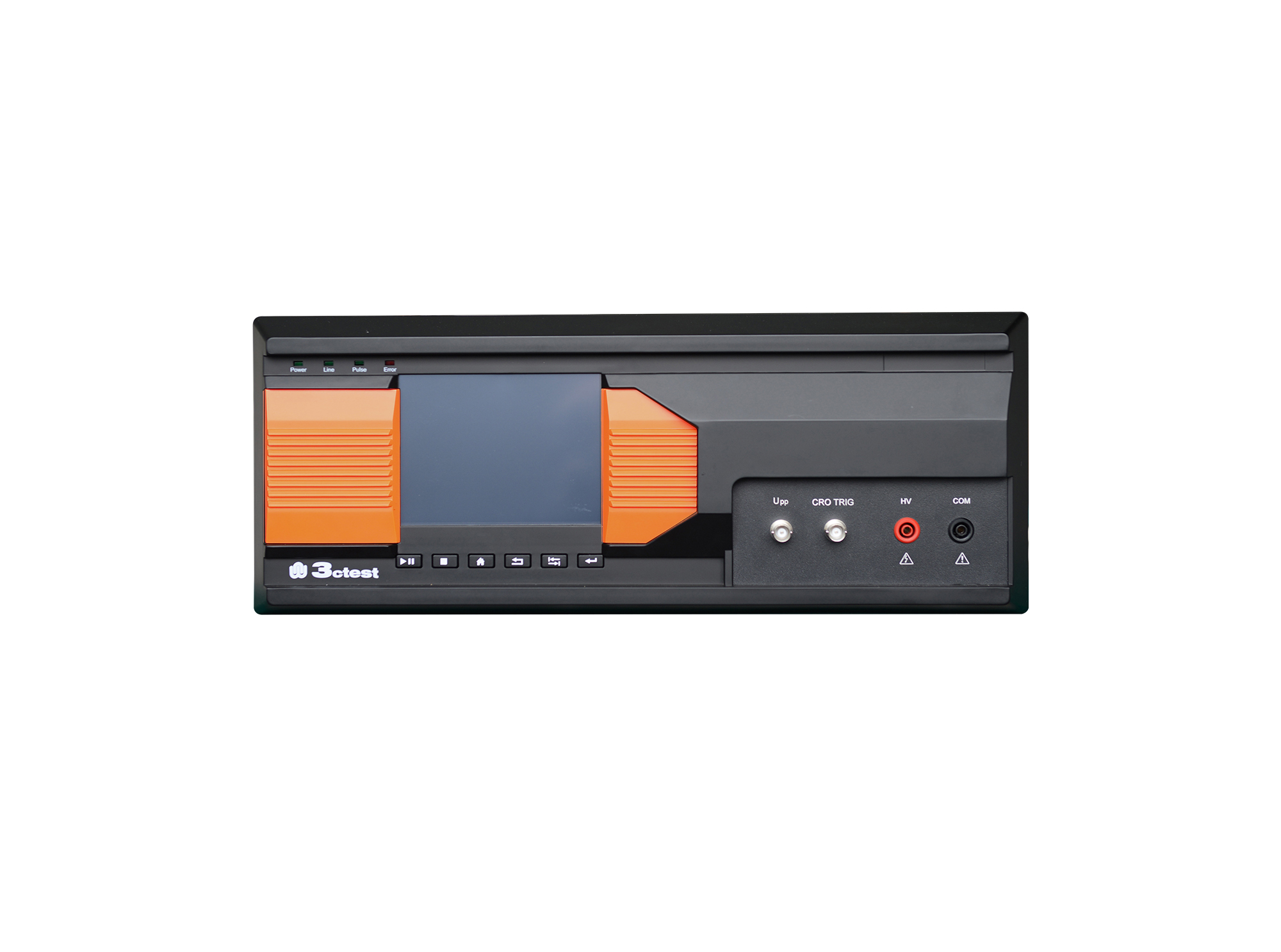
The CWS 120G is specially designed for simulating low voltage surge pulse disturbances phenomenon, which can be used in surge protection device (TVS tube, TSPDs, SIDAC, surge suppressor and wafer or package level) immunity test. Its output voltage can be adjustable from 1 V to 1200 V
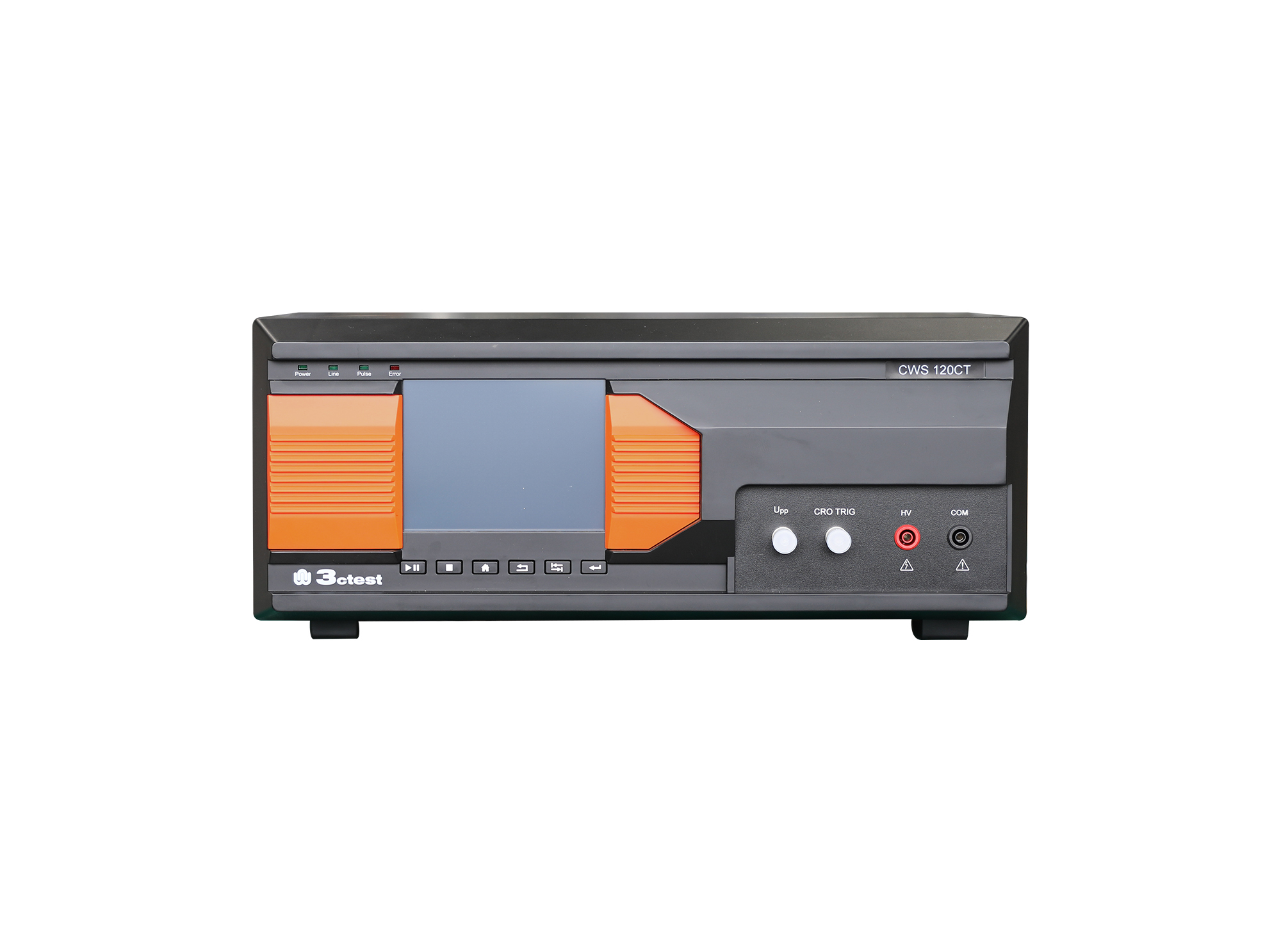
The CWS 120CT is specially designed for simulating low voltage surge pulse disturbances phenomenon, which can be used in surge protection device (TVS tube, TSPDs, SIDAC, surge suppressor and wafer or package level) immunity test.
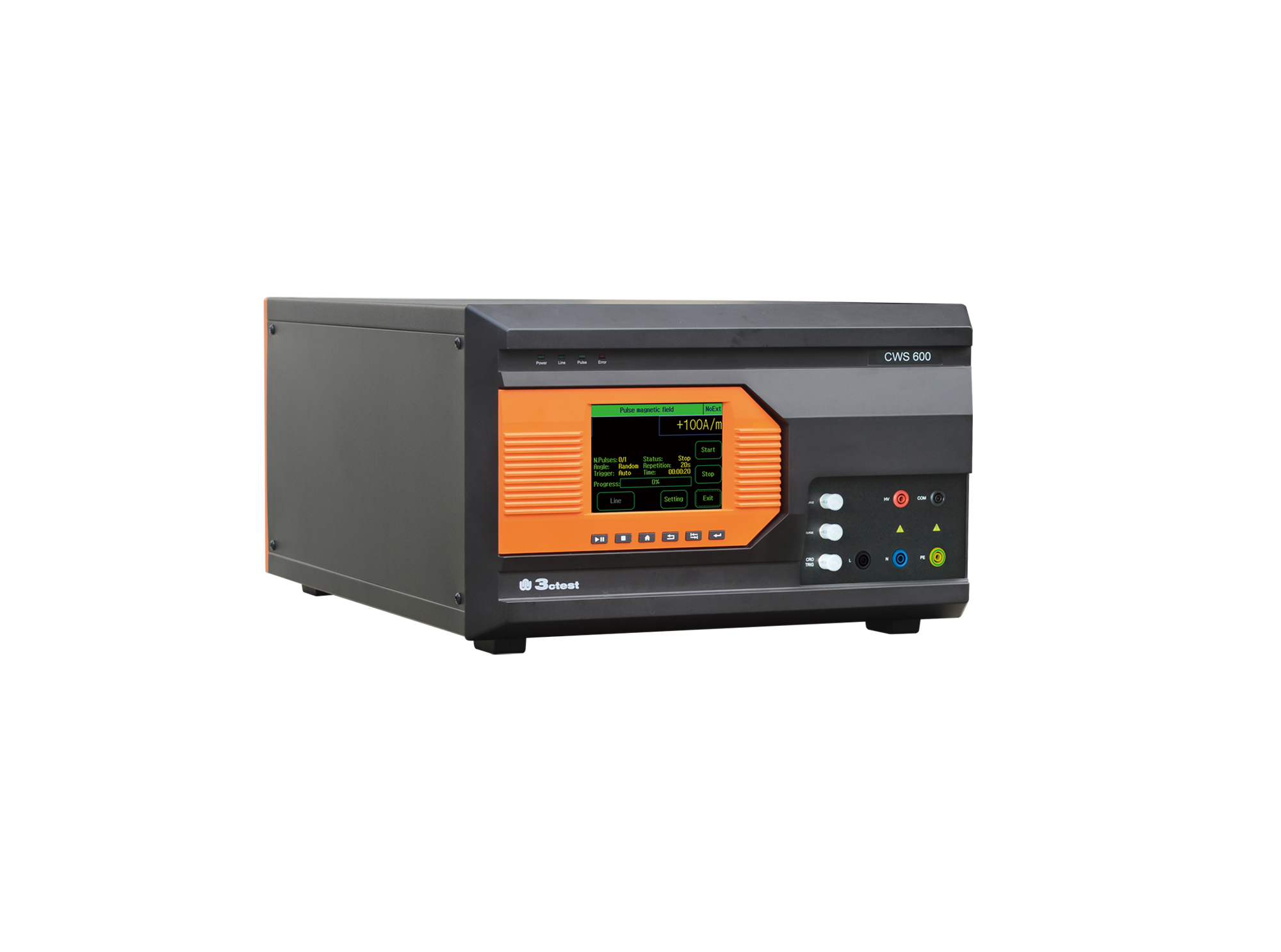
The CWS 600 Series are designed in compliance with IEC/EN 61000-4-5 for simulating high-voltage surges induced by lightning transient and power grid switching transients.
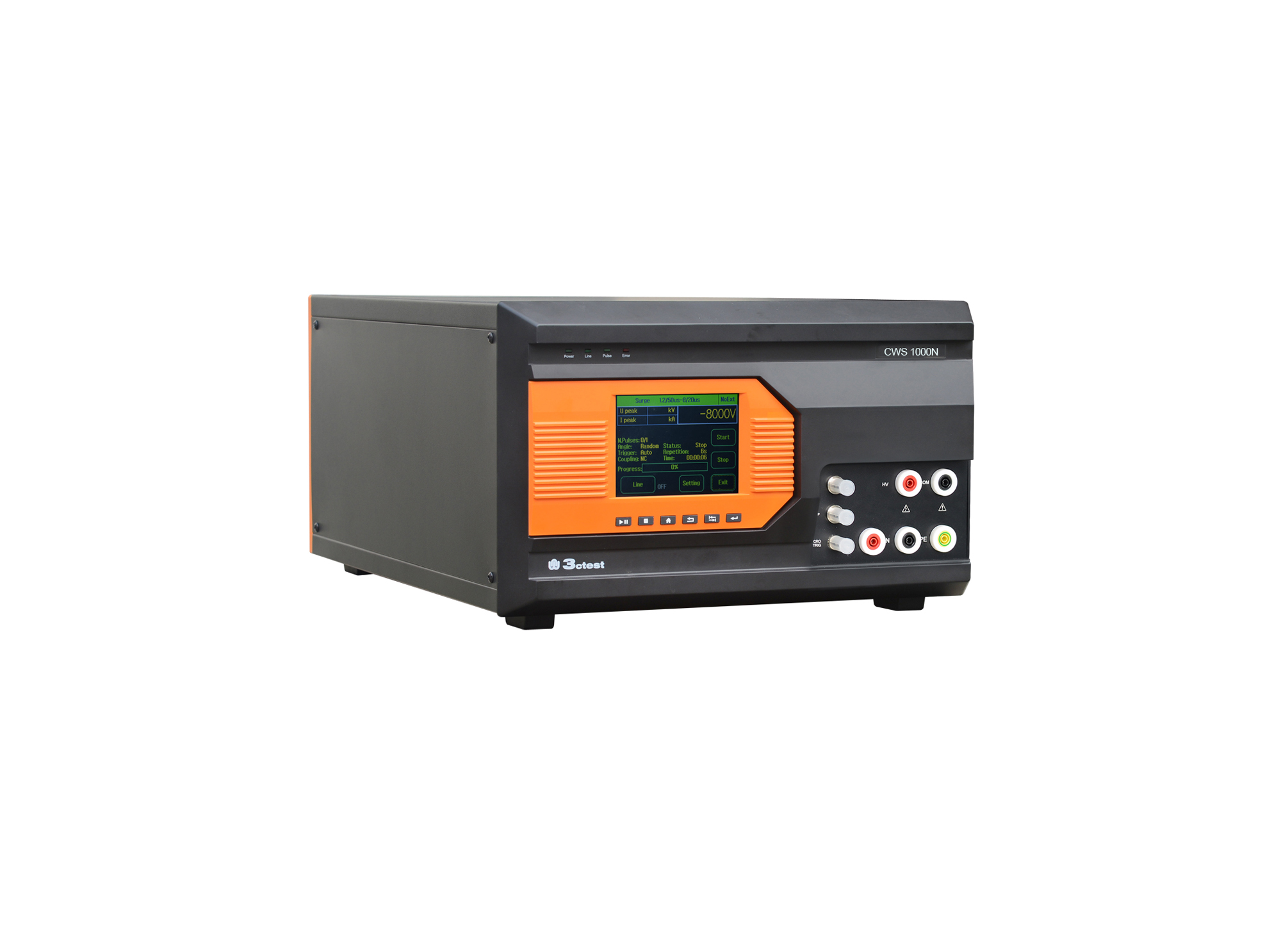
The CWS 1000N Lightning Surge Generator complies with IEC/EN 61000-4-5 and IEC/EN 61000-4-9 standards, and is capable of simulating surge transients generated by grid switching and lightning strikes.
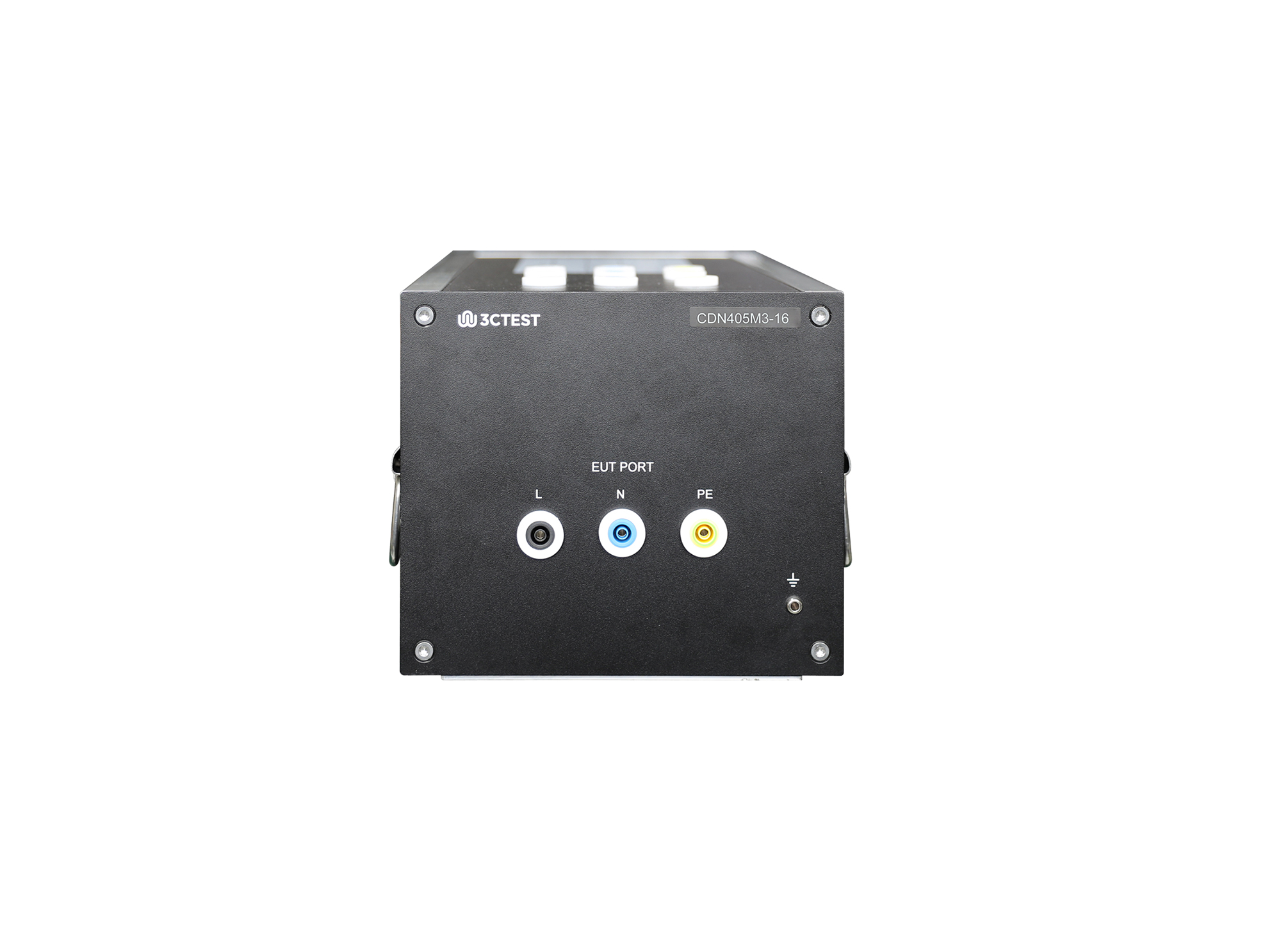
The CDN 405M3-16 for lightening surge complies with IEC/EN 61000-4-5,GB/T 17626.5 and TB/T 3498.
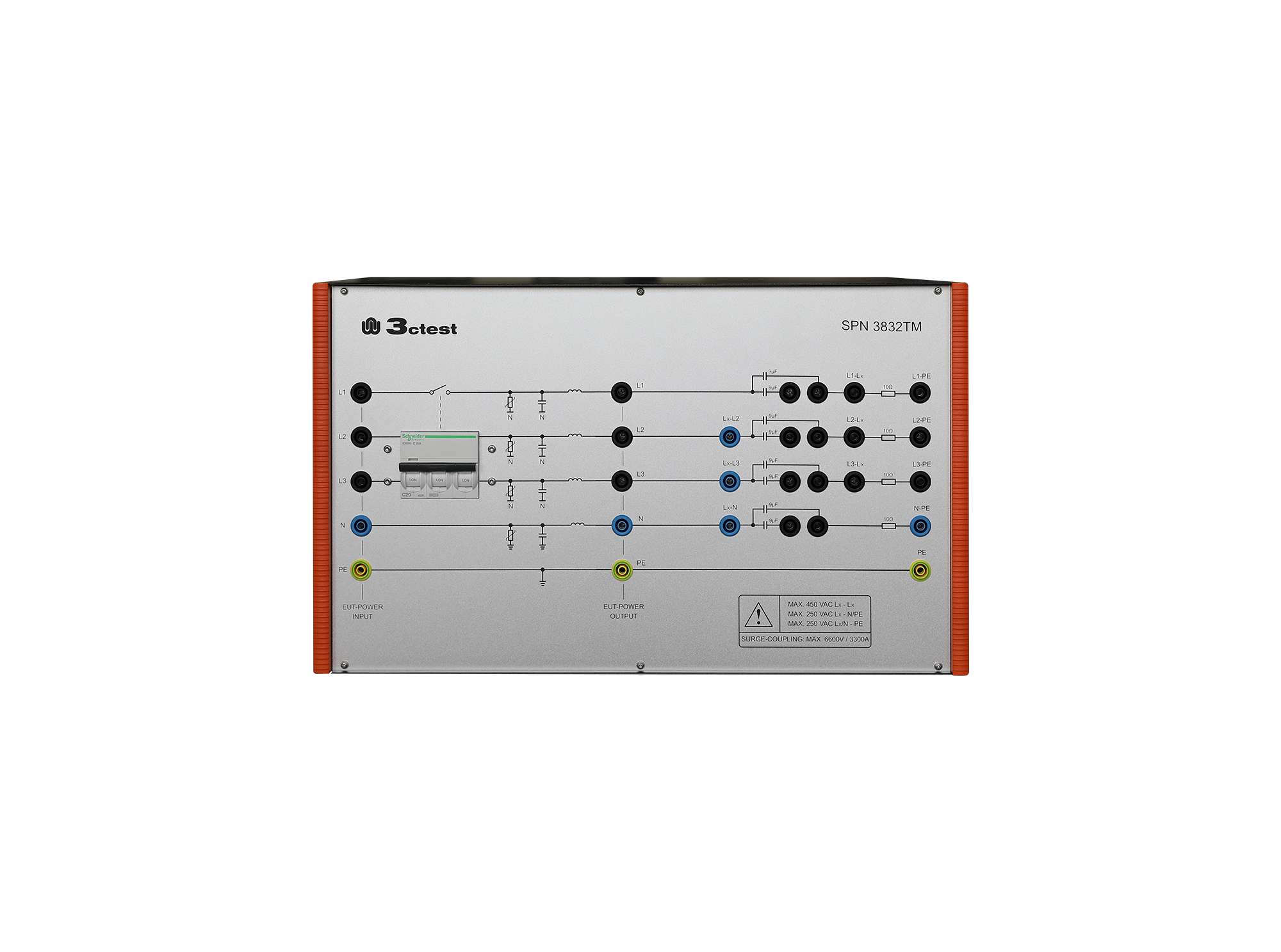
The SPN 3832TM Lightening Surge Coupling/Decoupling Network (three-phase) complies with IEC/EN 61000-4-5, and can be combined with CCS and CWS series instruments to form an EMC surge test system.
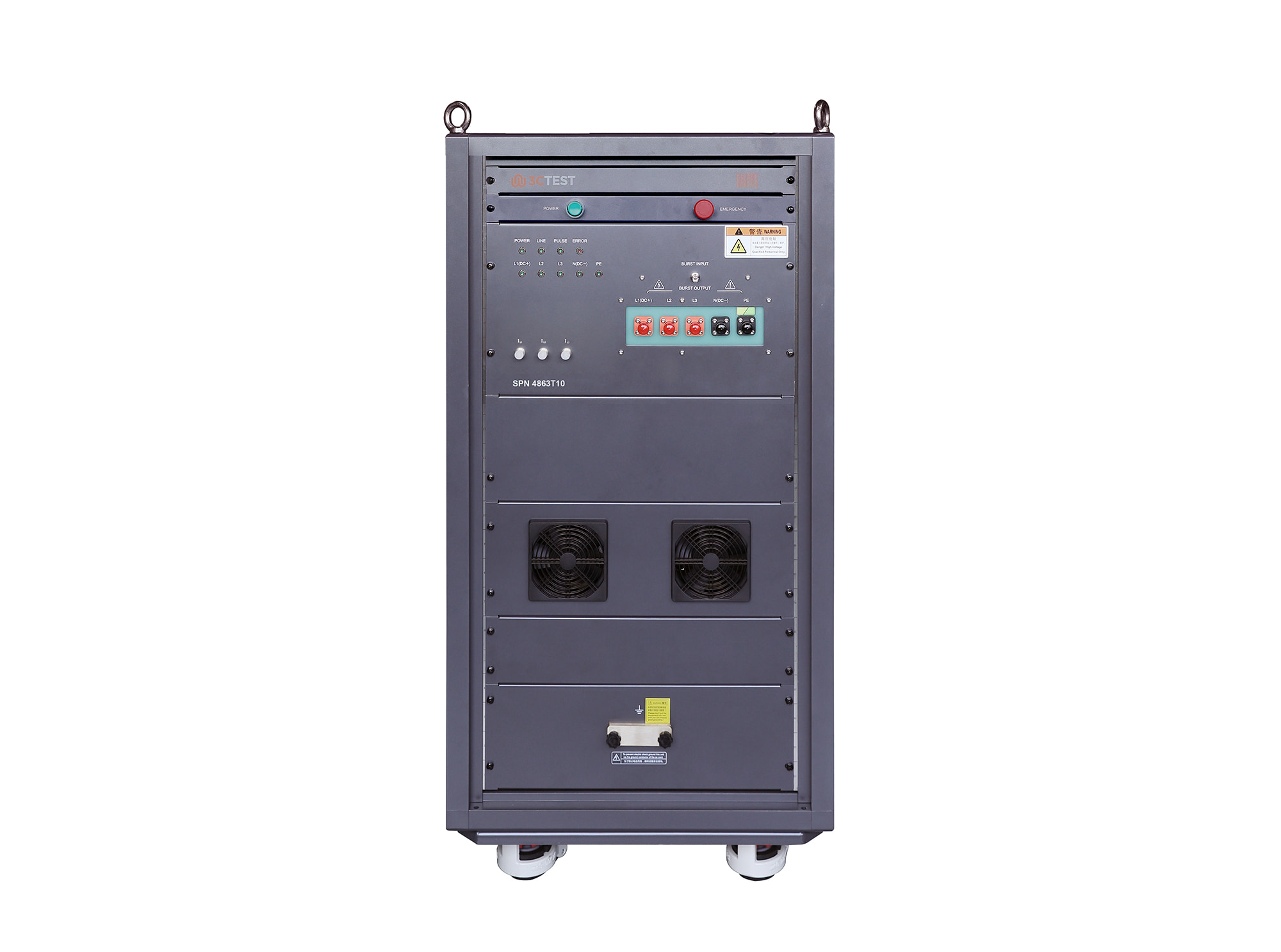
The SPN 4863T10 is an automatic coupling/decoupling network (CDN) designed for surge immunity testing in accordance with IEC 61000-4-5.
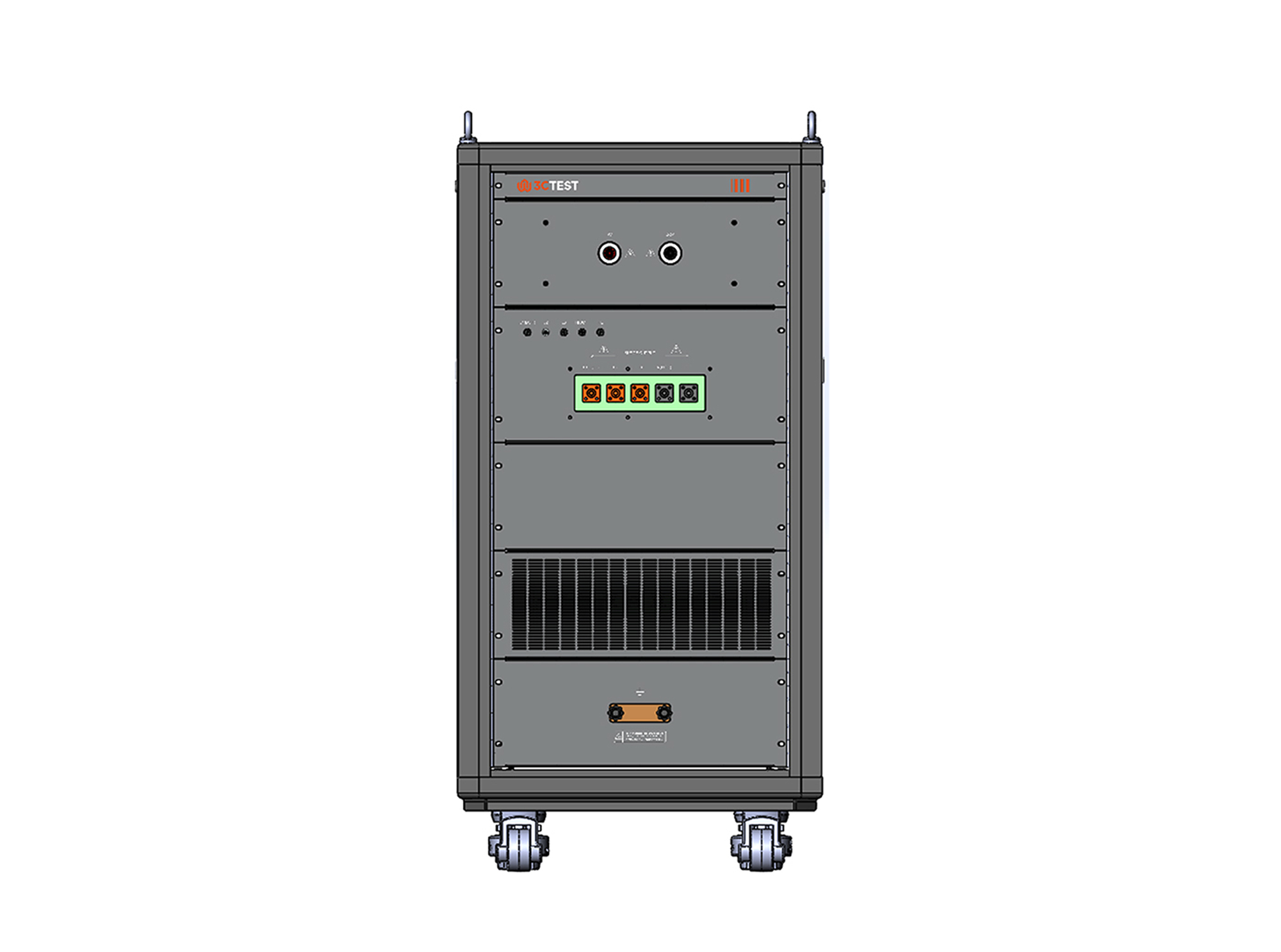
The SPN 3850T15 HV High-Power Lightening Surge Coupling/Decoupling Network complies with IEC 61000-4-5 requirements and provides fully automated single-phase/three-phase coupling and decoupling functions.
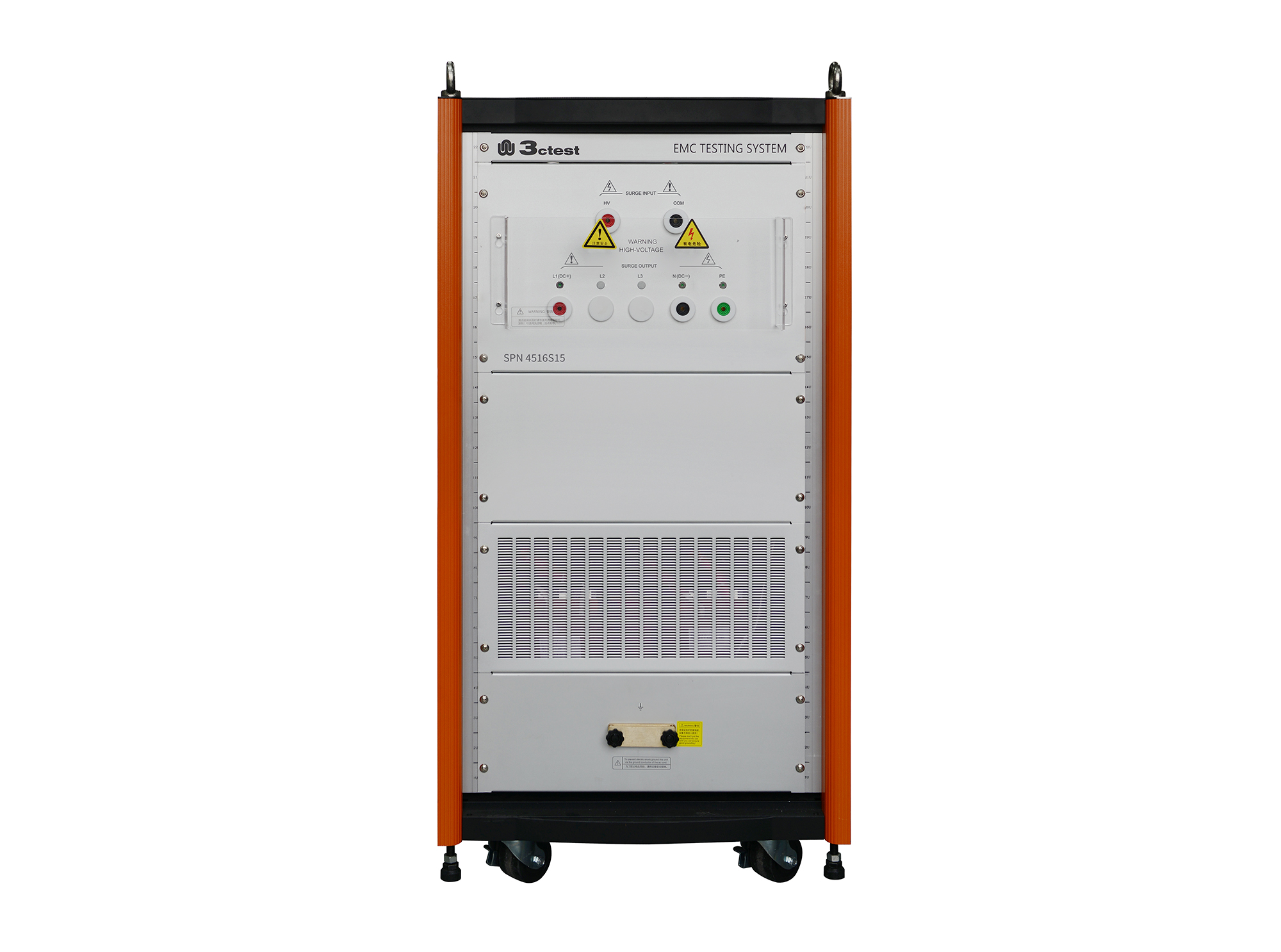
The SPN 4516S15 HV Lightning Surge Coupling/Decoupling Network complies with IEC 61000-4-5 and IEC 61000-4-12 standards. It provides fully automatic single-phase coupling/decoupling functions, supports both AC and DC power supply applications, and can be used with the CWS series.
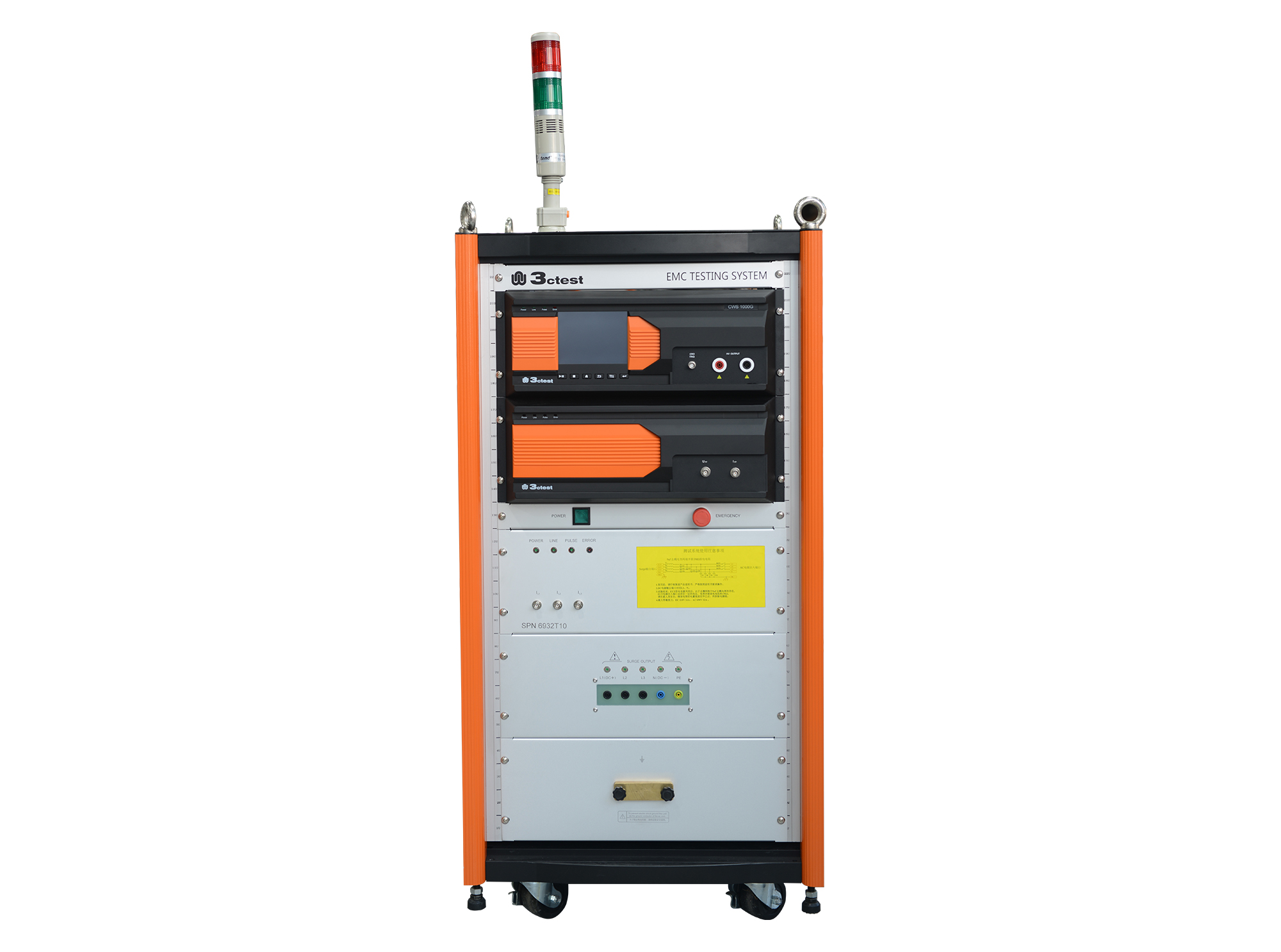
The SPN 6932T10 HV High Power Lightening Surge Coupling/Decoupling Network provides fully automated three-phase coupling and decoupling functions.
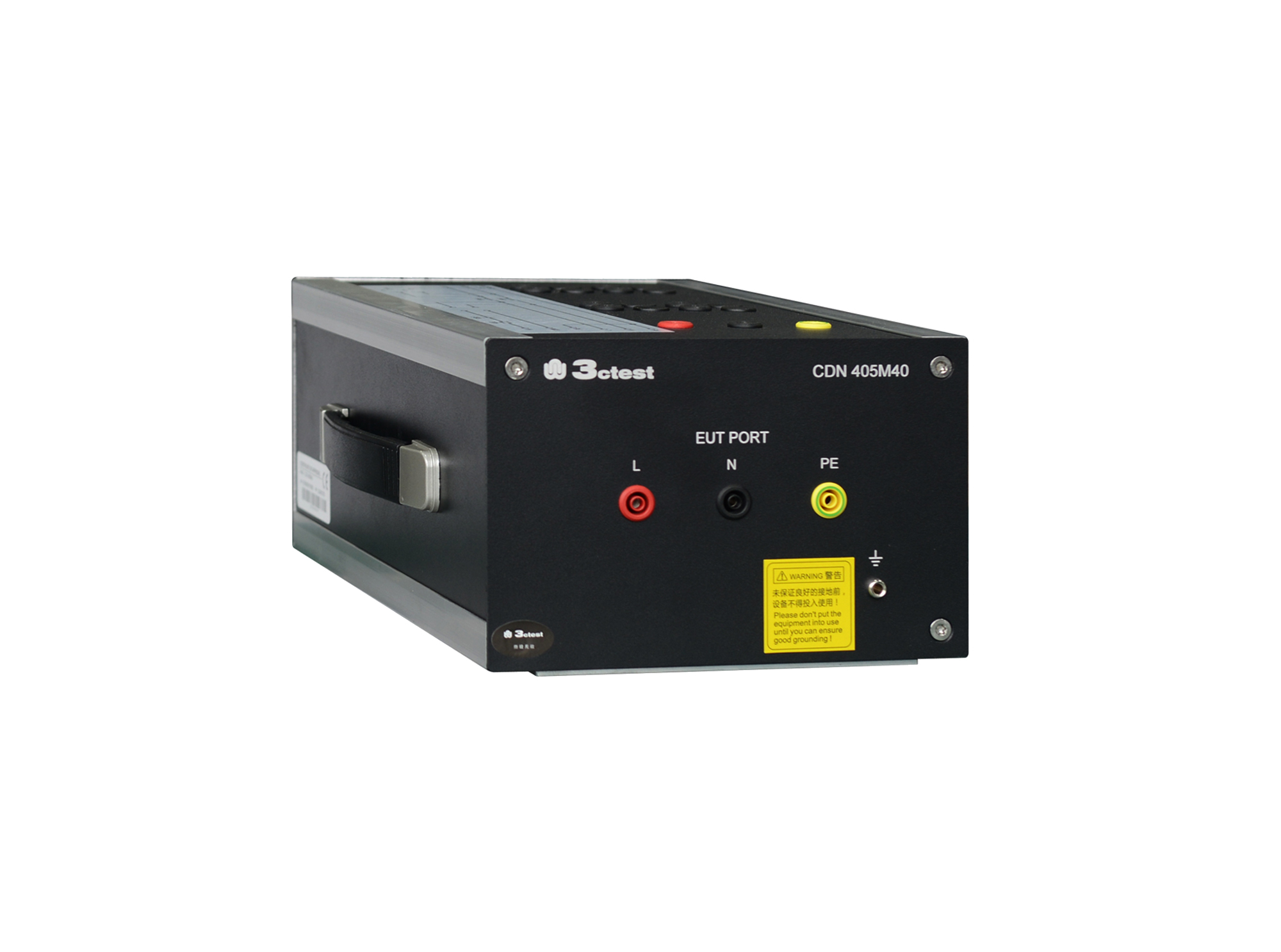
The CDN 405M40 complies with IEC/EN 61000-4-5 and GB/T 24338.5. It is a professional CDN developed for lightning surge immunity tests on railway power supply ports.
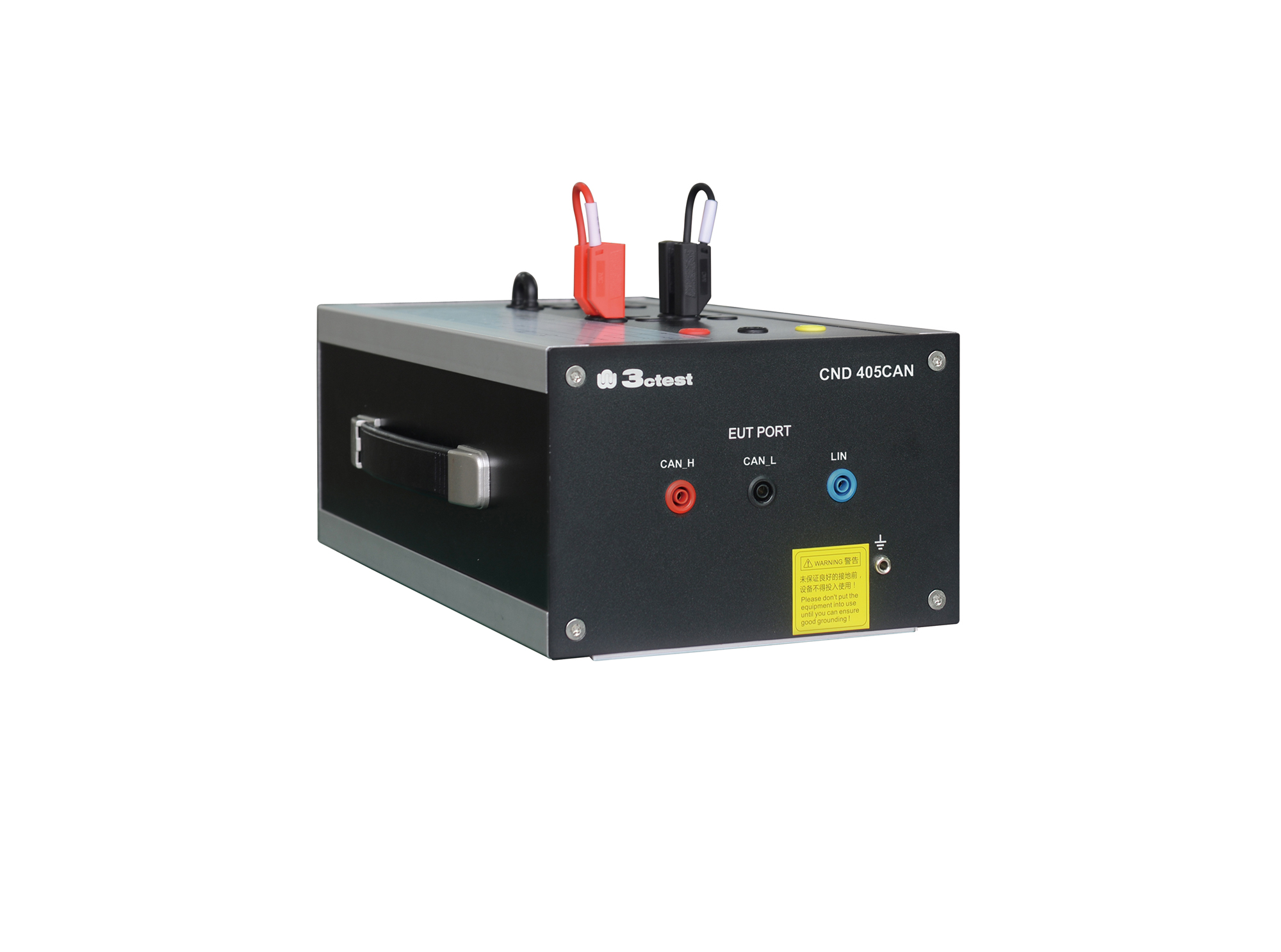
The CDN 405CAN coupling decoupling network complies with IEC 61000-4-5 and GB/T 17626.5. It is a professional CDN specially developed for lightning surge immunity testing of CAN/LIN buses. The maximum pulse voltage is 4 kV.
• Using the product inquiry function can help you quickly learn about the product's price and other related information.
• You can either inquire about a single product directly, or select multiple products to add to the inquiry bar and inquire about them together.
• How to make an inquiry





1. Using the product comparison function can help you find the target product you need for selection more quickly and easily.
2. You can add up to 5 products for comparison. Product models and parameters may vary across different series. It is recommended to compare products within the same series.
3. How to use the comparison bar.




 Phone: +86-512-68413700
 Email: info@3ctest.cn
 Address:No.99 E'meishan Rd, SND, Suzhou, Jiangsu, 215153, China,Suzhou, Jiangsu, 215153, China



© 2025 Suzhou 3CTEST


 Leave a Message


