

High frequency recommended vocabulary

The dual-numbered designation of the measurement, control and laboratory equipment standard records that CENELEC adopted the international text without technical change, republishing it under both numbers with a foreword confirming the unmodified adoption and an annex relating it to the directive. The practical effect is that a test programme written against either designation, or against the international standard itself, is the same, and the difference lies in the citation used in the technical file and in the declaration of conformity. The document remains a product family standard, which means that it displaces the generic standards for every product within its scope, and in Europe it is issued in several parts so that the industrial case, the sensitive equipment case and in vitro diagnostic medical devices are treated separately. Because the equipment covered is used to measure, the acceptance criteria refer to the change produced in the measured quantity, and the manufacturer must state the criterion for each function in the test plan.
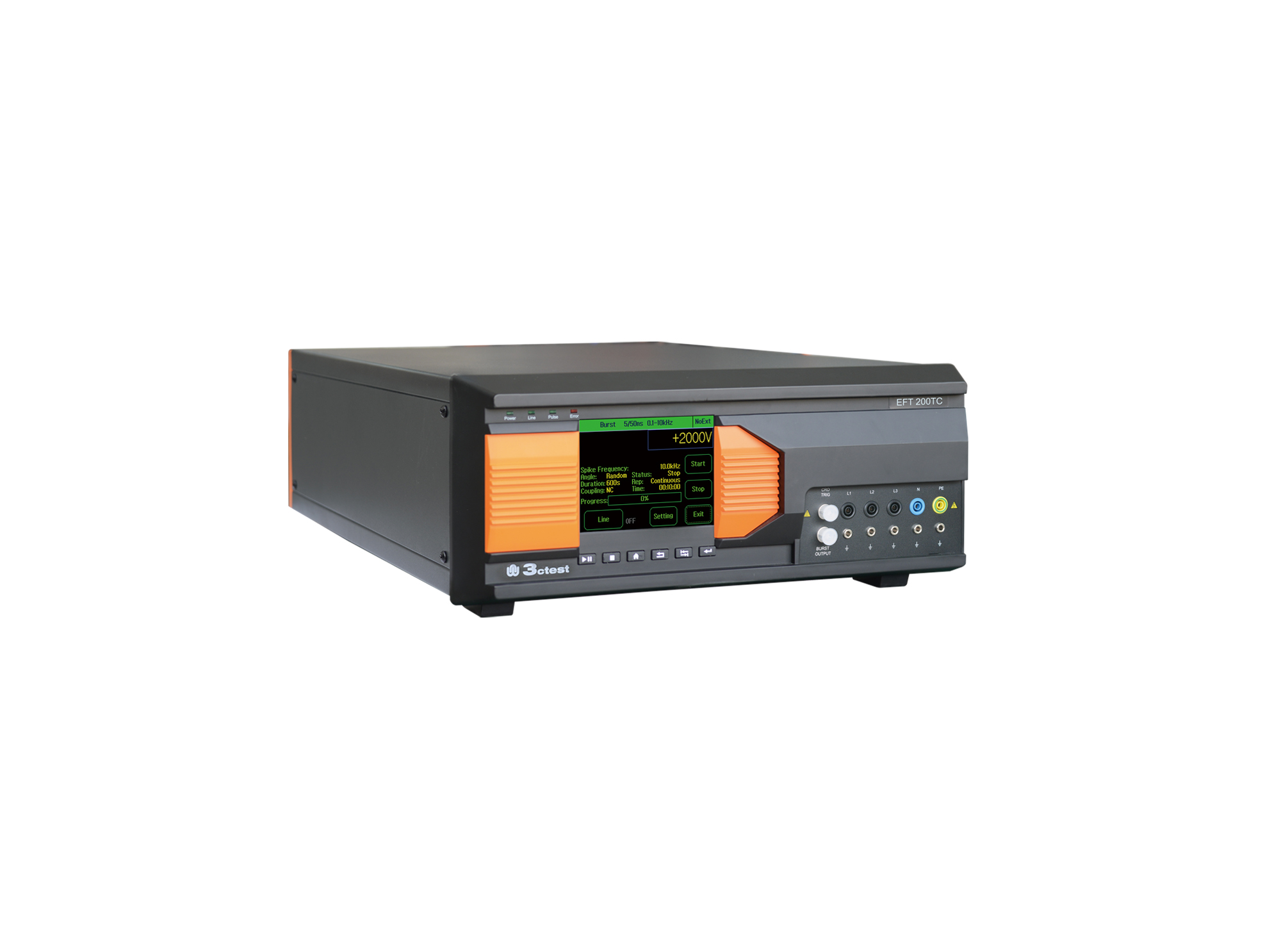
EFT 200TC three-phase EFT/Burst Simulator is developed for EMC testing of automotive components.
• Using the product inquiry function can help you quickly learn about the product's price and other related information.
• You can either inquire about a single product directly, or select multiple products to add to the inquiry bar and inquire about them together.
• How to make an inquiry





1. Using the product comparison function can help you find the target product you need for selection more quickly and easily.
2. You can add up to 5 products for comparison. Product models and parameters may vary across different series. It is recommended to compare products within the same series.
3. How to use the comparison bar.




 Phone: +86-512-68413700
 Email: info@3ctest.cn
 Address:No.99 E'meishan Rd, SND, Suzhou, Jiangsu, 215153, China,Suzhou, Jiangsu, 215153, China



© 2025 Suzhou 3CTEST


 Leave a Message


