

High frequency recommended vocabulary

This is the safety document for European protection equipment, and it is used by manufacturers during design and by certification bodies during assessment, in both cases alongside the insulation coordination part of the same series. Its distinguishing feature is that it treats a protection relay as an interface rather than as a simple appliance: the device is wired permanently into the power system at one end and into the station auxiliary supply and communication network at the other, so the safety requirement is not only that accessible parts be safe but that a fault on one side must not propagate to the other. The document therefore governs separation between circuits as carefully as it governs external insulation, and it adds the requirements for enclosure strength, temperature rise and marking. The part most often examined during a factory audit is the list of routine tests that must be applied to every unit produced, since a type test alone does not discharge the manufacturer's obligations under the directive.
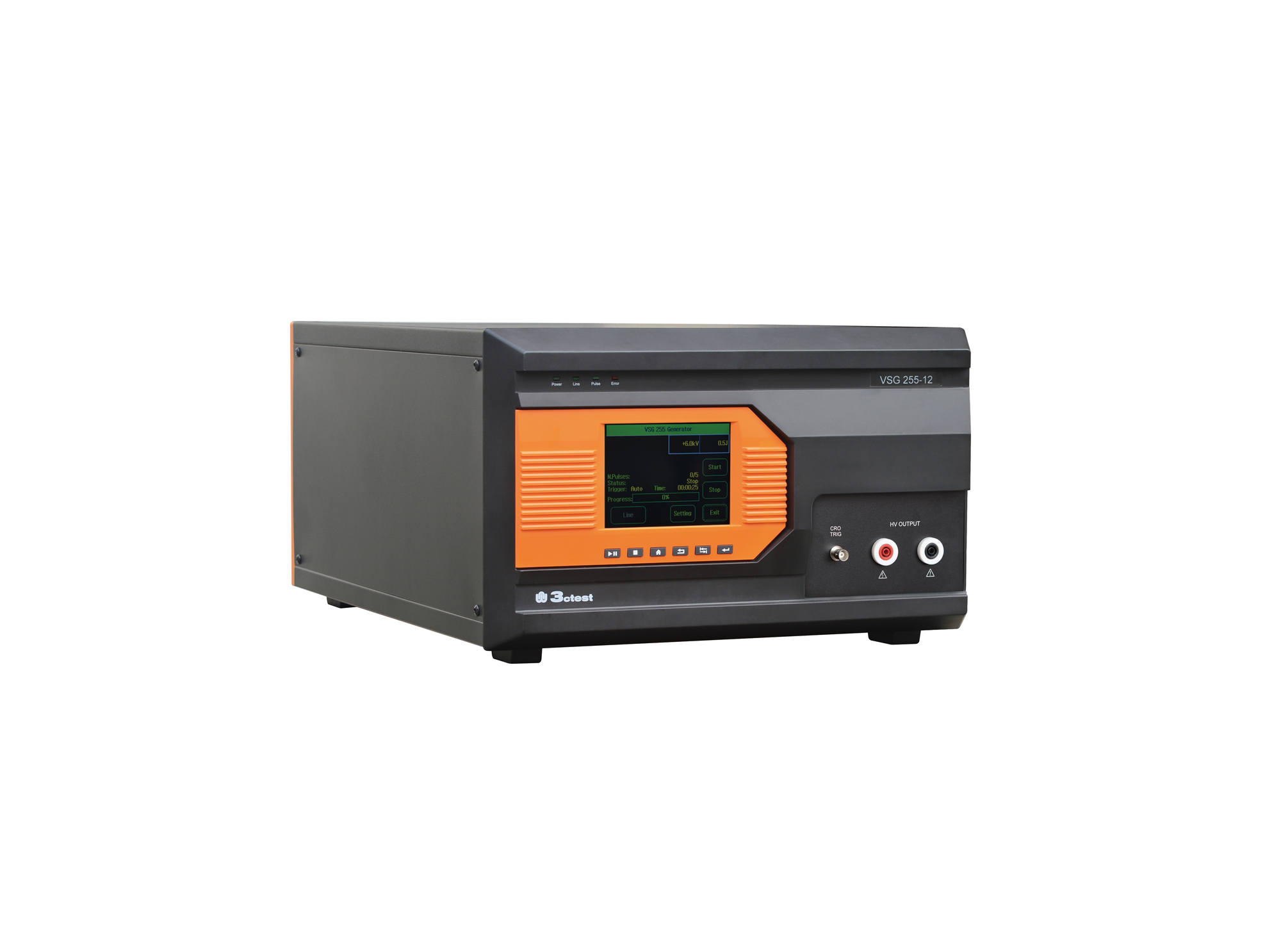
The VSG 255 series impulse voltage simulators comply with the requirements of standards such as IEC 60255 and IEC 61036.
• Using the product inquiry function can help you quickly learn about the product's price and other related information.
• You can either inquire about a single product directly, or select multiple products to add to the inquiry bar and inquire about them together.
• How to make an inquiry





1. Using the product comparison function can help you find the target product you need for selection more quickly and easily.
2. You can add up to 5 products for comparison. Product models and parameters may vary across different series. It is recommended to compare products within the same series.
3. How to use the comparison bar.




 Phone: +86-512-68413700
 Email: info@3ctest.cn
 Address:No.99 E'meishan Rd, SND, Suzhou, Jiangsu, 215153, China,Suzhou, Jiangsu, 215153, China



© 2025 Suzhou 3CTEST


 Leave a Message


