

High frequency recommended vocabulary

The European edition of the industrial generic immunity standard is the route to the CE marking most often used for machinery, process plant, industrial automation and heavy electrical equipment when no dedicated product immunity standard exists. Its levels are deliberately higher than those of the residential generic standard, reflecting an environment in which welding plant, large drives, contactors and switchgear operate close to the product and in which the supply network itself is switched frequently. The standard also extends the range of phenomena to be considered, adding pulse magnetic fields and damped oscillatory waves to the tests applied in the domestic case, and it requires the equipment to withstand the phenomena corresponding to any hazard source present in the installation. As with the residential part, the manufacturer identifies the ports, selects the applicable clauses and records the justification, and that reasoned test plan forms part of the technical file held for the declaration of conformity.
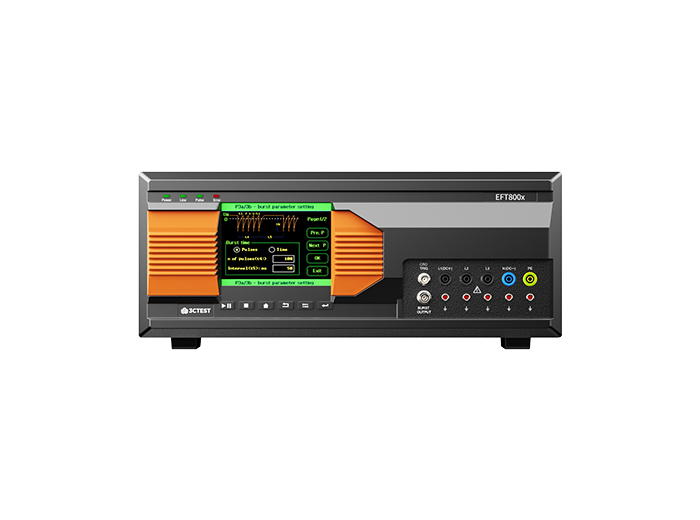
The EFT 800 Series Electrical Fast Transient Burst Generators are designed according to IEC 61000-4-4 to simulates repetitive, high-speed and low-energy spikes generated by the switching of inductive loads in industrial and commercial environment.
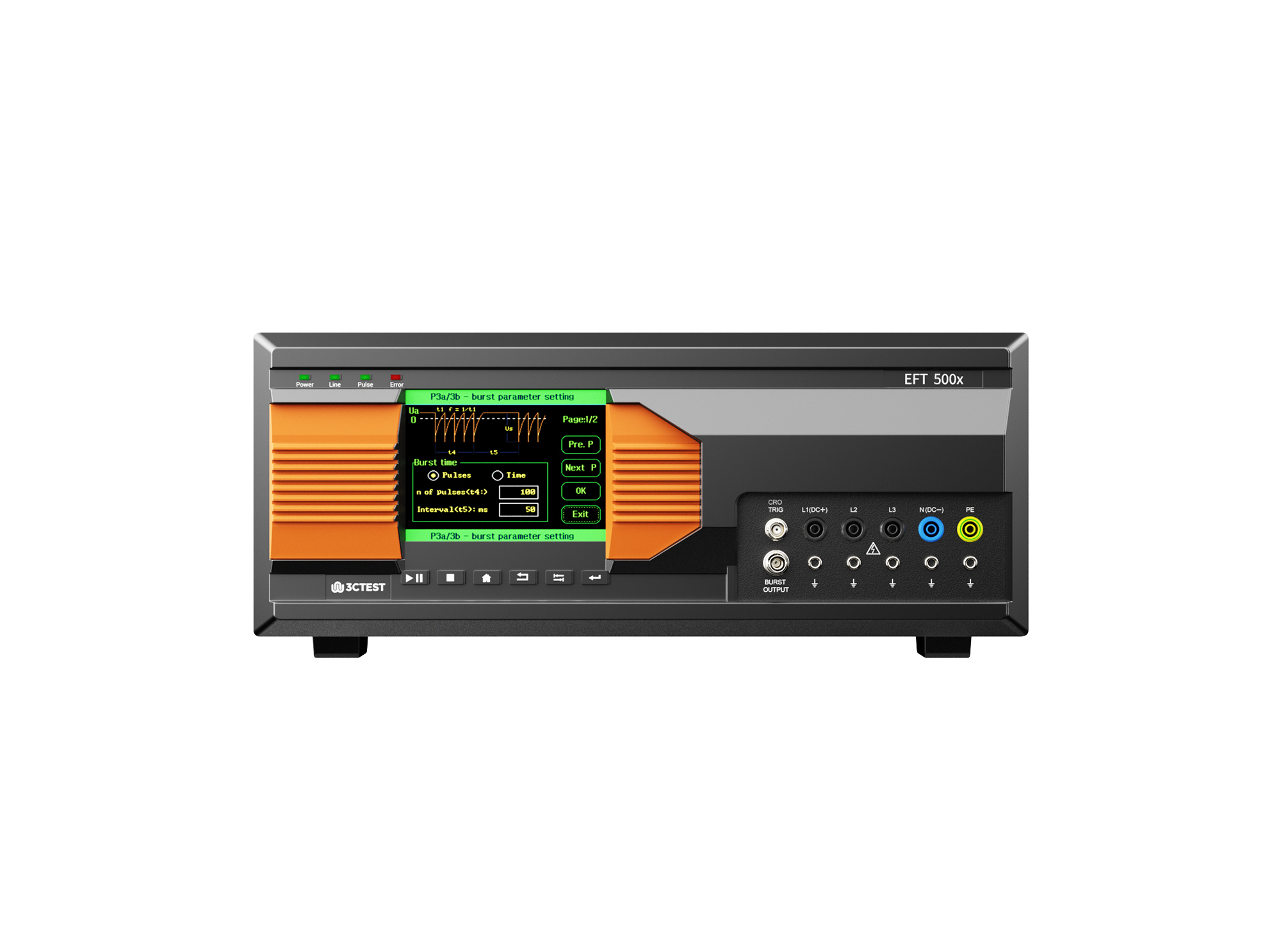
The EFT 500 Series Electrical Fast Transient Burst Generators are designed according to IEC 61000-4-4 to simulates repetitive, high-speed and low-energy spikes generated by the switching of inductive loads in industrial and commercial environment.
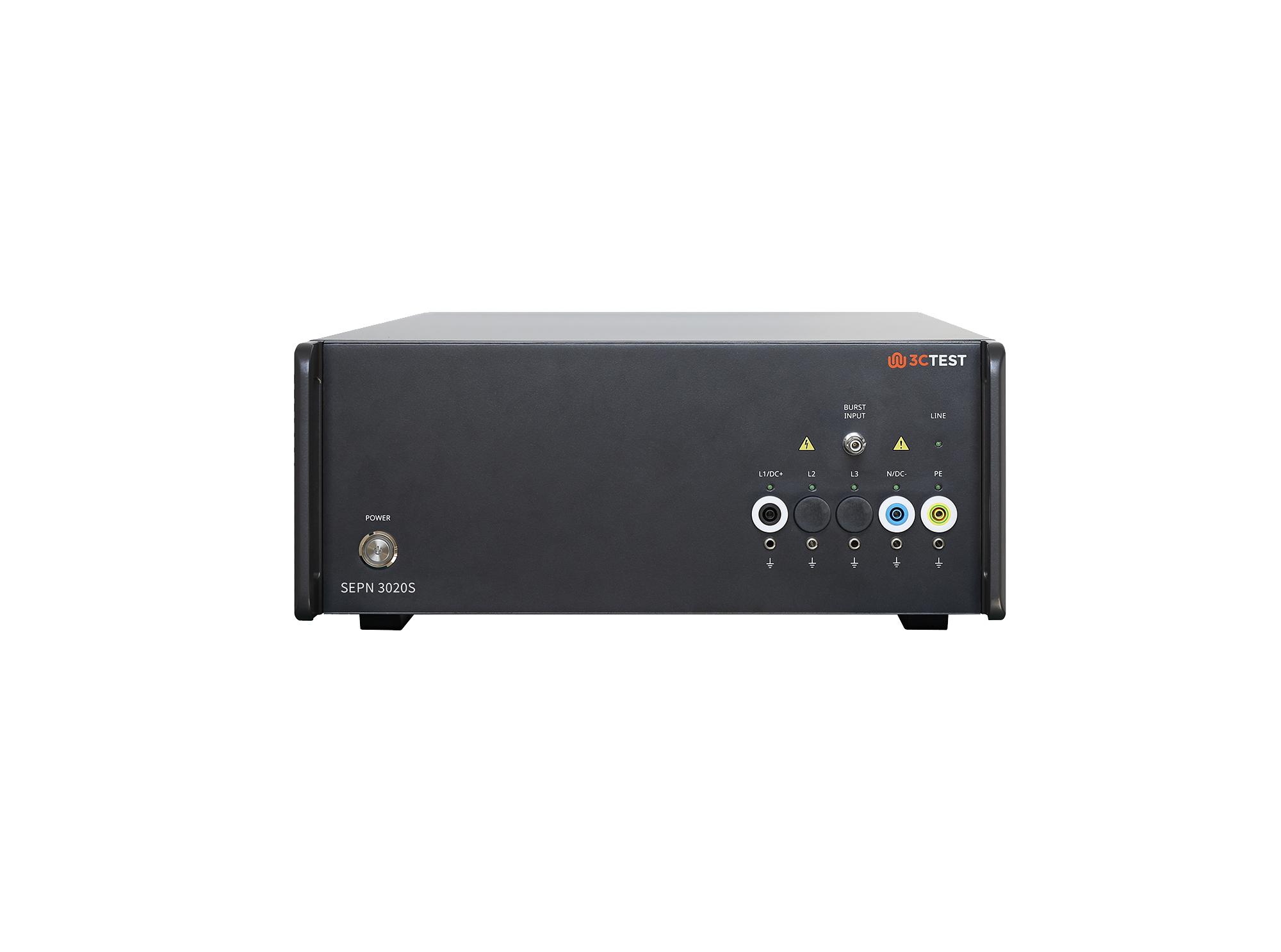
The SEPN 3020S is an automatic coupling/decoupling network (CDN) designed for EFT/burst, surge, and ring wave immunity testing in accordance with IEC 61000-4-4, IEC 61000-4-5, and IEC 61000-4-12.
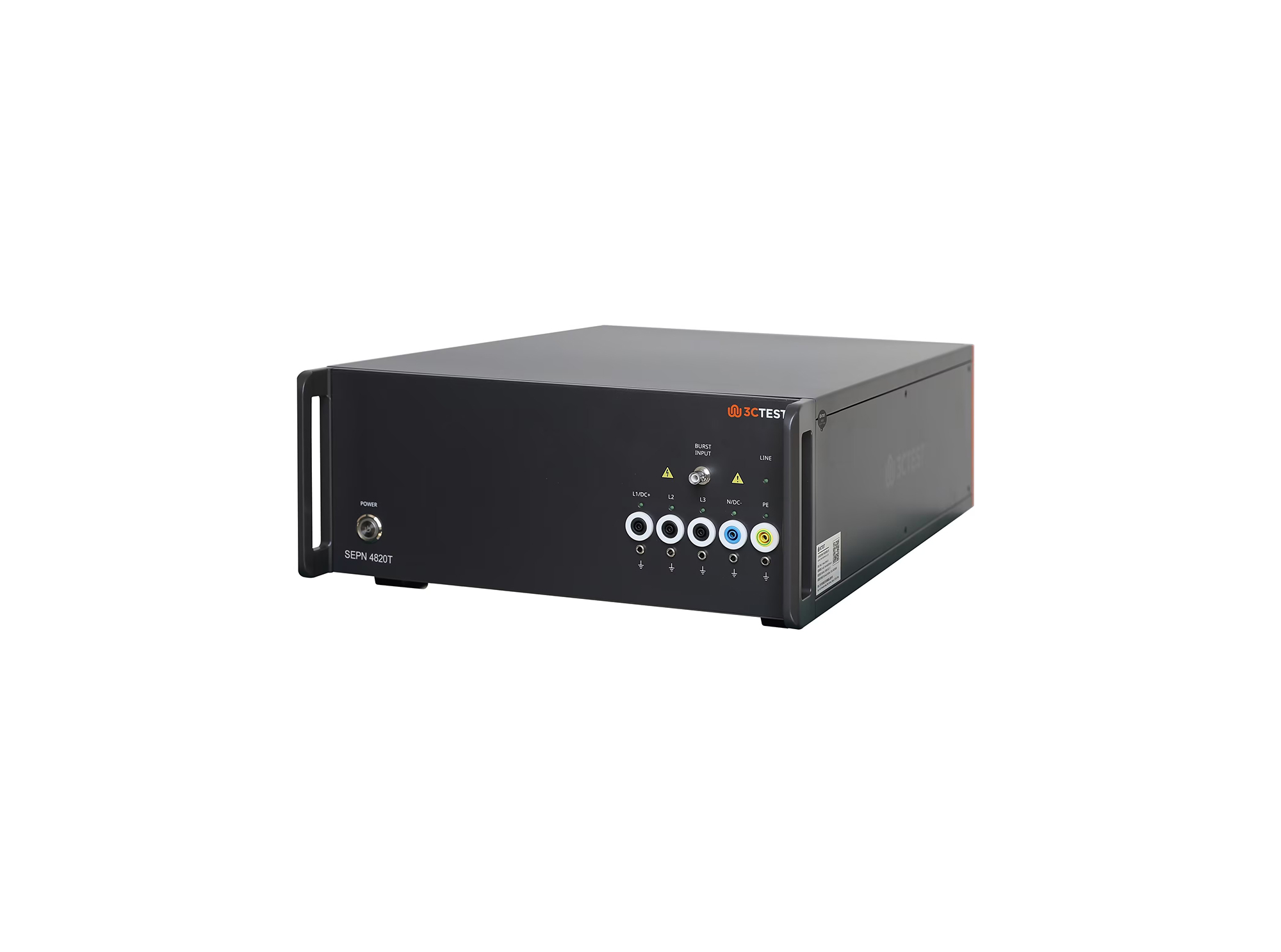
The SEPN 4820T is an automatic coupling/decoupling network (CDN) designed for EFT/burst, surge, and ring wave immunity testing in accordance with IEC 61000-4-4, IEC 61000-4-5, and IEC 61000-4-12.
.jpg)
The SEPN 4832T8 is an automatic coupling/decoupling network (CDN) designed for EFT/burst, surge, and ring wave immunity testing in accordance with IEC 61000-4-4, IEC 61000-4-5, and IEC 61000-4-12.
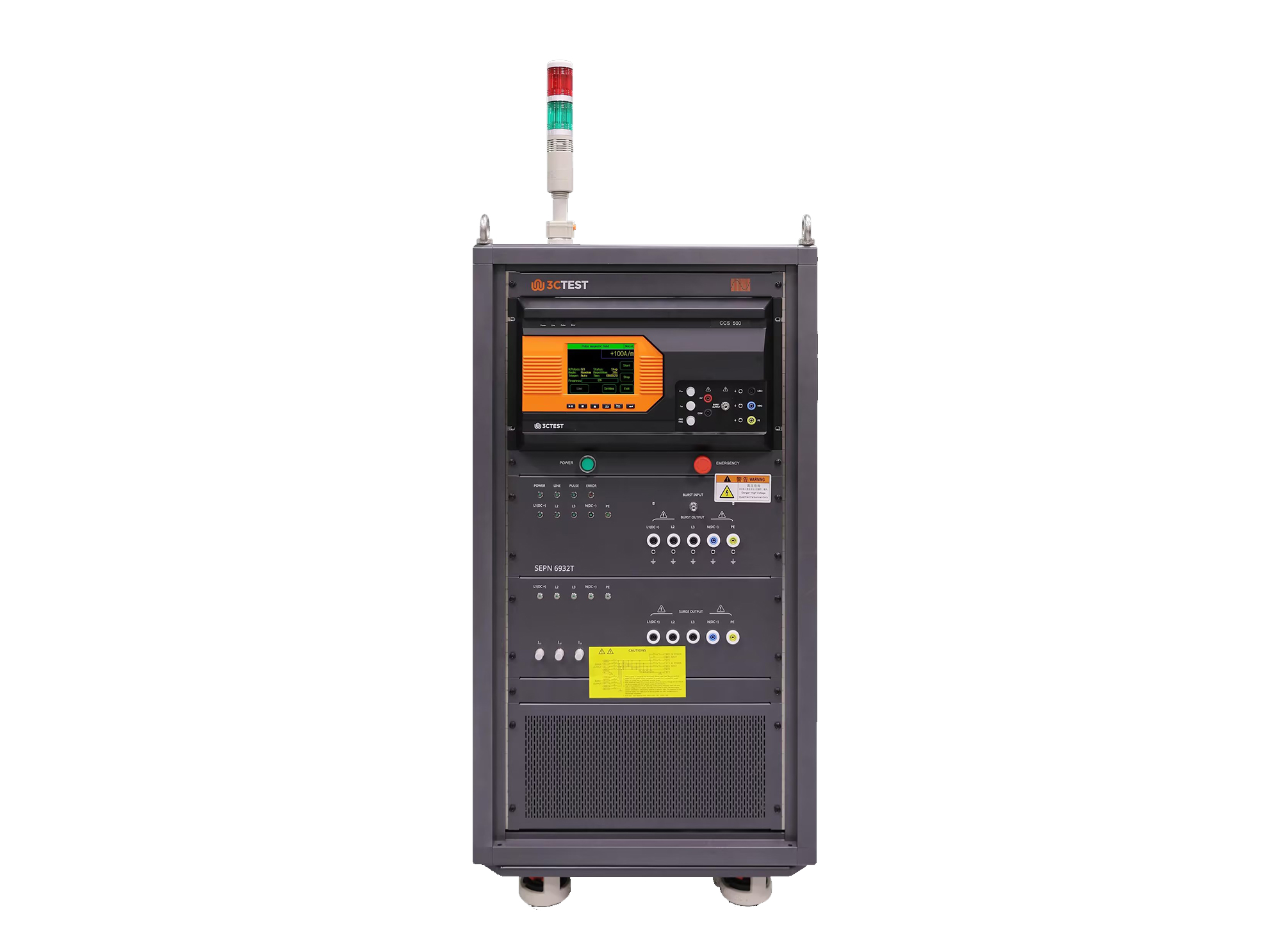
The SEPN 6932T is an automatic coupling/decoupling network (CDN) designed for EFT/burst, surge, and ring wave immunity testing in accordance with IEC 61000-4-4, IEC 61000-4-5, and IEC 61000-4-12.
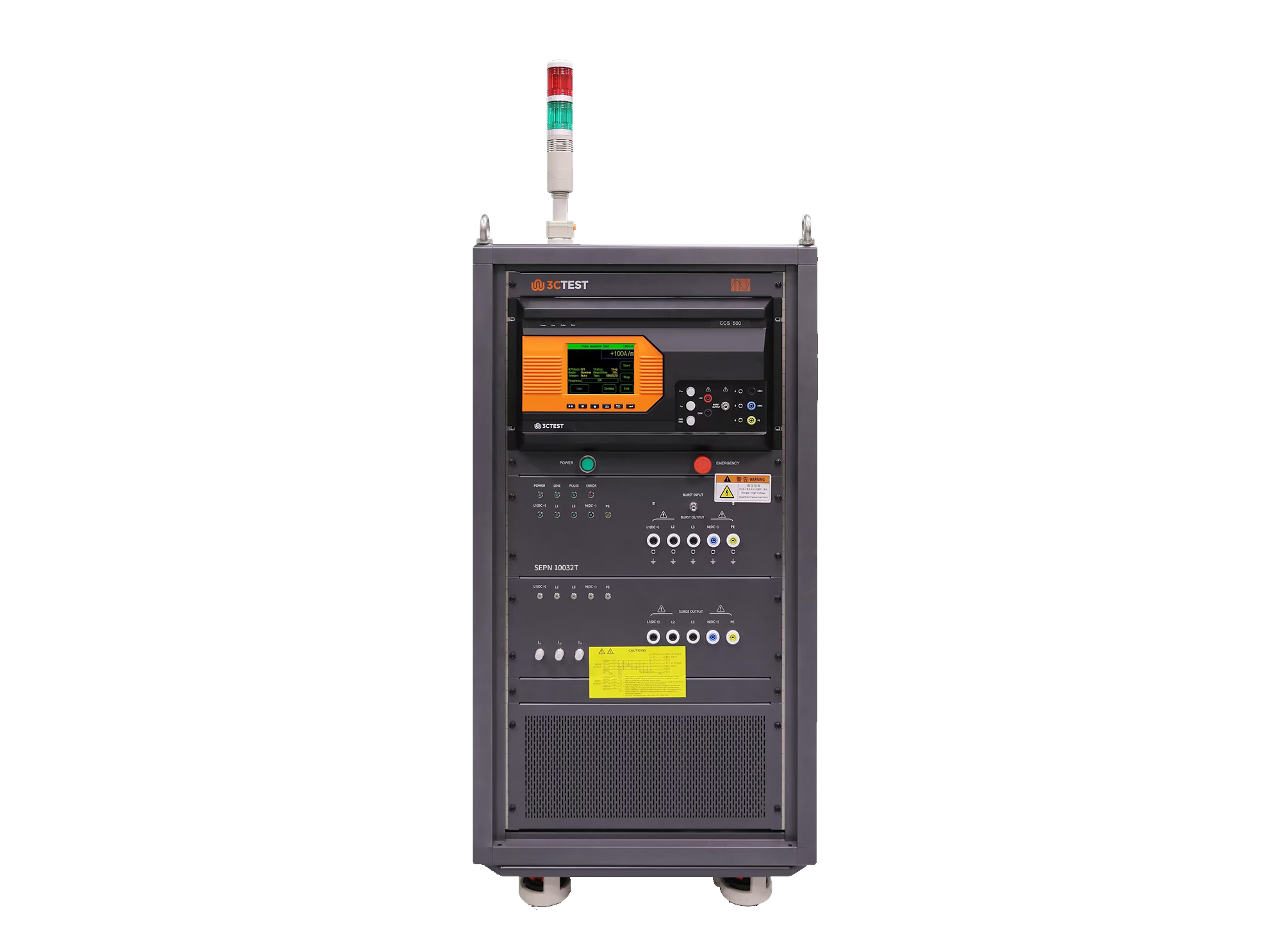
The SEPN 10032T is an automatic coupling/decoupling network (CDN) designed for EFT/burst, surge, and ring wave immunity testing in accordance with IEC 61000-4-4, IEC 61000-4-5, and IEC 61000-4-12.
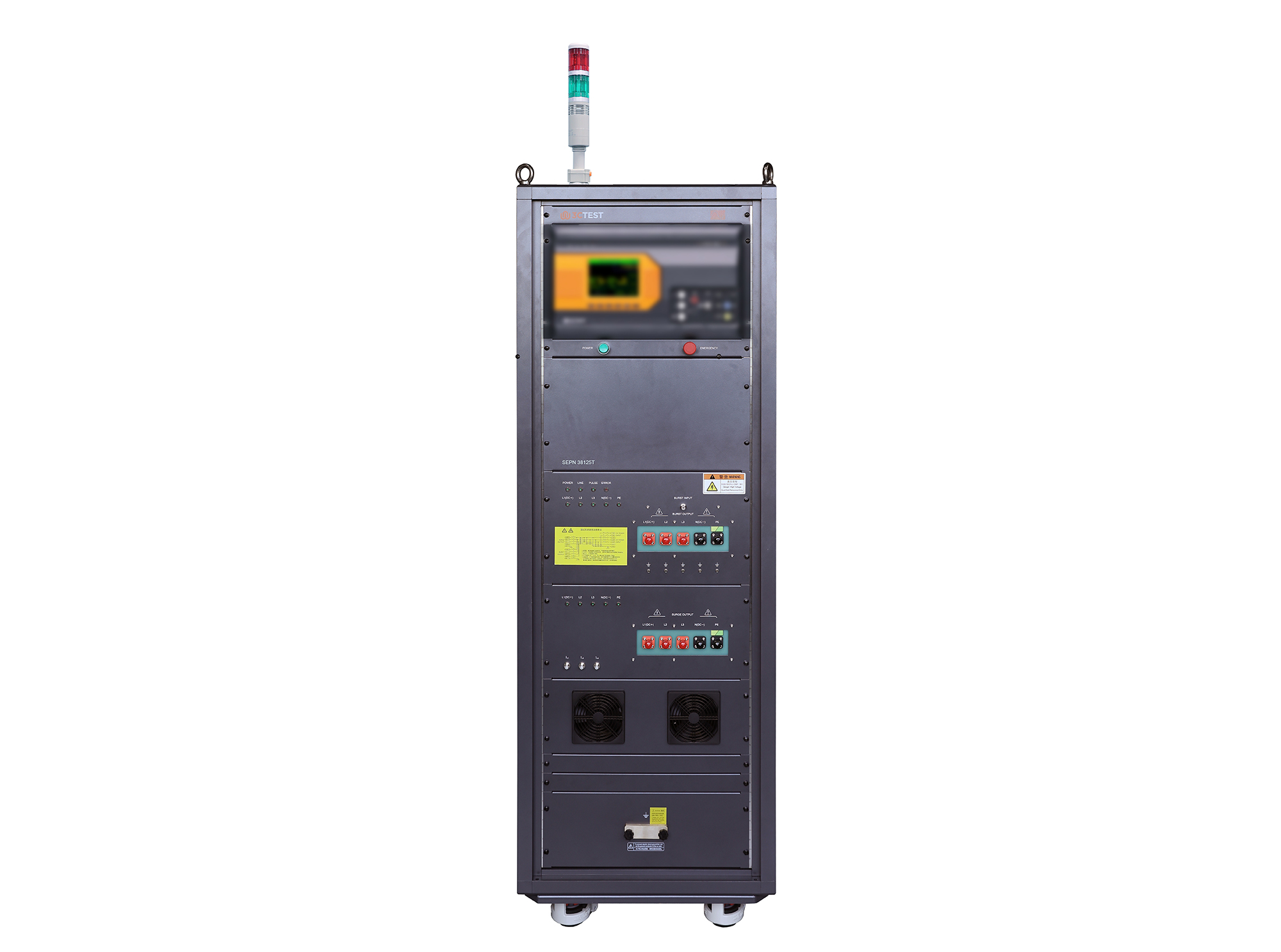
The SEPN 38125T is an automatic coupling/decoupling network (CDN) designed for EFT/burst, surge, and ring wave immunity testing in accordance with IEC 61000-4-4, IEC 61000-4-5, and IEC 61000-4-12.
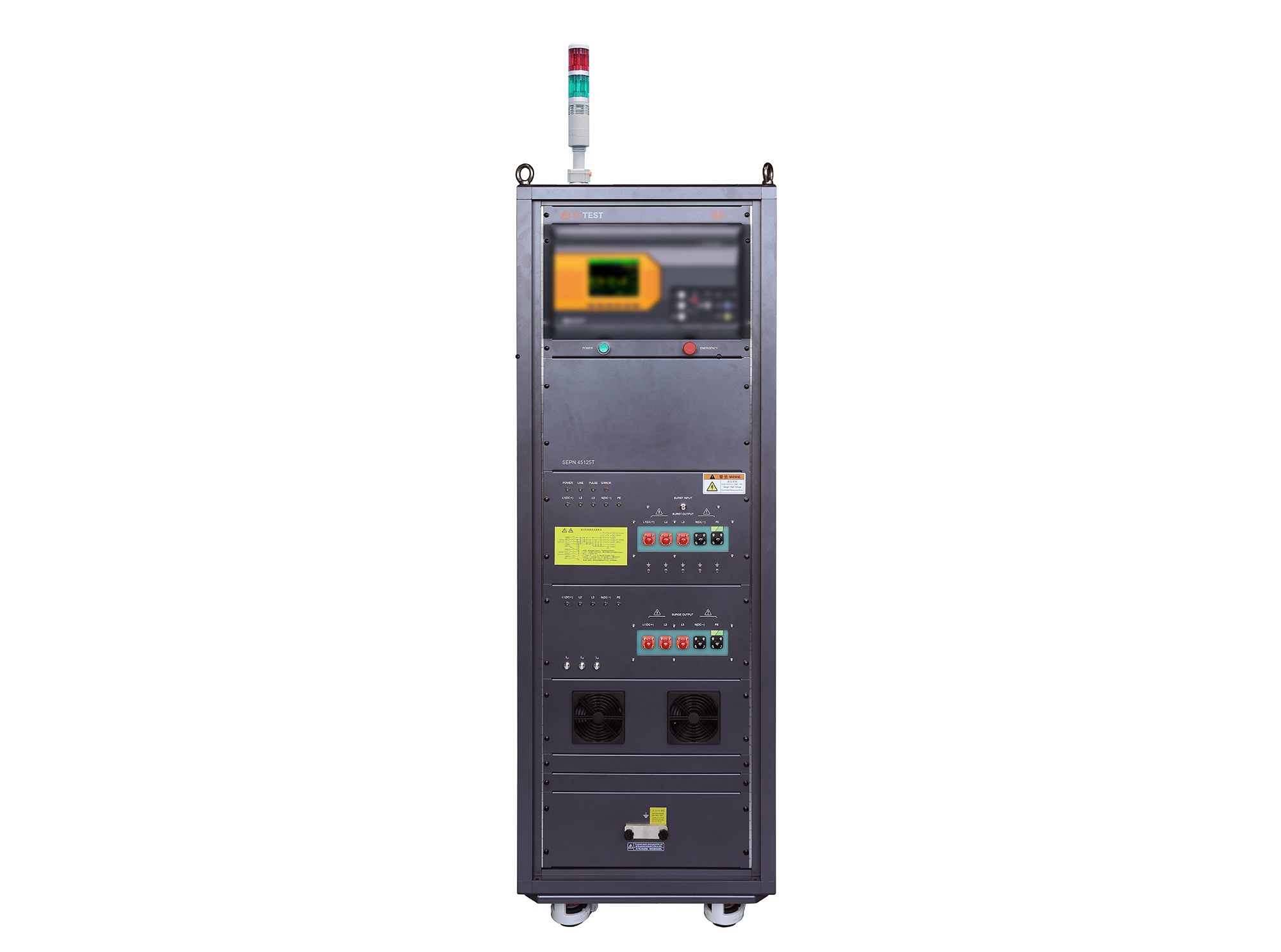
The SEPN 45125T is an automatic coupling/decoupling network (CDN) designed for EFT/burst, surge, and ring wave immunity testing in accordance with IEC 61000-4-4, IEC 61000-4-5, and IEC 61000-4-12.
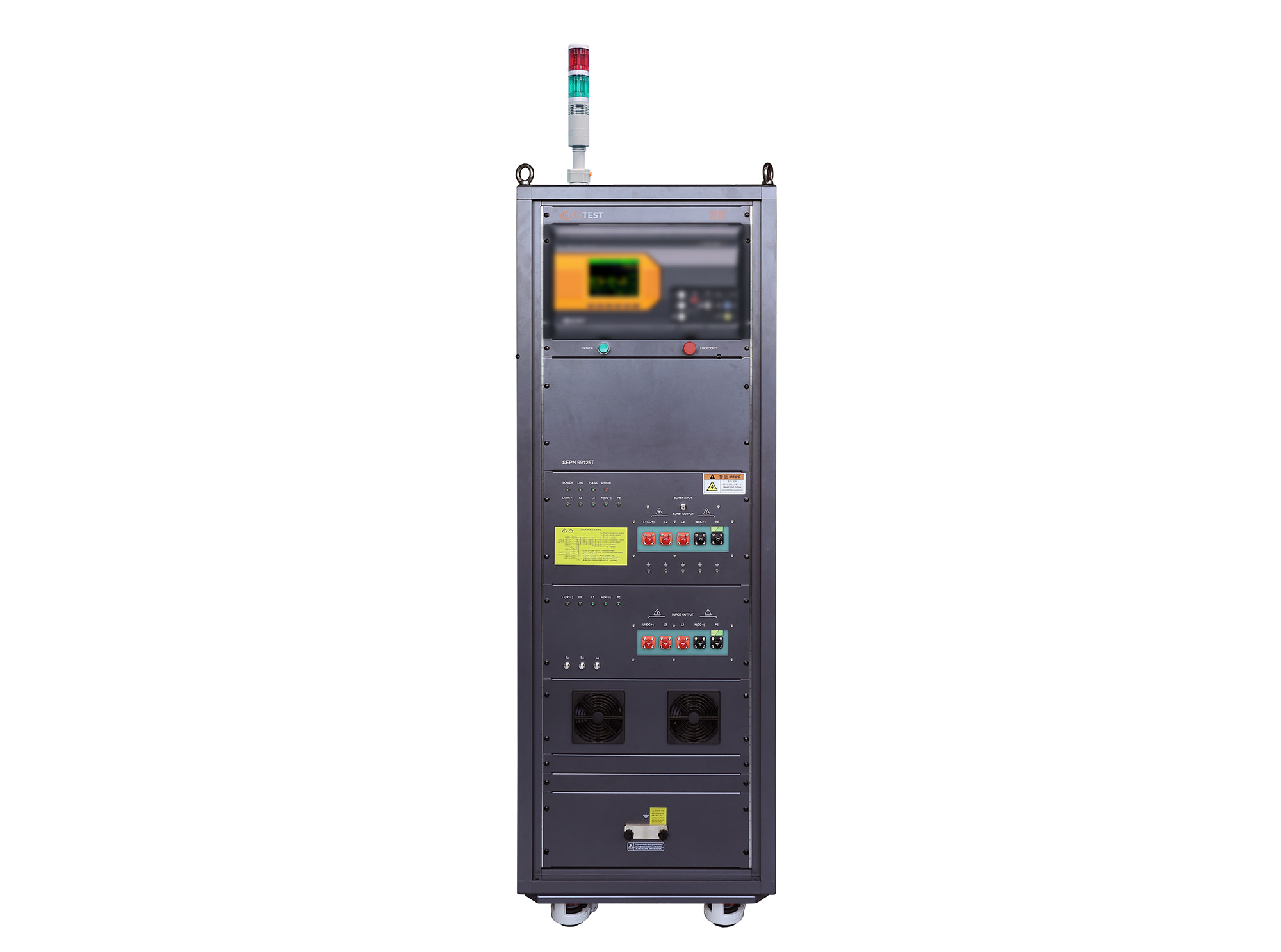
The SEPN 69125T is an automatic coupling/decoupling network (CDN) designed for EFT/burst, surge, and ring wave immunity testing in accordance with IEC 61000-4-4, IEC 61000-4-5, and IEC 61000-4-12.
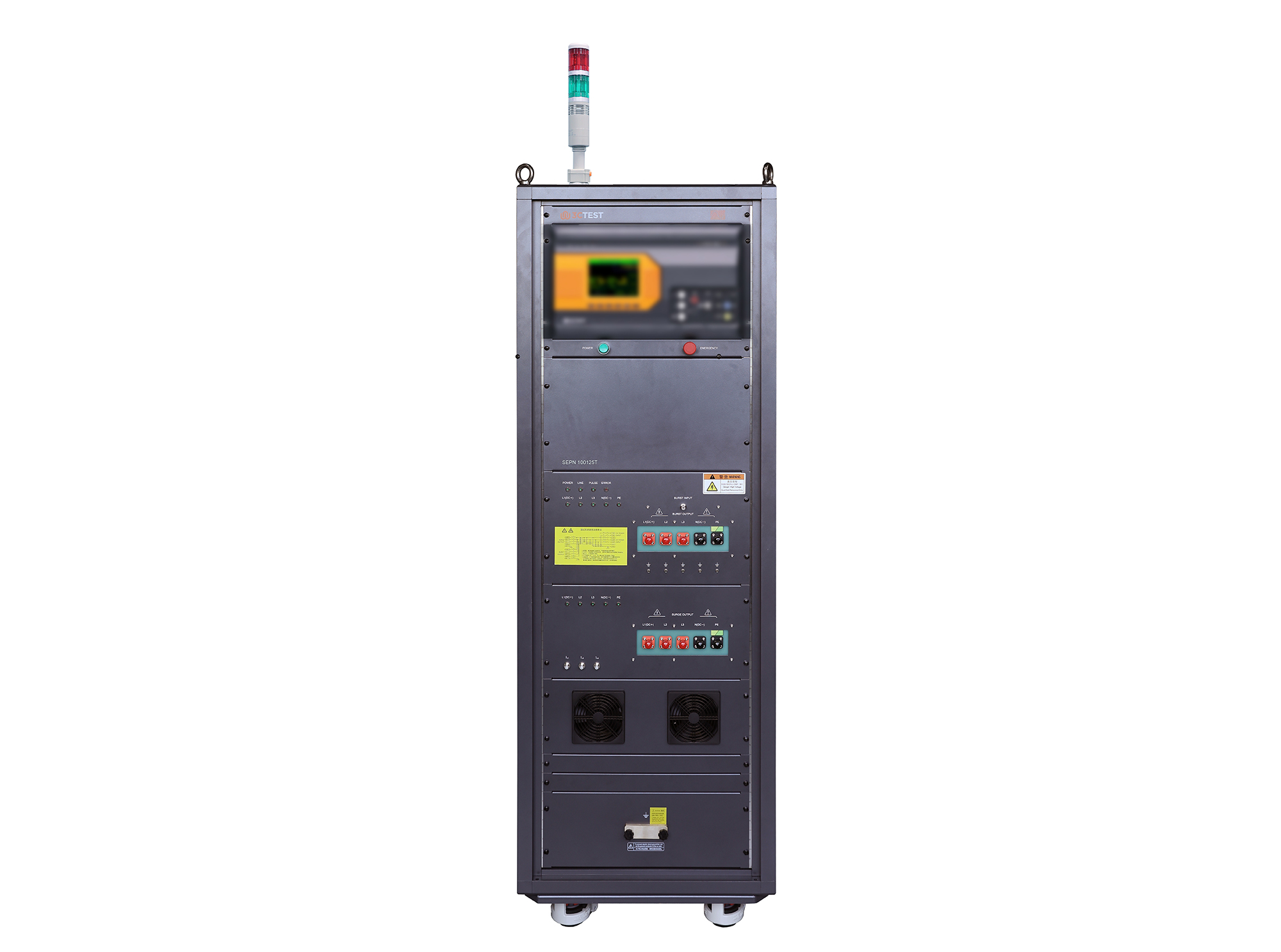
The SEPN 100125T is an automatic coupling/decoupling network (CDN) designed for EFT/burst, surge, and ring wave immunity testing in accordance with IEC 61000-4-4, IEC 61000-4-5, and IEC 61000-4-12.
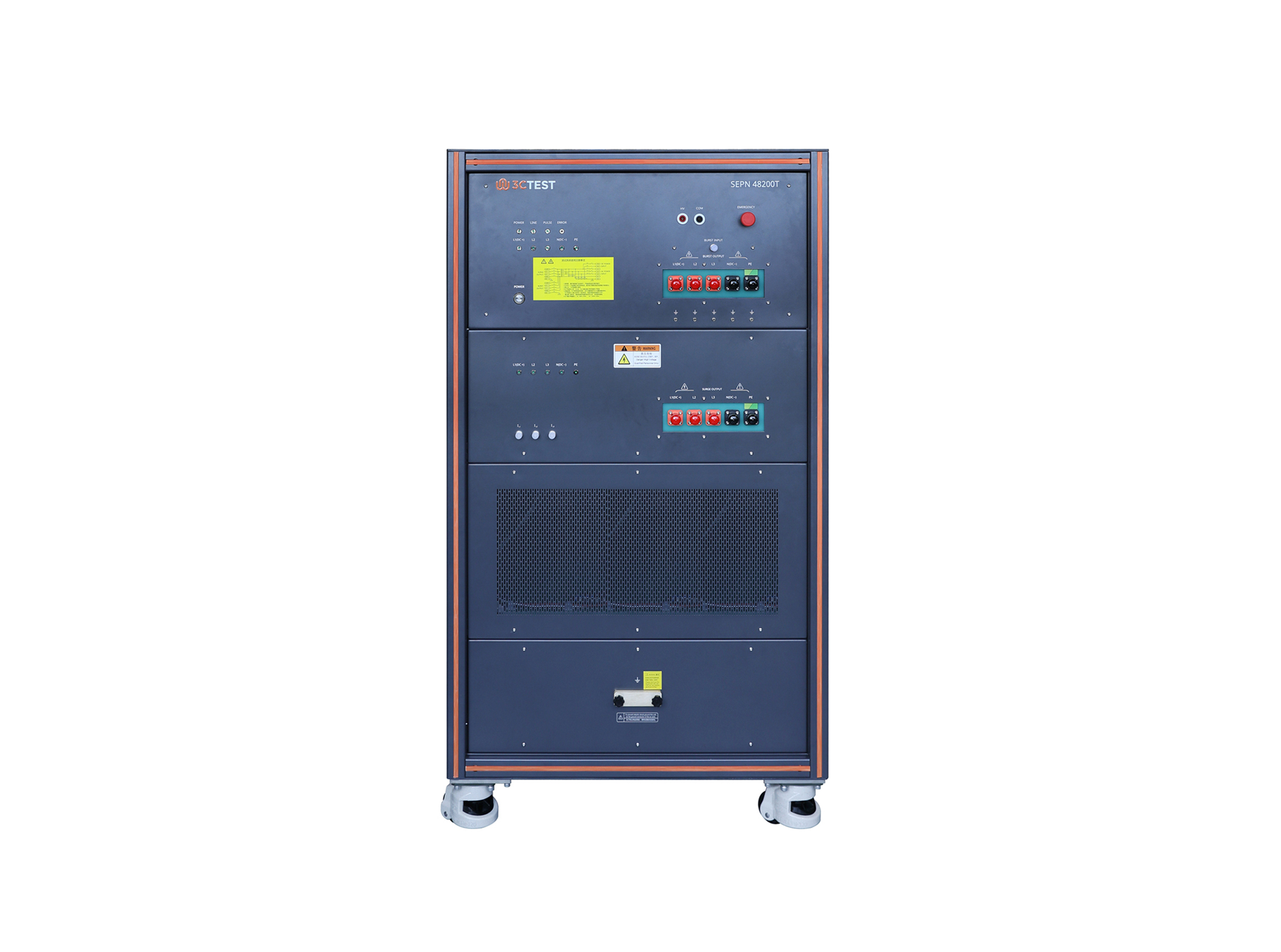
The SEPN 48200T is an automatic coupling/decoupling network (CDN) designed for EFT/burst, surge, and ring wave immunity testing in accordance with IEC 61000-4-4, IEC 61000-4-5, and IEC 61000-4-12.
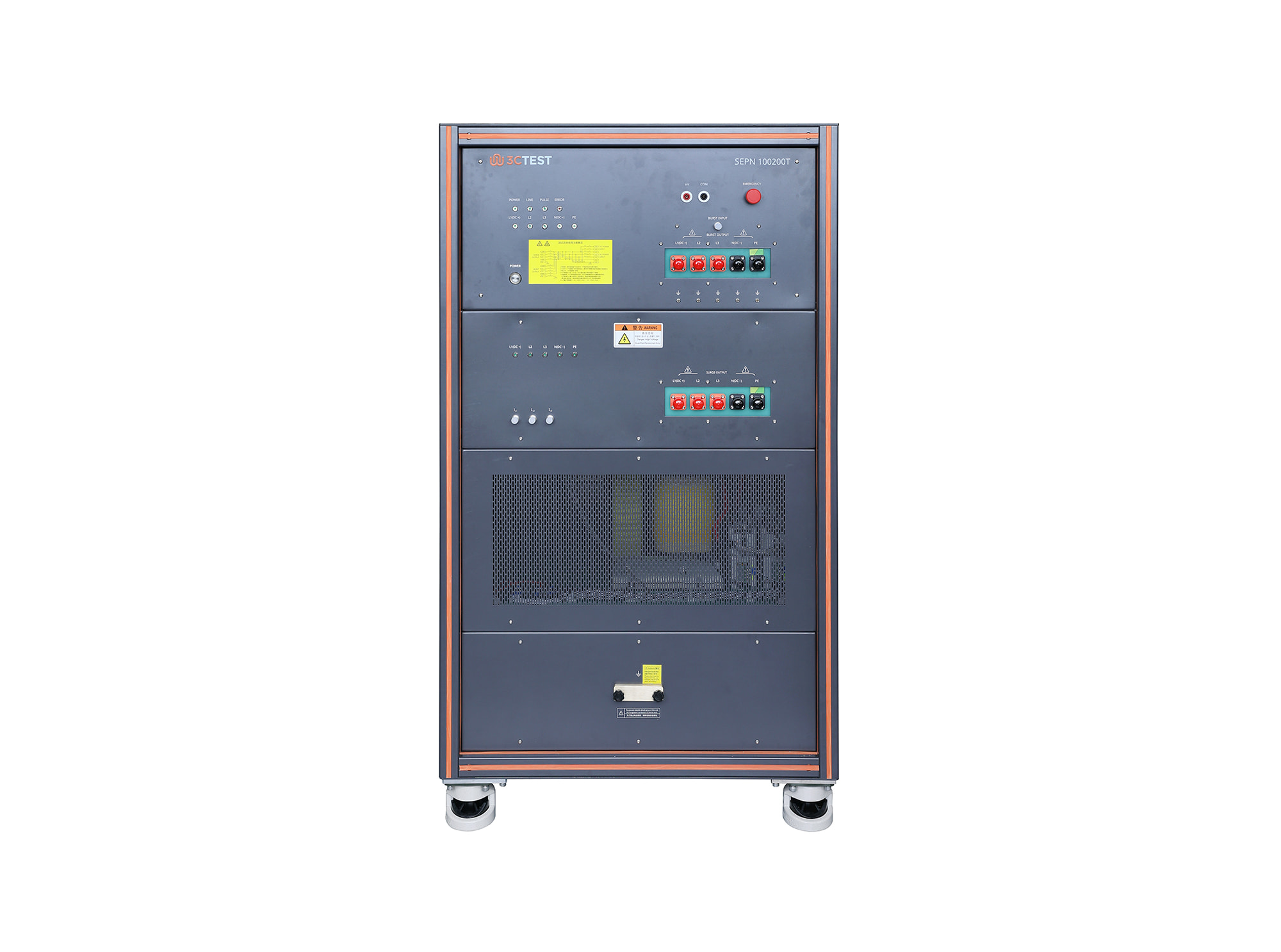
The SEPN 100200T is an automatic coupling/decoupling network (CDN) designed for EFT/burst, surge, and ring wave immunity testing in accordance with IEC 61000-4-4, IEC 61000-4-5, and IEC 61000-4-12.
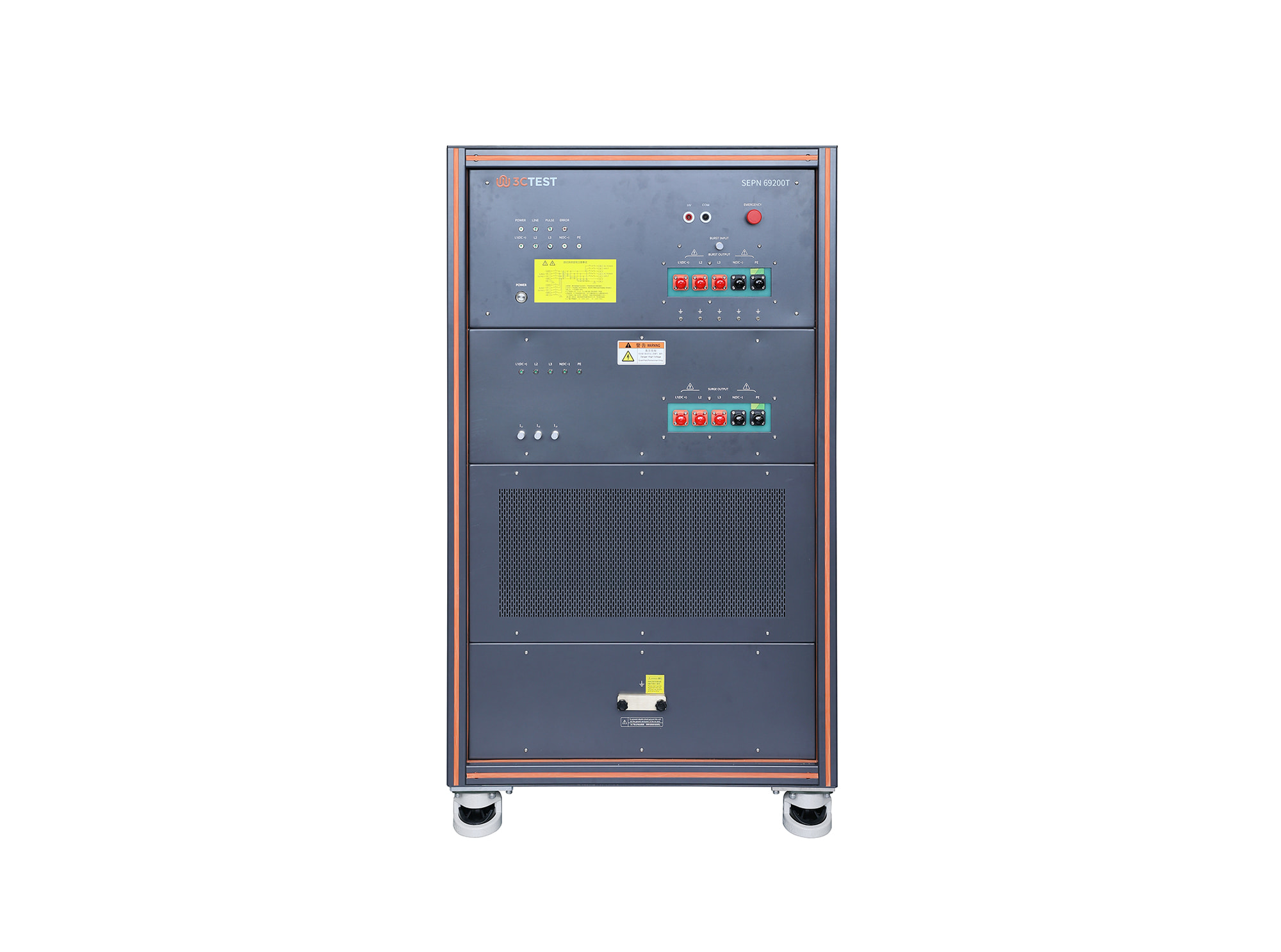
The SEPN 69200T is an automatic coupling/decoupling network (CDN) designed for EFT/burst, surge, and ring wave immunity testing in accordance with IEC 61000-4-4, IEC 61000-4-5, and IEC 61000-4-12.
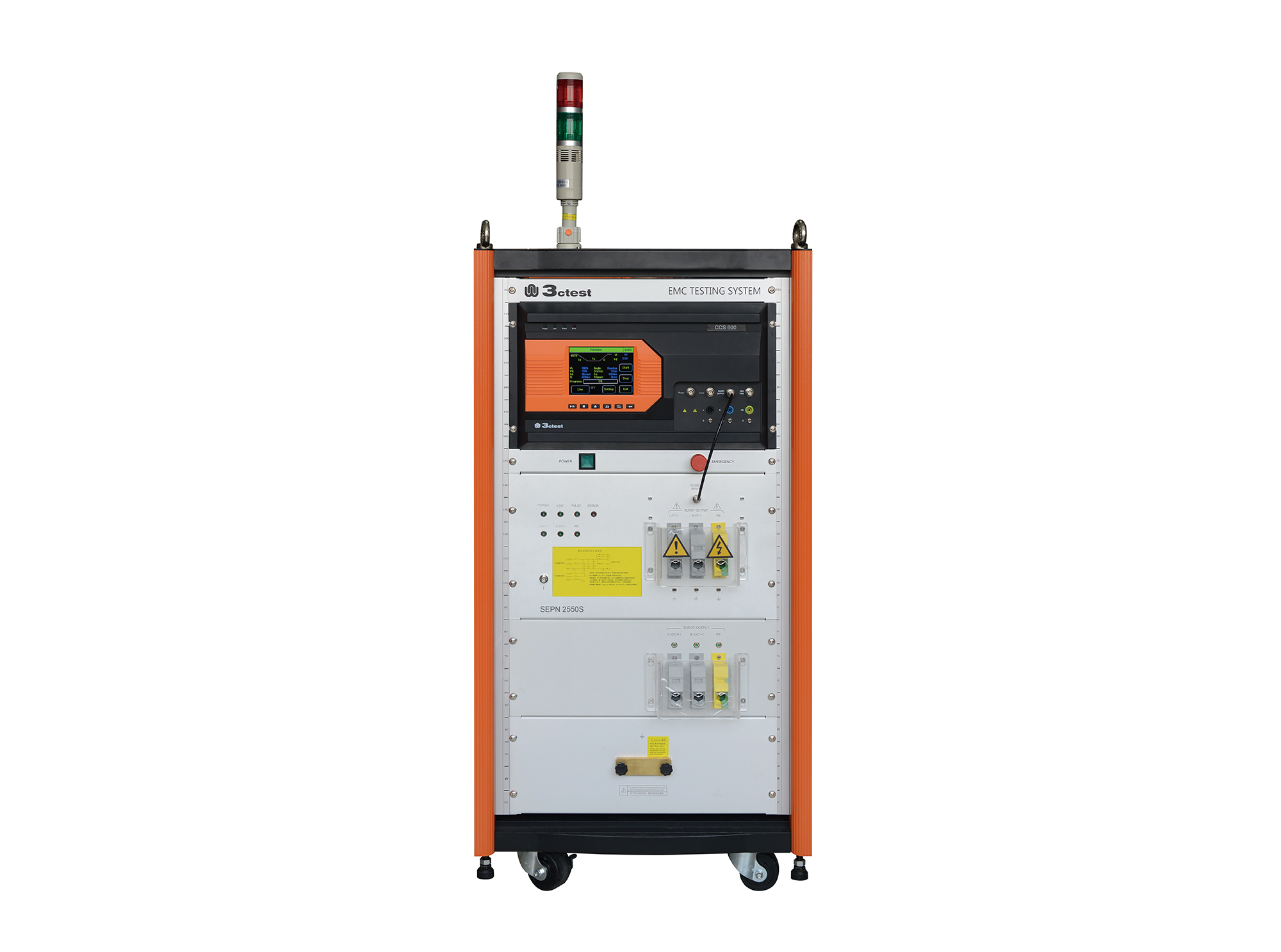
The SEPN 2550S is an automatic coupling/decoupling network (CDN) designed for EFT/burst, surge, and ring wave immunity testing in accordance with IEC 61000-4-4, IEC 61000-4-5, and IEC 61000-4-12.
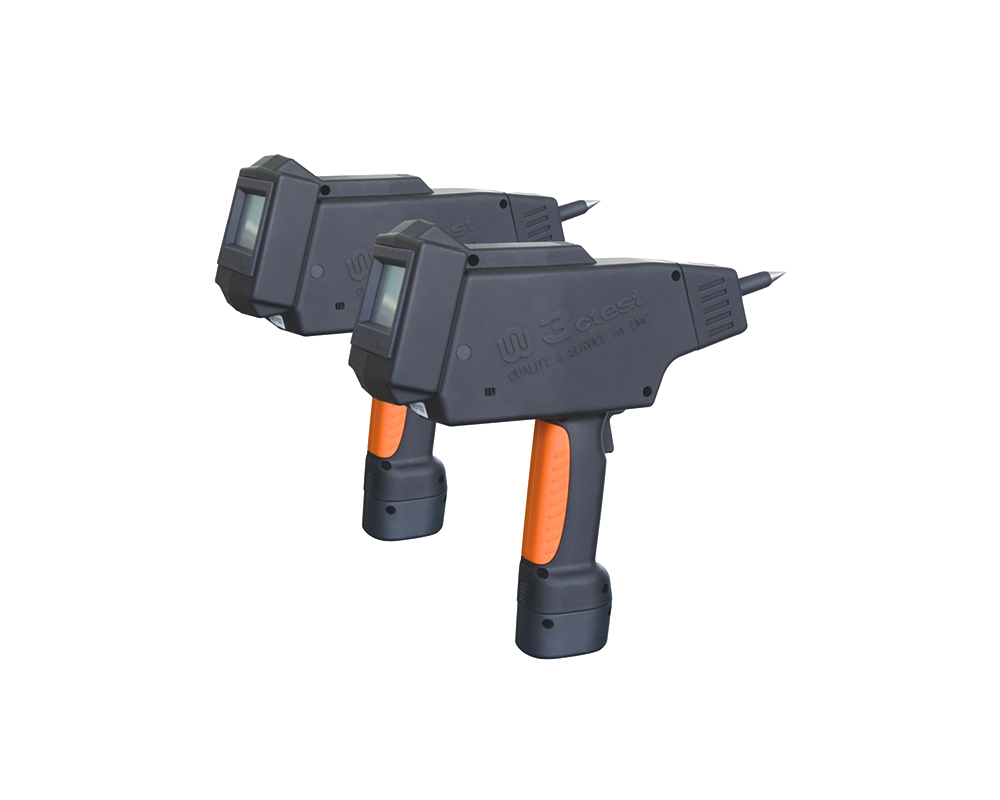
The EDS 20H is an intelligent electrostatic discharge (ESD) generator designed to meet the IEC 61000-4-2 testing standard, accurately simulating electrostatic discharge pulse up to 20 kV.
• Using the product inquiry function can help you quickly learn about the product's price and other related information.
• You can either inquire about a single product directly, or select multiple products to add to the inquiry bar and inquire about them together.
• How to make an inquiry





1. Using the product comparison function can help you find the target product you need for selection more quickly and easily.
2. You can add up to 5 products for comparison. Product models and parameters may vary across different series. It is recommended to compare products within the same series.
3. How to use the comparison bar.




 Phone: +86-512-68413700
 Email: info@3ctest.cn
 Address:No.99 E'meishan Rd, SND, Suzhou, Jiangsu, 215153, China,Suzhou, Jiangsu, 215153, China



© 2025 Suzhou 3CTEST


 Leave a Message


