

High frequency recommended vocabulary

The European edition of the transverse electromagnetic waveguide test is widely used in European laboratories as an economical alternative to a fully anechoic chamber, and it is particularly common during the development phase, when a product must be assessed repeatedly and the cost of chamber time would be prohibitive. The test is called up by the multimedia equipment standard and by several sector standards, which accept the method provided the field uniformity criteria are met. The European text reproduces the international description of the conventional cell and of the tapered gigahertz cell, the definition of the usable test volume and the procedures for emission and immunity testing, and it carries the foreword and annex that give the document its status under the directive. A report based on the cell method must include the field uniformity verification performed before the equipment was tested, since that record is what establishes the validity of the result.
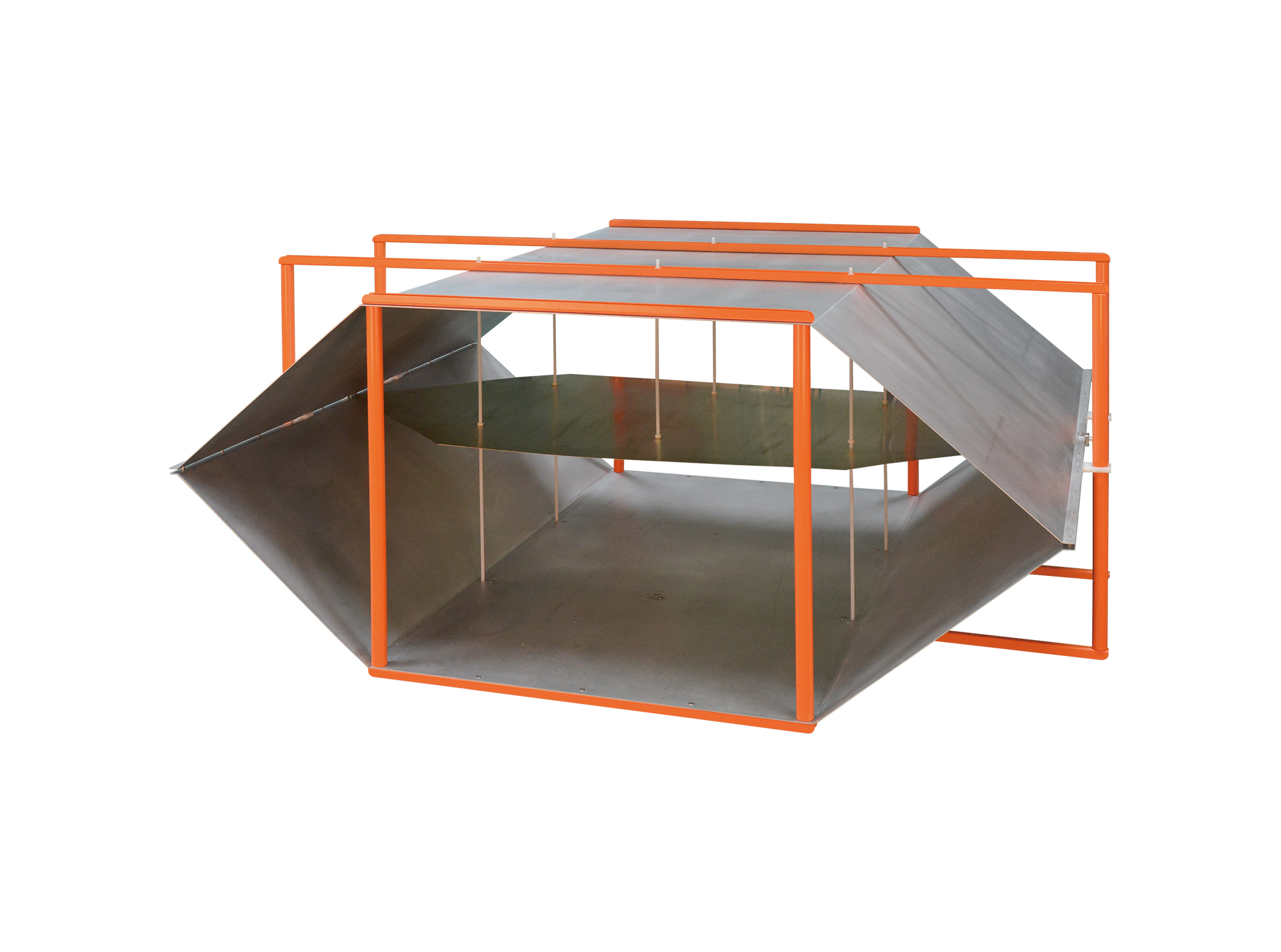
Then TEM Series Open Transverse Electromagnetic Cell is designed for automotive component immunity testing and complies with the requirements of ISO 11452-3 and IEC 61000-4-20.
• Using the product inquiry function can help you quickly learn about the product's price and other related information.
• You can either inquire about a single product directly, or select multiple products to add to the inquiry bar and inquire about them together.
• How to make an inquiry





1. Using the product comparison function can help you find the target product you need for selection more quickly and easily.
2. You can add up to 5 products for comparison. Product models and parameters may vary across different series. It is recommended to compare products within the same series.
3. How to use the comparison bar.




 Phone: +86-512-68413700
 Email: info@3ctest.cn
 Address:No.99 E'meishan Rd, SND, Suzhou, Jiangsu, 215153, China,Suzhou, Jiangsu, 215153, China



© 2025 Suzhou 3CTEST


 Leave a Message


