

High frequency recommended vocabulary

As with the residential part of the series, the dual numbering of the industrial generic immunity standard records that CENELEC published the international text without technical change, adding only a foreword that confirms the adoption and an annex that links the document to the directive. The European and the international designations therefore describe an identical test programme, and the choice between them affects the citation in the technical file rather than the measurements taken. What distinguishes the industrial generic standard from its residential counterpart is the severity of the levels and the wider range of phenomena considered, which reflect an installation where welding plant, large drives and switchgear operate close to the product. The generic route is available only where no dedicated product or product family standard applies, so a manufacturer of machinery will usually find the applicable standard elsewhere and use this one only for equipment that falls outside those families.
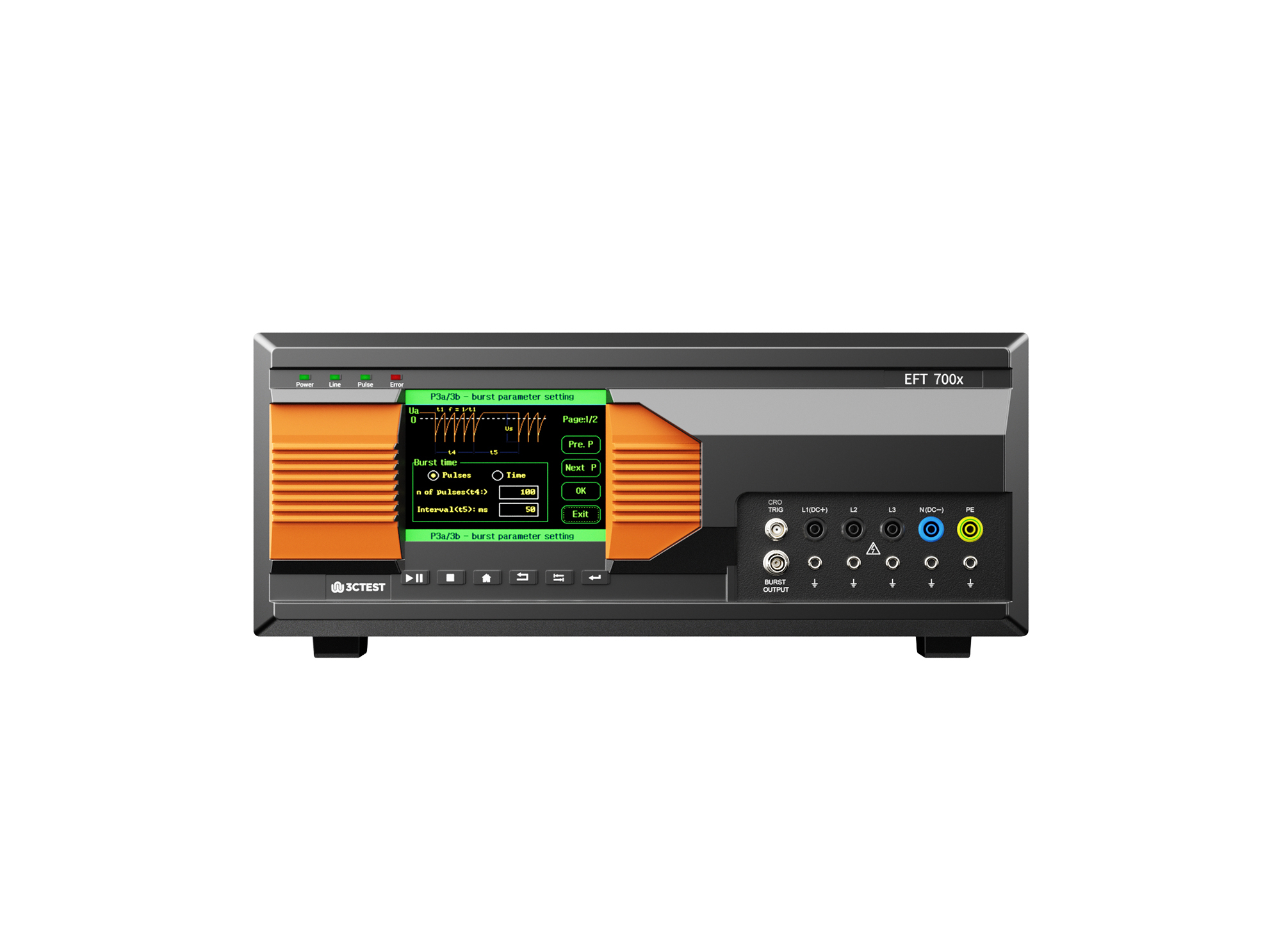
The EFT 700 Series Electrical Fast Transient Burst Generators are designed according to IEC 61000-4-4 to simulates repetitive, high-speed and low-energy spikes generated by the switching of inductive loads in industrial and commercial environment.
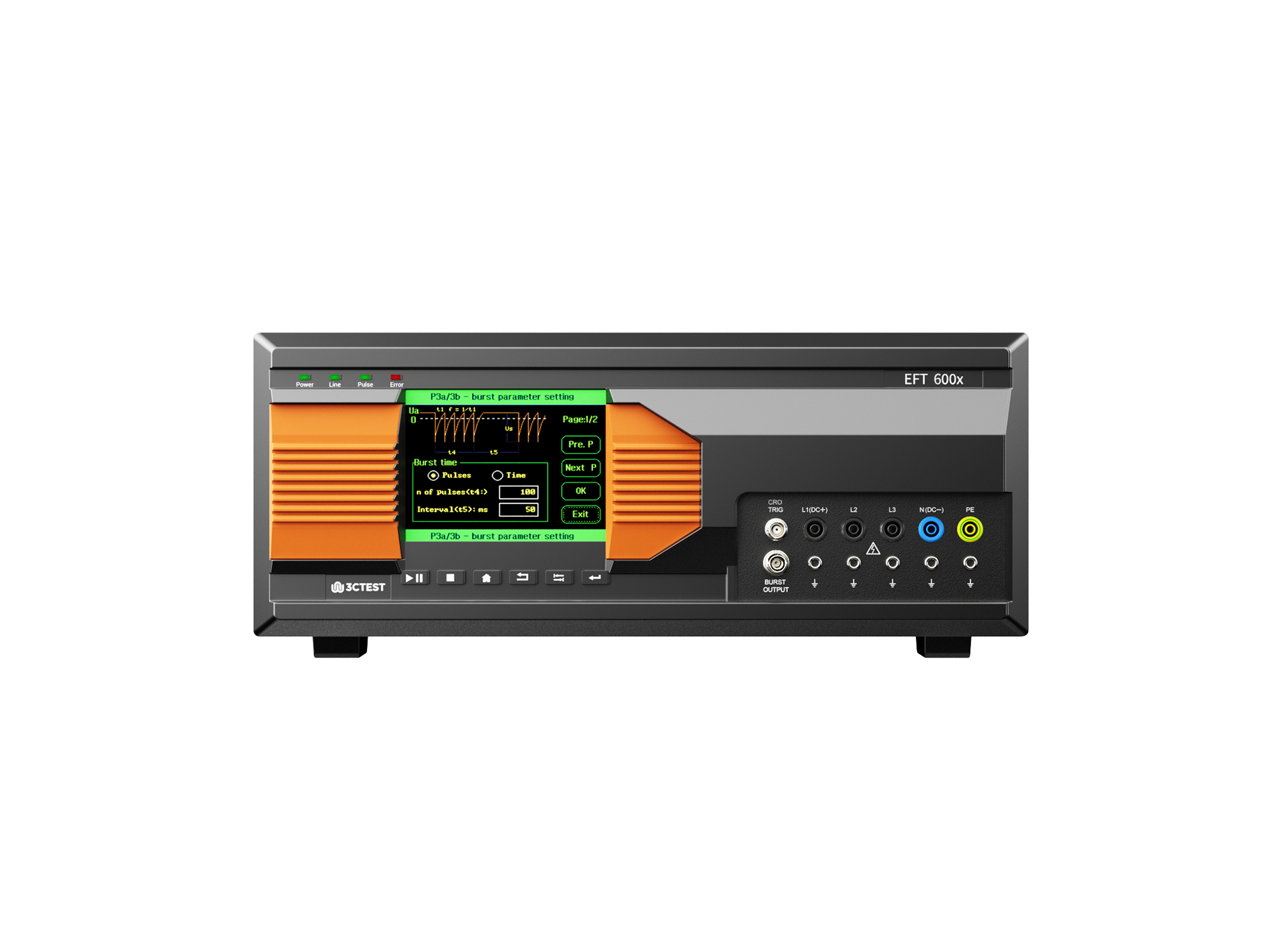
The EFT 600 Series Electrical Fast Transient Burst Generators are designed according to IEC 61000-4-4 to simulates repetitive, high-speed and low-energy spikes generated by the switching of inductive loads in industrial and commercial environment.
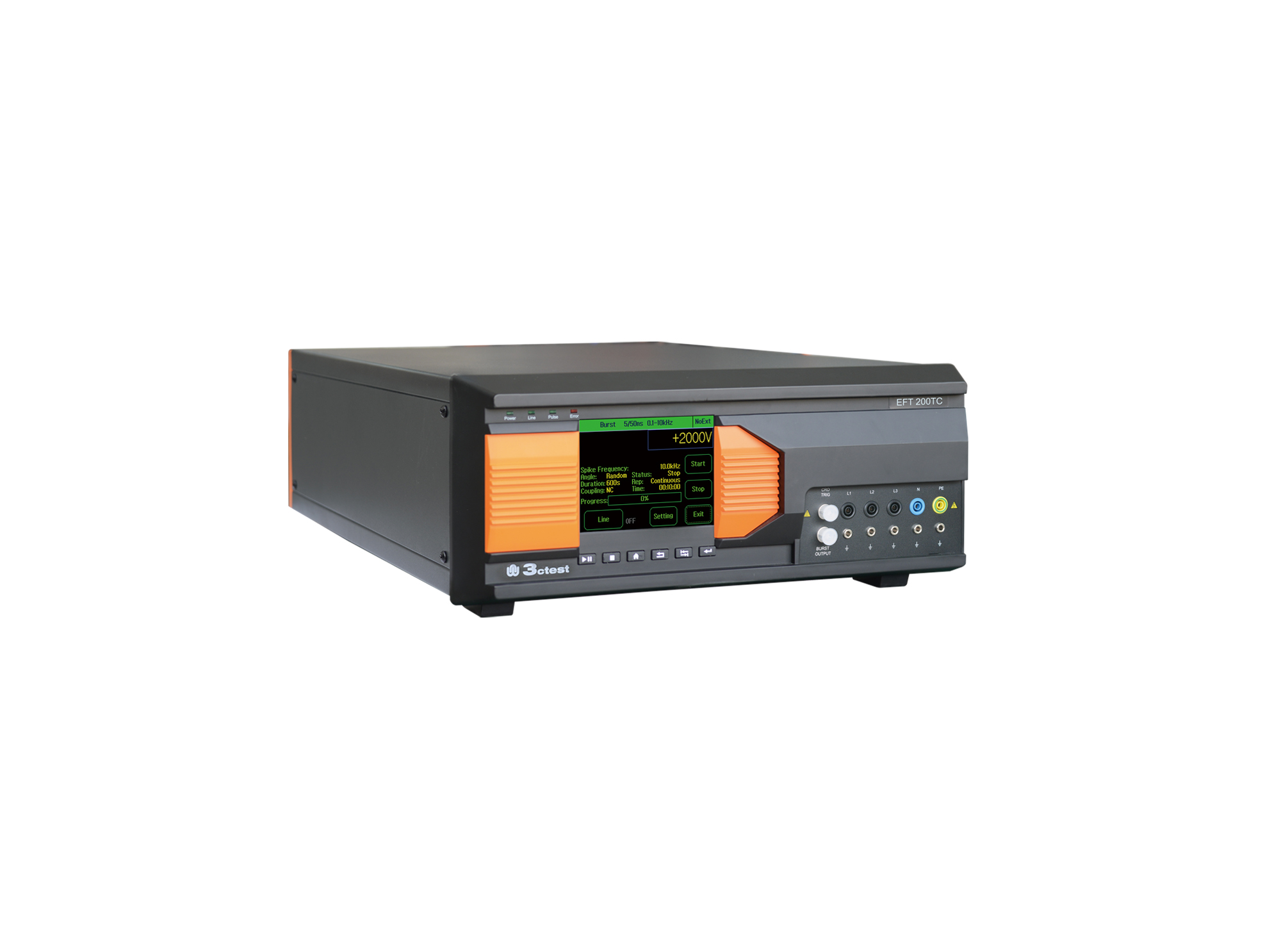
EFT 200TC three-phase EFT/Burst Simulator is developed for EMC testing of automotive components.
• Using the product inquiry function can help you quickly learn about the product's price and other related information.
• You can either inquire about a single product directly, or select multiple products to add to the inquiry bar and inquire about them together.
• How to make an inquiry





1. Using the product comparison function can help you find the target product you need for selection more quickly and easily.
2. You can add up to 5 products for comparison. Product models and parameters may vary across different series. It is recommended to compare products within the same series.
3. How to use the comparison bar.




 Phone: +86-512-68413700
 Email: info@3ctest.cn
 Address:No.99 E'meishan Rd, SND, Suzhou, Jiangsu, 215153, China,Suzhou, Jiangsu, 215153, China



© 2025 Suzhou 3CTEST


 Leave a Message


