

High frequency recommended vocabulary

The European edition of the ring wave immunity test is encountered less often than the surge and burst tests and is normally selected when a product is connected to a network in which reactive loads are switched regularly, for example lighting circuits with thermostats, heating controls and domestic appliances with mechanical switches. In European practice it is called up by the sector standards for buildings services, lighting equipment and control apparatus, which determine the applicable level from the exposure of the installation. The European text reproduces the international 100 kHz damped oscillatory waveform and the coupling networks used for power and signal ports, together with the foreword and annex that give the document its status. Because the waveform is oscillatory rather than unidirectional, it tends to disturb logic circuits rather than to destroy components, and the failure mode is therefore usually a temporary malfunction that must be assessed against the performance criteria of the product standard.
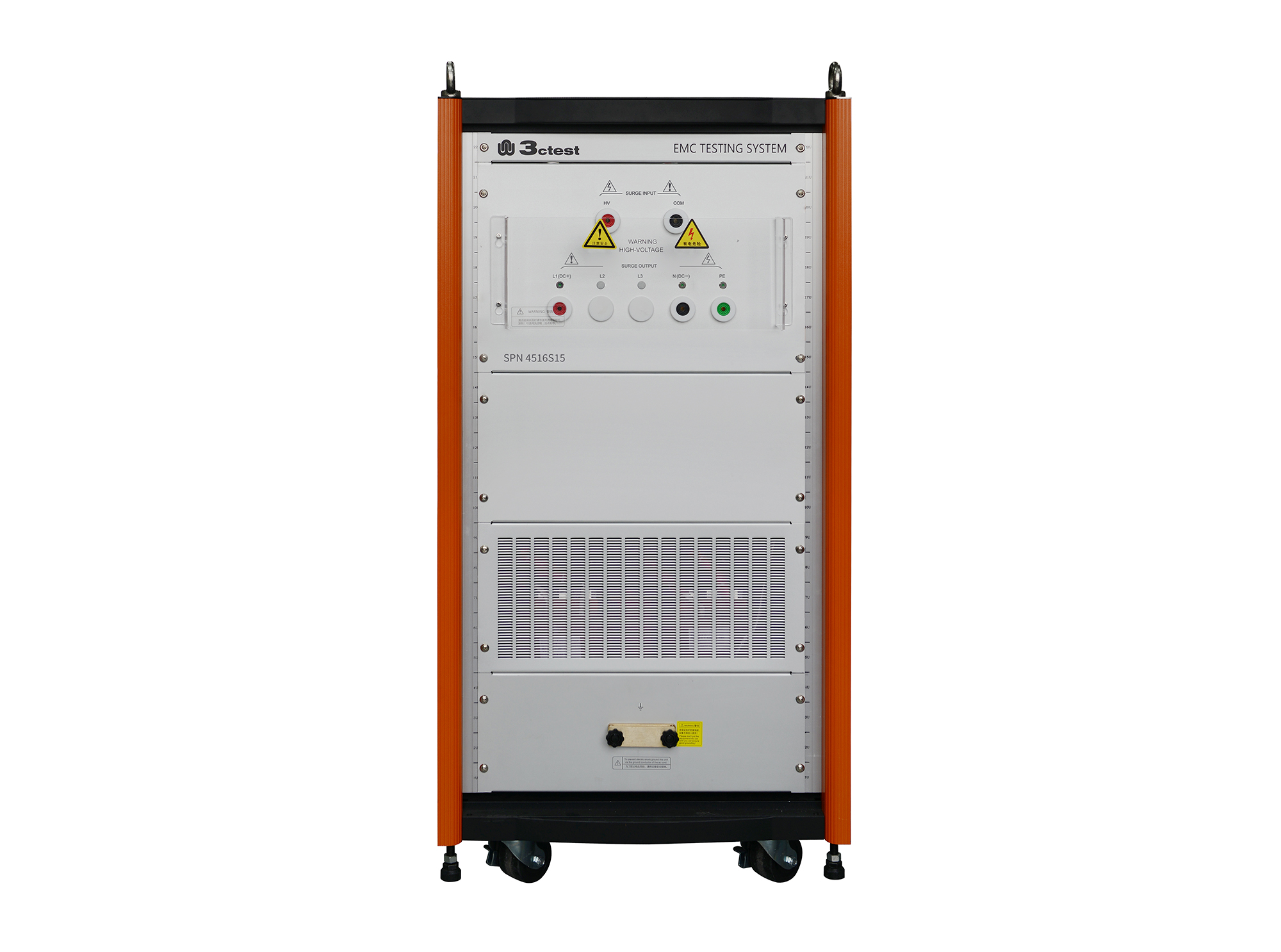
The SPN 4516S15 HV Lightning Surge Coupling/Decoupling Network complies with IEC 61000-4-5 and IEC 61000-4-12 standards. It provides fully automatic single-phase coupling/decoupling functions, supports both AC and DC power supply applications, and can be used with the CWS series.
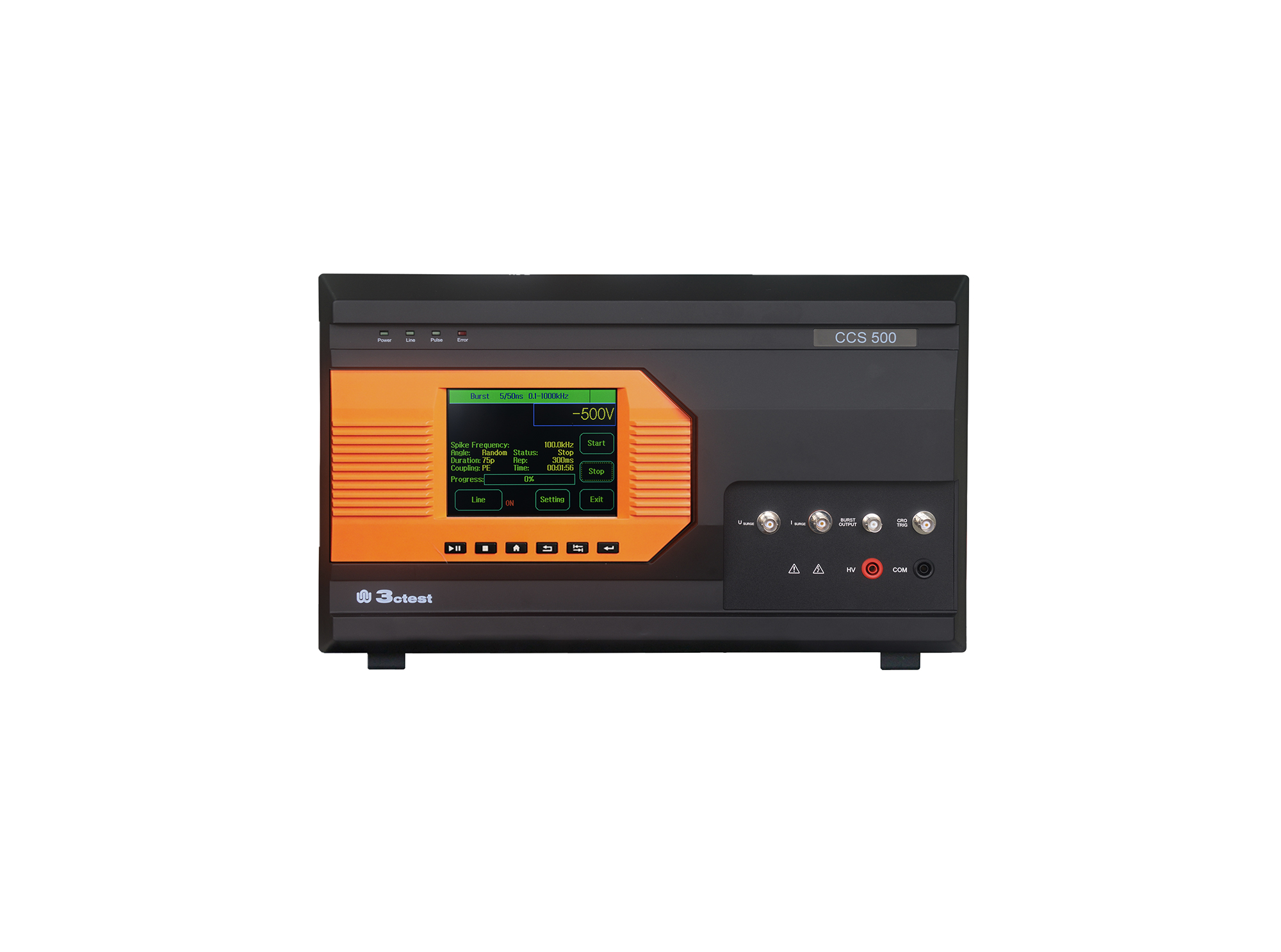
The CCS 500 is an intelligent multi-functional conducted electromagnetic compatibility (EMC) test equipment designed to meet a wide range of IEC/EN standards, including IEC 61000-4-4, -4-5, -4-8, -4-9, -4-11, -4-12, -4-29.
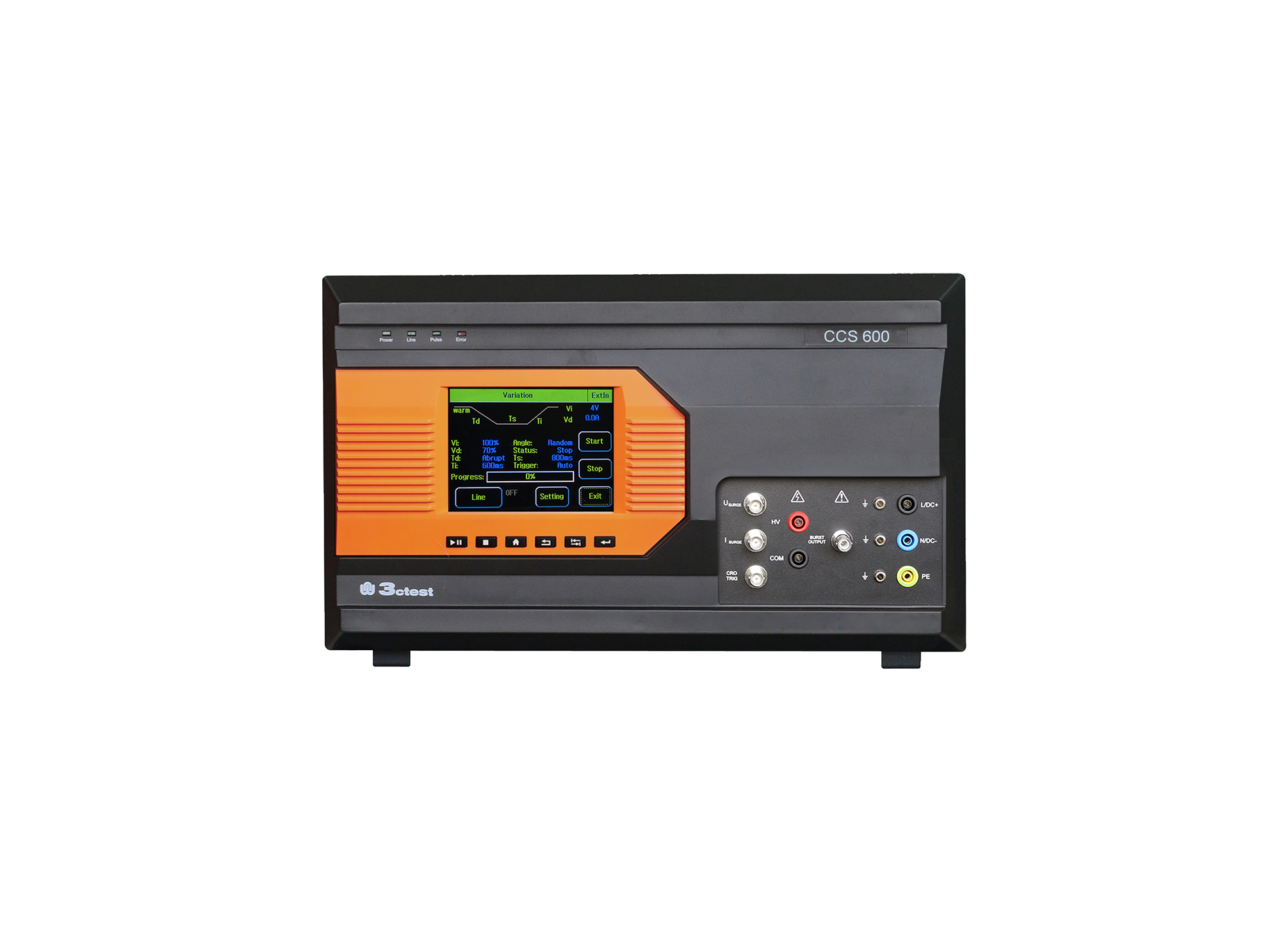
The CCS 600 is an intelligent multi-functional conducted electromagnetic compatibility (EMC) test equipment designed to meet a wide range of IEC/EN standards, including IEC 61000-4-4, -4-5, -4-8, -4-9, -4-11, -4-12, -4-29.
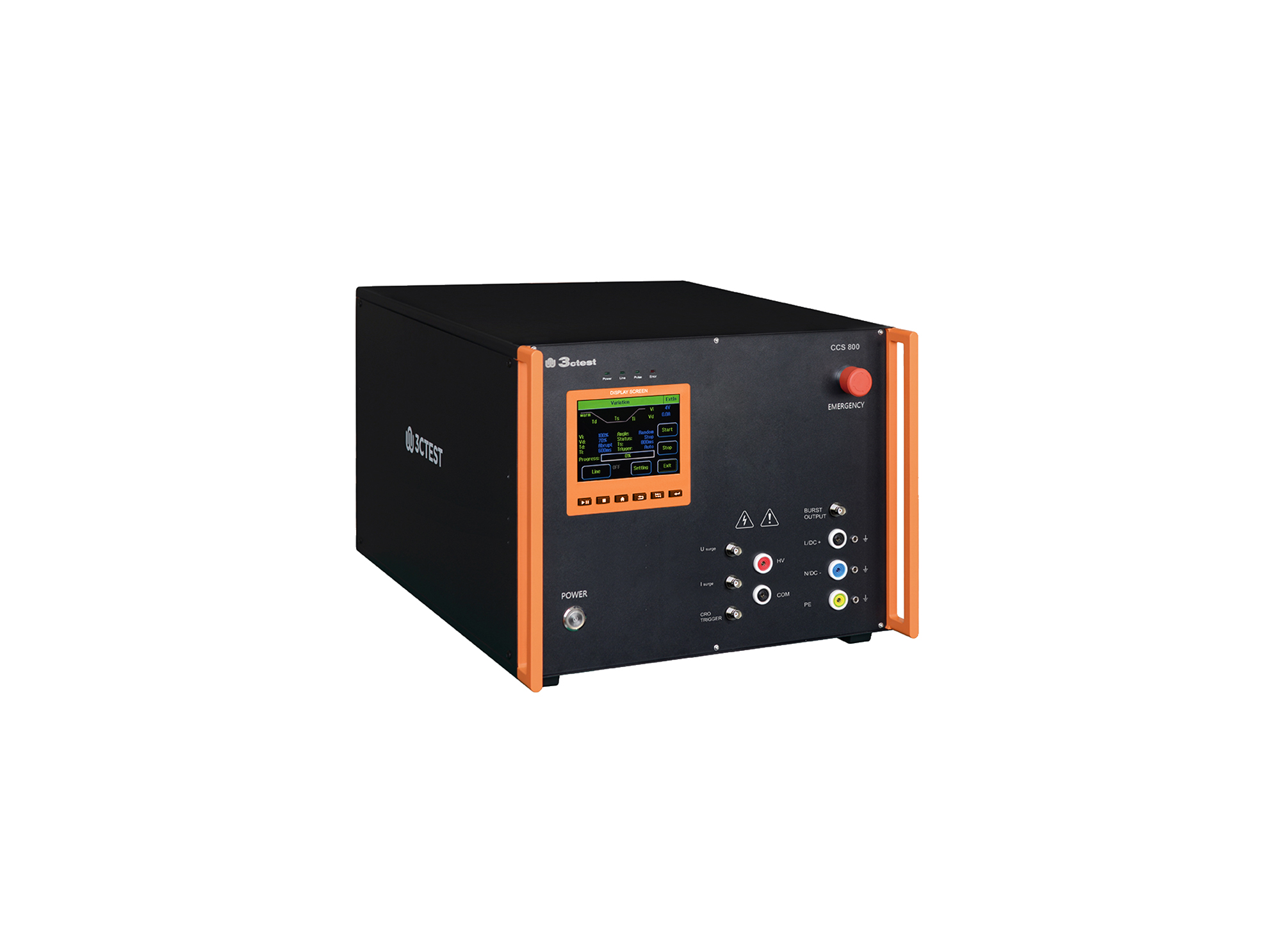
The CCS 800 is an intelligent multi-functional conducted electromagnetic compatibility (EMC) test equipment designed to meet a wide range of IEC/EN standards, including IEC 61000-4-4, -4-5, -4-8, -4-9, -4-11, -4-12, -4-29.
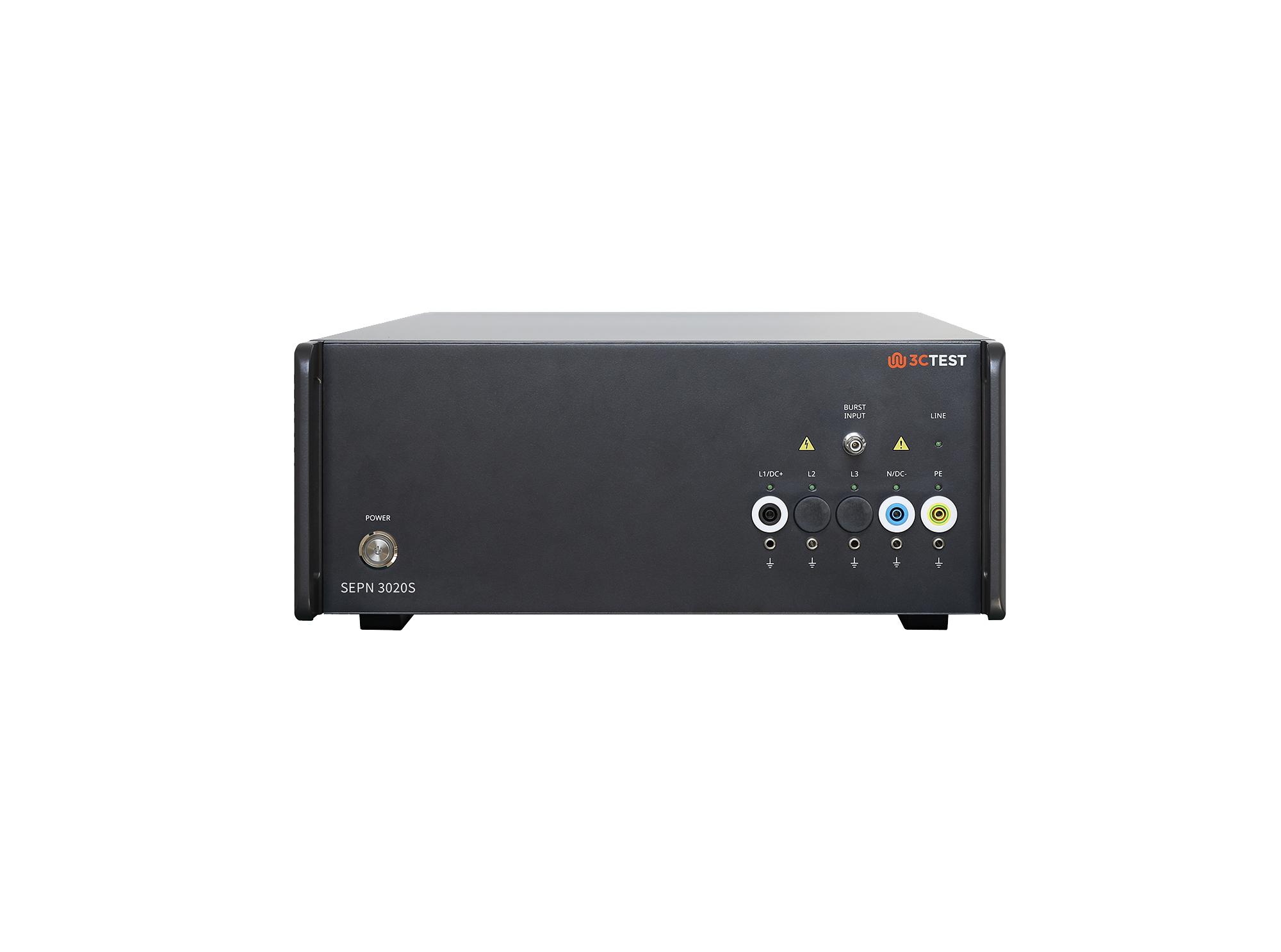
The SEPN 3020S is an automatic coupling/decoupling network (CDN) designed for EFT/burst, surge, and ring wave immunity testing in accordance with IEC 61000-4-4, IEC 61000-4-5, and IEC 61000-4-12.
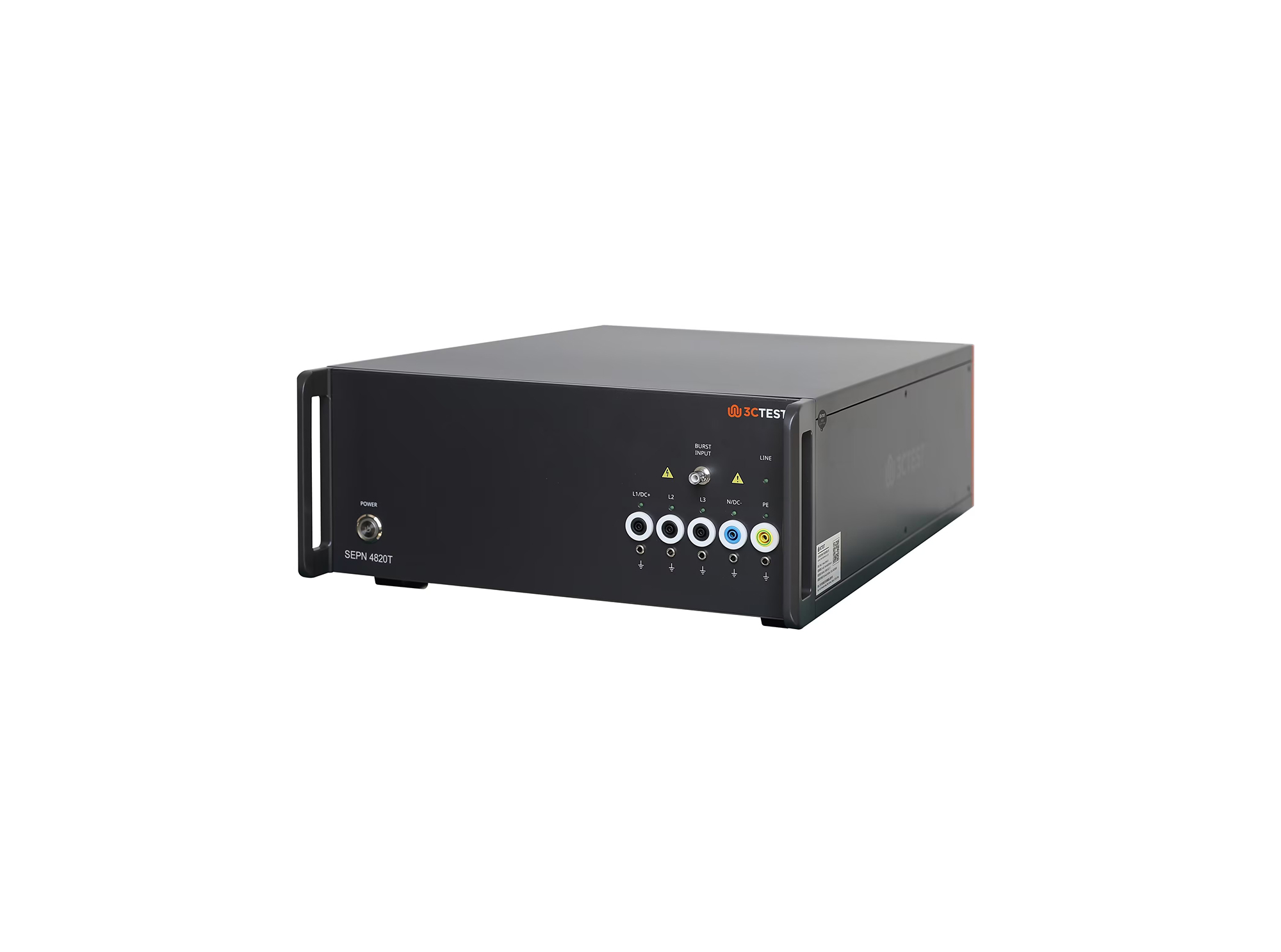
The SEPN 4820T is an automatic coupling/decoupling network (CDN) designed for EFT/burst, surge, and ring wave immunity testing in accordance with IEC 61000-4-4, IEC 61000-4-5, and IEC 61000-4-12.
.jpg)
The SEPN 4832T8 is an automatic coupling/decoupling network (CDN) designed for EFT/burst, surge, and ring wave immunity testing in accordance with IEC 61000-4-4, IEC 61000-4-5, and IEC 61000-4-12.
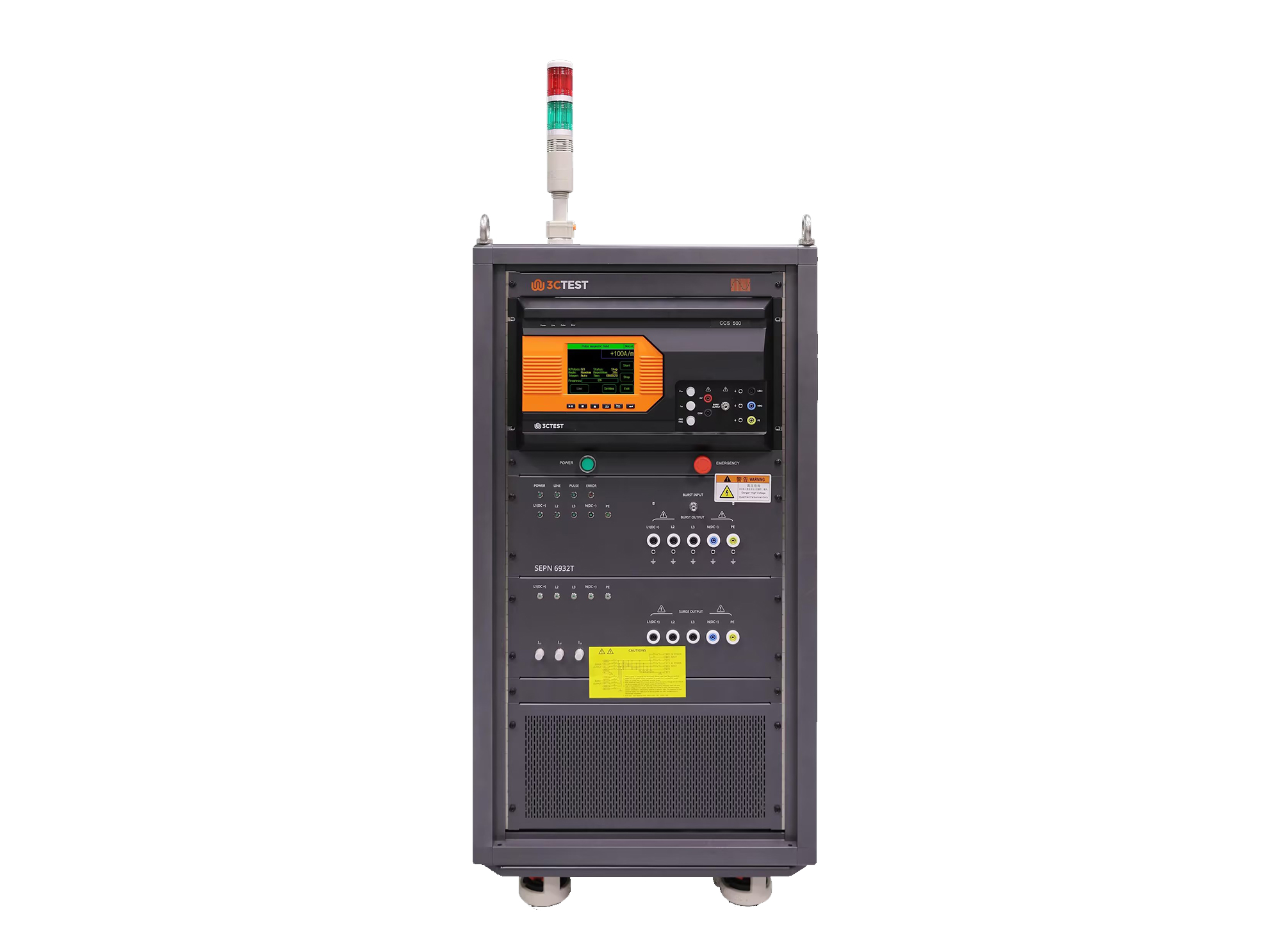
The SEPN 6932T is an automatic coupling/decoupling network (CDN) designed for EFT/burst, surge, and ring wave immunity testing in accordance with IEC 61000-4-4, IEC 61000-4-5, and IEC 61000-4-12.
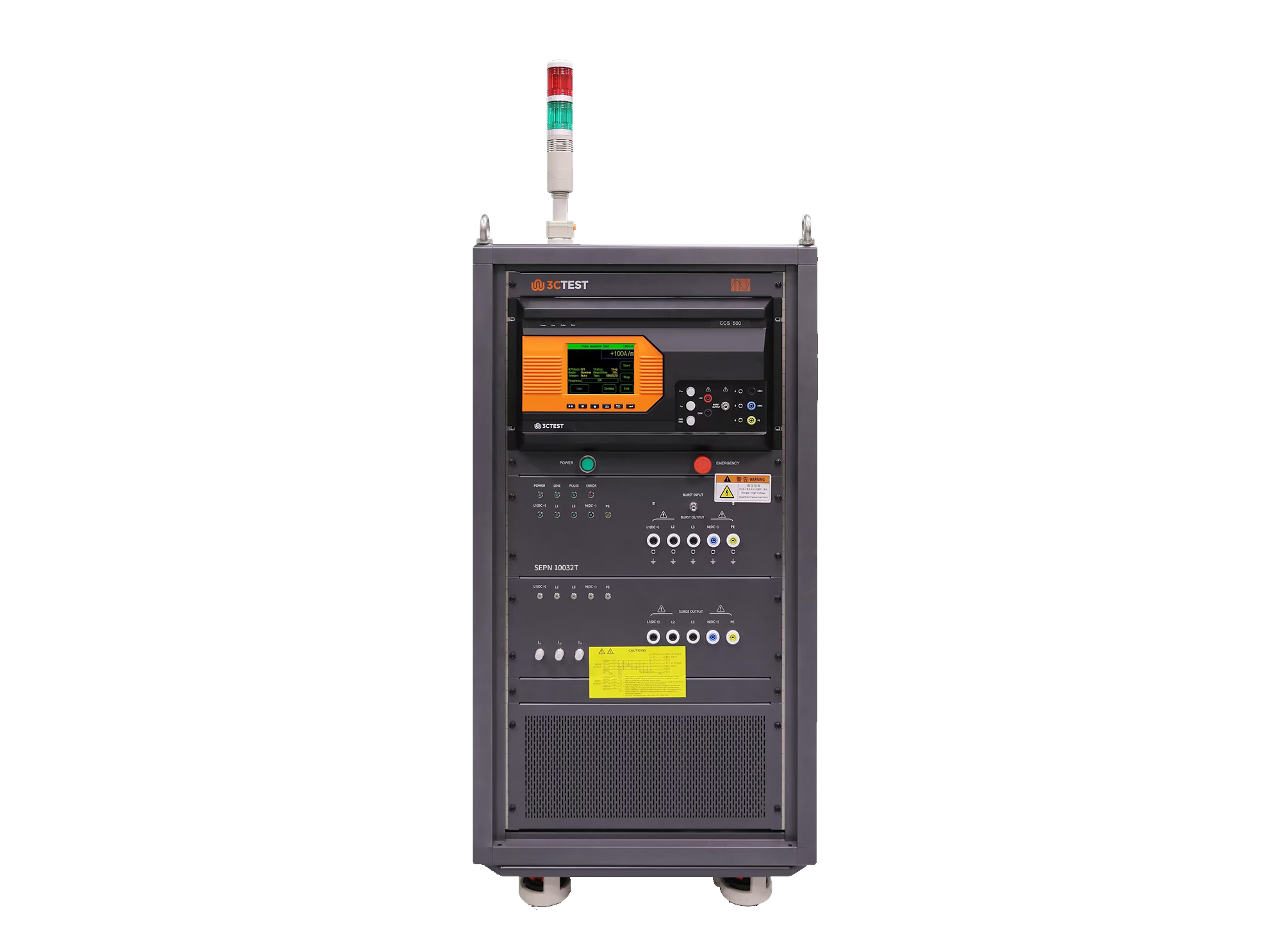
The SEPN 10032T is an automatic coupling/decoupling network (CDN) designed for EFT/burst, surge, and ring wave immunity testing in accordance with IEC 61000-4-4, IEC 61000-4-5, and IEC 61000-4-12.
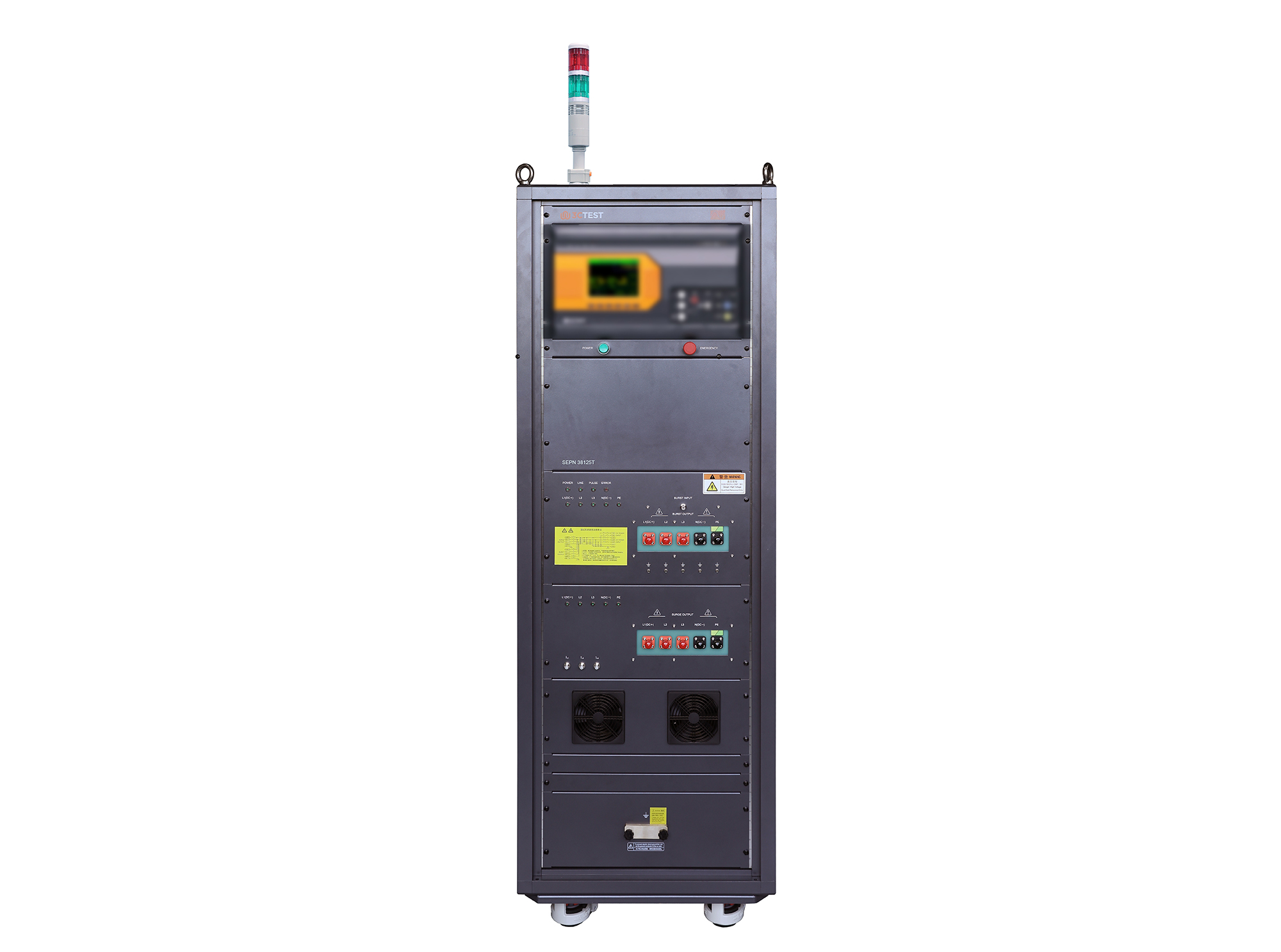
The SEPN 38125T is an automatic coupling/decoupling network (CDN) designed for EFT/burst, surge, and ring wave immunity testing in accordance with IEC 61000-4-4, IEC 61000-4-5, and IEC 61000-4-12.
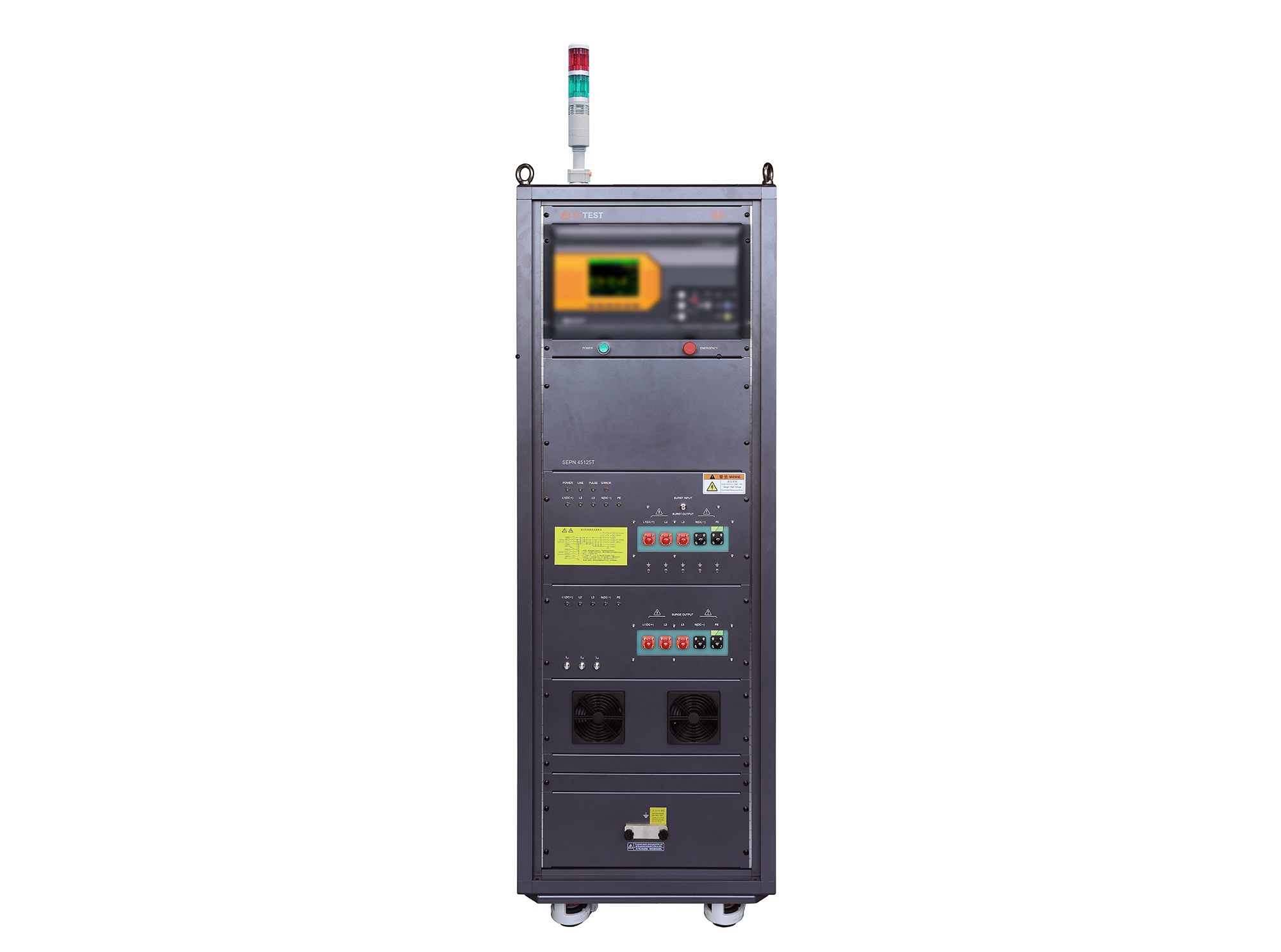
The SEPN 45125T is an automatic coupling/decoupling network (CDN) designed for EFT/burst, surge, and ring wave immunity testing in accordance with IEC 61000-4-4, IEC 61000-4-5, and IEC 61000-4-12.
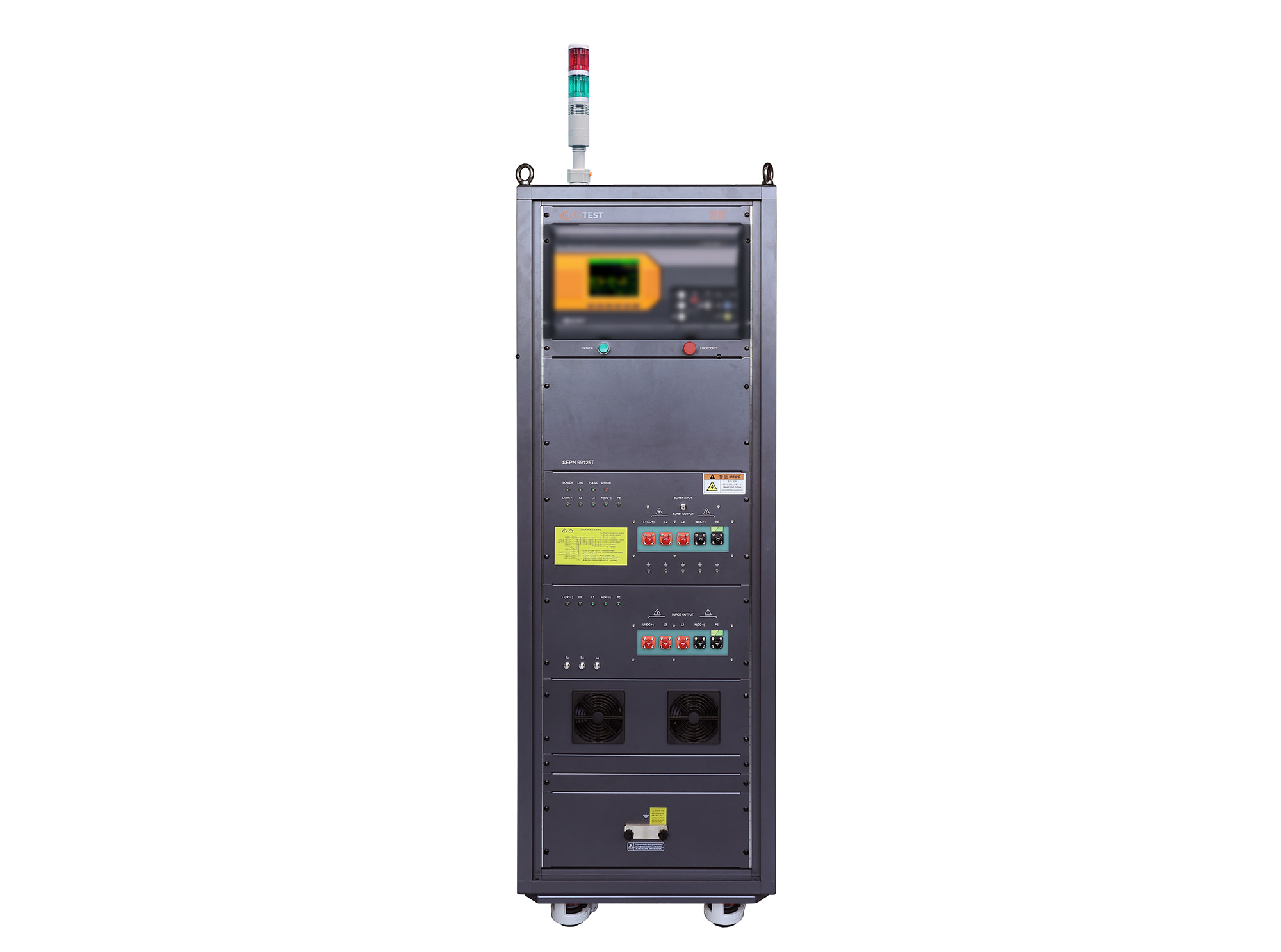
The SEPN 69125T is an automatic coupling/decoupling network (CDN) designed for EFT/burst, surge, and ring wave immunity testing in accordance with IEC 61000-4-4, IEC 61000-4-5, and IEC 61000-4-12.
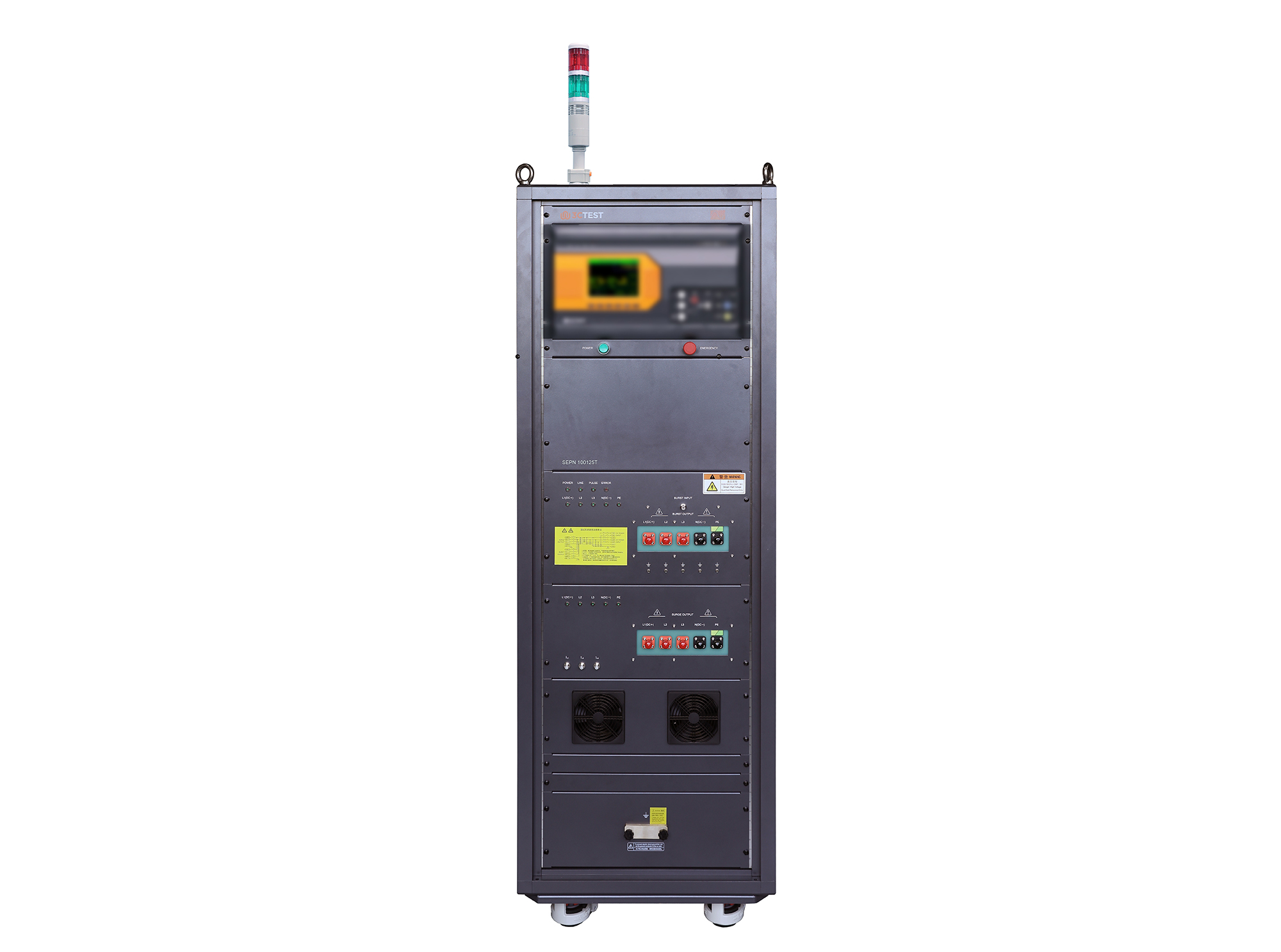
The SEPN 100125T is an automatic coupling/decoupling network (CDN) designed for EFT/burst, surge, and ring wave immunity testing in accordance with IEC 61000-4-4, IEC 61000-4-5, and IEC 61000-4-12.
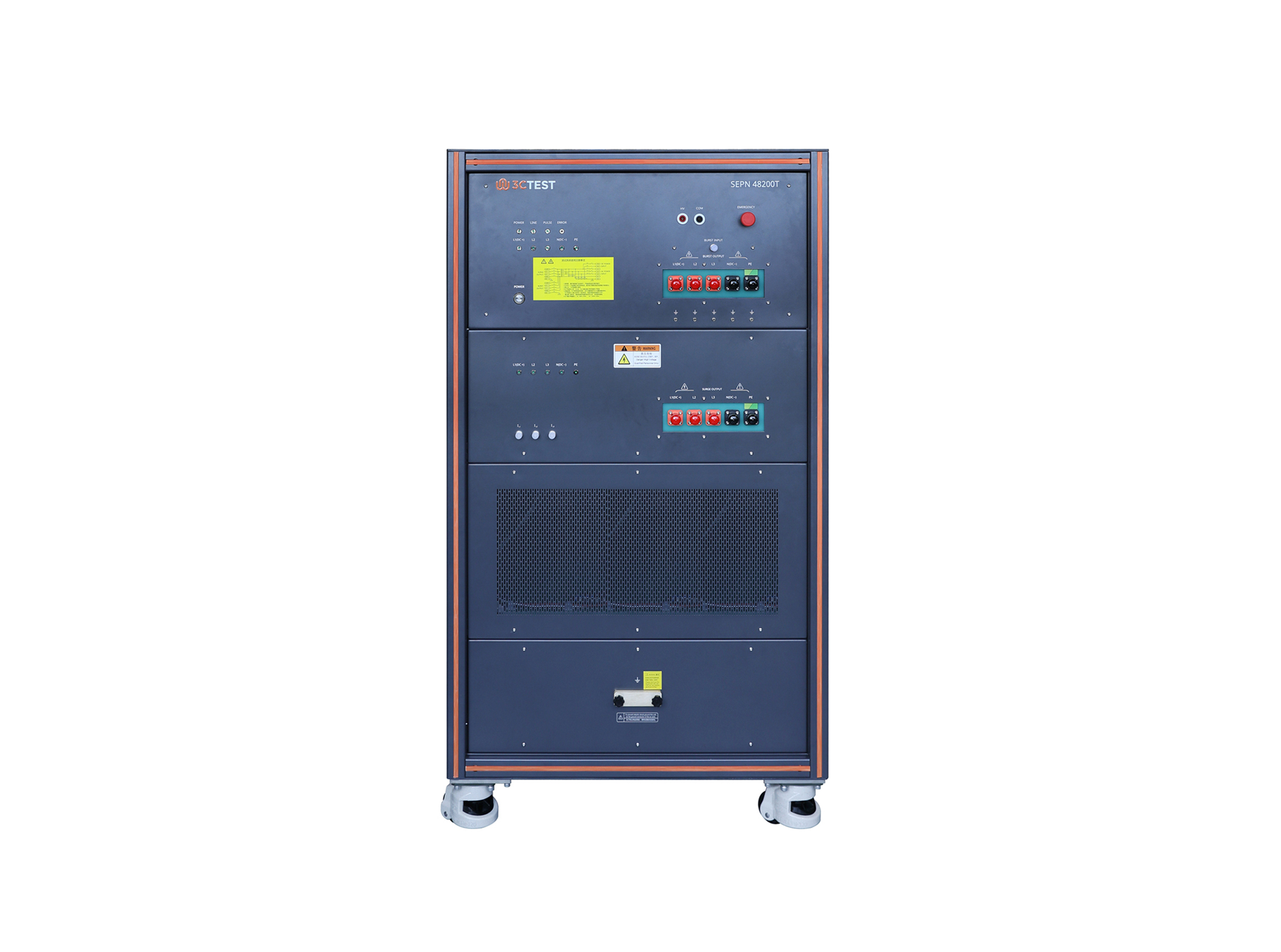
The SEPN 48200T is an automatic coupling/decoupling network (CDN) designed for EFT/burst, surge, and ring wave immunity testing in accordance with IEC 61000-4-4, IEC 61000-4-5, and IEC 61000-4-12.
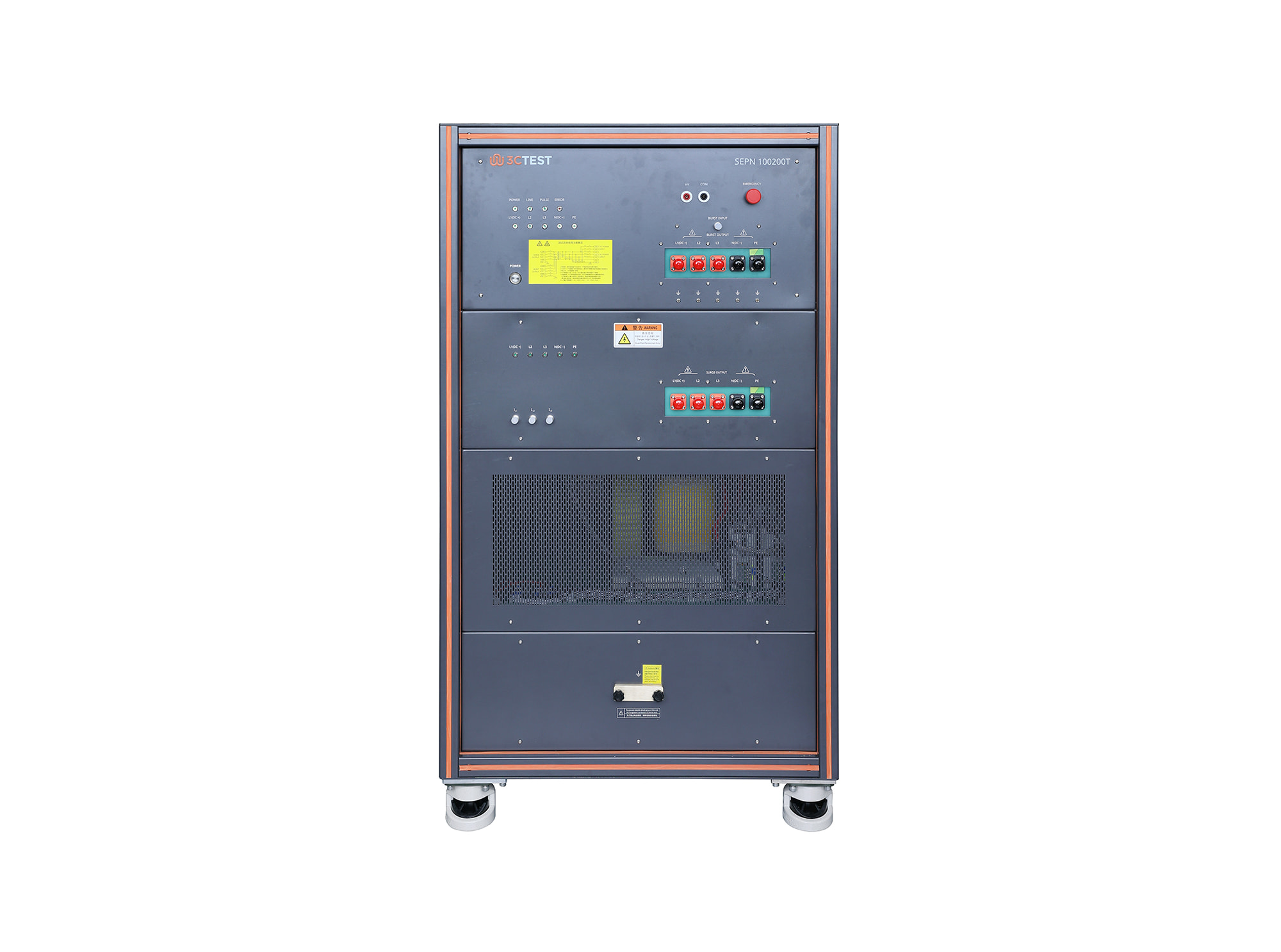
The SEPN 100200T is an automatic coupling/decoupling network (CDN) designed for EFT/burst, surge, and ring wave immunity testing in accordance with IEC 61000-4-4, IEC 61000-4-5, and IEC 61000-4-12.
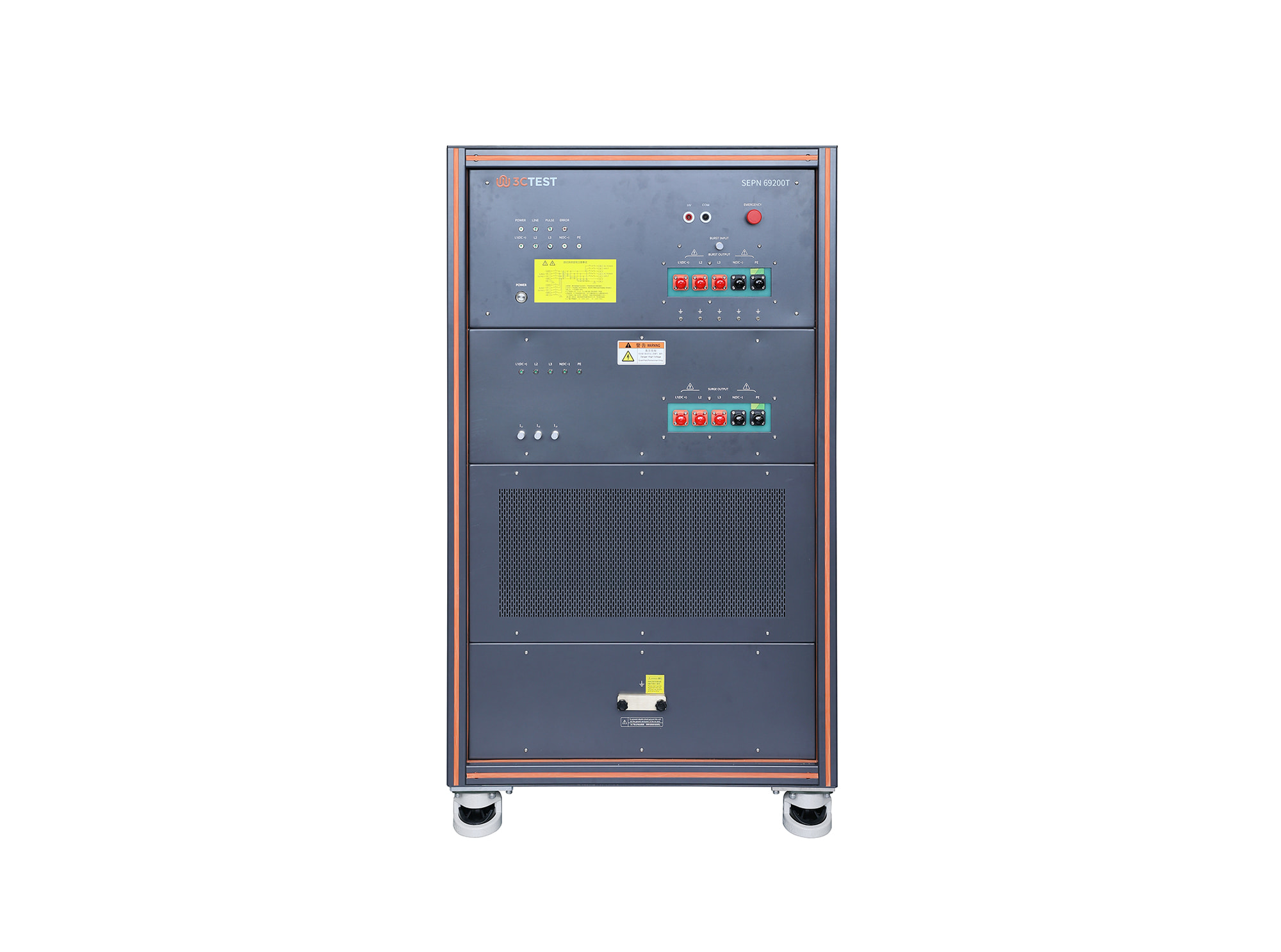
The SEPN 69200T is an automatic coupling/decoupling network (CDN) designed for EFT/burst, surge, and ring wave immunity testing in accordance with IEC 61000-4-4, IEC 61000-4-5, and IEC 61000-4-12.
• Using the product inquiry function can help you quickly learn about the product's price and other related information.
• You can either inquire about a single product directly, or select multiple products to add to the inquiry bar and inquire about them together.
• How to make an inquiry





1. Using the product comparison function can help you find the target product you need for selection more quickly and easily.
2. You can add up to 5 products for comparison. Product models and parameters may vary across different series. It is recommended to compare products within the same series.
3. How to use the comparison bar.




 Phone: +86-512-68413700
 Email: info@3ctest.cn
 Address:No.99 E'meishan Rd, SND, Suzhou, Jiangsu, 215153, China,Suzhou, Jiangsu, 215153, China



© 2025 Suzhou 3CTEST


 Leave a Message


