

High frequency recommended vocabulary

EN 301 489-24 is the part of the ETSI EMC series that specifies the additional conditions applying to user equipment for the IMT-2000 CDMA direct spread radio interface, the third generation mobile system generally known as UMTS. The equipment covered is the mobile and portable terminal and its ancillary devices, and two features of the technology shape the standard: the transmission is continuous and its power is controlled by the network over a wide range, so that the test conditions must account for the transmitter operating at its maximum level as well as at lower levels, and the receiver must remain able to acquire and hold a code division link while it is exposed to an interfering field. The standard identifies the ports of the equipment, selects the applicable emission and immunity requirements from the common part of the series, and defines the operating modes, the test set-up for terminals with or without a temporary antenna connector and the performance criteria for the radio link.
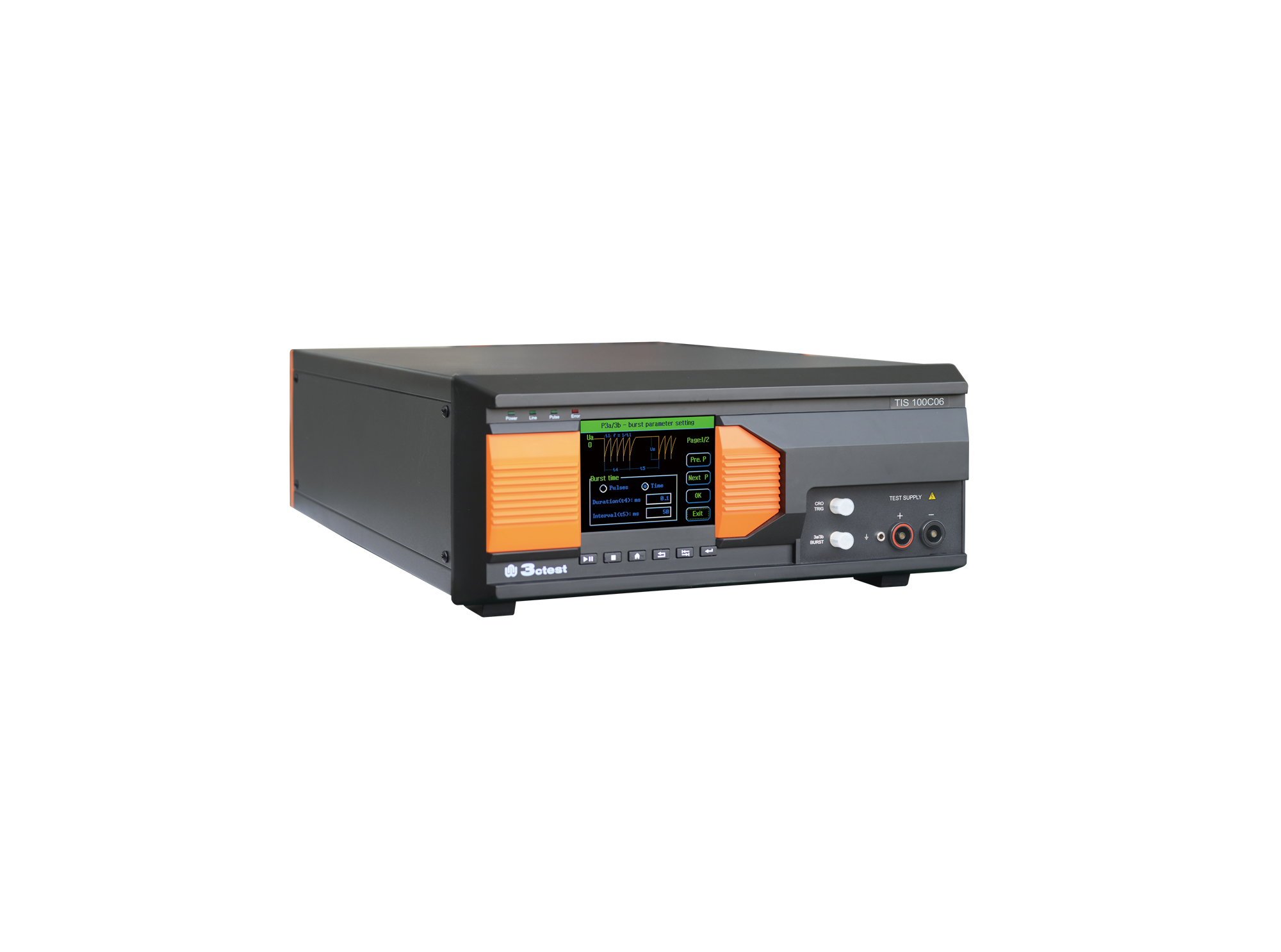
The TIS 100Cx Series Vehicle Compact Transient Pulse Simulator can perform pulses 1, 2a, 3a and 3b on power lines as per ISO 7637-2, and signal and data lines as per ISO 7637-3.
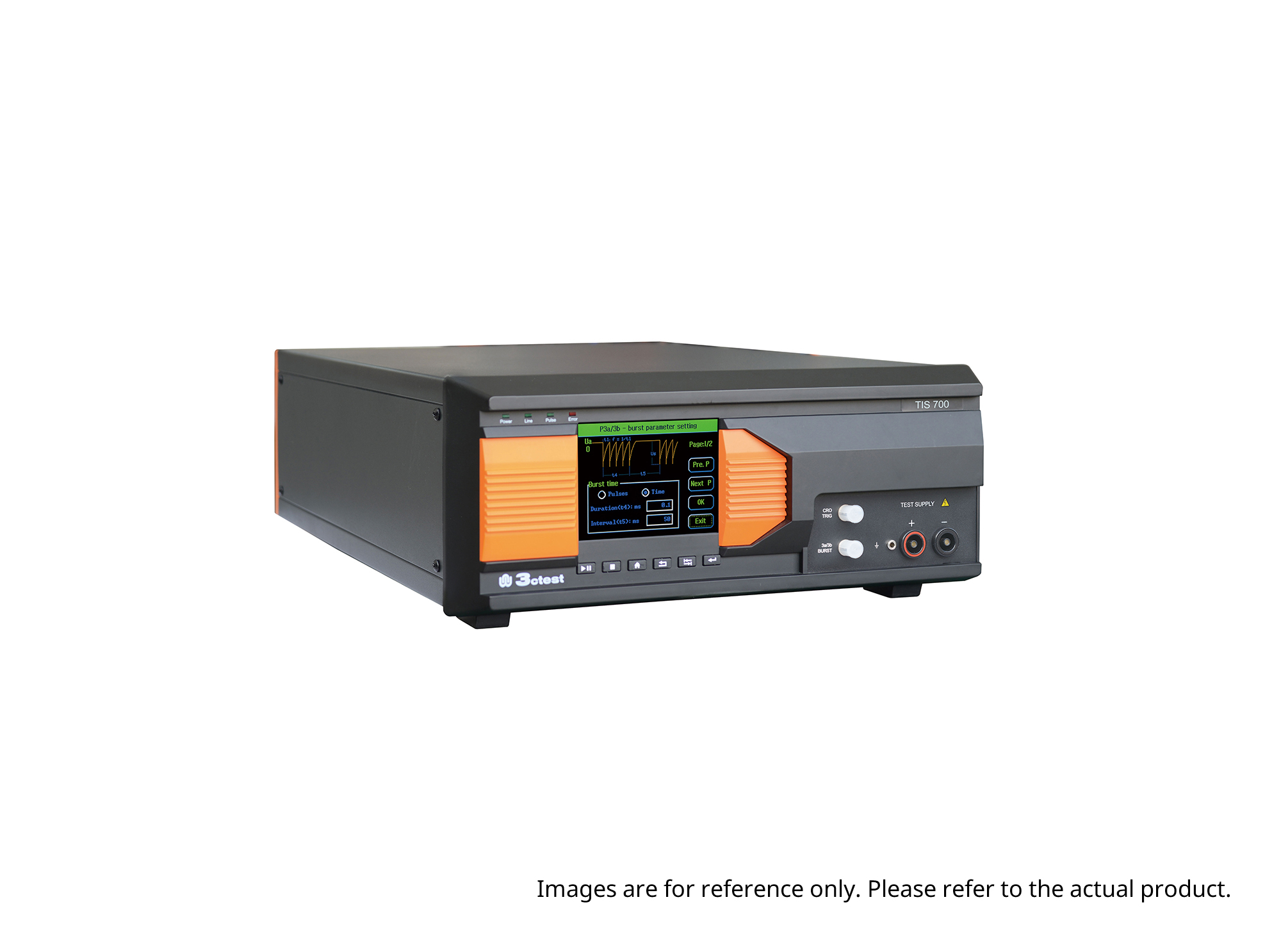
The TIS 700 Vehicle Compact Transient Pulse Simulator can perform pulses 1, 2a, 3a and 3b on power lines as per ISO 7637-2, and signal and data lines as per ISO 7637-3. When used with PC software, it can also perform Pulse 1b and Pulse 6 tests.
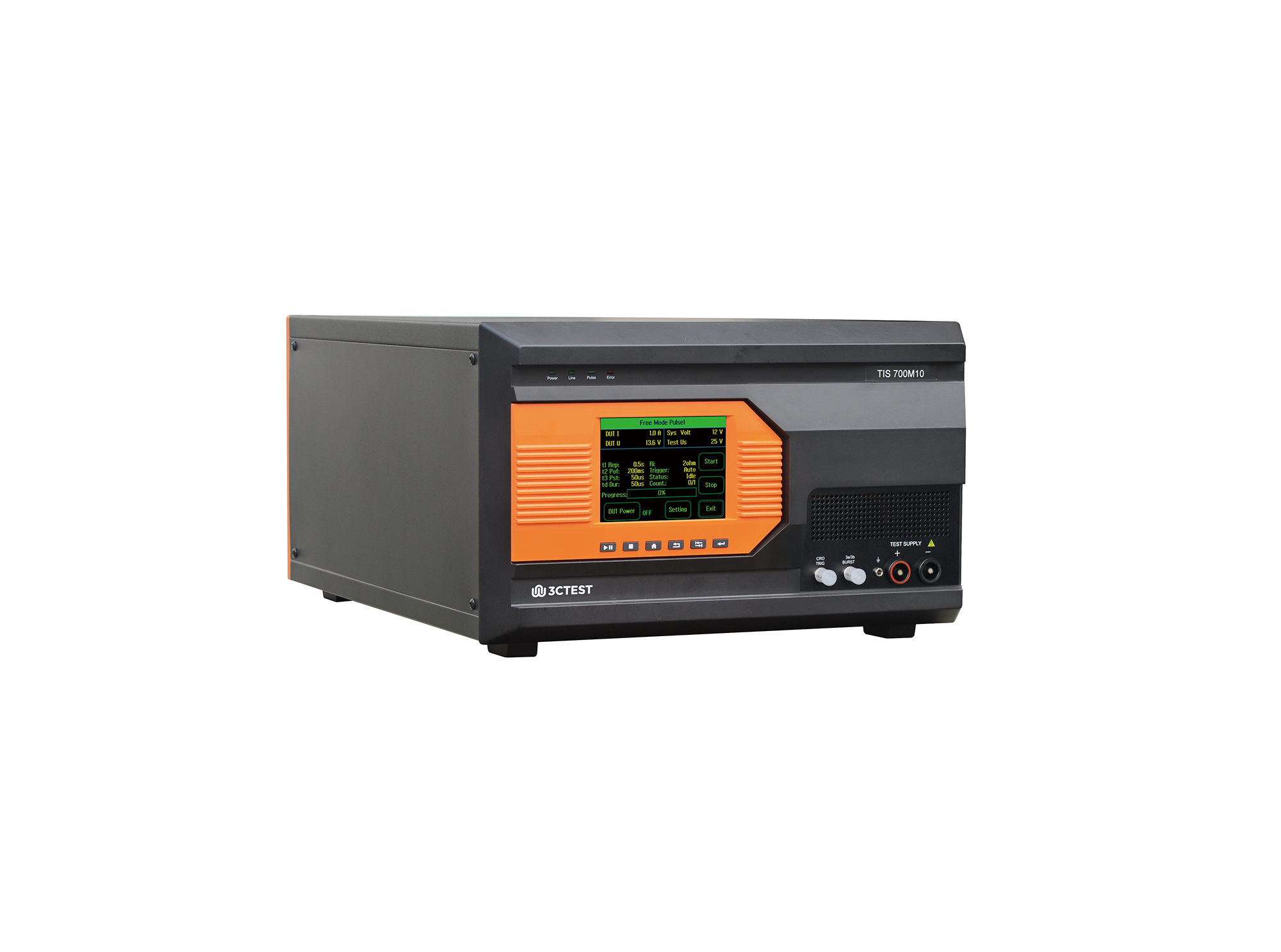
The TIS 700M10 Micro-Pulse Interference Generator can perform pulses 1, 2a, 3a and 3b on power lines as per ISO 7637-2, and fast and slow transient pulses on signal and data lines tests as per ISO 7637-3.
The TIS 700-200 Vehicle Compact Transient Pulse Simulator can perform pulses 1, 2a, 3a and 3b on power lines as per ISO 7637-2, and signal and data lines as per ISO 7637-3. When used with PC software, it can also perform Pulse 1b and Pulse 6 tests.
The TIS 700-100 Vehicle Compact Transient Pulse Simulator can perform pulses 1, 2a, 3a and 3b on power lines as per ISO 7637-2, and signal and data lines as per ISO 7637-3. When used with PC software, it can also perform Pulse 1b and Pulse 6 tests.
The TIS 700-60 Vehicle Compact Transient Pulse Simulator can perform pulses 1, 2a, 3a and 3b on power lines as per ISO 7637-2, and signal and data lines as per ISO 7637-3. When used with PC software, it can also perform Pulse 1b and Pulse 6 tests.
• Using the product inquiry function can help you quickly learn about the product's price and other related information.
• You can either inquire about a single product directly, or select multiple products to add to the inquiry bar and inquire about them together.
• How to make an inquiry





1. Using the product comparison function can help you find the target product you need for selection more quickly and easily.
2. You can add up to 5 products for comparison. Product models and parameters may vary across different series. It is recommended to compare products within the same series.
3. How to use the comparison bar.




 Phone: +86-512-68413700
 Email: info@3ctest.cn
 Address:No.99 E'meishan Rd, SND, Suzhou, Jiangsu, 215153, China,Suzhou, Jiangsu, 215153, China



© 2025 Suzhou 3CTEST


 Leave a Message


