

High frequency recommended vocabulary

European manufacturers of information technology, audio and video equipment work to this document because it provides the route to the CE marking under the safety directive, and the change of principle it introduced is the reason it replaced two separate standards. Instead of prescribing how a product should be built and then testing it, the standard requires the design engineer to identify the energy sources inside the equipment, classify each according to its magnitude, and then provide a safeguard matched to that class, whether it be insulation, a physical barrier, an interlock or an instruction to the user. A design reviewed in this way can absorb a new battery chemistry or a higher power supply without a revision of the standard, which is what made the approach attractive to a fast moving product sector. The document also defines the tests that verify the safeguards and the temperature and fault conditions associated with them.
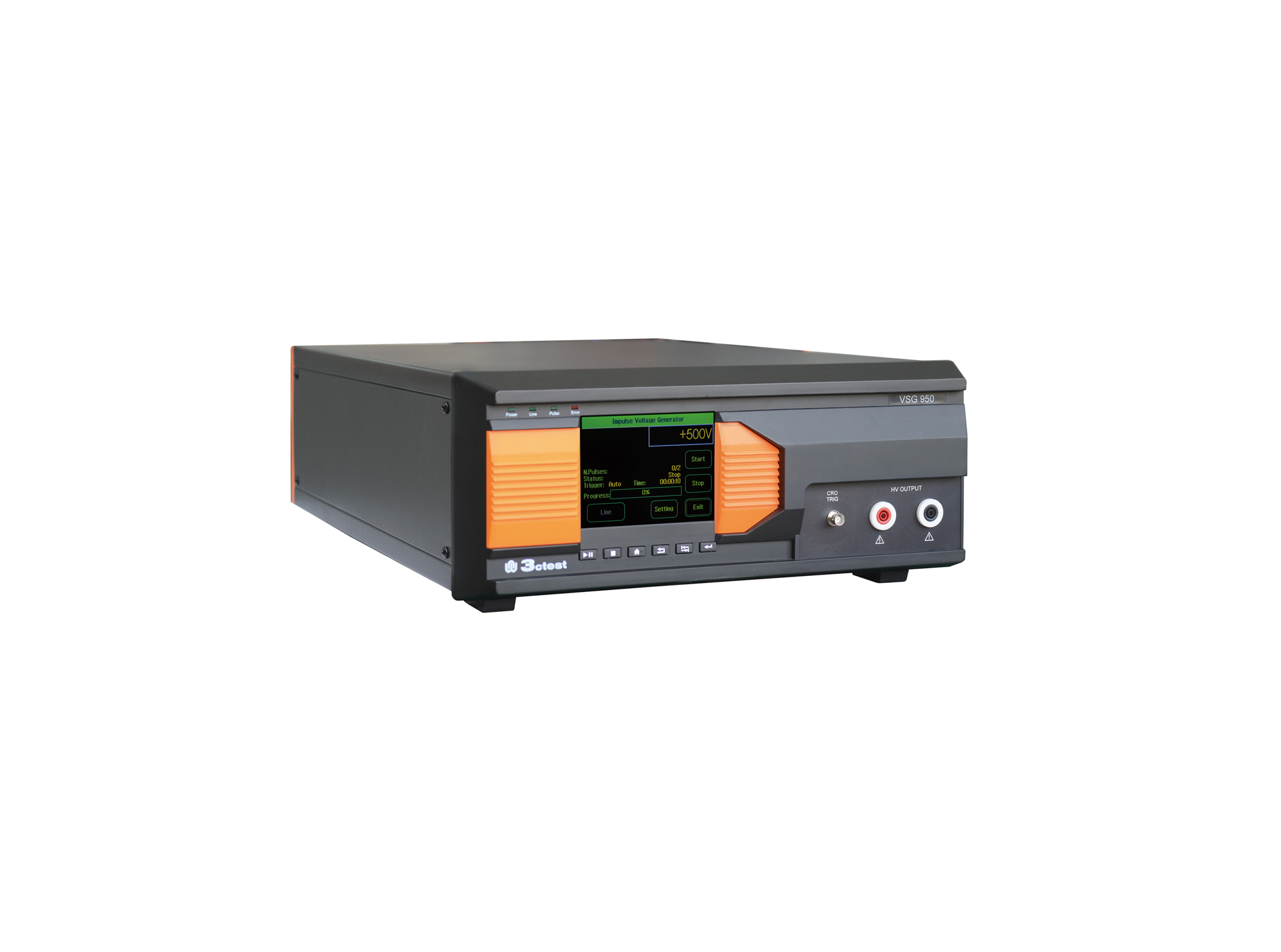
The VSG 950 Series Impulse Voltage Simulator comply with IEC/EN 62368-1:2018 and GB 4943.1 standards.
• Using the product inquiry function can help you quickly learn about the product's price and other related information.
• You can either inquire about a single product directly, or select multiple products to add to the inquiry bar and inquire about them together.
• How to make an inquiry





1. Using the product comparison function can help you find the target product you need for selection more quickly and easily.
2. You can add up to 5 products for comparison. Product models and parameters may vary across different series. It is recommended to compare products within the same series.
3. How to use the comparison bar.




 Phone: +86-512-68413700
 Email: info@3ctest.cn
 Address:No.99 E'meishan Rd, SND, Suzhou, Jiangsu, 215153, China,Suzhou, Jiangsu, 215153, China



© 2025 Suzhou 3CTEST


 Leave a Message


