

High frequency recommended vocabulary

The European edition of the general requirements for substation automation equipment is applied to the protection, control and communication devices installed in high voltage substations, an environment that combines continuous duty with unusually severe electrical disturbance. European transmission and distribution operators specify equipment against this standard because the alternative, relying on the ordinary industrial immunity levels, does not reflect what happens in a substation when a disconnector operates, when a fault current flows or when the station is struck by lightning. The standard sets requirements for the ambient temperature and humidity range, for mechanical and seismic conditions and for the power supply drawn from the station battery, and it defines a complete set of electromagnetic compatibility requirements whose immunity levels are increased above those of the basic publications. It is an equipment standard and not a protocol standard, and it is applied alongside the protocol parts of the same series that govern how the devices exchange information.
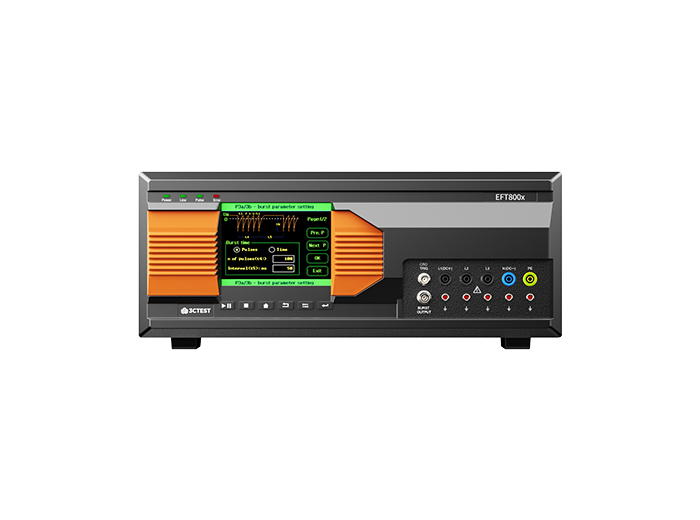
The EFT 800 Series Electrical Fast Transient Burst Generators are designed according to IEC 61000-4-4 to simulates repetitive, high-speed and low-energy spikes generated by the switching of inductive loads in industrial and commercial environment.
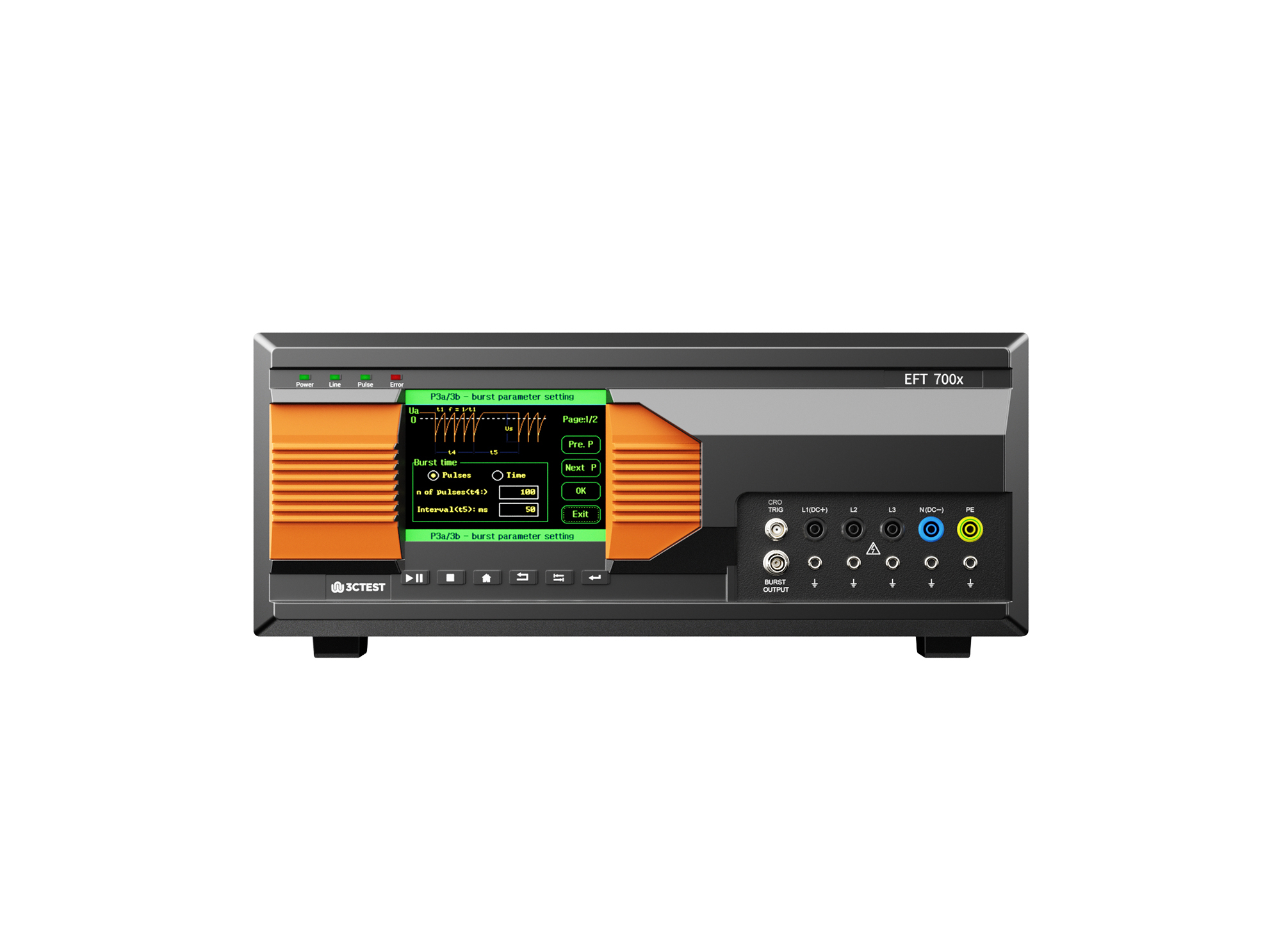
The EFT 700 Series Electrical Fast Transient Burst Generators are designed according to IEC 61000-4-4 to simulates repetitive, high-speed and low-energy spikes generated by the switching of inductive loads in industrial and commercial environment.
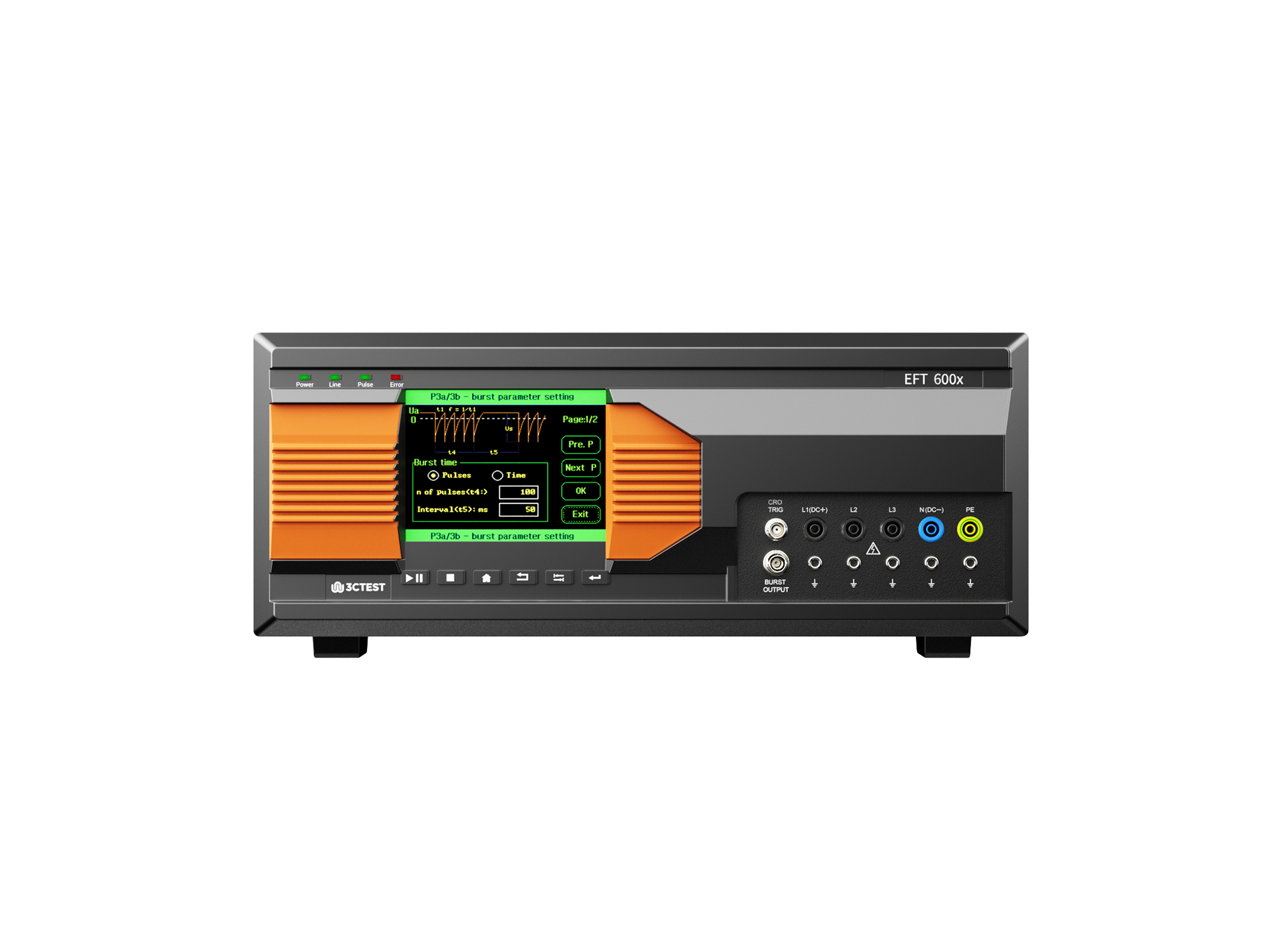
The EFT 600 Series Electrical Fast Transient Burst Generators are designed according to IEC 61000-4-4 to simulates repetitive, high-speed and low-energy spikes generated by the switching of inductive loads in industrial and commercial environment.
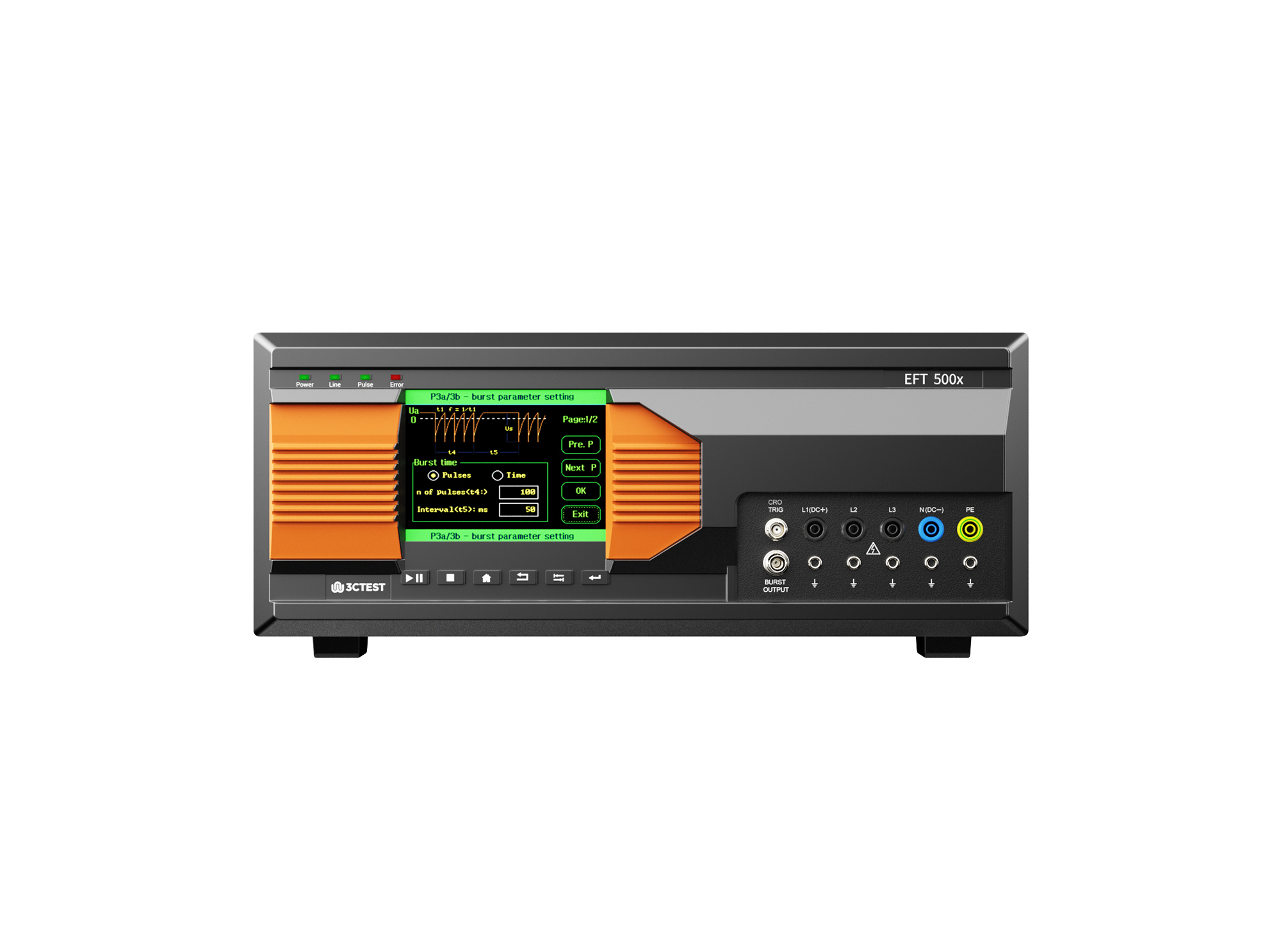
The EFT 500 Series Electrical Fast Transient Burst Generators are designed according to IEC 61000-4-4 to simulates repetitive, high-speed and low-energy spikes generated by the switching of inductive loads in industrial and commercial environment.
• Using the product inquiry function can help you quickly learn about the product's price and other related information.
• You can either inquire about a single product directly, or select multiple products to add to the inquiry bar and inquire about them together.
• How to make an inquiry





1. Using the product comparison function can help you find the target product you need for selection more quickly and easily.
2. You can add up to 5 products for comparison. Product models and parameters may vary across different series. It is recommended to compare products within the same series.
3. How to use the comparison bar.




 Phone: +86-512-68413700
 Email: info@3ctest.cn
 Address:No.99 E'meishan Rd, SND, Suzhou, Jiangsu, 215153, China,Suzhou, Jiangsu, 215153, China



© 2025 Suzhou 3CTEST


 Leave a Message


