

High frequency recommended vocabulary

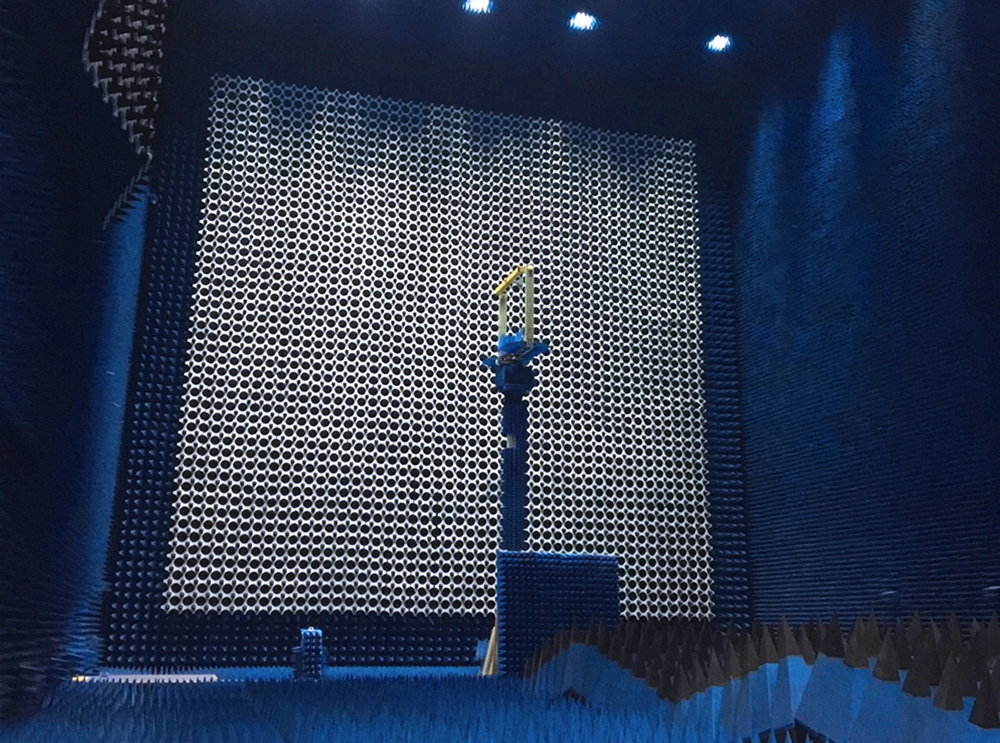
GB 12190 specifies the methods used in China to measure the shielding effectiveness of electromagnetic shielding enclosures, the screened rooms and chambers in which EMC testing is carried out. A shielding enclosure is only useful if its attenuation is known, and the standard therefore defines the measurable quantity, the ratio between the field measured with and without the enclosure in the path, expressed in decibels. It describes the frequency ranges over which the measurement is made, extending from the low-frequency magnetic field region where the attenuation depends on the material of the screen, through the resonant region where the enclosure dimensions determine the behaviour, to the microwave region where aperture leakage dominates. The test sources, antennas, probes and the signal generator and receiver arrangement are specified for each band, together with the measurement of the reference level, the positioning of the source and the probe, and the points at which the enclosure is tested, including any doors, seams and penetrations. Acceptance criteria for a specified shielding performance class are given.
• Using the product inquiry function can help you quickly learn about the product's price and other related information.
• You can either inquire about a single product directly, or select multiple products to add to the inquiry bar and inquire about them together.
• How to make an inquiry





1. Using the product comparison function can help you find the target product you need for selection more quickly and easily.
2. You can add up to 5 products for comparison. Product models and parameters may vary across different series. It is recommended to compare products within the same series.
3. How to use the comparison bar.




 Phone: +86-512-68413700
 Email: info@3ctest.cn
 Address:No.99 E'meishan Rd, SND, Suzhou, Jiangsu, 215153, China,Suzhou, Jiangsu, 215153, China



© 2025 Suzhou 3CTEST


 Leave a Message


