

High frequency recommended vocabulary

The radiated radio frequency immunity test is one of the most frequently applied requirements in Chinese certification, and this part of the Chinese EMC test series is the designation under which it appears in the product standards for information technology equipment, household appliances, lighting and measurement apparatus. Chinese laboratories have invested heavily in anechoic chambers and in the field generation and monitoring equipment the test requires, so the capability to perform it exists across the country, and the test report is a routine part of a certification application. For a manufacturer the practical difference from the international system is procedural rather than technical: the level and the frequency range in a Chinese product standard are selected from that standard rather than from the generic requirement, and the report must be issued by a laboratory recognised for the certification concerned. The Chinese text follows the international document in the test method itself.
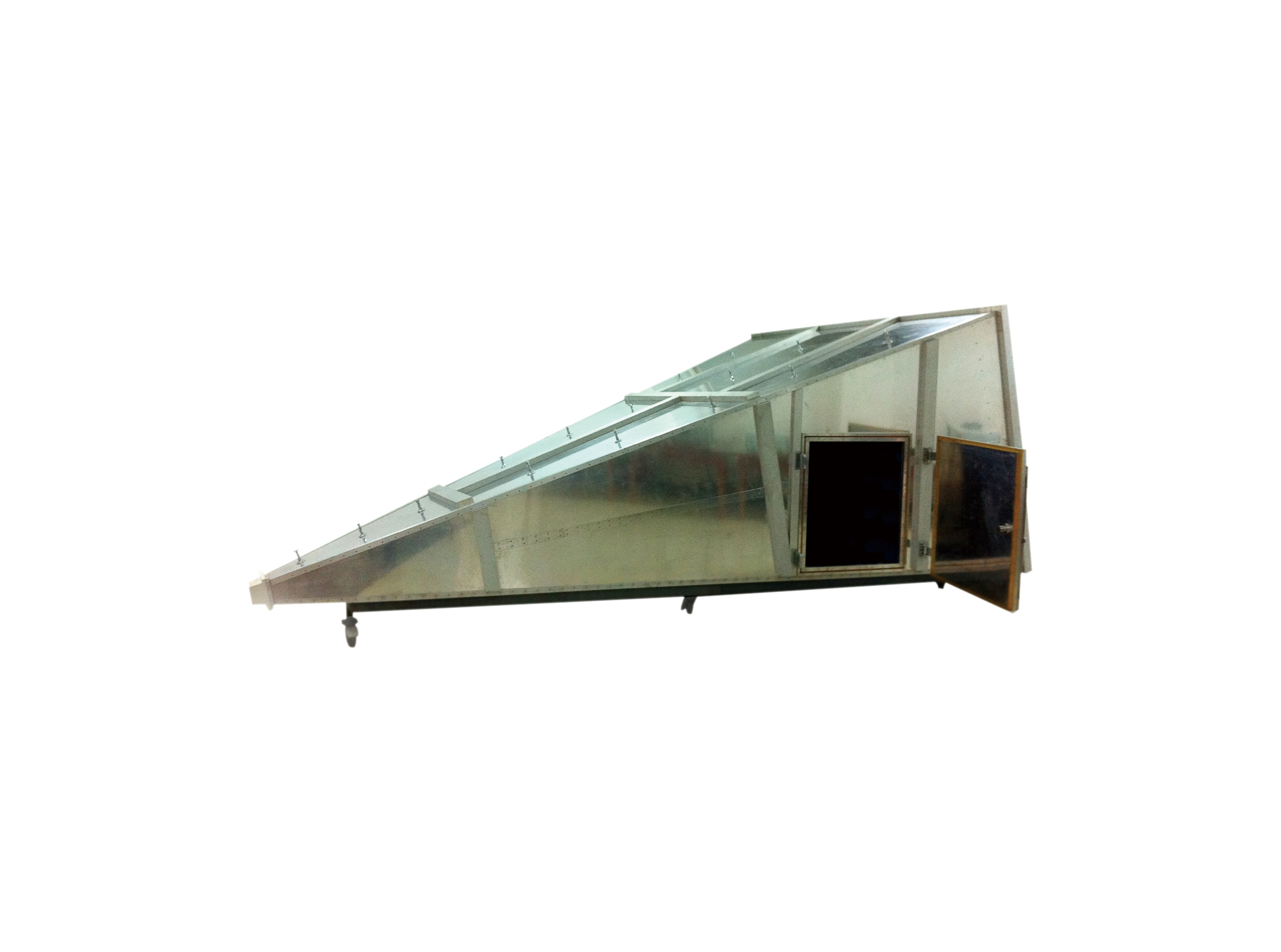
The GTEM Gigahertz Transverse Electromagnetic Cell complies with IEC 61000-4-3/-20. It provides an effective test solution for evaluating the susceptibility of small electronic products to radiated electromagnetic field interference.
• Using the product inquiry function can help you quickly learn about the product's price and other related information.
• You can either inquire about a single product directly, or select multiple products to add to the inquiry bar and inquire about them together.
• How to make an inquiry





1. Using the product comparison function can help you find the target product you need for selection more quickly and easily.
2. You can add up to 5 products for comparison. Product models and parameters may vary across different series. It is recommended to compare products within the same series.
3. How to use the comparison bar.




 Phone: +86-512-68413700
 Email: info@3ctest.cn
 Address:No.99 E'meishan Rd, SND, Suzhou, Jiangsu, 215153, China,Suzhou, Jiangsu, 215153, China



© 2025 Suzhou 3CTEST


 Leave a Message


